Golden Firework Show
 GoldenRatio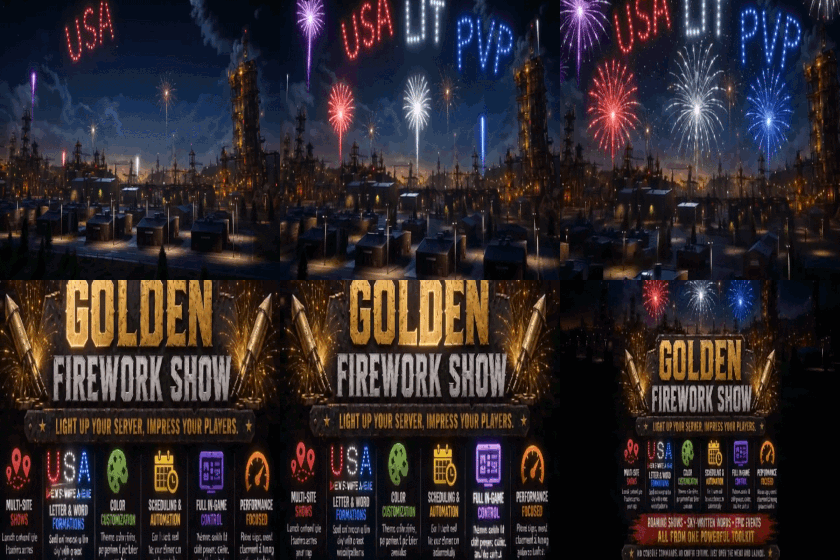
Golden Firework Show
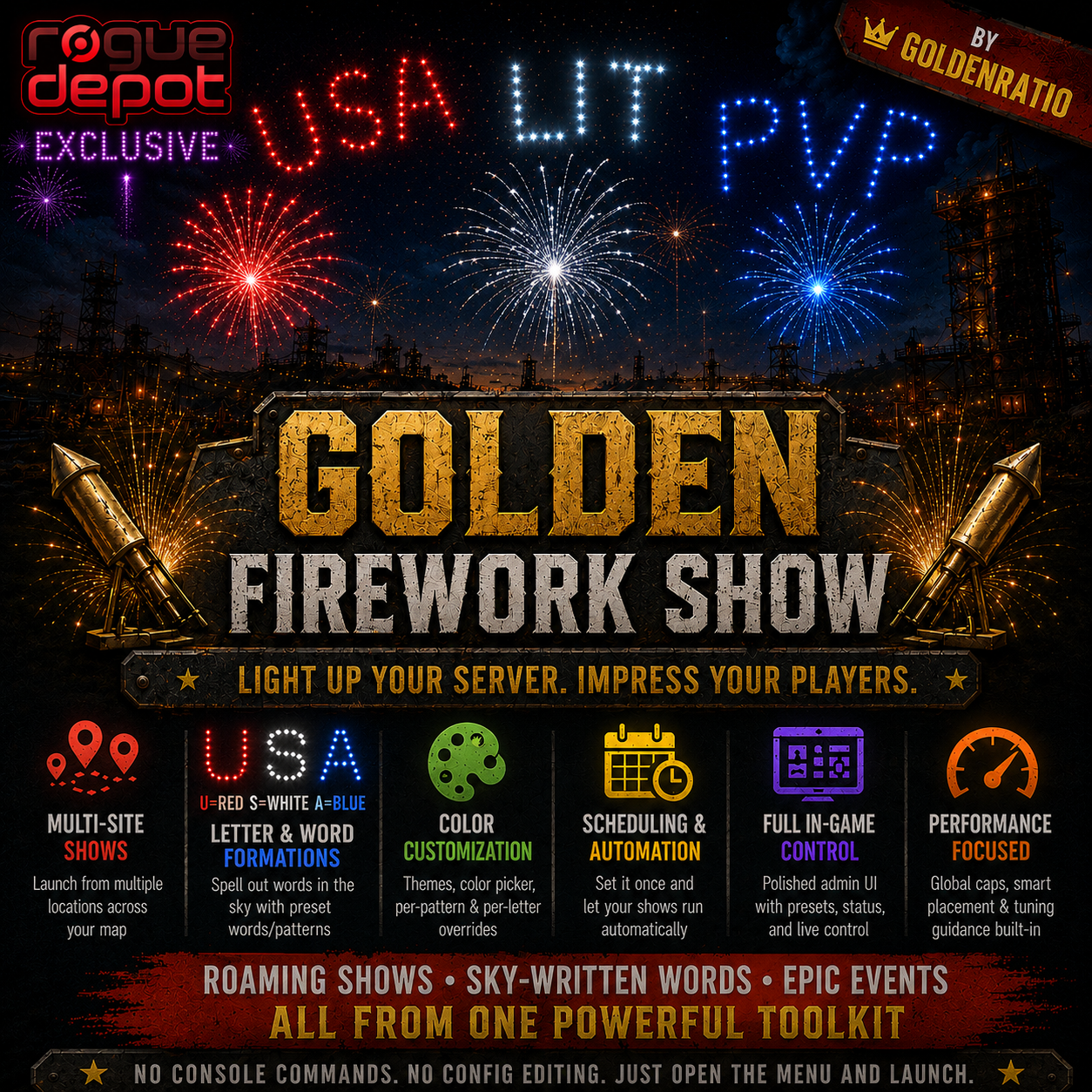
Turn your server into a full-blown fireworks spectacle! Golden Firework Show gives you a full production toolkit - featuring multi-site roaming shows, words spelled out in the sky, custom color themes, and hands-off scheduling.
Best of all? Zero configuration file editing required. Everything is managed through a polished, beautiful in-game admin panel. Open the menu, choose a preset, and launch.🚀
Key Features -
Visual In-Game Panel: Manage settings, patterns, colors, and schedules via a sleek, tabbed UI. Includes 5 pre-made presets (4th of July, New Year's, Valentine's, Birthday, PVP).
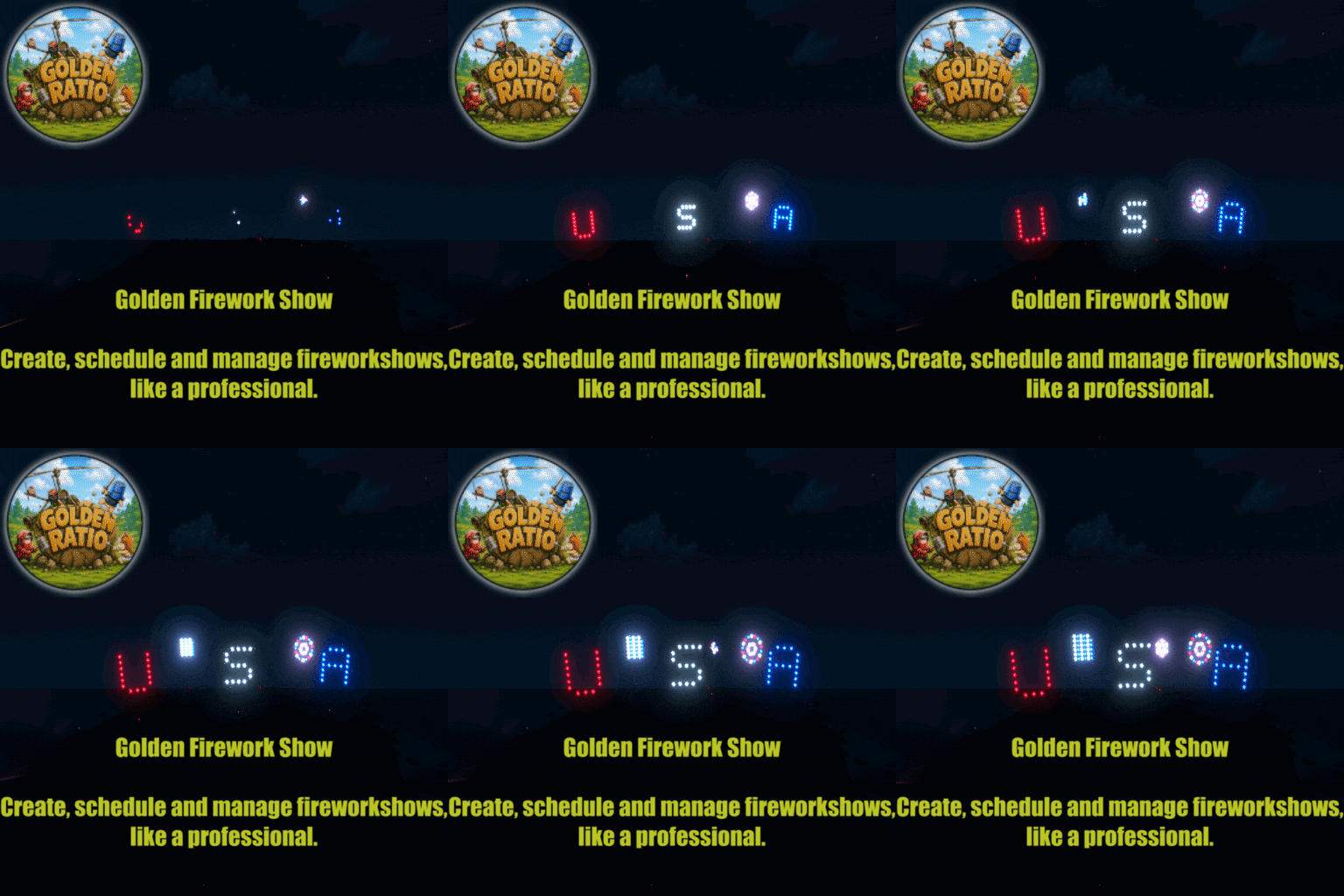
Multi-Site Roaming Shows: Fireworks launch from multiple dynamic locations across the map simultaneously with smart terrain validation to protect client FPS.Sky-Written Words: built-in phrases (VIP, KOS, LOL, YAY). Features auto-mirroring so players on both sides of the map can read them perfectly!
Interactive Color Picker: Choose from 6 built-in themes or use the 28-color visual swatch overlay to customize your patterns and letters.Set-and-Forget Automation: Trigger shows based on in-game time (e.g., auto-start at night, stop at sunrise) or real-world calendar dates and times for holiday events.
🔒 Permissions -
permission to grant users access to the administration panel.
'goldenfireworkshow.admin' Required to open the UI, edit presets, and manually launch/stop shows.
Commands-
/gfs /firework /fireworks /goldenfirework /goldenfireworkshow - Opens the main in-game configuration and control panel.
⚙️ Technical Specifications & Performance
The image library plugin is entirely optional and is not required to run Golden Firework Show.
FPS Protection: Includes a strict, built-in global firework cap to prevent server/client performance degradation during massive shows. So please be wise about changing settings such as how many firework sites, bursts etc.<span
GoldenFireworkShow.json
{
  "Admin Permission": "goldenfireworkshow.admin",
  "Background Image URL": "https://i.imgur.com/LDmppTK.png",
  "Preset Icon Images": {},
  "Default Active Sites": 4,
  "Default Fireworks Per Burst": 1,
  "Default Burst Interval (seconds)": 8.0,
  "Default Bursts Per Site": 2,
  "Default Show Duration (seconds, 0=manual stop)": 240.0,
  "Default Site Radius (metres)": 62.0,
  "Default Spawn Height (metres above terrain)": 5.0,
  "Default Min Site Distance (metres)": 400.0,
  "Default Map Edge Margin (metres)": 100.0,
  "Default Global Max Fireworks": 18,
  "Default Firework Sequence Delay (seconds)": 36.0,
  "Formation Spacing (metres)": 600.0,
  "Formation Bursts": 2,
  "Formation Interval (seconds)": 21.0,
  "Formation Cycle Pause (seconds)": 60.0,
  "Clear Weather Before Show": true,
  "Auto-Start Real Hour (-1 = disabled, 0-23)": -1,
  "Auto-Start In-Game Hour (-1 = disabled, 0-24)": -1.0
}
Command your Rust server. Live WebRCON console, performance and player monitoring, quick actions, groups and permissions, and plugin management.
Visit site ↗