WipeBlock
 Mevent
 1 / 7
1 / 7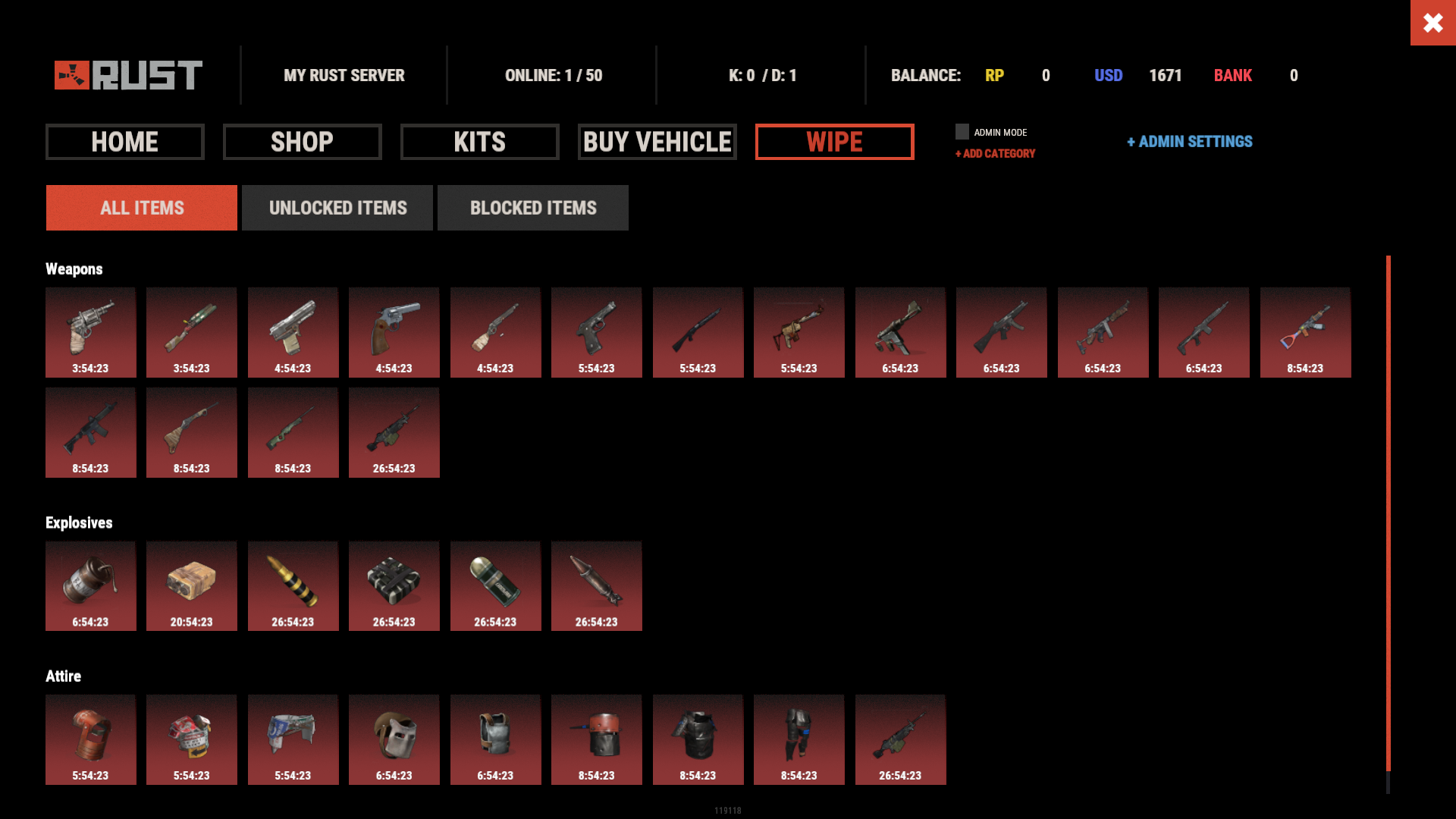
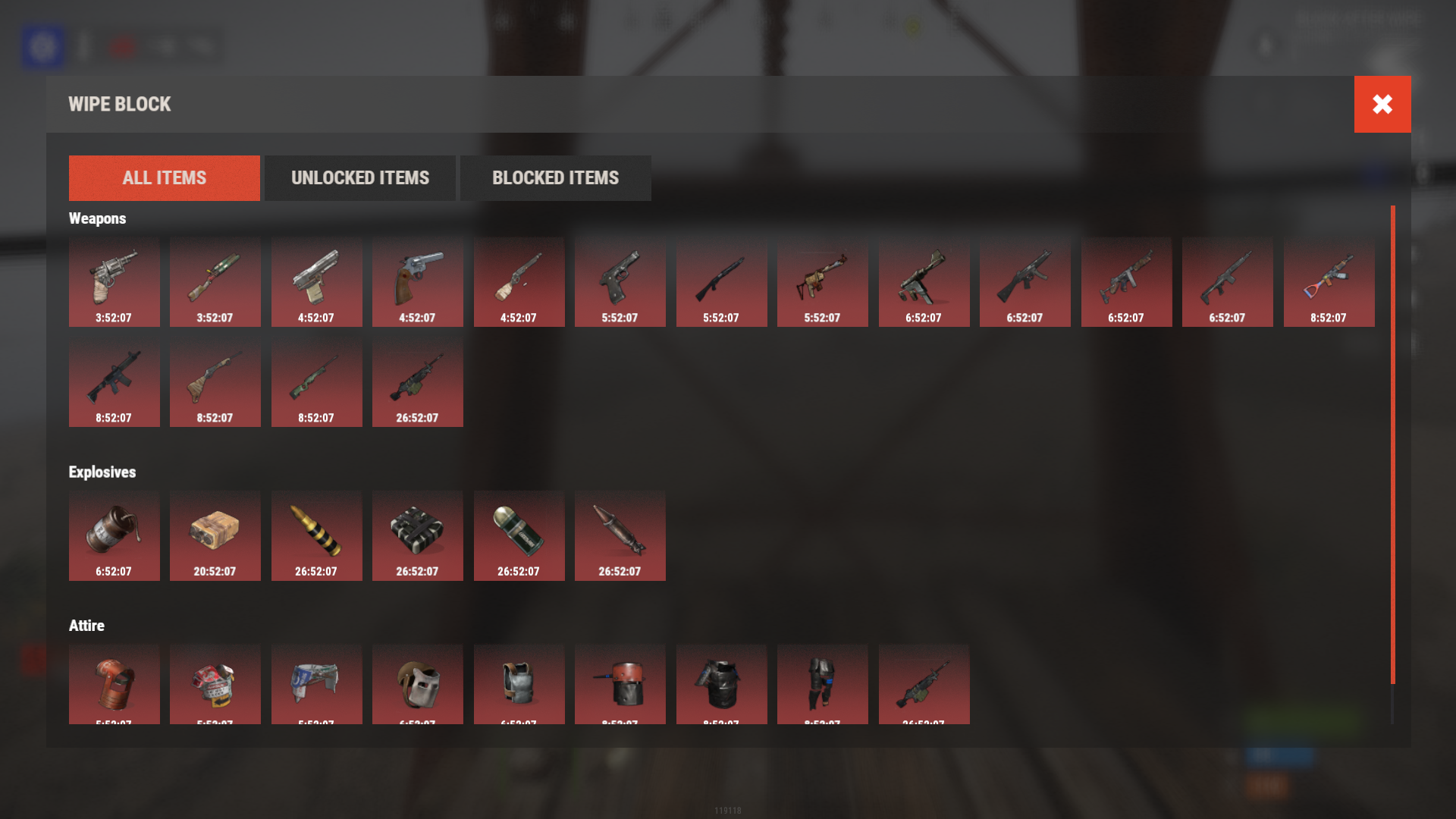
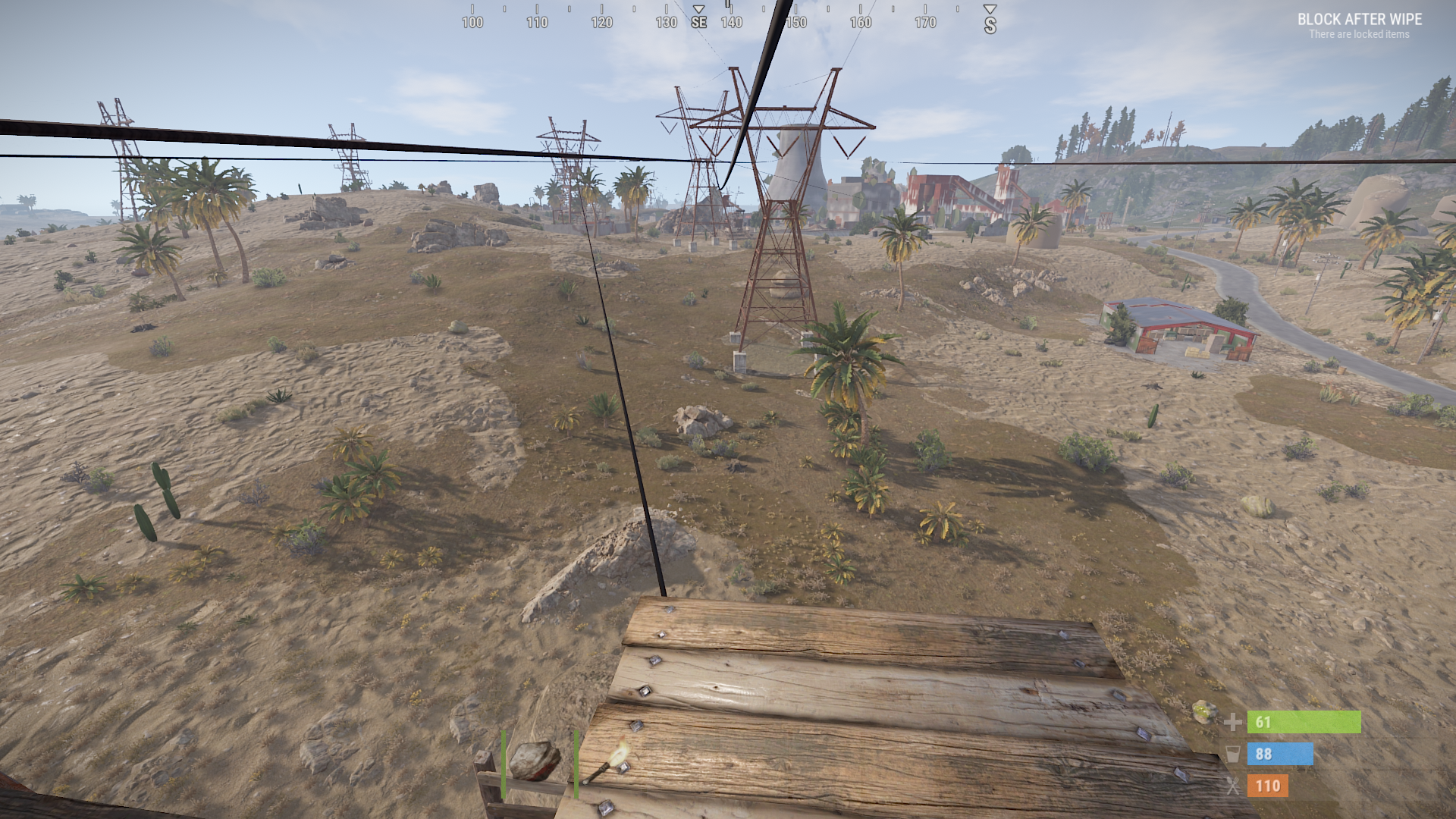
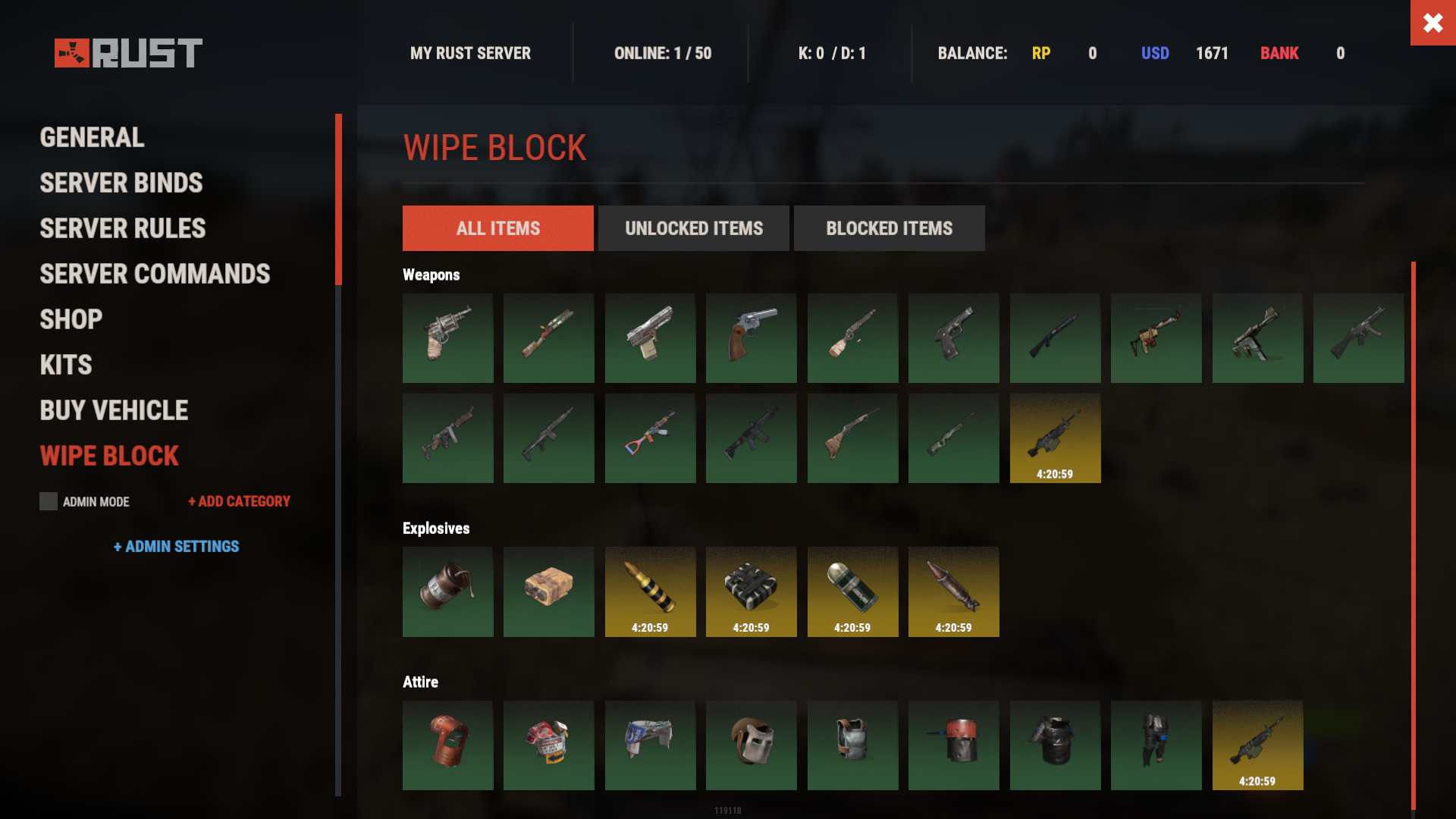
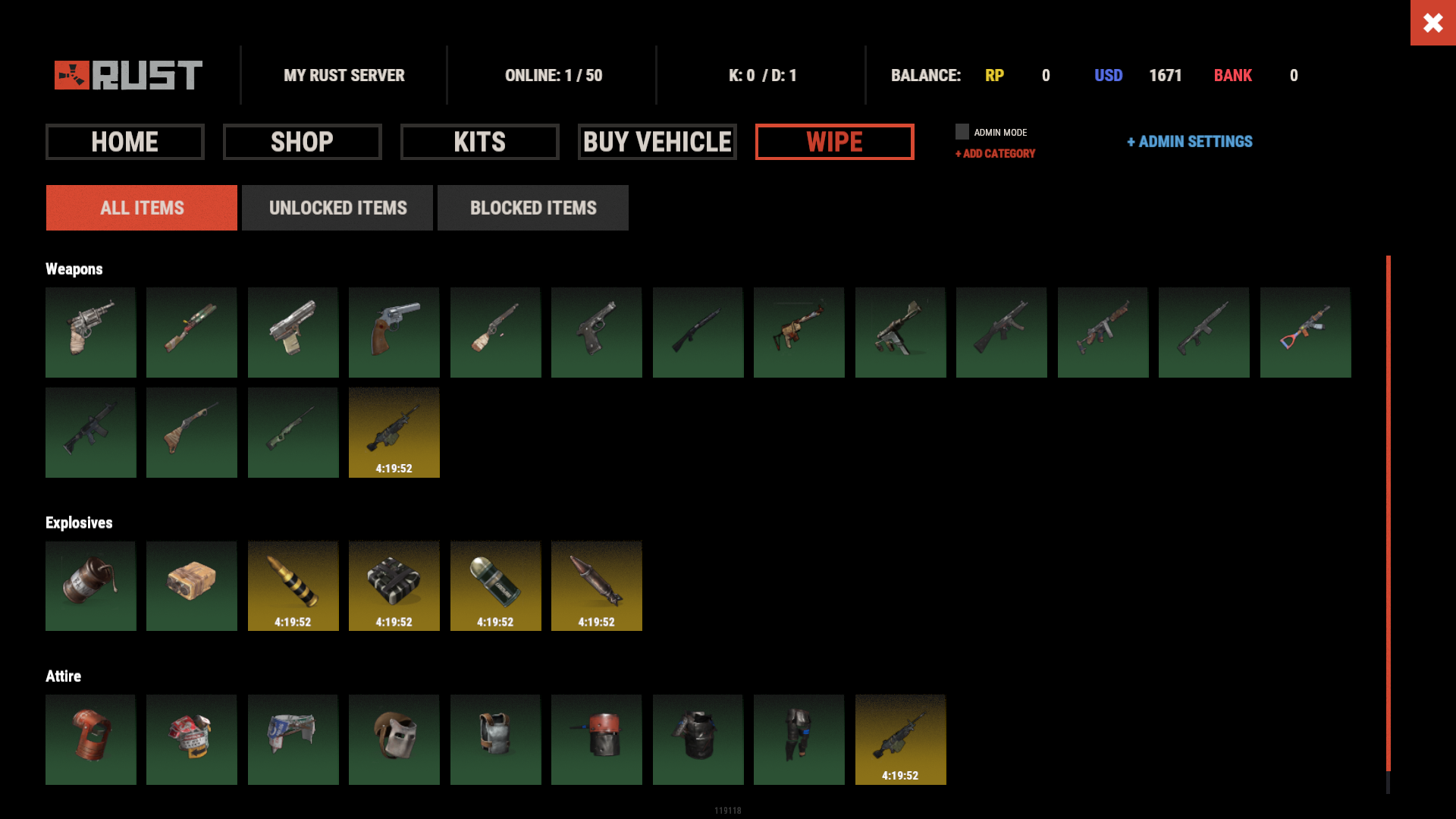
Introducing WipeBlock, the essential Rust server management plugin that allows you to control which items players can access at different stages after a server wipe! Create a balanced progression system that prevents early access to powerful weapons, explosives, and high-tier gear, ensuring a fair and enjoyable experience for all players during the critical early-game phase.

⭐️ Features of WipeBlock
- Elegantly prevents access to high-tier items for configurable time periods after a server wipe
- Customizable categories for Weapons, Explosives, and Attire with independent timers
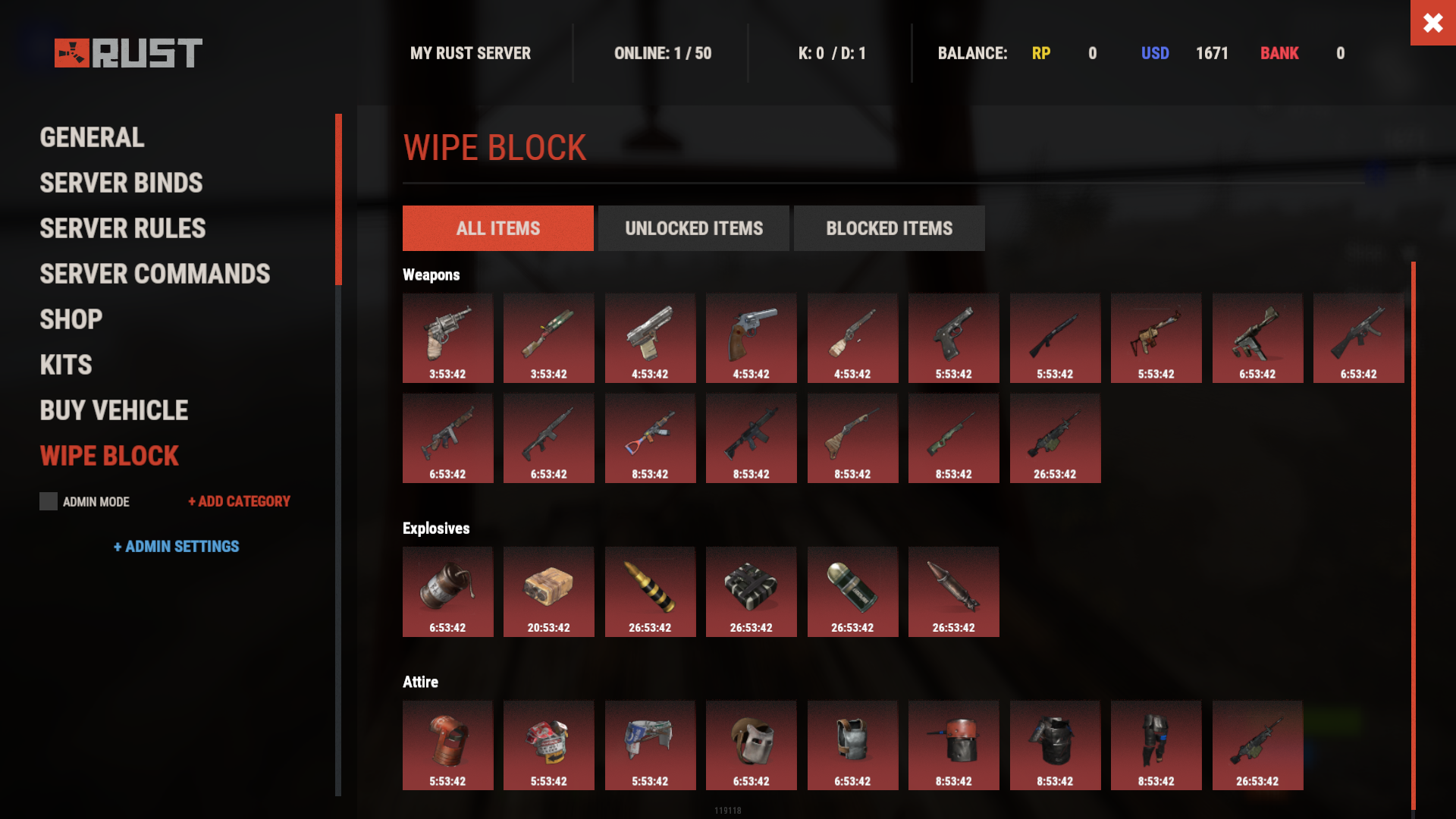
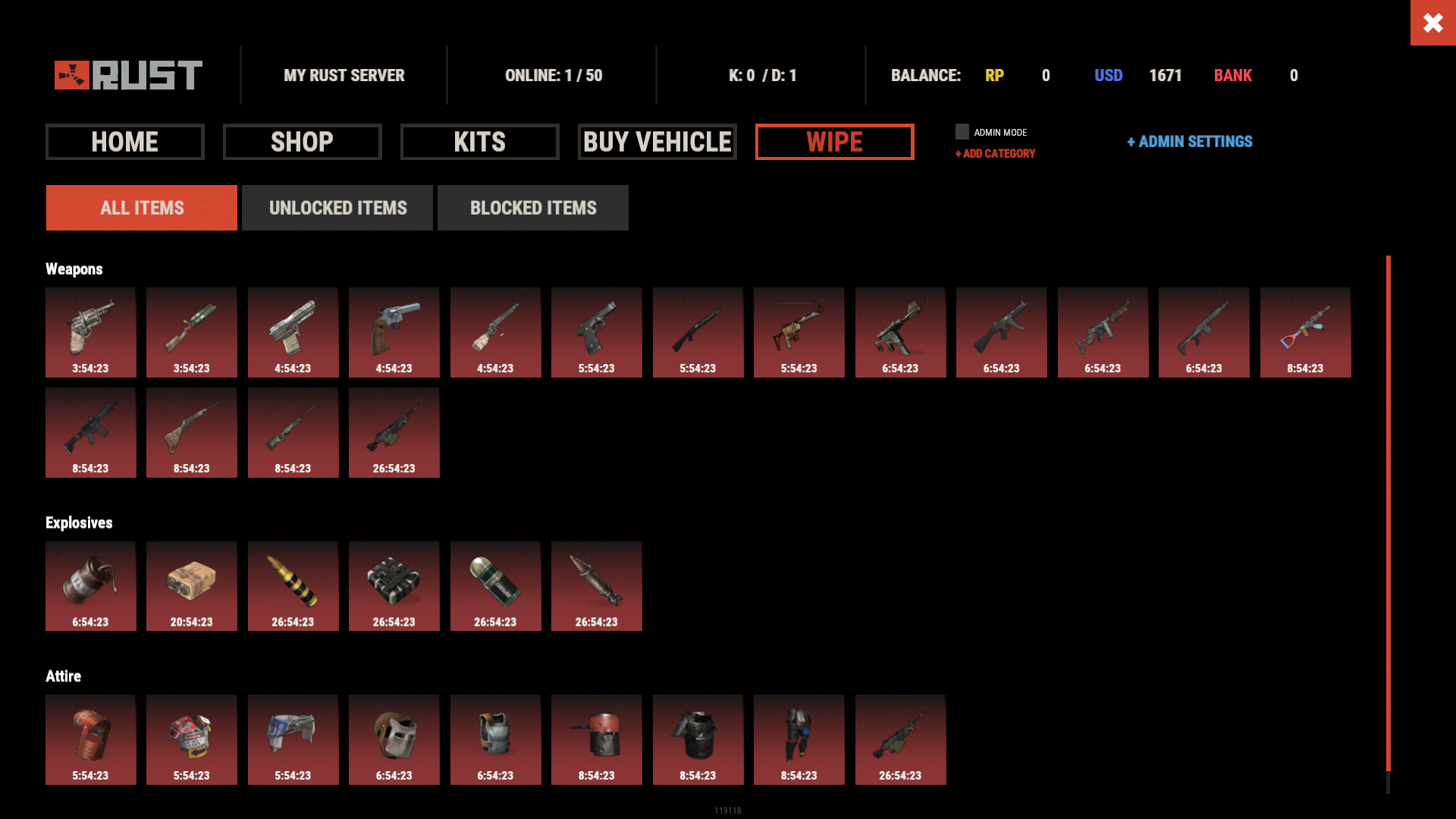
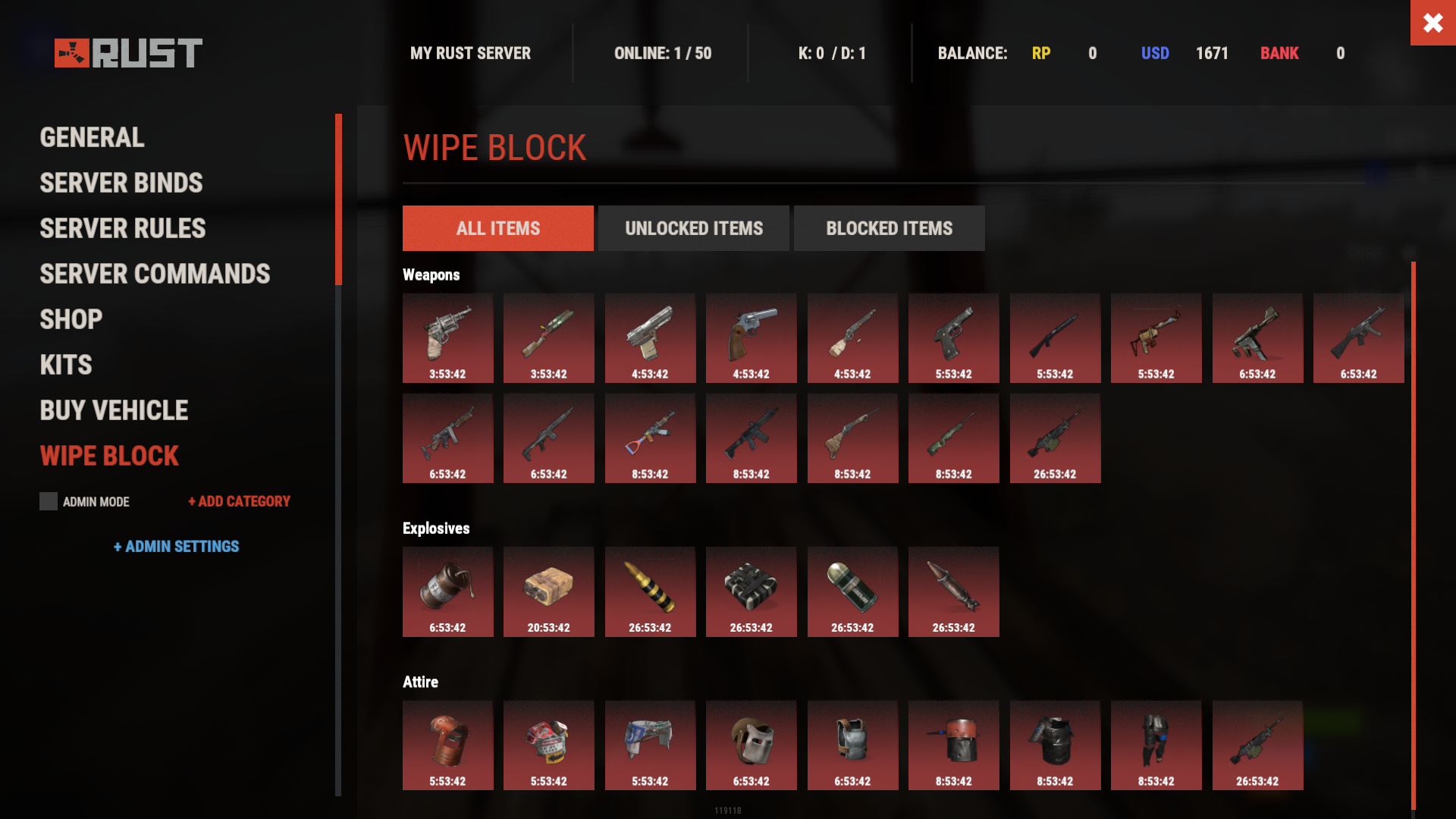
- Beautiful user interface showing players which items are currently blocked and when they will unlock
- Visual gradient system to indicate how much time remains until an item becomes available
- Seamless integration with ServerPanel for easy access
- Compatible with Notify plugin for player notifications when items are blocked
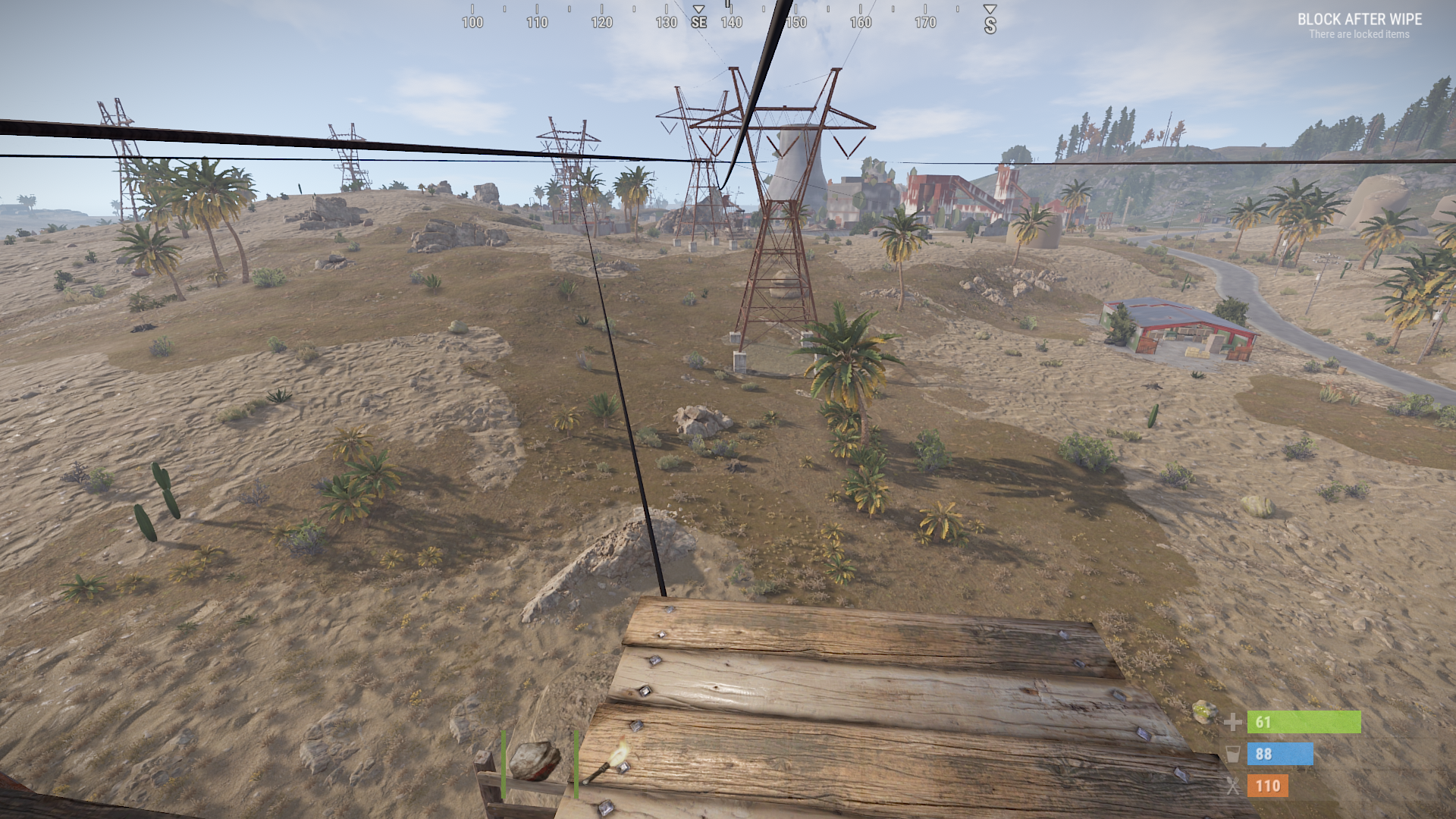
- On-screen indicator showing when blocked items are about to unlock
- Permission system to allow VIPs or admins to bypass item restrictions
- Notification system for players when items become available
- Handles all item interactions - equipping, moving, reloading weapons, etc.
- Automatic monitoring of player inventories to enforce restrictions
- Multiple UI templates (Fullscreen, ServerPanel V1, ServerPanel V2)
🎮 Commands
- /block or /wipeblock - Open the WipeBlock menu to view blocked items and timers
- wb.indent [seconds] - Admin command to adjust the time indent from the wipe date
🛡️ Permissions
- WipeBlock.ignore - Allows players to bypass the WipeBlock restrictions
- WipeBlock.unlocknotify - Players with this permission receive notifications when items unlock
🖼️ Showcase
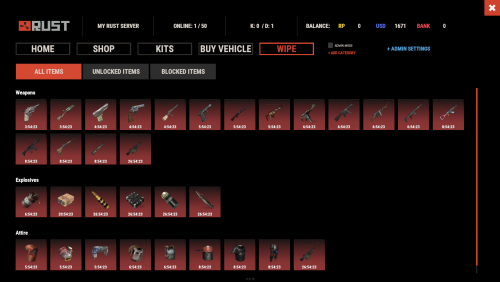
Fullscreen Template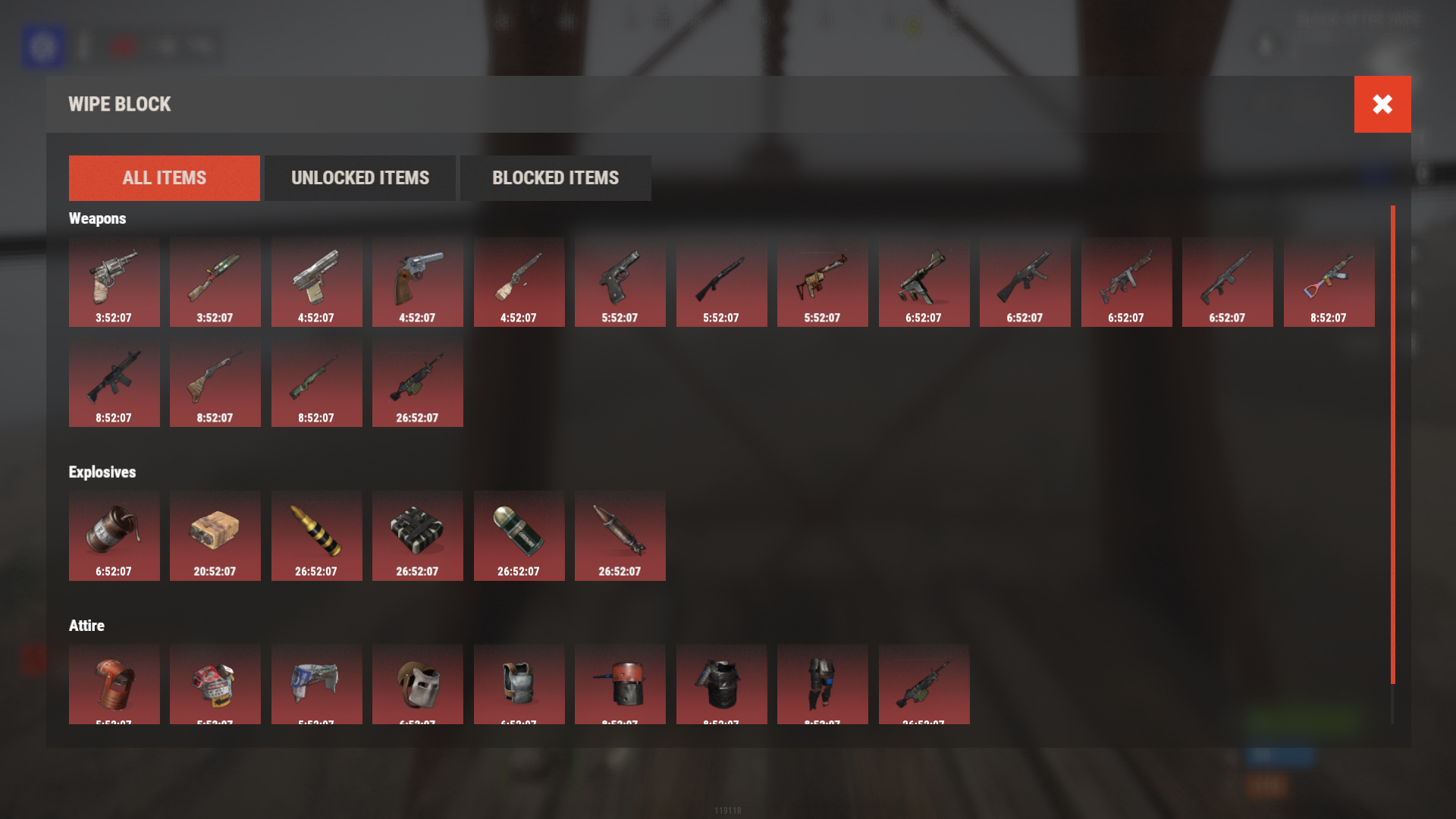
ServerPanel V1 Template
ServerPanel V2 Template
On-Screen Indicator
🧪 TEST SERVER
Join our test server to experience WipeBlock and our other plugins in action!
Copy the IP Address below to start playing!
| 1 | connect 194.147.90.239:28015 |
💻 Developer API
WipeBlock provides a developer-friendly API for integration with other plugins:
bool AnyBlocked()- Checks if any items are currently blockedint SecondsFromWipe()- Returns the number of seconds since the wipe (adjusted by time indent)bool IsBlocked(ItemDefinition def)- Checks if a specific item definition is blockedbool IsBlocked(string shortName, ulong skin = 0)- Checks if an item with the specified shortname and skin is blockedint LeftTime(string shortName, ulong skin = 0)- Returns the remaining time in seconds until the specified item unlocks
🔗 Hooks
WipeBlock provides the following hooks that other plugins can subscribe to:
void OnWipeBlockEnded()- Called when all items have been unblocked
Example usage in your plugin:
| 1 | private void OnWipeBlockEnded() |
| 2 | { |
| 3 | // Execute code when all WipeBlock items are unlocked |
| 4 | Puts("All items have been unblocked!"); |
| 5 | // Perhaps enable your PVP plugin or other game-changing features |
| 6 | } |
📚 FAQ
Q: How do I configure which items are blocked and for how long?
A: In the WipeBlock.json configuration file, you can define categories (Weapons, Explosives, Attire, etc.) and set time periods in seconds for each item. For example, setting "3600" means the item will be blocked for 1 hour after wipe.
Q: Can players still find these items in-game during the block period?
A: Yes, players can still find or loot these items, but they cannot equip, use, or place them in their hotbar until the block period expires. The items will automatically move to their main inventory.
Q: Does this plugin affect all players equally?
A: By default, yes. However, you can grant the "WipeBlock.ignore" permission to specific players or groups to allow them to bypass the restrictions.
Q: How will players know which items are blocked?
A: Players will see notifications when they try to use blocked items. Additionally, they can use the /block command to view a complete list of blocked items and their remaining time until unlocking.
Q: Can I adjust the timers during a running wipe?
A: Yes, administrators can use the /wb.indent command to adjust the time indent, effectively changing when items will unlock.
Q: Does WipeBlock work with modded or custom items?
A: Yes, you can add any item to the configuration using its shortname and skin ID.
Q: How do I add WipeBlock to the ServerPanel menu?
A: Follow these simple steps:
- Open ServerPanel menu in-game and click "+ADD CATEGORY" button
- Set these exact parameters:
- Type: Plugin
- Plugin Name: WipeBlock
- Plugin Hook: API_OpenPlugin
- Click "SAVE" button to create the category

Command your Rust server. Live WebRCON console, performance and player monitoring, quick actions, groups and permissions, and plugin management.
Visit site ↗