Servers
 Mevent
 1 / 7
1 / 7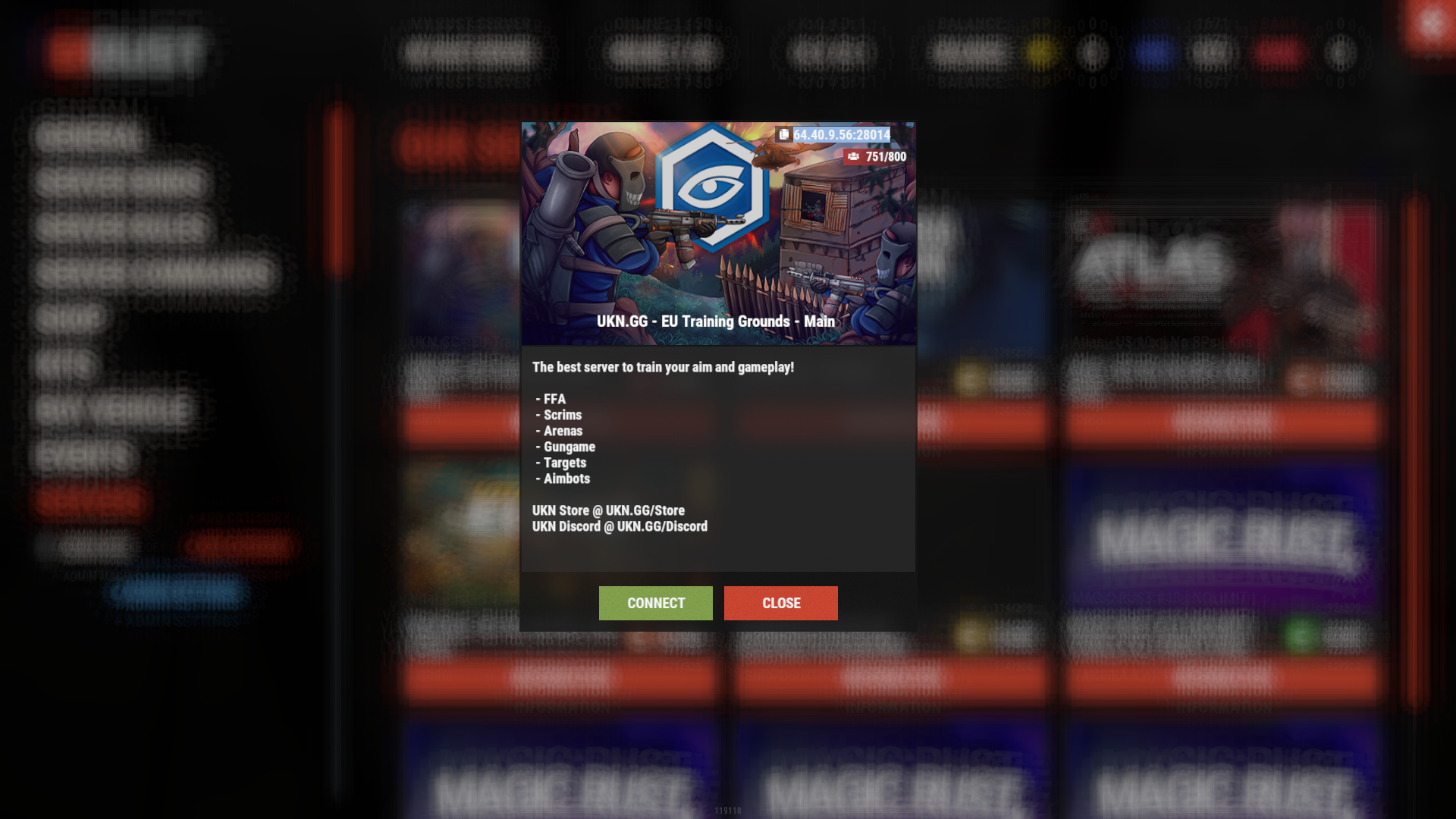
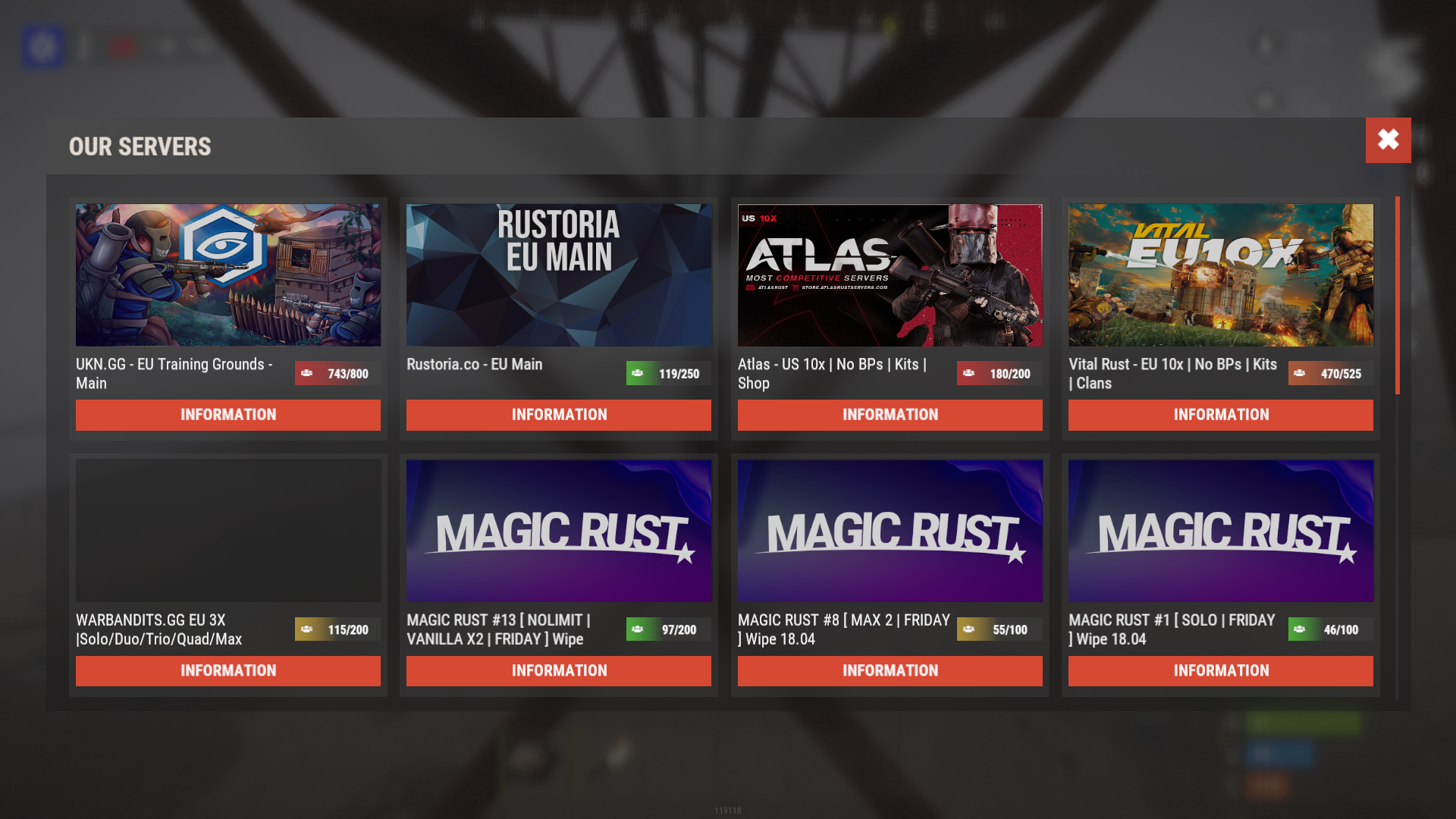
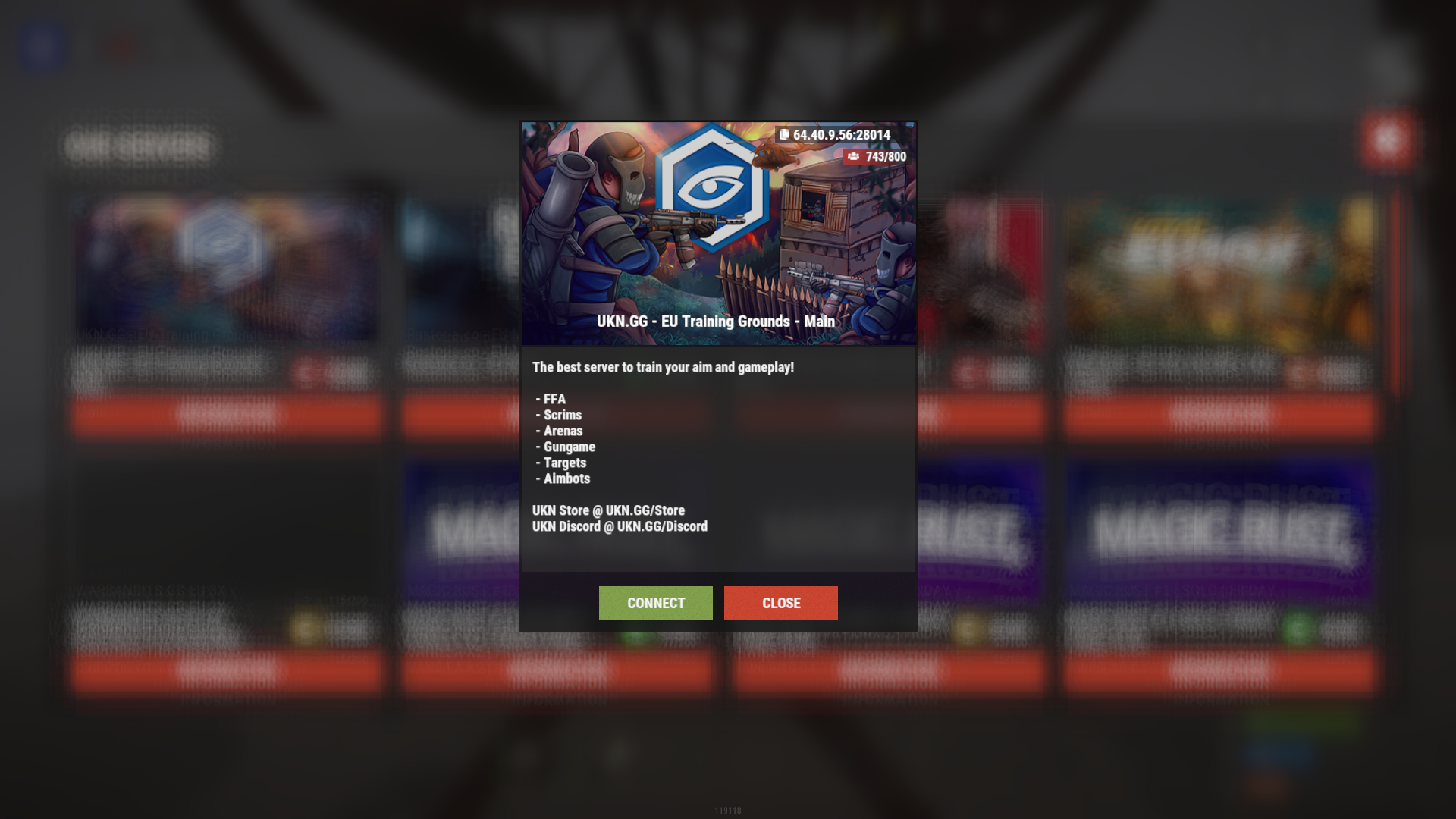
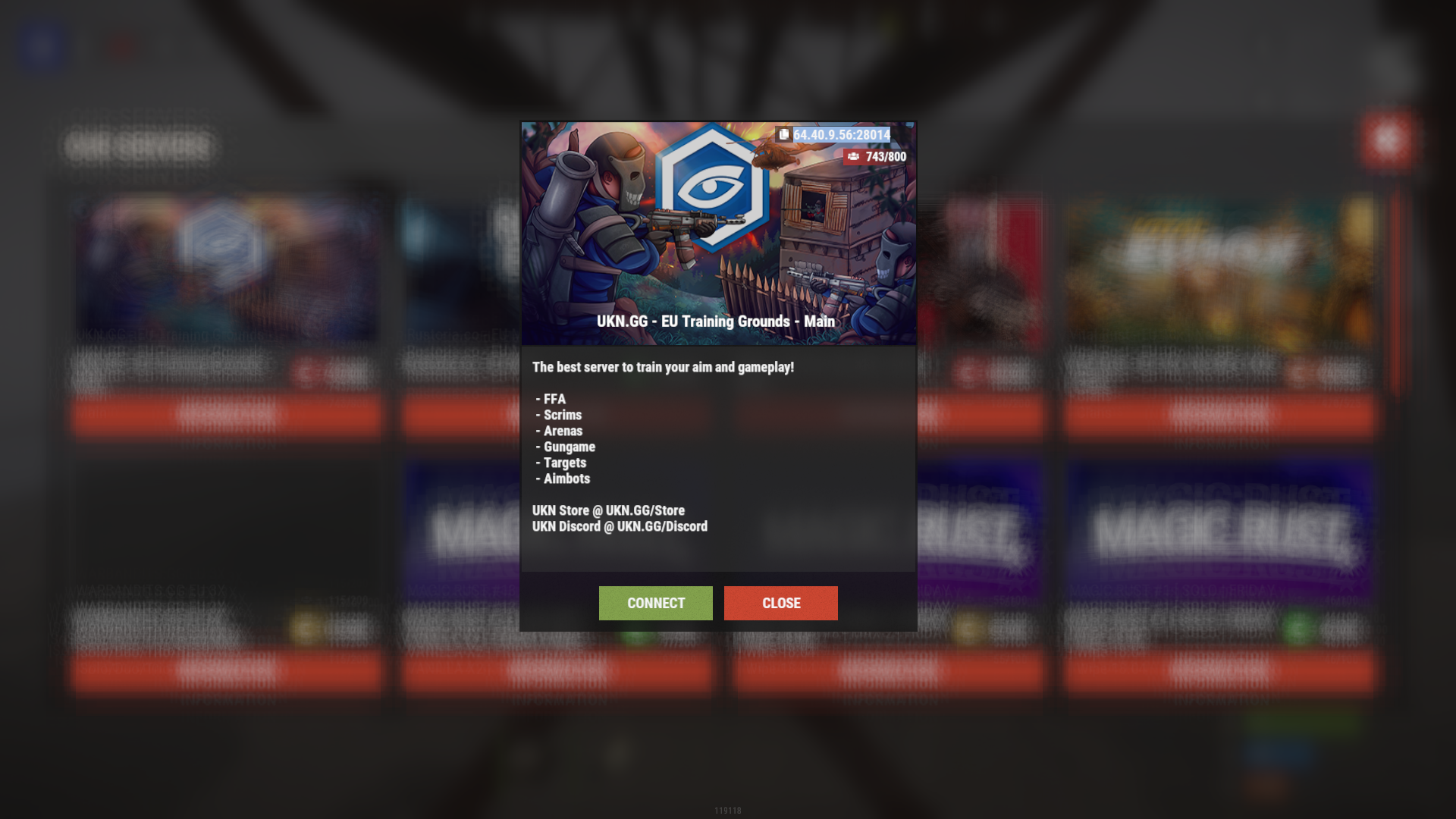
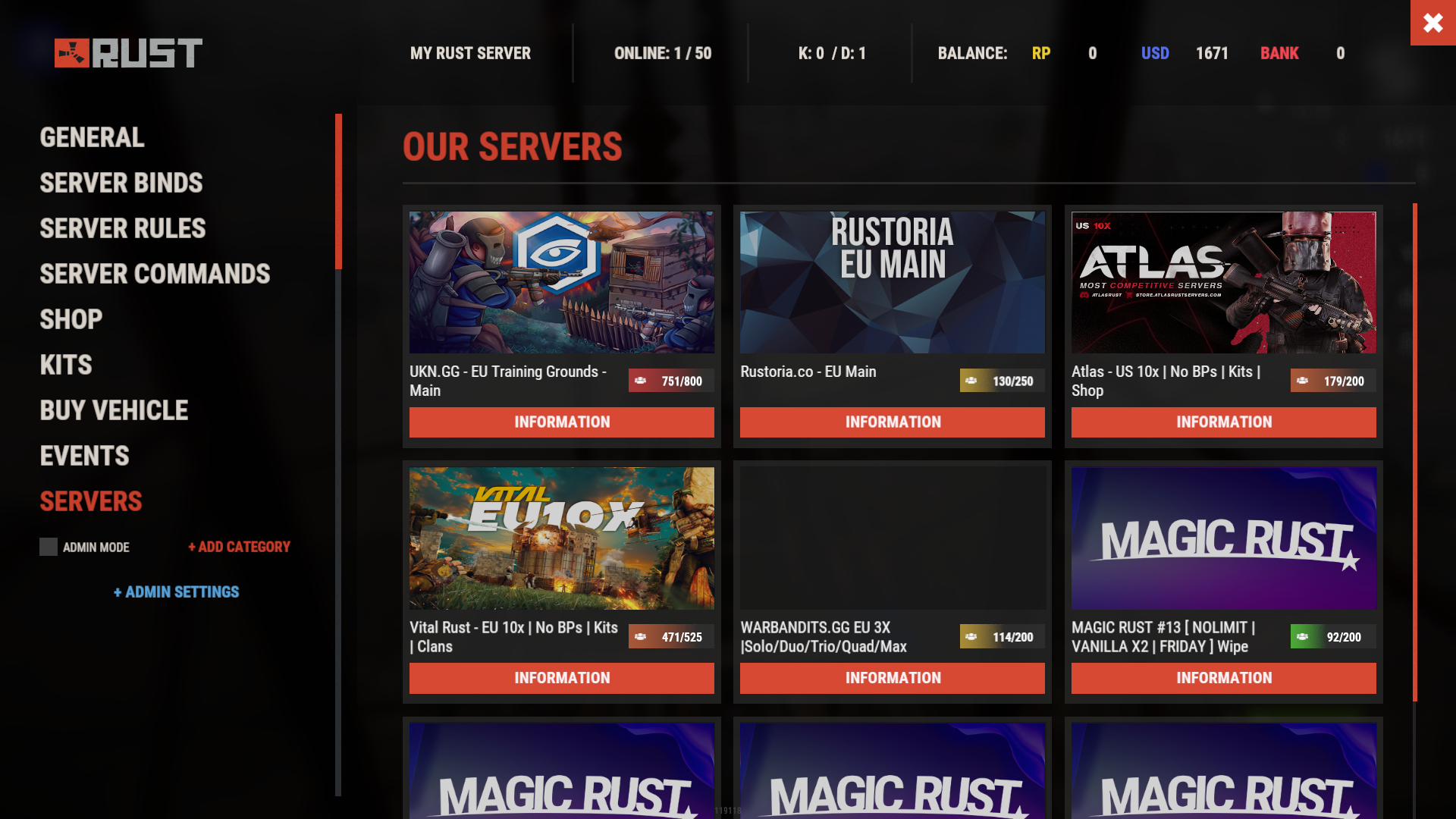
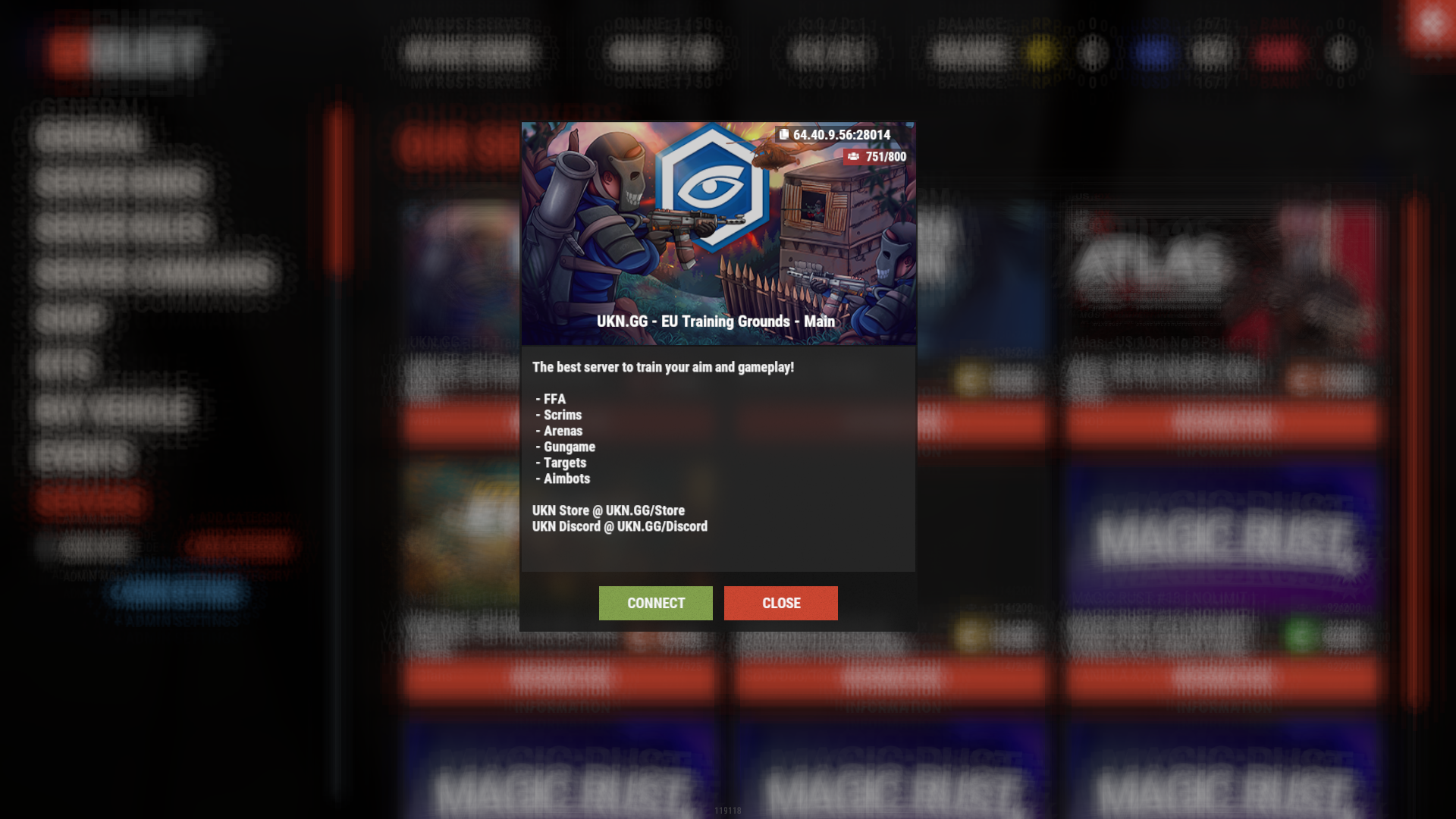
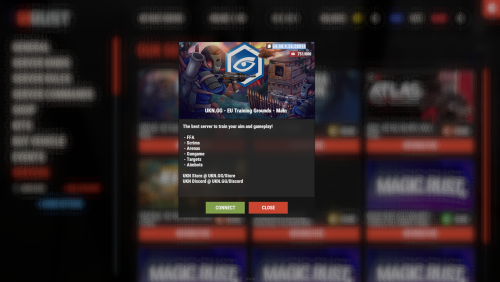
Introducing Servers, a powerful and customizable plugin that enhances your Rust server with a beautiful server browser interface! Allow your players to easily browse, view details, and connect to other servers in your network with this sleek, feature-rich plugin. Whether you're running a single server or managing a network of multiple Rust communities, Servers gives your players a seamless way to explore all your offerings.

⭐️ Features of Servers
- Beautiful and intuitive server browser interface
- Multiple UI template options (Fullscreen, V1, V2)
- Support for Battlemetrics integration
- View server details, including player count, description, and status
- Customizable server banners
- Automatic server information updates at configurable intervals
- One-click connection to listed servers
- ServerPanel compatibility for seamless integration
- Available in English and Russian languages
🖼️ Showcase
**Fullscreen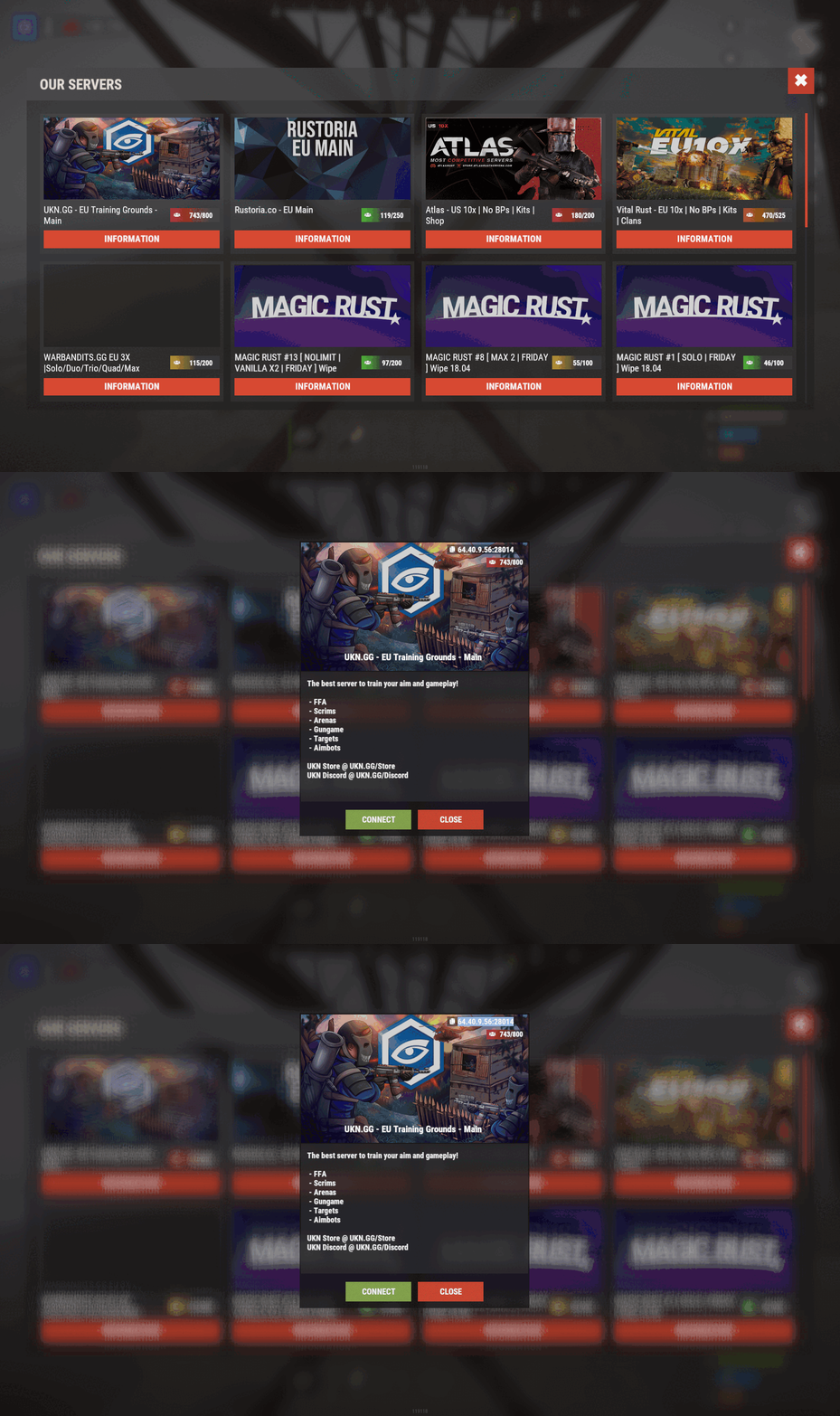 **
**
**V1 Template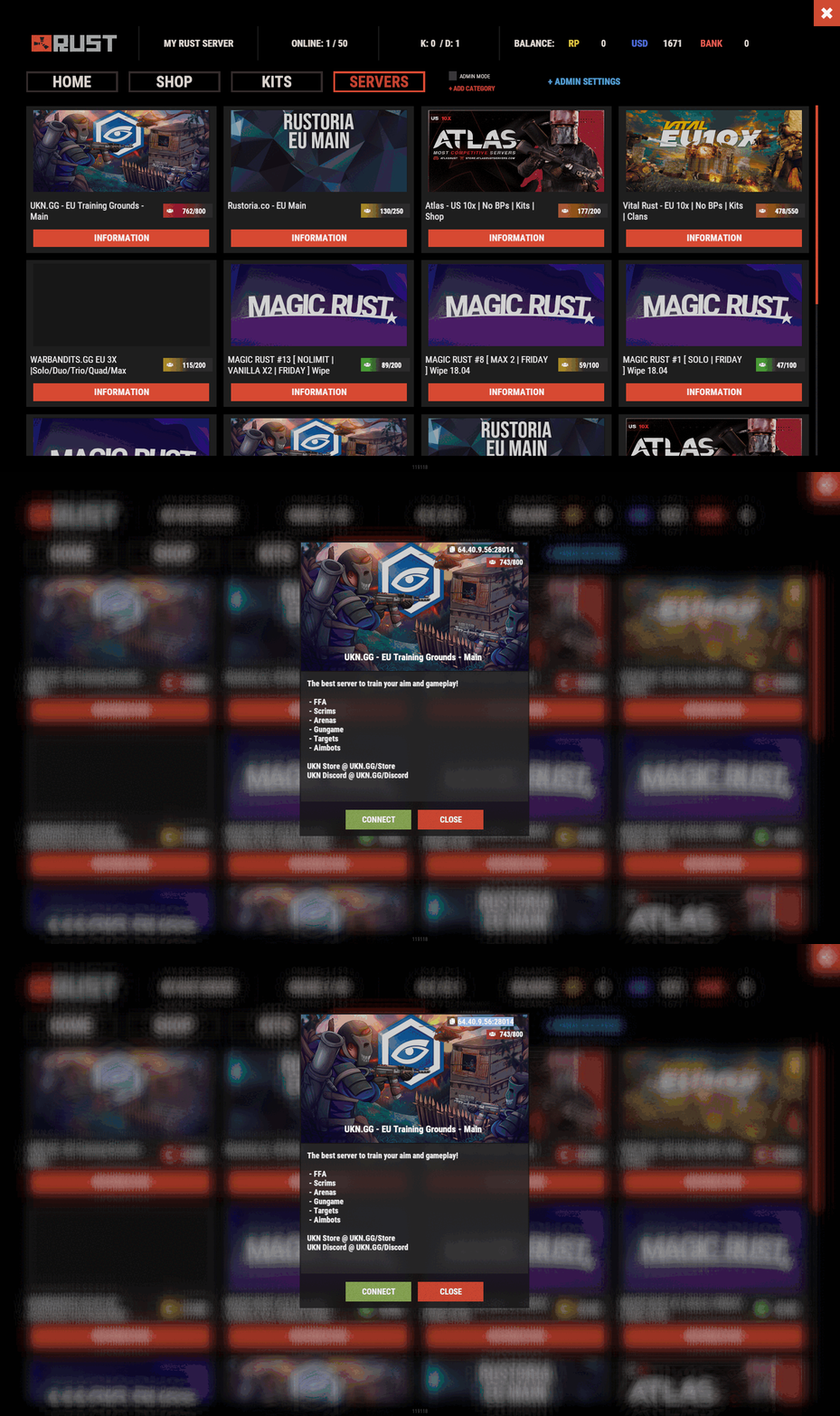 **
**
**V2 Template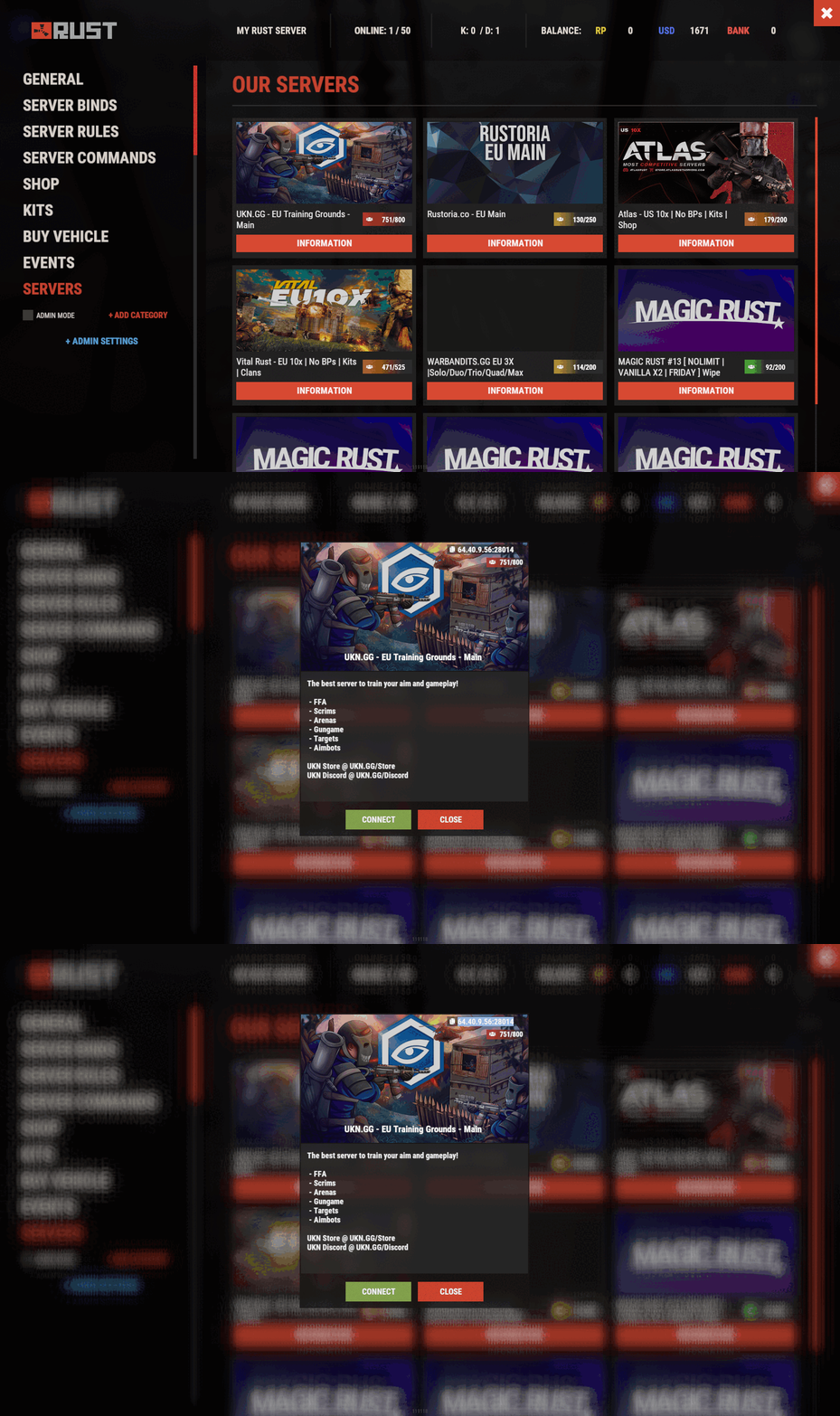 **
**
🎮 Commands
- /servers - Opens the server browser interface
🛡️ Permissions
- servers.use - Grants access to use the servers command and view the interface
📚 FAQ
Q: How do I add a server to the list?
A: Edit the Servers.json configuration file and add a new entry under "Servers settins" with the server's IP, port, optional Battlemetrics ID, and scroll height for the description.
Q: Can I use Battlemetrics to show server information?
A: Yes! You can provide a Battlemetrics Server ID in the configuration to display server information from Battlemetrics, especially useful if the server can't be found with just the IP and port.
Q: How often does server information update?
A: You can configure the update interval in the Servers.json file under "Interval updates servers info". The minimum interval is 30 seconds.
Q: Does the plugin support custom server banners?
A: Yes, the plugin automatically displays server banners from Battlemetrics data. You can also set a default banner to use when images can't be loaded.
🧪 TEST SERVER
Join our test server to experience the Servers plugin and all our other premium plugins!
Copy the IP Address below to start playing!
| 1 | connect 194.147.90.239:28015 |

Command your Rust server. Live WebRCON console, performance and player monitoring, quick actions, groups and permissions, and plugin management.
Visit site ↗