Stacks
 Mevent
 1 / 7
1 / 7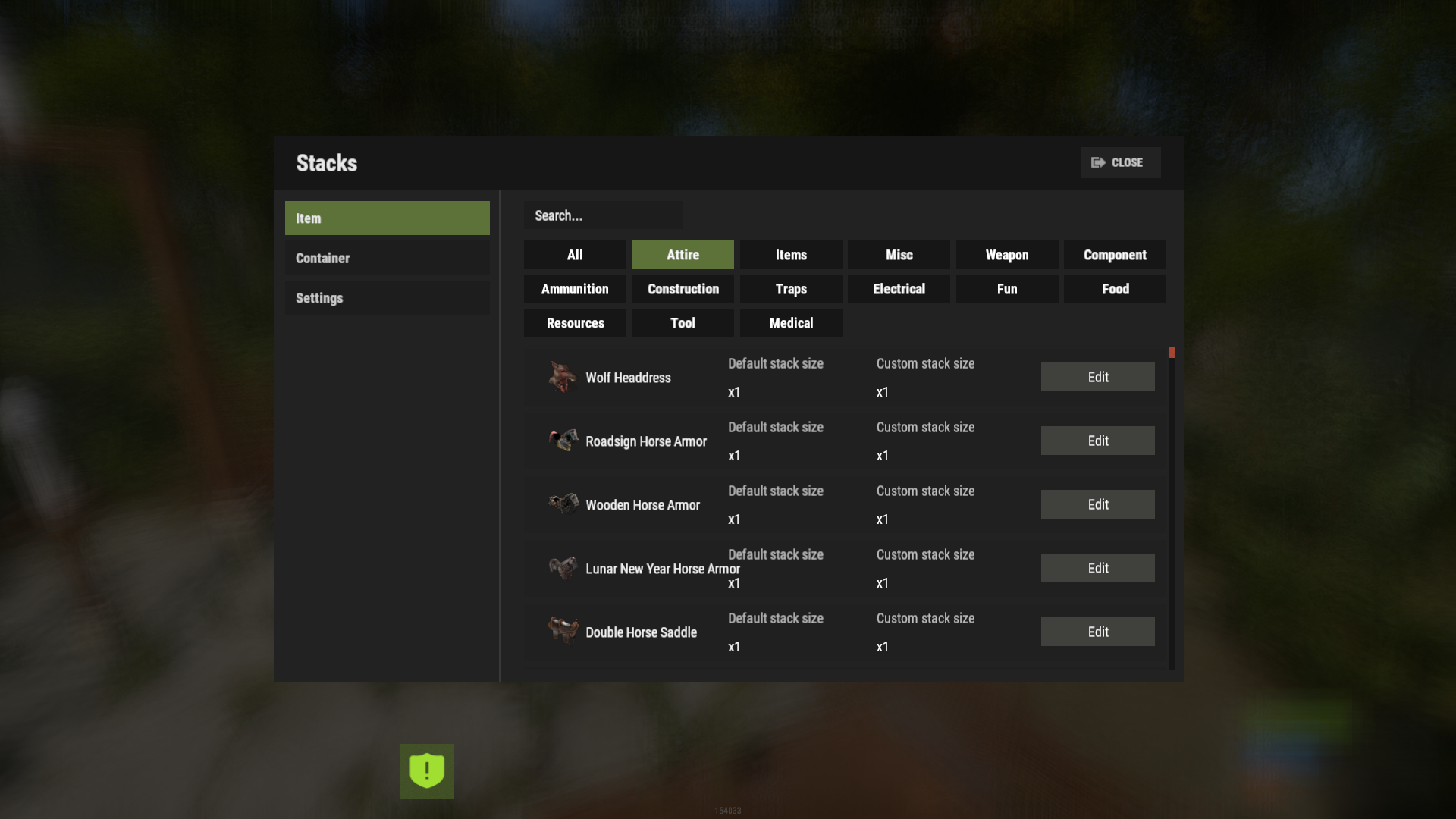
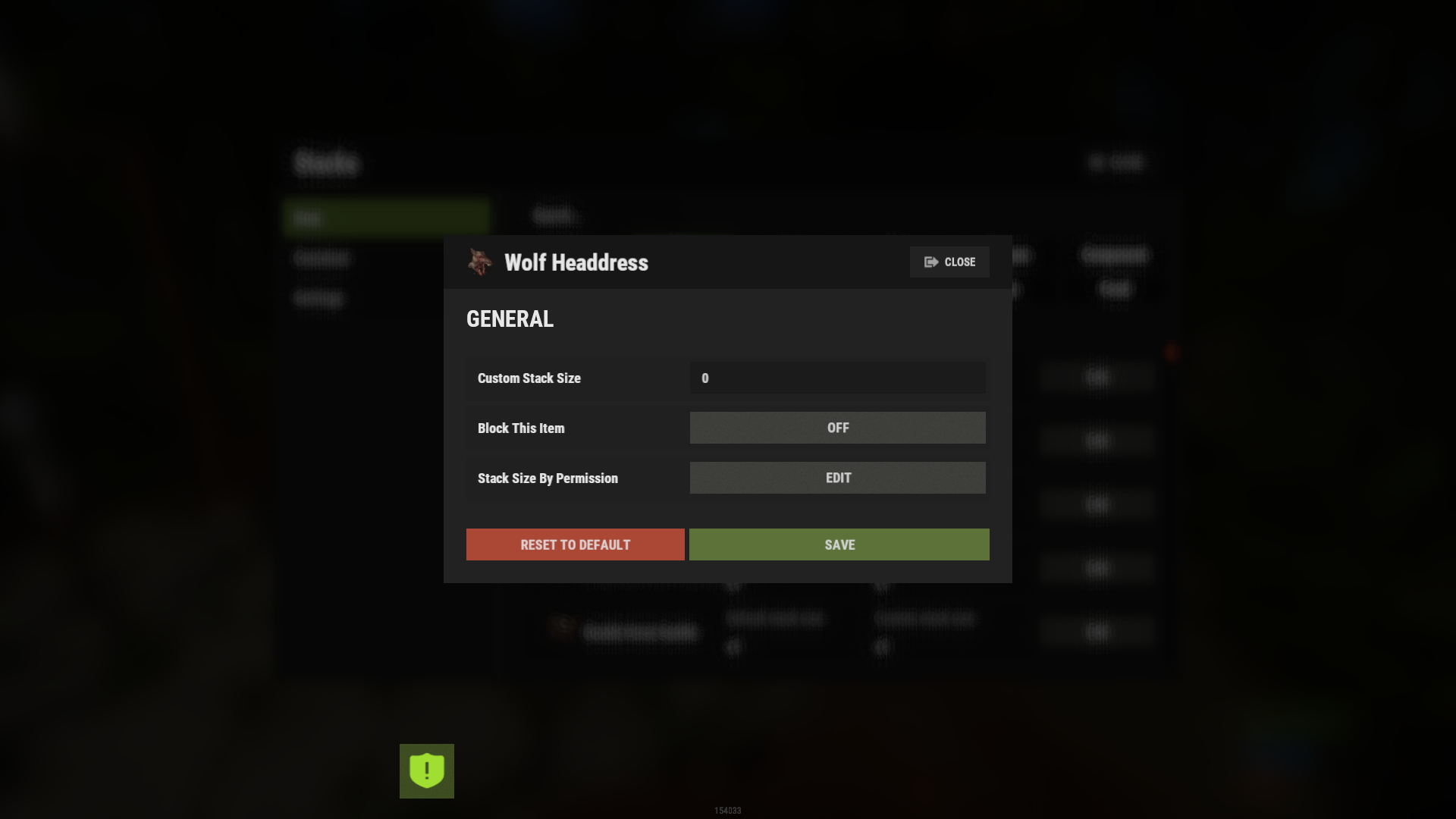
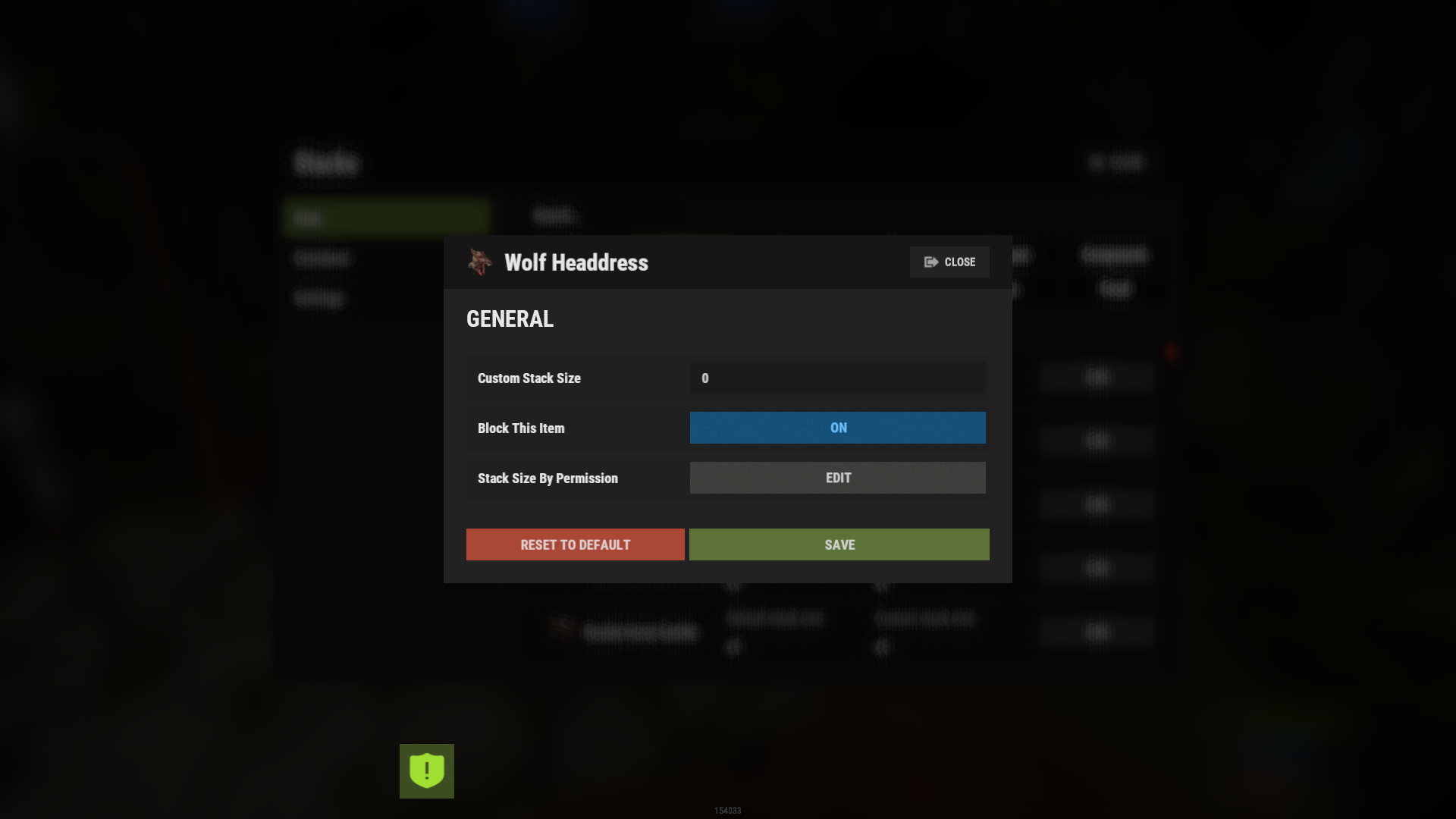
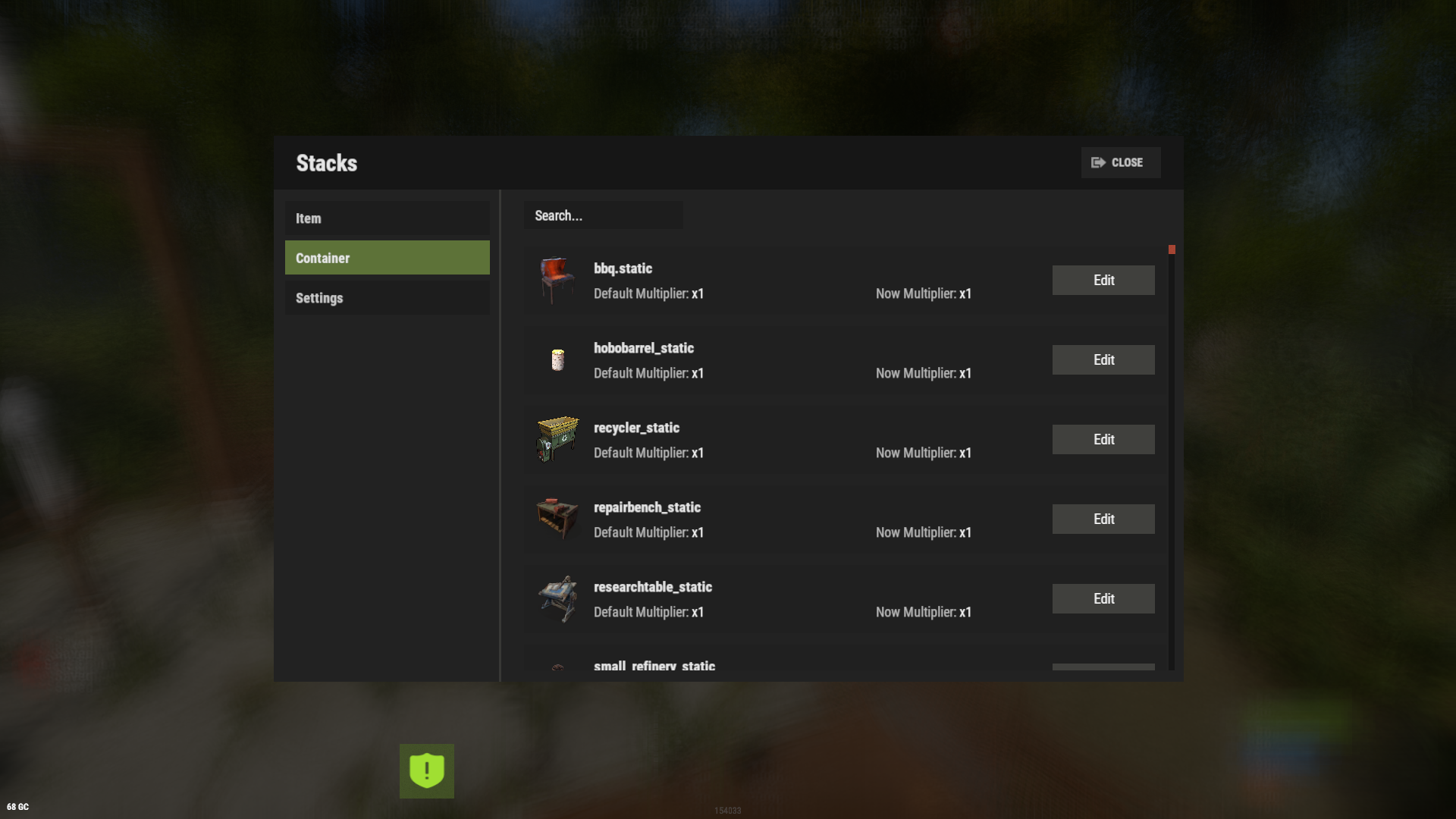
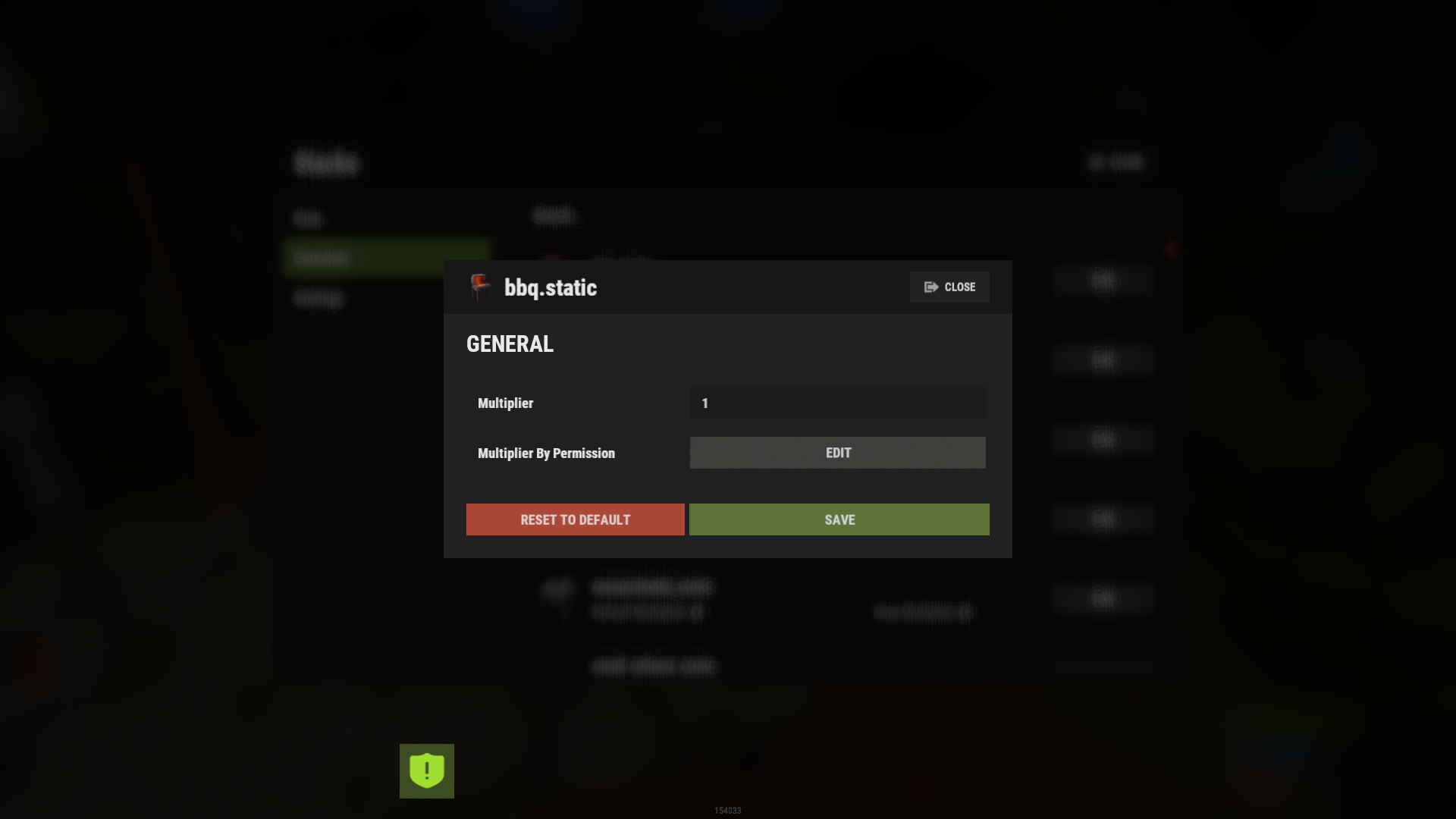
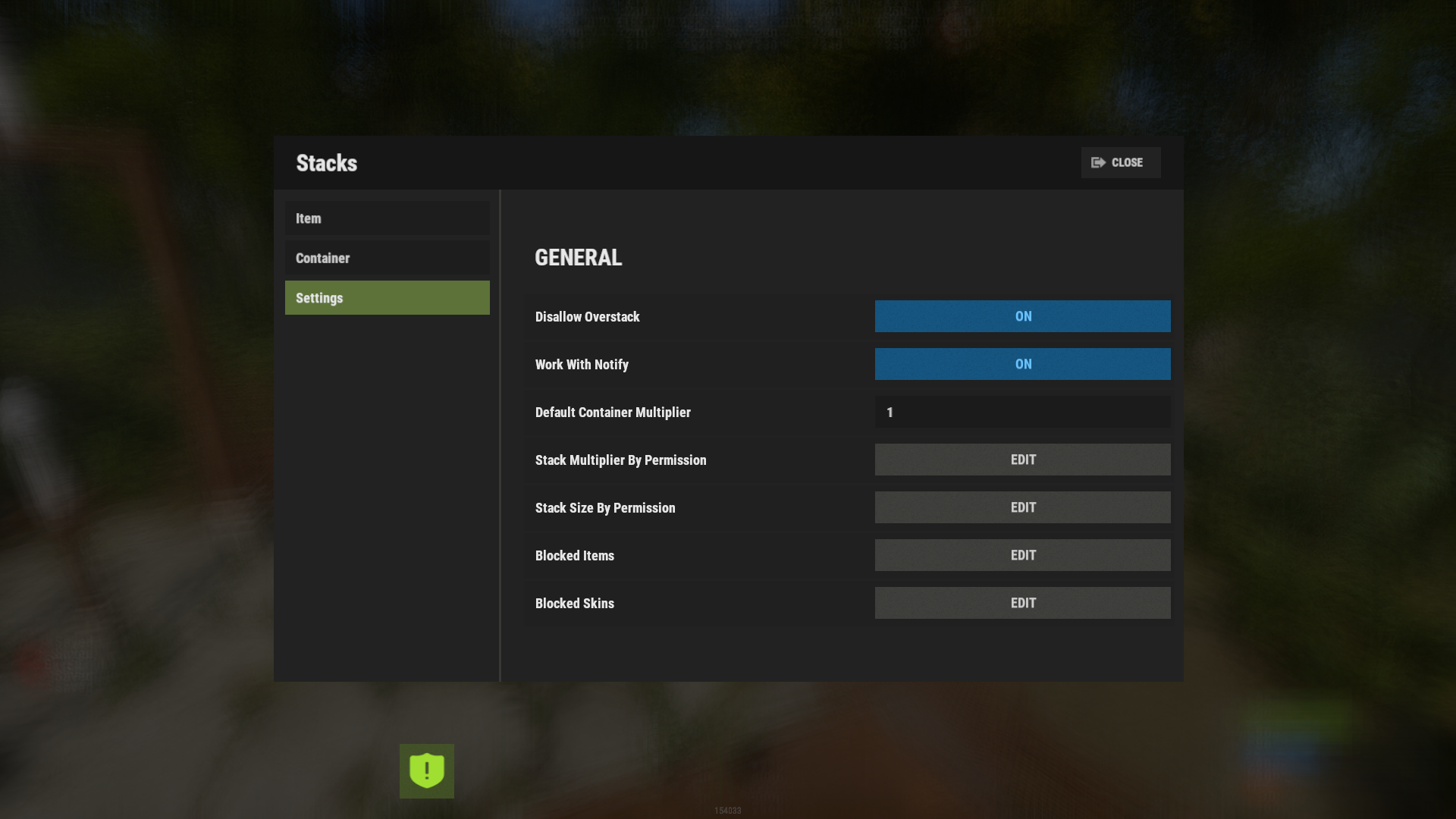
Stacks gives you control over how items pile up on your server. Set a custom stack size for any item, multiply stacks inside specific containers, and give your VIPs bigger stacks through permissions. You edit all of it from an in-game panel, so you never open a JSON file.
Most stack plugins hand every player the same limits. Stacks was one of the first to make stacks permission-based, and it is still one of the very few that does it. Set a multiplier or an exact stack size per permission, so a default player and a VIP carry completely different amounts of the same item. You can take it all the way down to a single item for a single rank.
It patches the game's stack limit directly. Overstacked items keep their amount when moved, split, or dropped, with no dupes and no lost loot. The same file runs on both Oxide and Carbon.

🌟 Features of Stacks
- Set a custom stack size for any item across the whole server
- Multiply stack sizes inside specific containers (boxes, furnaces, fridges, and more)
- Per-permission stack multipliers for VIP ranks, like stacks.vip at x2 and stacks.vip2 at x5
- Per-permission stack sizes when you want an exact number instead of a multiplier
- Per-item, per-permission sizes, so one rank gets 50000 sulfur and another gets 25000
- Per-container, per-permission multipliers, like a bigger wooden box for top donors
- Edit items, containers, and settings from an in-game panel, no JSON editing
- Category tabs and a search box to find any item fast
- Overstack control to stop or allow overstacked items moving into the player inventory
- Splits oversized stacks when they hit the ground instead of dropping one giant floating pile
- Block list for items and skins you never want re-stacked
- Edit a container's multiplier by hitting it with a hammer
- FurnaceSplitter compatibility
- Five built-in languages: English, Russian, Chinese, German, and French
🎮 Commands
- /stacks - open the in-game editor (requires stacks.admin)
- /stacks setstack [shortname] [size] - set a custom stack size for an item
- /stacks sethandstack [size] - set a custom stack size for the item in your hand
- stacks.manage stack set [shortname] [size] - set a stack size from the server console
- stacks.manage stack get [shortname] - read a stack size from the server console (use get all for every item)
🛡️ Permissions
- stacks.admin - open the editor and use the stack commands
- stacks.vip - example VIP tier (x2 stacks by default; rename or add your own in the config)
- stacks.vip2 - example VIP tier (x5 stacks by default)
Any permission you put in the config (multipliers, stack sizes, per-item and per-container overrides) is registered automatically on load.
🗒️ Visual Editor
Type /stacks in-game and you get a panel with three tabs: ITEMS for per-item stack sizes, CONTAINERS for per-container multipliers, and SETTINGS for everything else. Pick an item or container, change a value, save. You never edit a config or data file by hand.
🧪 TEST SERVER
Join our test server to view and experience all our unique features yourself!
Copy the IP Address below to start playing!
| 1 | connect 194.147.90.239:28015 |
📚 FAQ
Q: Players get "The plugin does not work correctly, contact the administrator!" How do I fix it?
A: The icons are downloaded through ImageLibrary. If players see this message, ImageLibrary is not working. Install it, confirm it loads with o.plugins, restart the server, and check the console for ImageLibrary errors.
Q: Where can I edit item names or add my language?
A: Open the lang file at oxide/lang/en/Stacks.json (or carbon/lang/en/Stacks.json) and edit the text there. Drop in a new language file the same way.

Command your Rust server. Live WebRCON console, performance and player monitoring, quick actions, groups and permissions, and plugin management.
Visit site ↗