
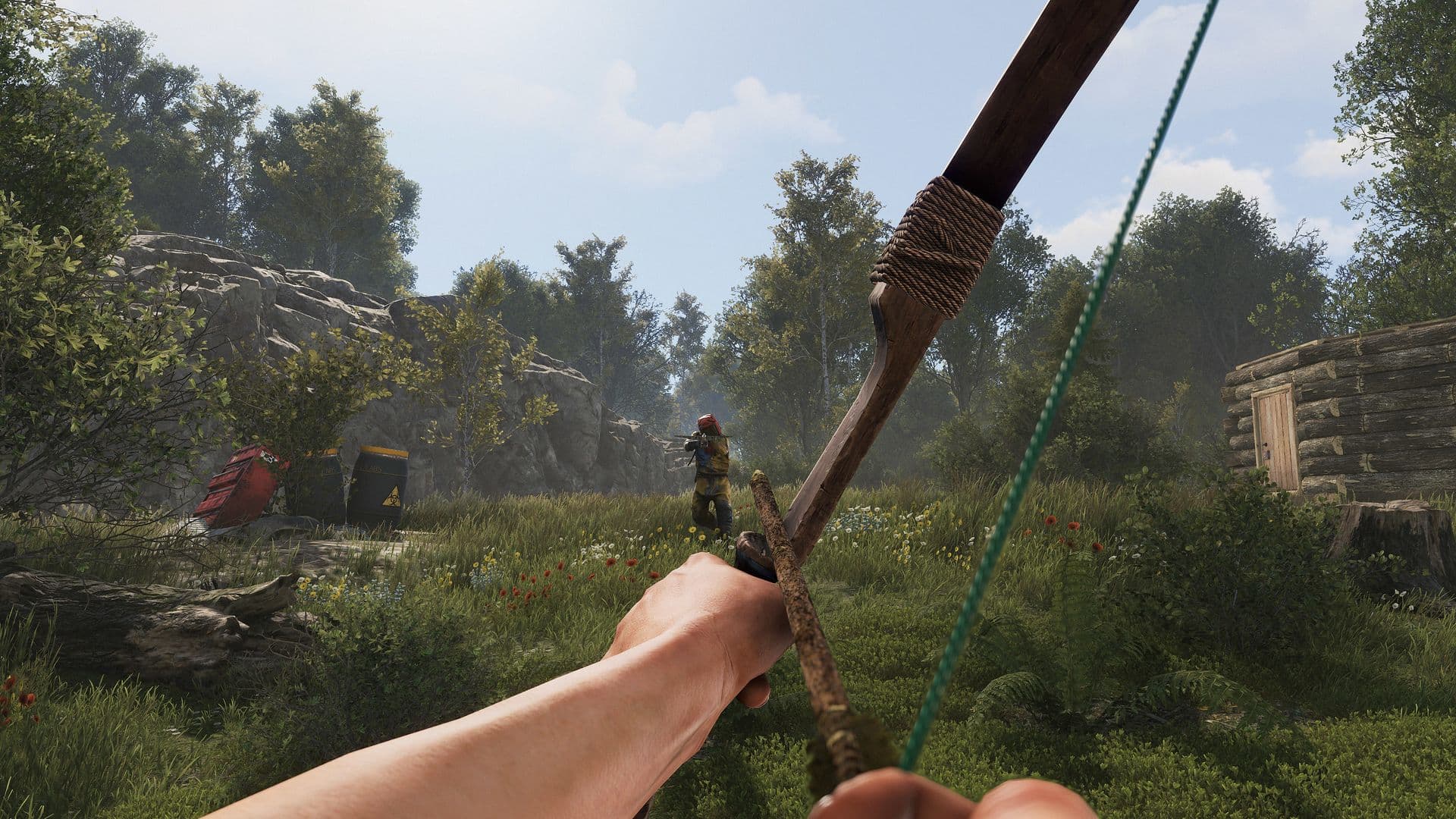
Amelie
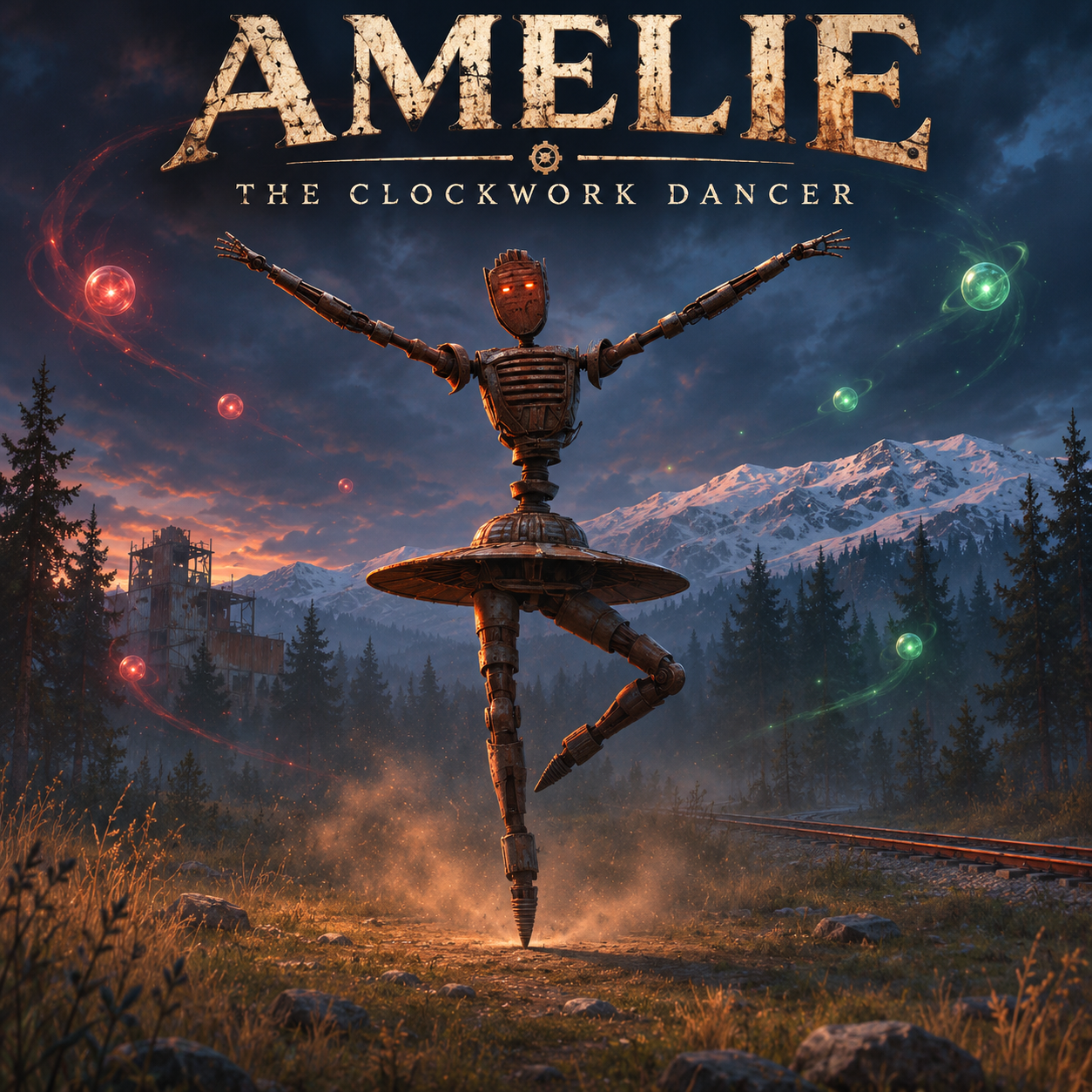
Amelie - The Clockwork Dancer
Amelie is a multi-phase boss, a deranged music-box war machine. She dances around her audience, taunting and unleashing violence.
She is fully voiced. Amelie speaks out loud, in character, throughout the fight: when she appears, when she taunts,when she kills someone, and more. more than 40 voice lines for multiple scenarios. (Needs the included Voice.json data file; the voice can be turned off in the config.)
The fight
The recital begins gracefully. It does not stay that way.
Amelie mixes eerie choreography, dangerous orb projectiles and sudden bursts of violence in an encounter that changes as the fight unfolds. Watch her movements, listen to her voice, and be ready when the performance takes an unexpected turn.
Bring friends. Keep moving. Don’t assume you’ve seen everything she can do before the final blow is dealt.
For server owners
- Spawn her where you stand, or save spawn points (stored relative to the nearest monument, so they survive wipes on the same monument set) and turn on automatic spawning: one every 1 - 2 hours by default at a random spawn point or one of your configured monuments, with a minimum-players requirement, a maximum alive at once and a chat announcement with the map grid.
- Health bar for nearby players and a map marker with her name and health.
- recommend open spaces, airfield, or a dedicated custom arena :)
Requirements: Carbon or Oxide, plus the Monster Framework extension. The bundled MonsterFrameworkUpdater plugin downloads and keeps it updated for you. Restart the server once after the first install.
Commands (admins, or the amelie.admin permission)
| Command | What it does |
|---|---|
/amelie spawn | Spawn her where you're looking |
/amelie remove [all] | Remove the nearest Amelie, or all of them |
/amelie kill | Play her death sequence on the nearest one (drops loot) |
/amelie point add [fixed] | Save a spawn point at your position. By default it's stored relative to the nearest monument (within 350 m); fixed stores a plain map position |
/amelie point list / remove <n> / clear / spawn <n> / tp <n> | Manage saved spawn points |
Server console: amelie.spawn <x> <z> | Spawn at map coordinates (for event schedulers) |
Server console: monsterframework.update | (Updater plugin) Check for and download a framework update now |
Permission: amelie.admin. Players who are server admins can also use the commands.
Configuration
- Boss name (default "Amelie"), Health (10,000), Regenerate when idle (% of max health per second).
- Automatic spawning: enabled (default off), monuments to spawn at (default
airfield), seconds between spawns (min/max, default 3600 - 7200), minimum players online, maximum alive at once, announce in chat. - Targeting: aggro range, fight-area radius around her spawn, leash distance, ignore players in safe zones.
- Loot: crates spawned on death (default: 1 patrol heli crate + 1 elite crate), optional special hackable crate with your own item list (shortname, amount range, chance, optional display name and skin; default off), announce top damage dealers.
- Health bar: on/off, show distance. Map marker: on/off, radius, colour, show name and health.
- Voice lines: on/off.
- Default config has conservative roam/targeting range. I would recommend increasing to meet your needs.
Installation
| 1 | AMELIE - The Clockwork Dancer (v1.0, by Brad Copp) |
| 2 | |
| 3 | REQUIRES the Monster Framework server extension. The included |
| 4 | MonsterFrameworkUpdater plugin downloads and installs it for you. |
| 5 | |
| 6 | INSTALL |
| 7 | 1. Copy BOTH plugins to your plugins folder: |
| 8 | plugins/Amelie.cs |
| 9 | plugins/MonsterFrameworkUpdater.cs |
| 10 | (carbon/plugins or oxide/plugins) |
| 11 | 2. Copy the data folder so the file ends up at: |
| 12 | data/Amelie/Voice.json (carbon/data or oxide/data) |
| 13 | Without this file Amelie works but stays silent (chat lines only). |
| 14 | 3. Watch the server console. The updater downloads the framework and prints: |
| 15 | "Monster Framework <version> installed. Restart the server to load it." |
| 16 | (Or run monsterframework.update in the console to force a check.) |
| 17 | 4. RESTART THE SERVER. The framework only loads on startup, and Amelie |
| 18 | cannot load until it does. This restart is needed once, after the first install. |
| 19 | |
| 20 | AFTER THE RESTART |
| 21 | - Give yourself permission (optional if you are a server admin): |
| 22 | oxide.grant user <name> amelie.admin (Carbon: c.grant user <name> amelie.admin) |
| 23 | - Stand where you want her and type /amelie spawn |
| 24 | - To spawn her automatically: save spawn points with /amelie point add, |
| 25 | then set "Automatic spawning" -> "Enabled" to true in the config and reload. |
| 26 | |
| 27 | COMMANDS (admins or amelie.admin) |
| 28 | /amelie spawn spawn her where you are looking |
| 29 | /amelie remove [all] remove the nearest one, or all |
| 30 | /amelie kill play her death sequence on the nearest one |
| 31 | /amelie point add [fixed] save a spawn point (relative to the nearest monument) |
| 32 | /amelie point list | remove <n> | clear | spawn <n> | tp <n> |
| 33 | Server console: amelie.spawn <x> <z> |
| 34 | |
| 35 | The updater checks for framework updates once an hour and when you run |
| 36 | monsterframework.update. After it reports a newer version, restart to apply it. |
Monster Framework by RickySpanish.

Trusted hosting partner. Affordable game servers with solid support and panels.
Visit site ↗