ViperNet
 Wrecks
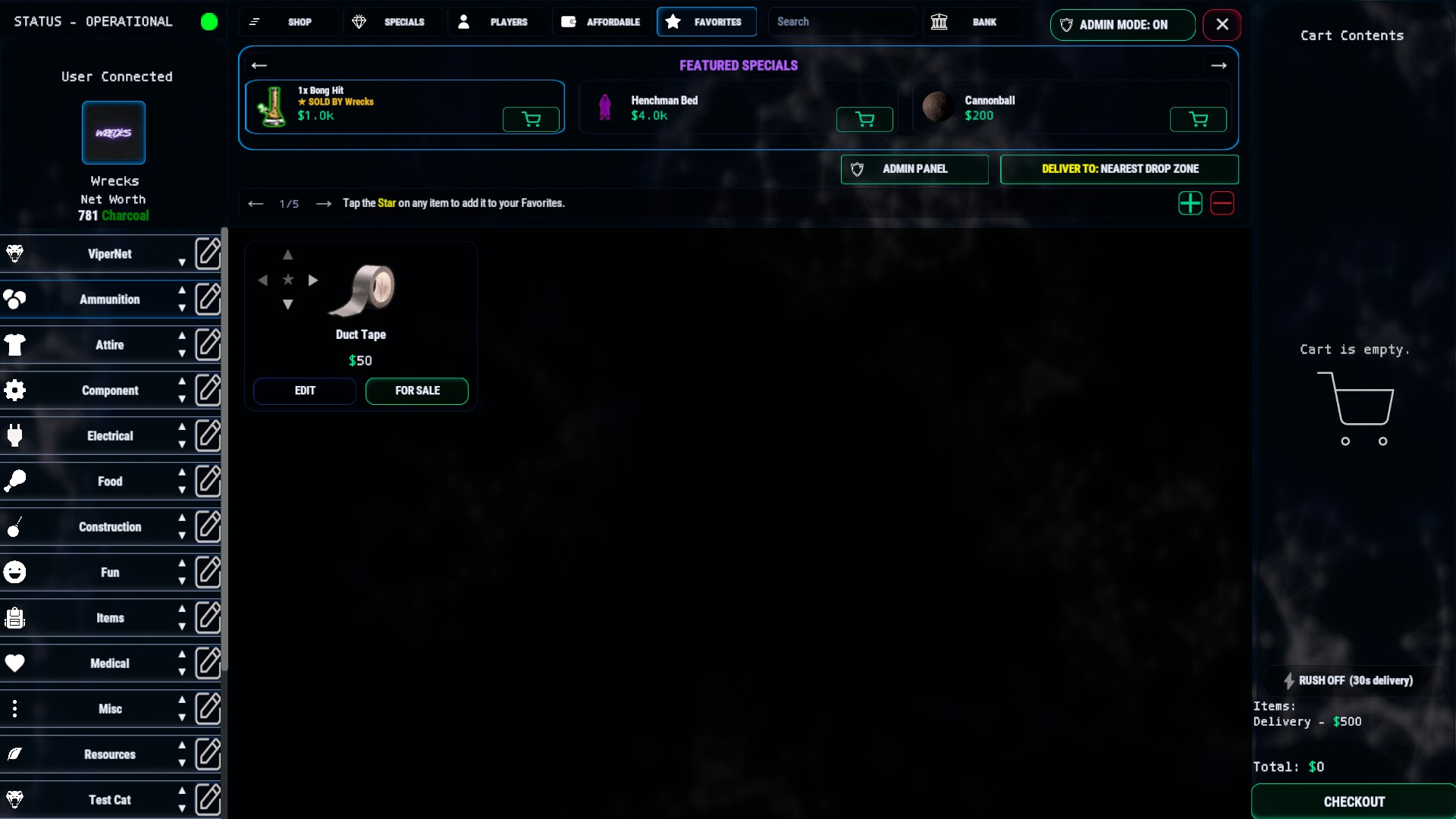
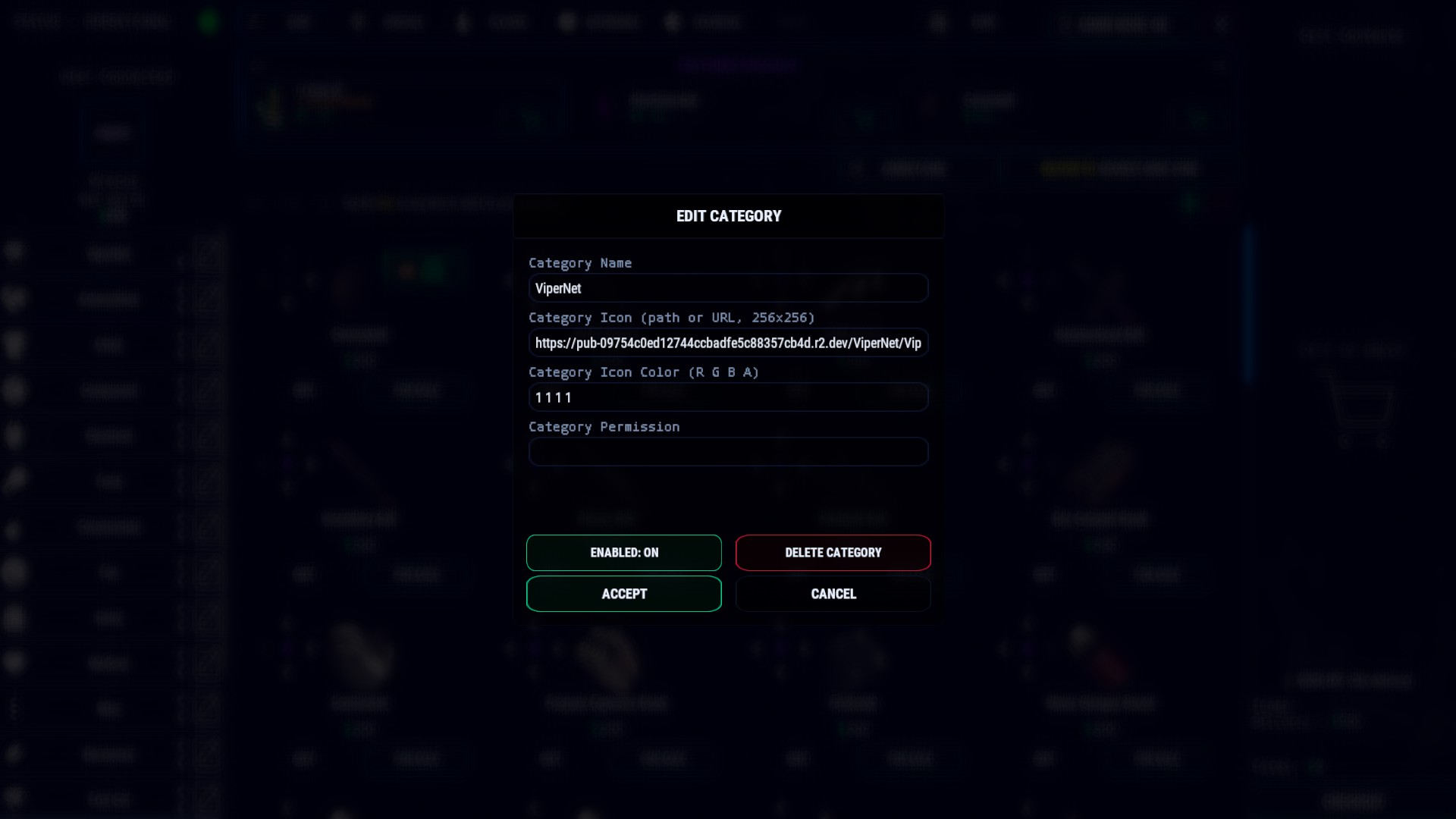
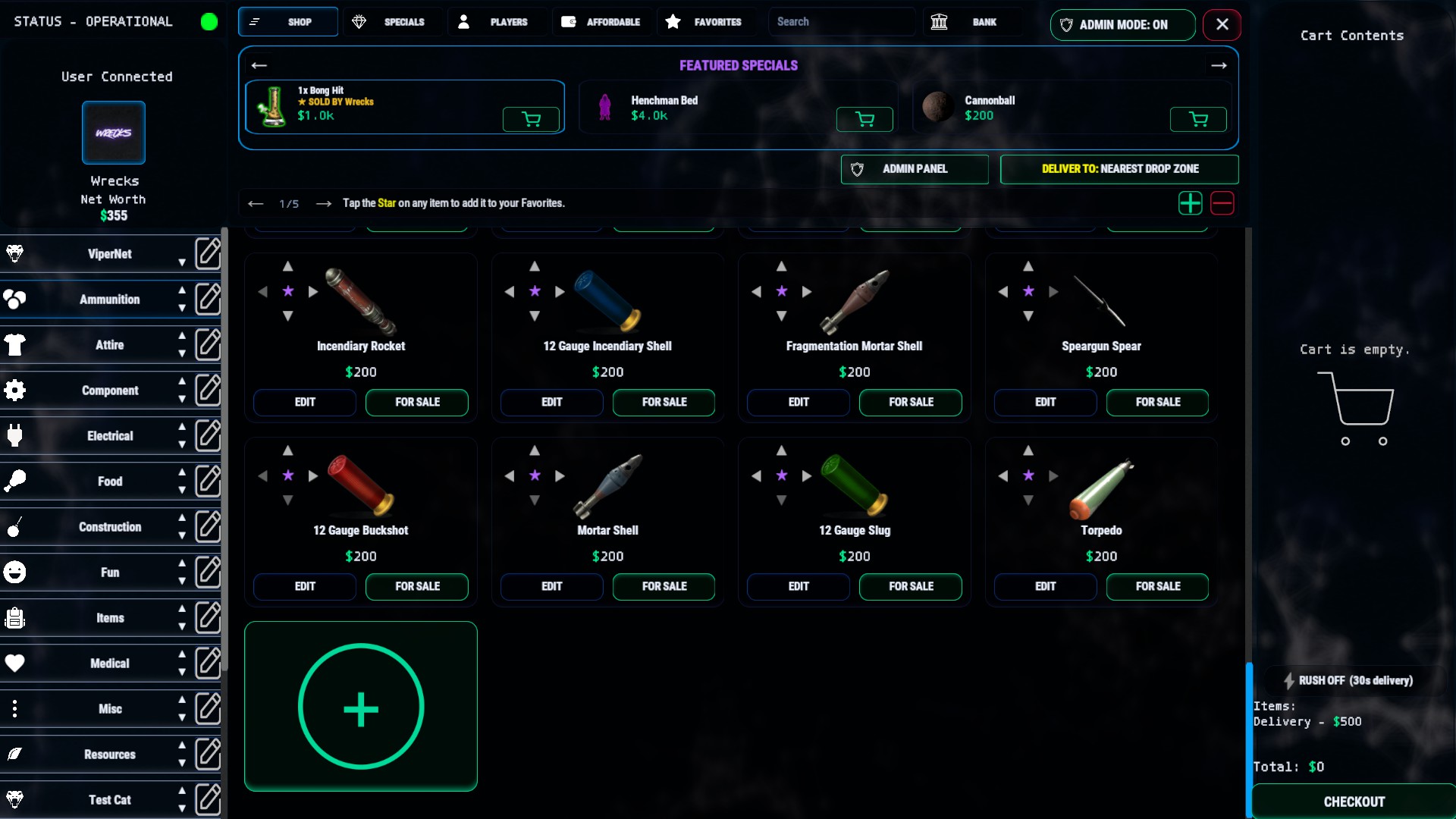
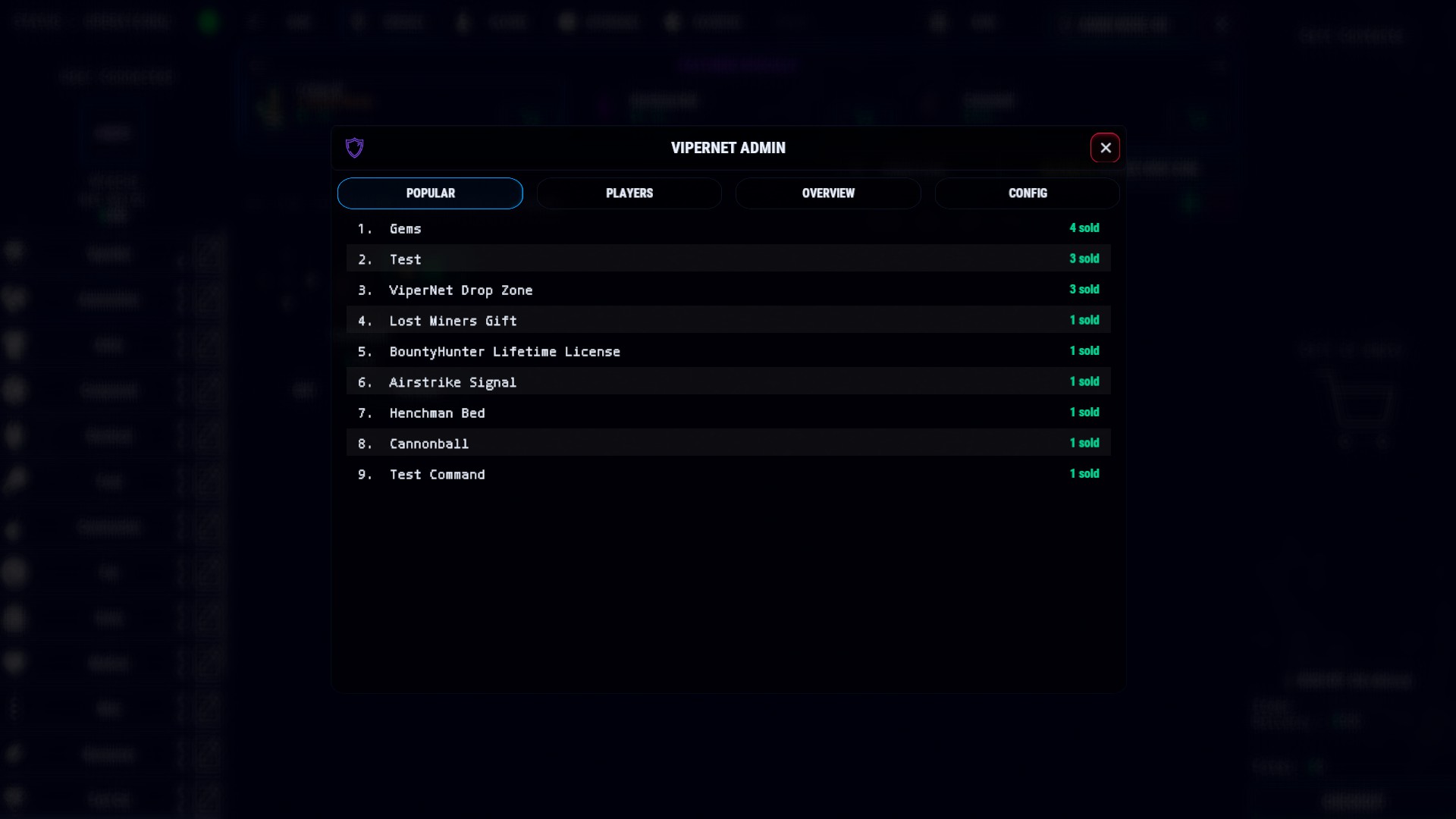
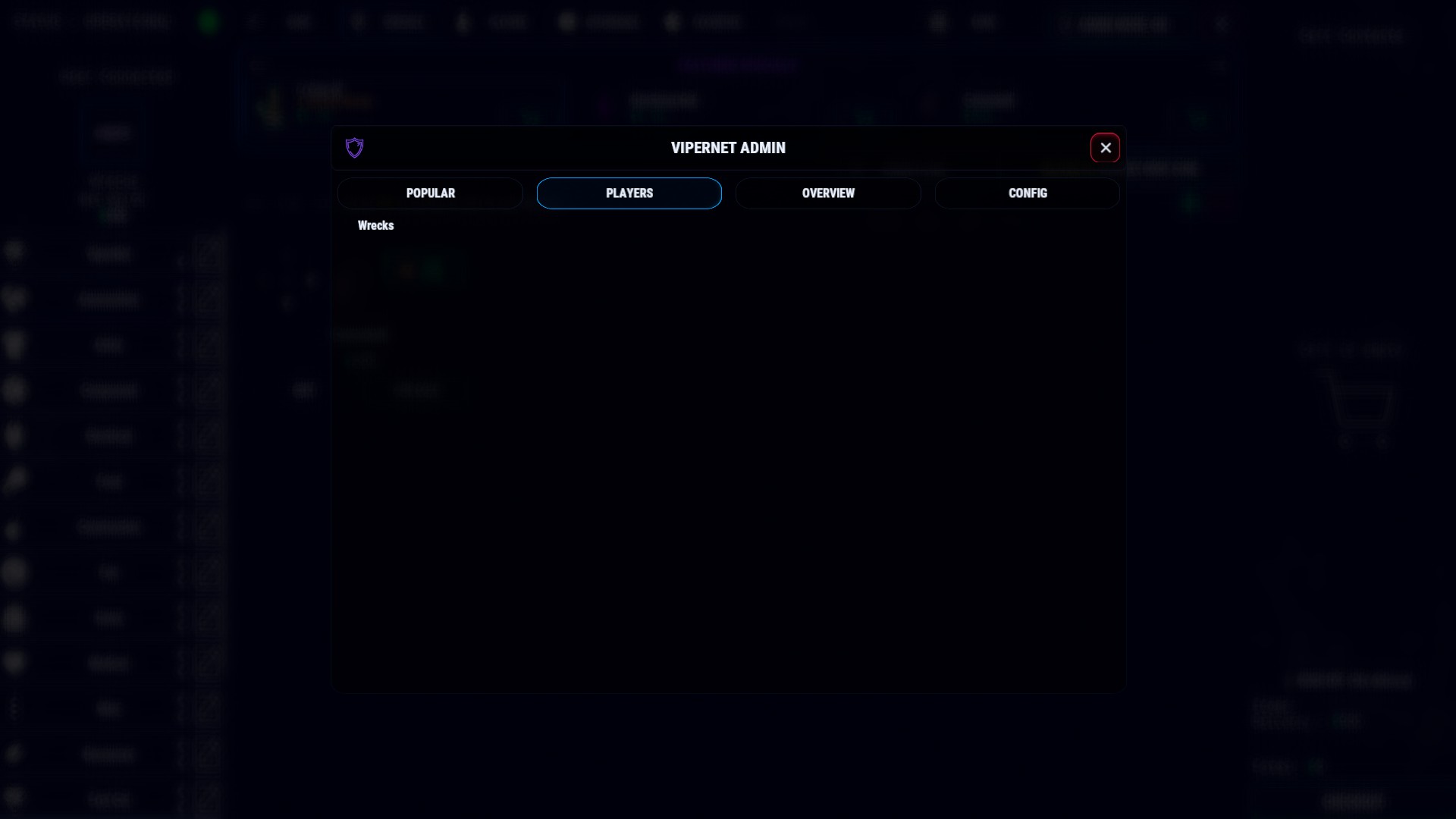
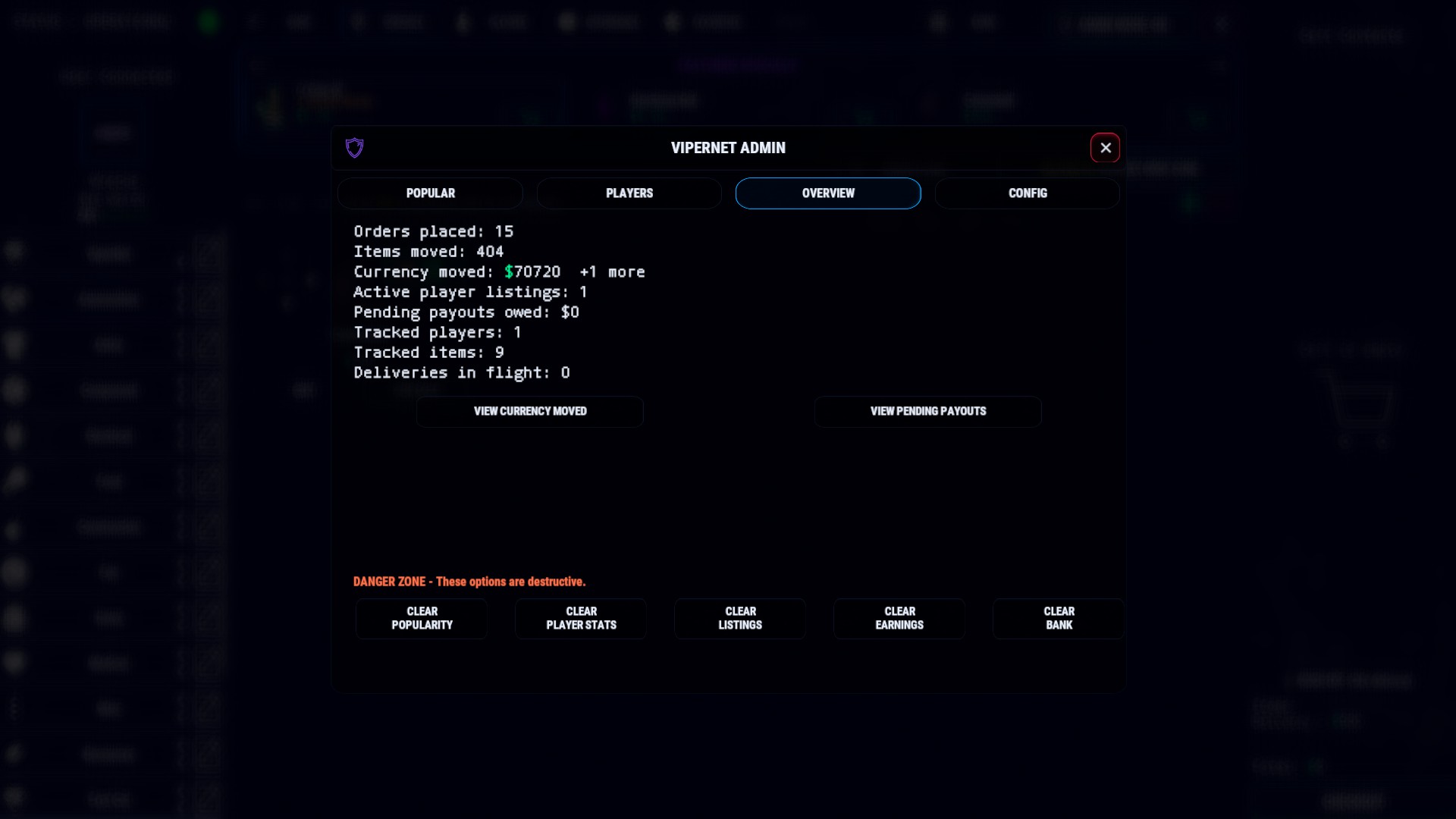
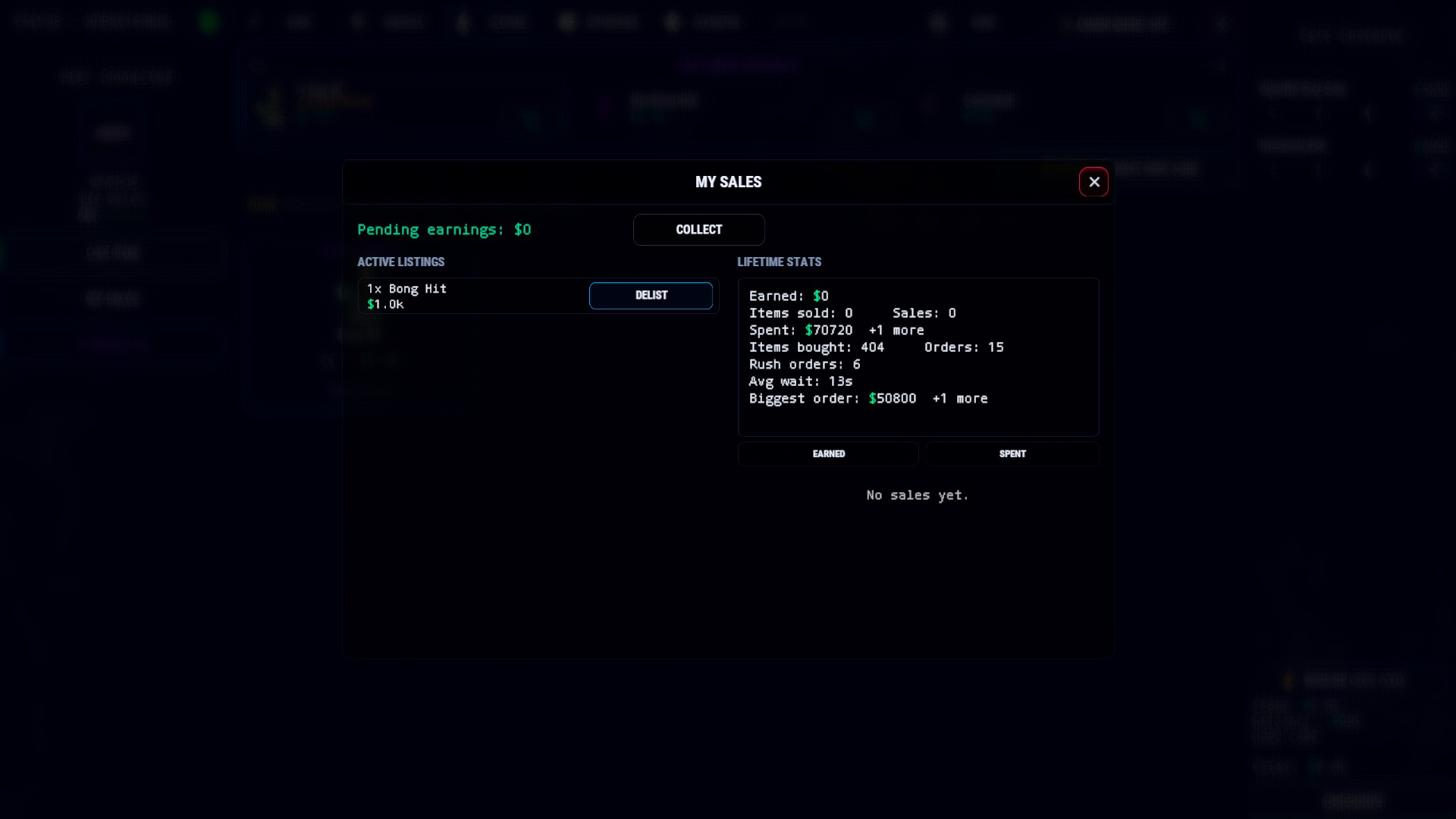
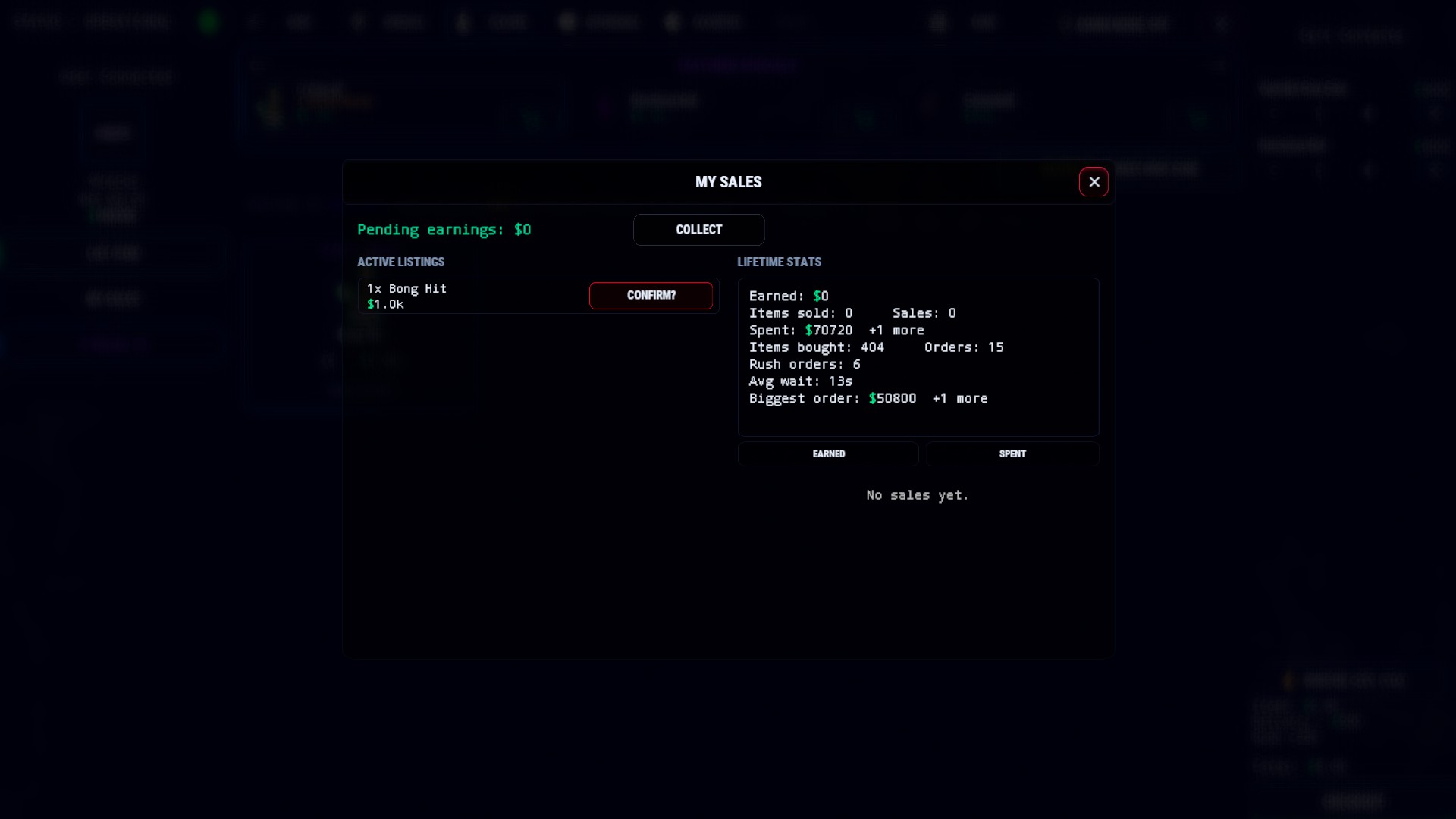
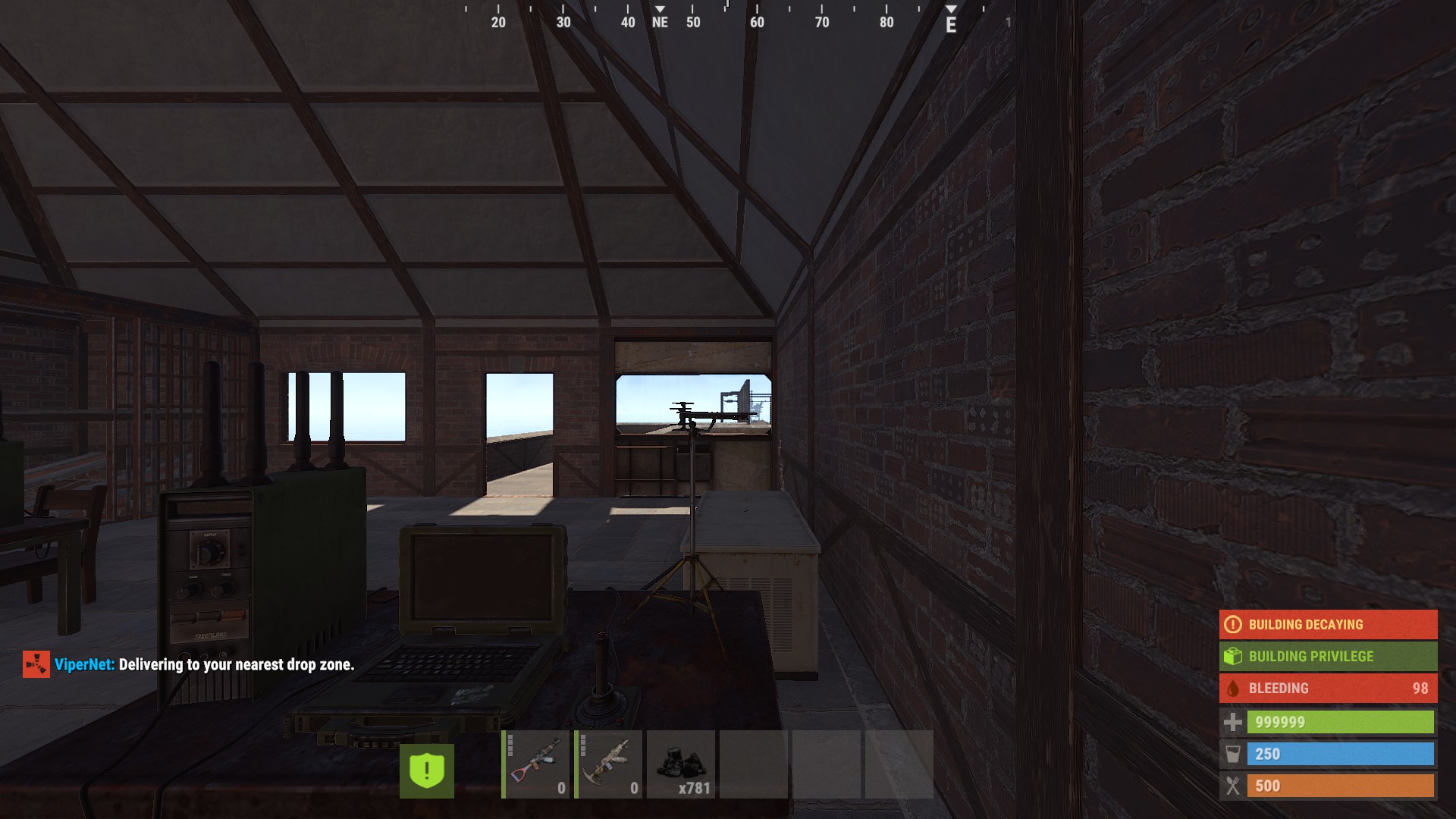
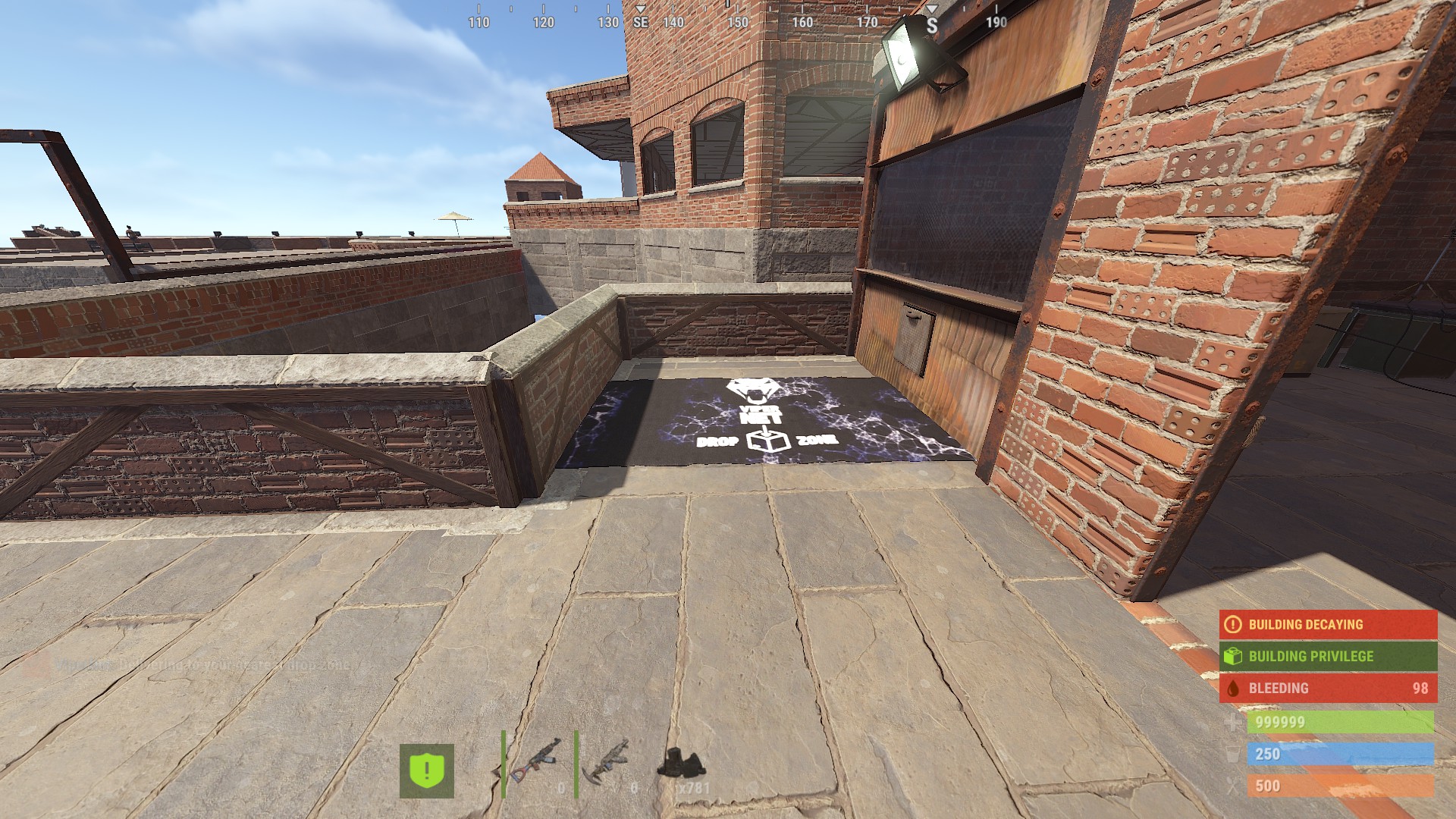
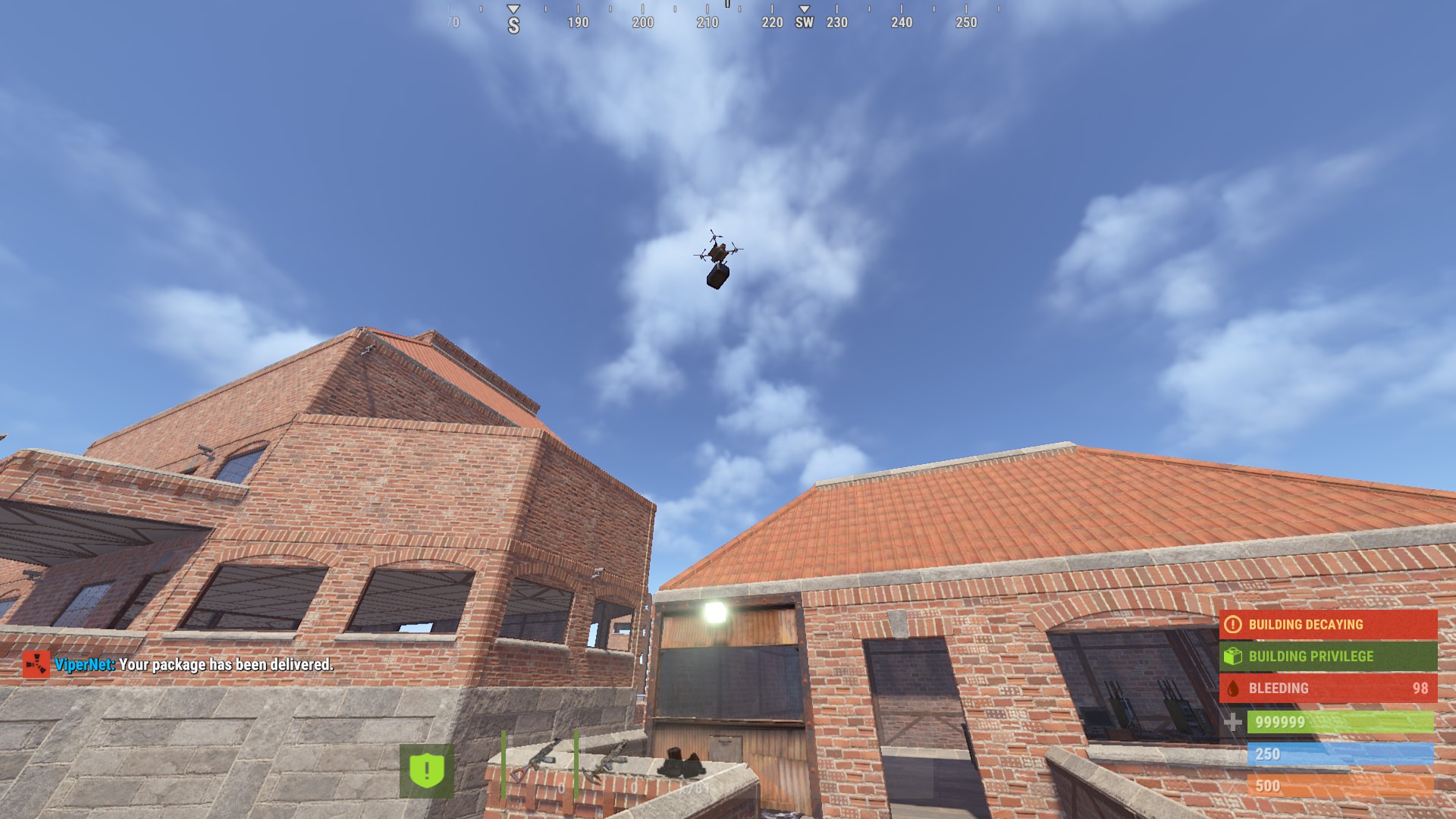
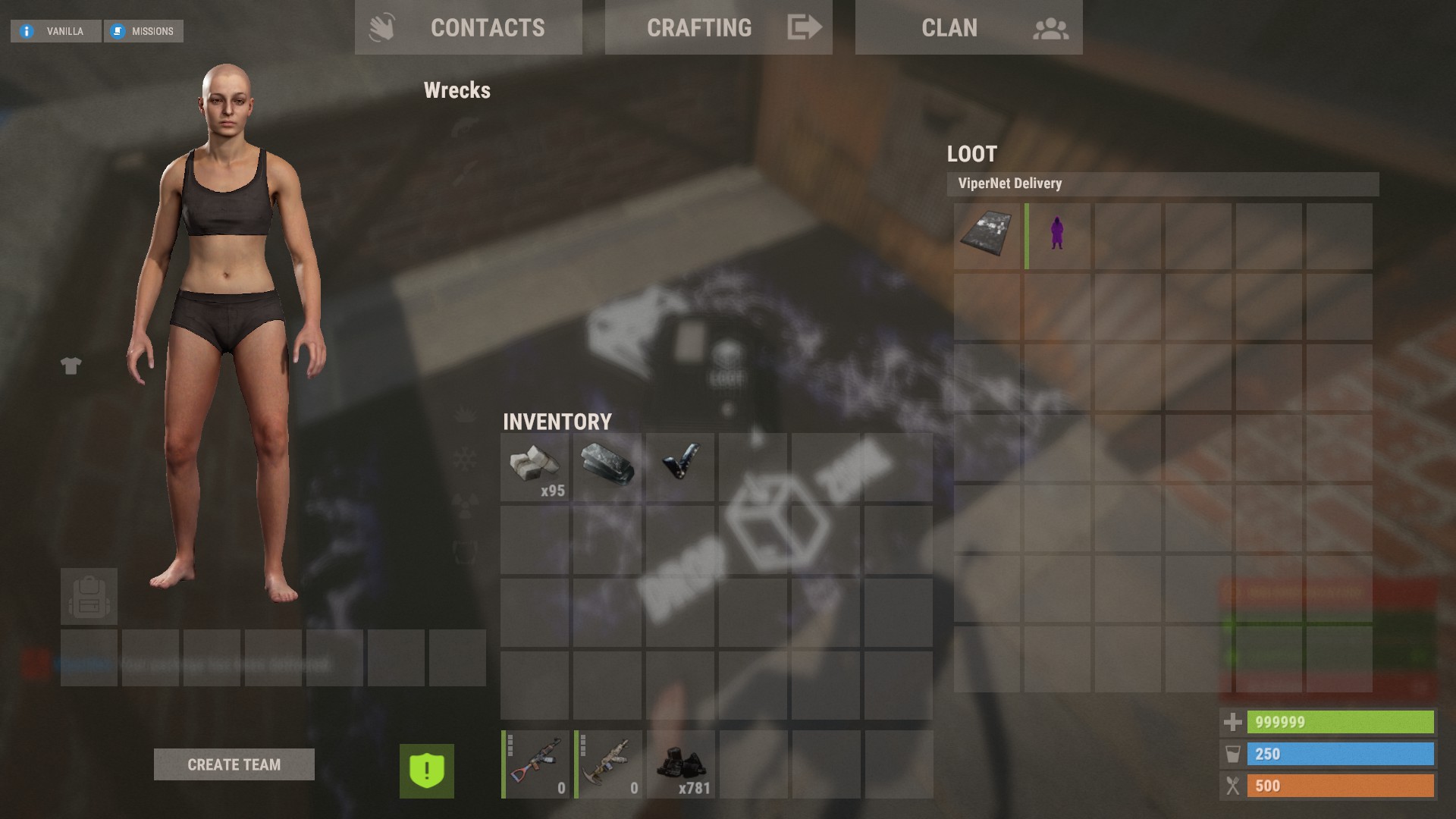
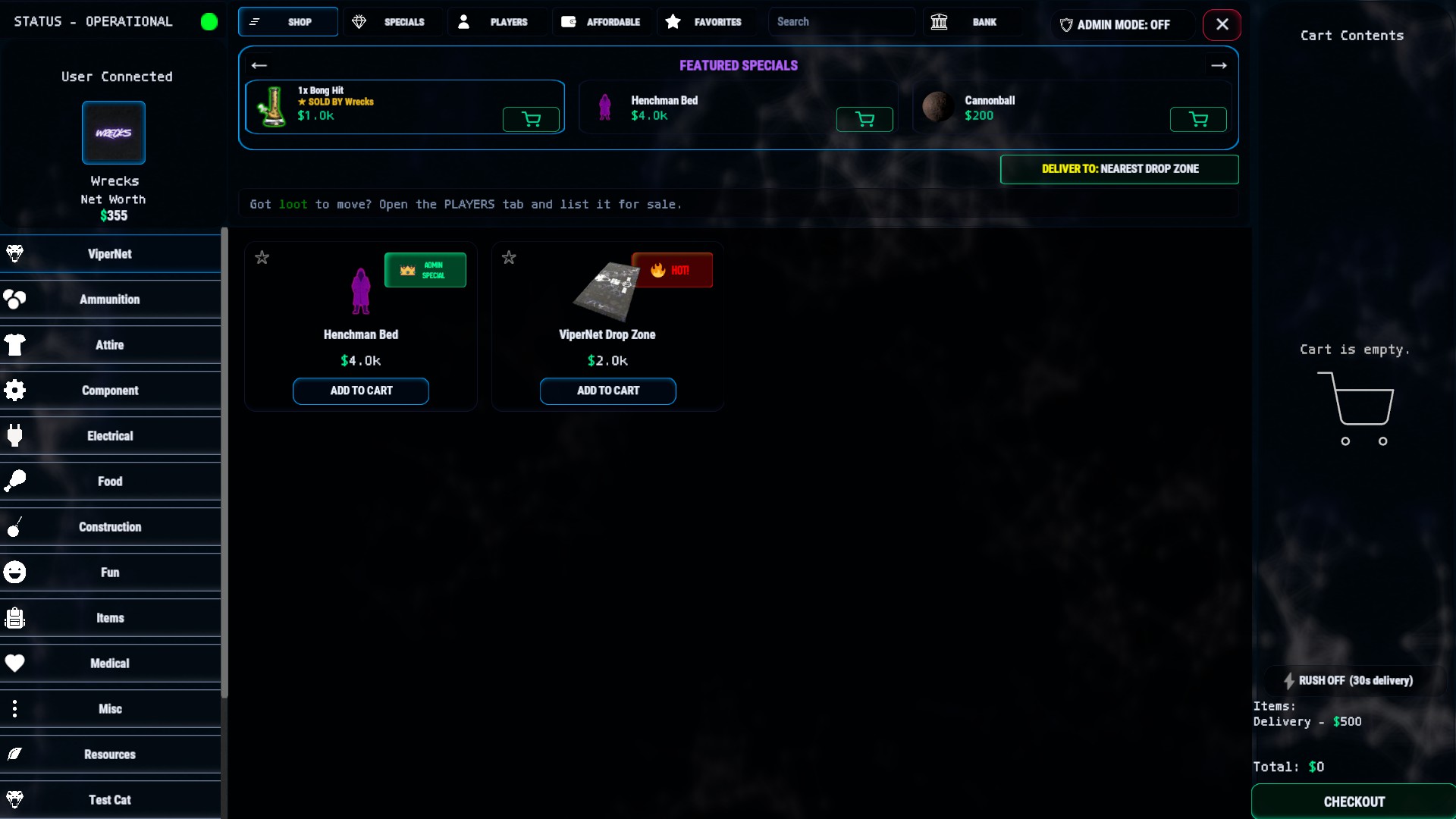
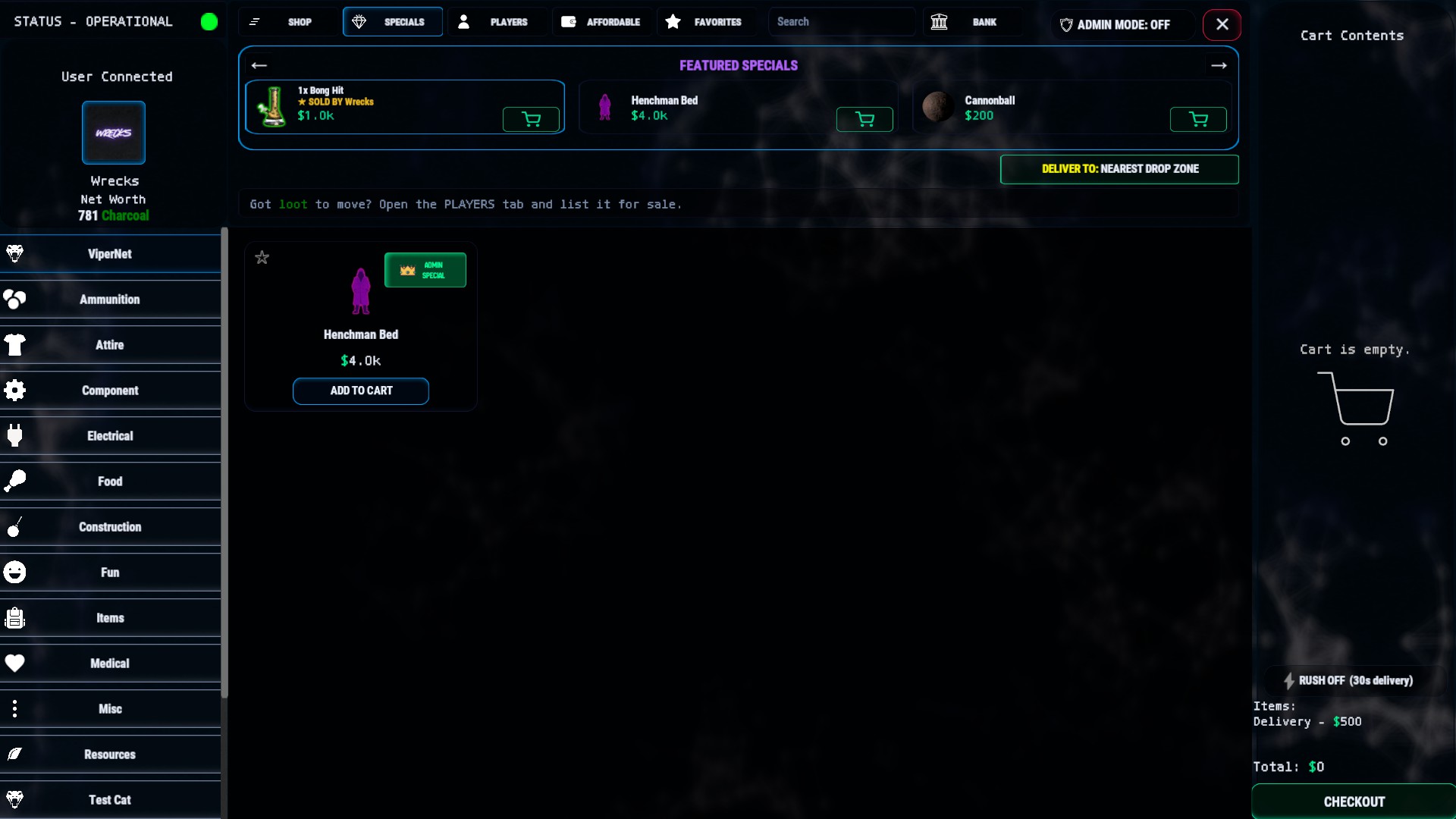
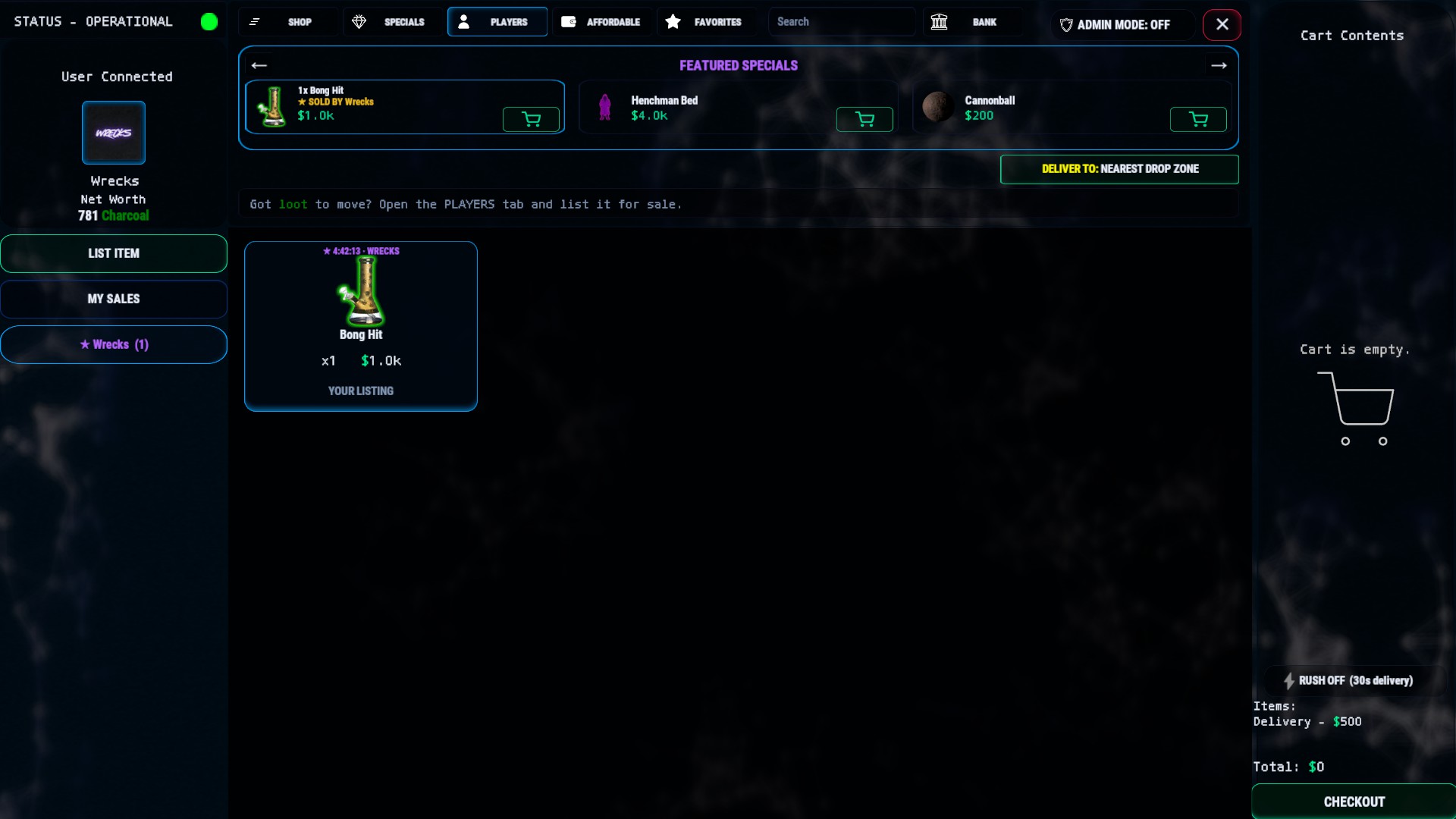
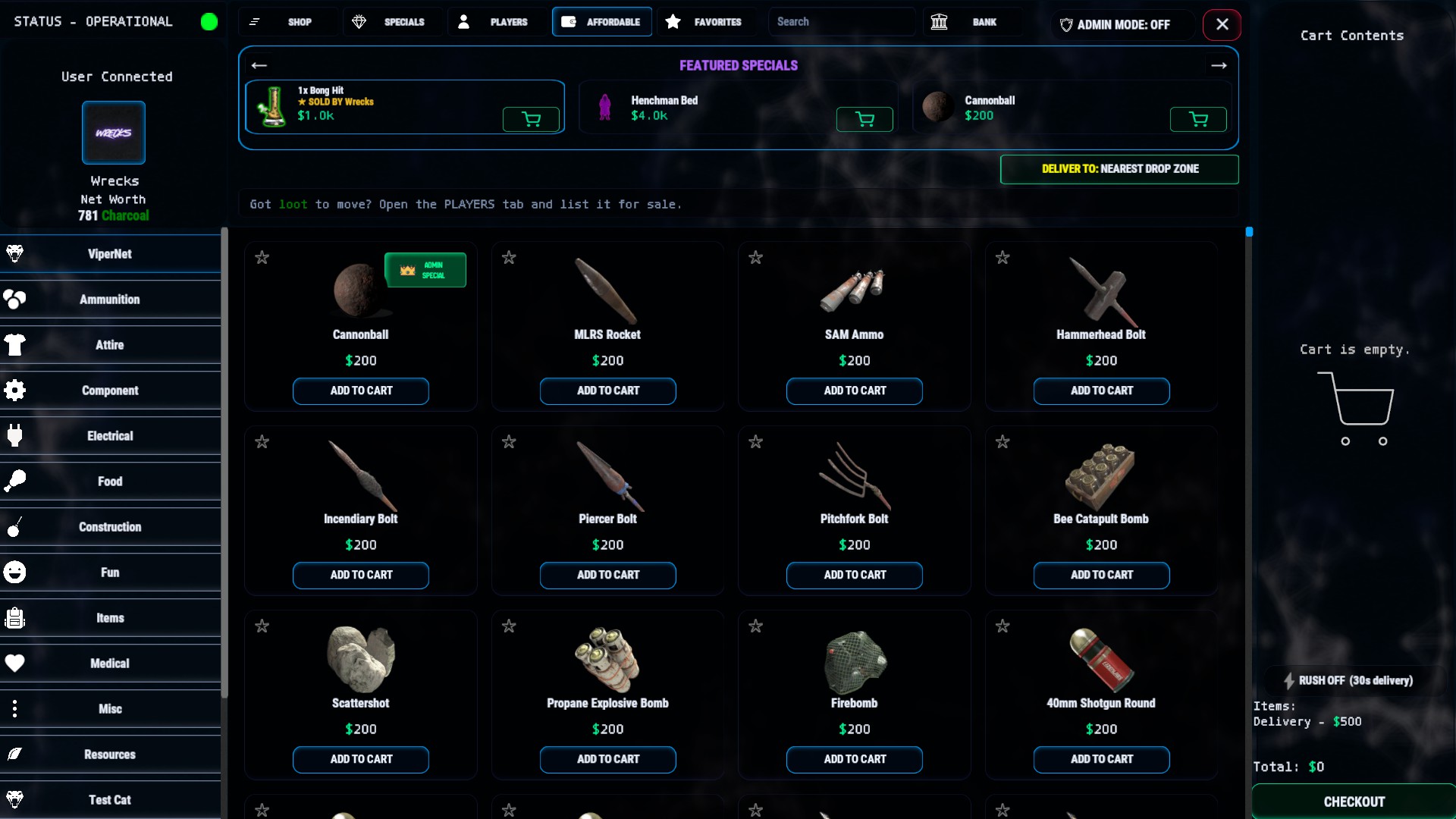
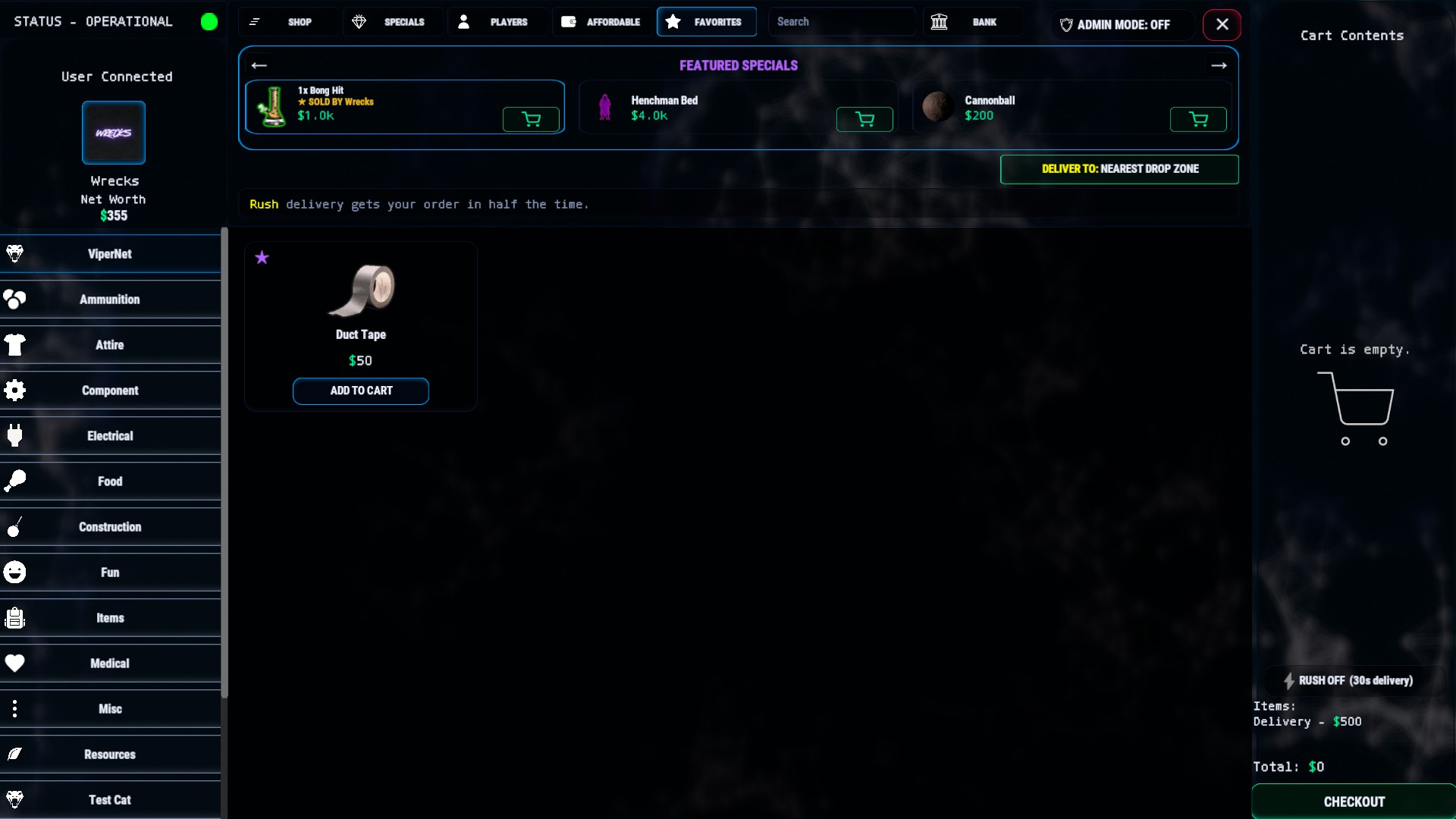
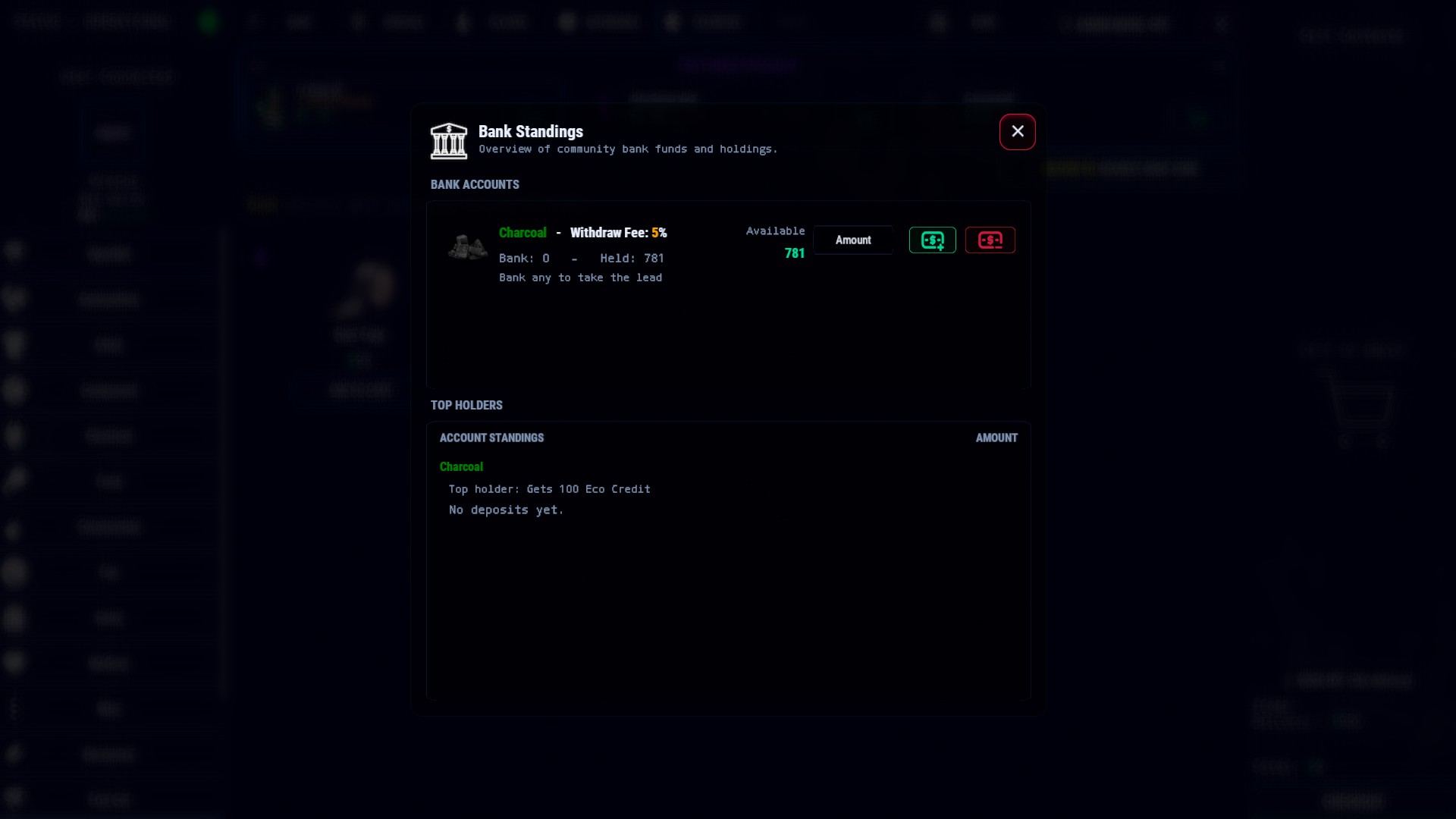
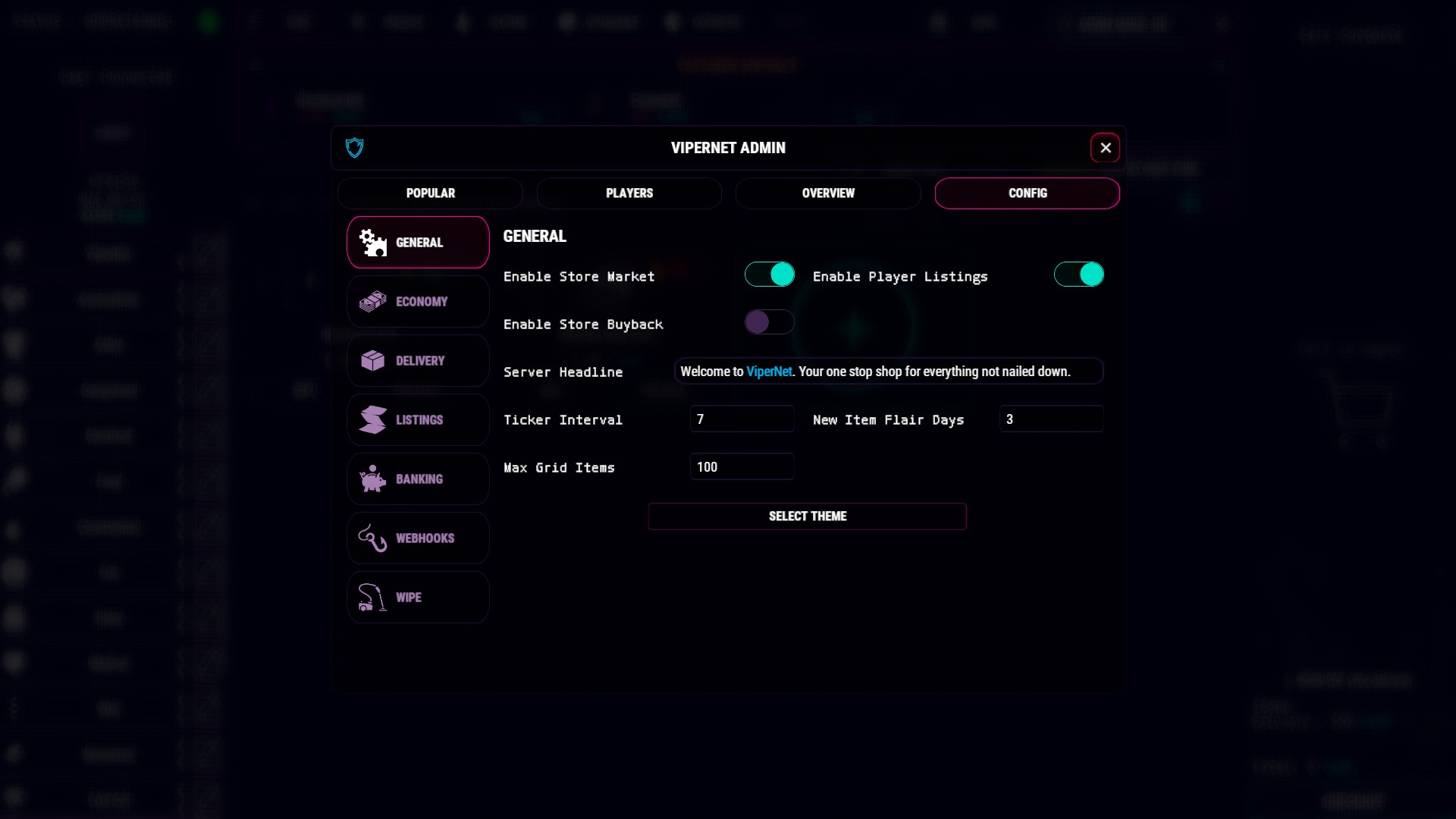
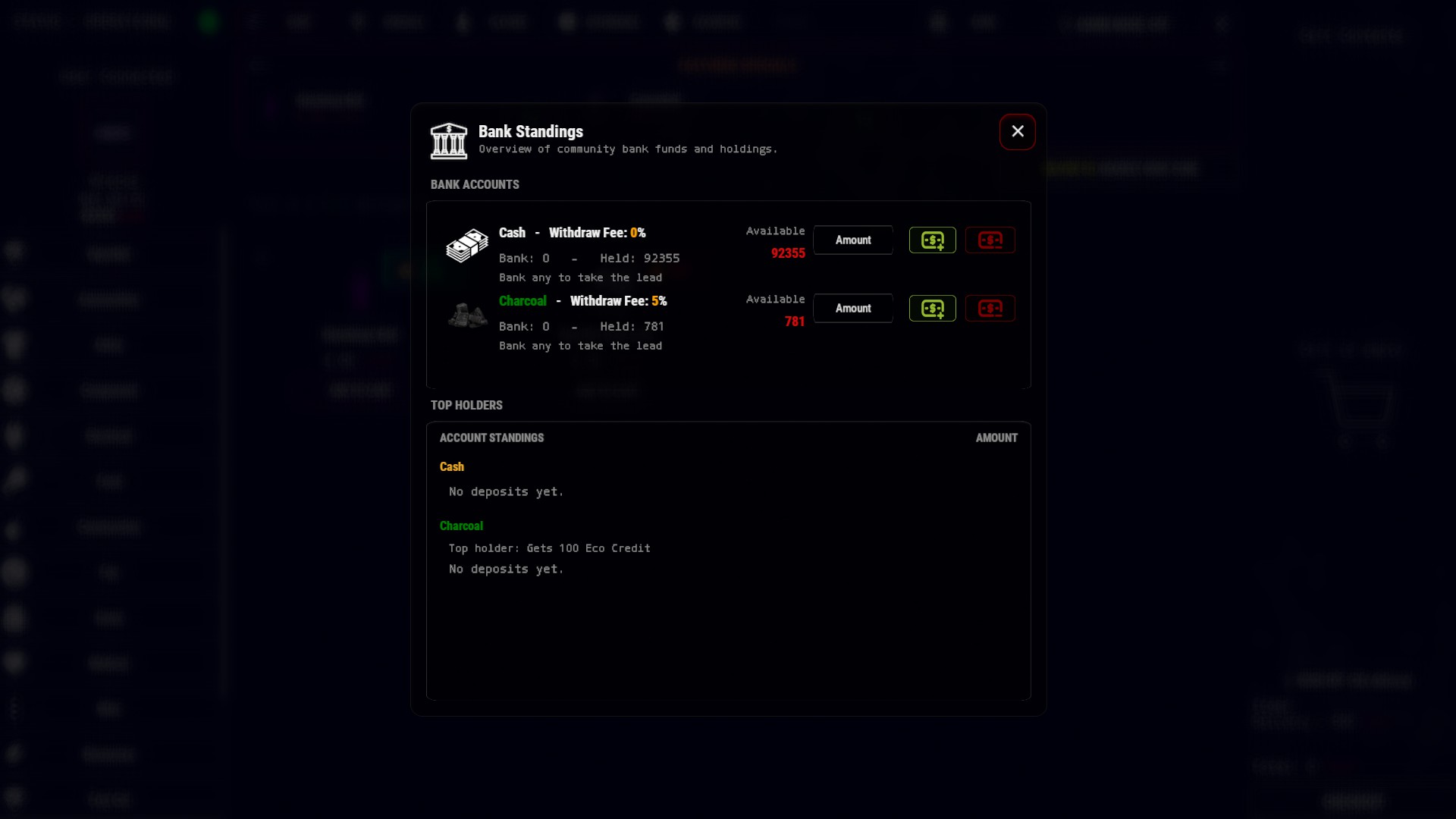
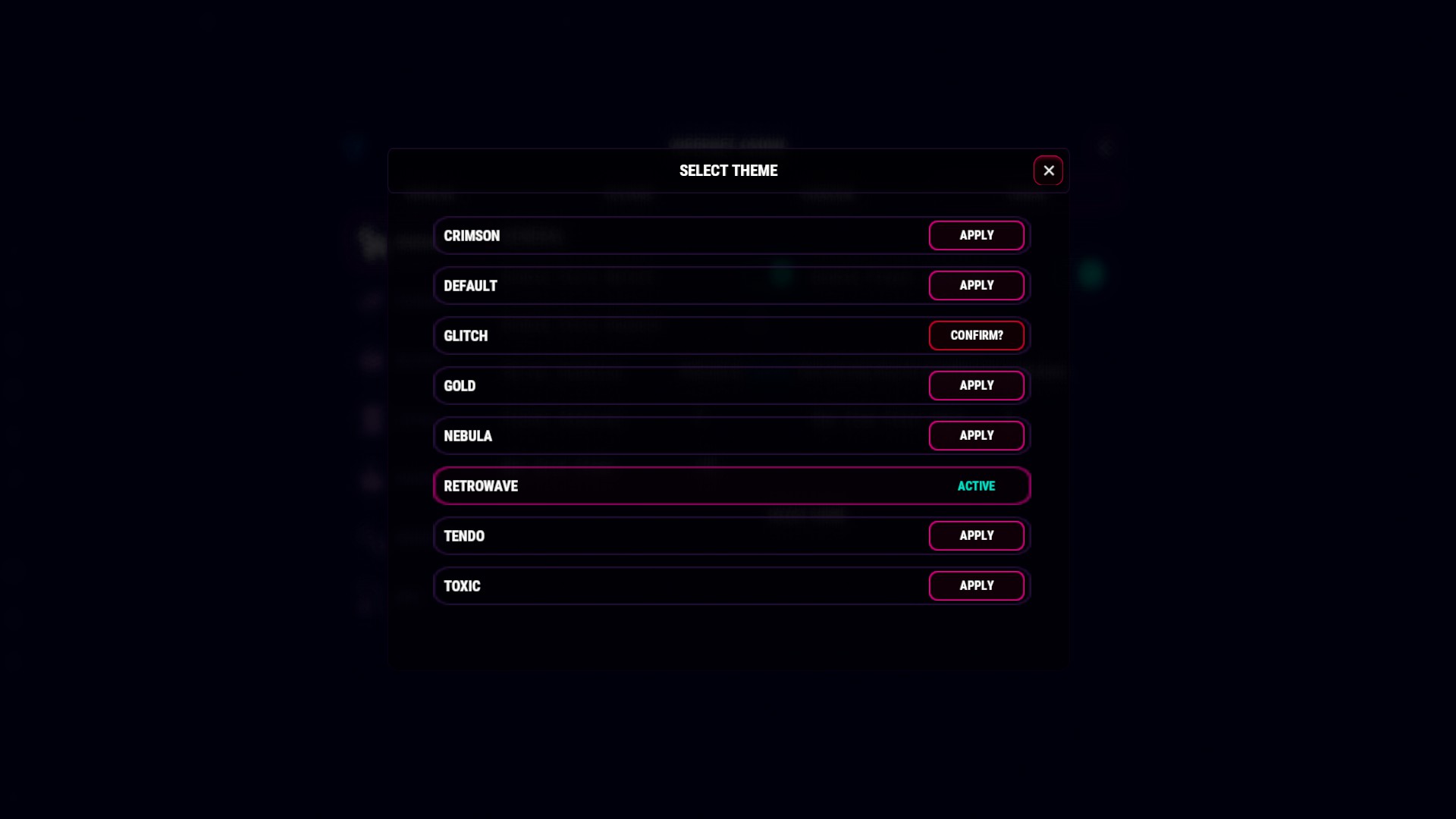
Welcome to ViperNet, one of finishing pieces to my Underworld Style Plugins.
DEFAULT DATA LINK
DOWNLOAD LINK BELOW - Categories, Ticker , Themes install to oxideorcarbon/data/ViperNet
IMPORTING ANOTHER SHOP
I know it is a major hassle converting shop data over. I made this to be as easy as possible in game but with thousands of items in game it is not worth the time. If you use another shop, and would like me to convert its data over to ViperNet Let me know and I can help you.
Video Guide
Details
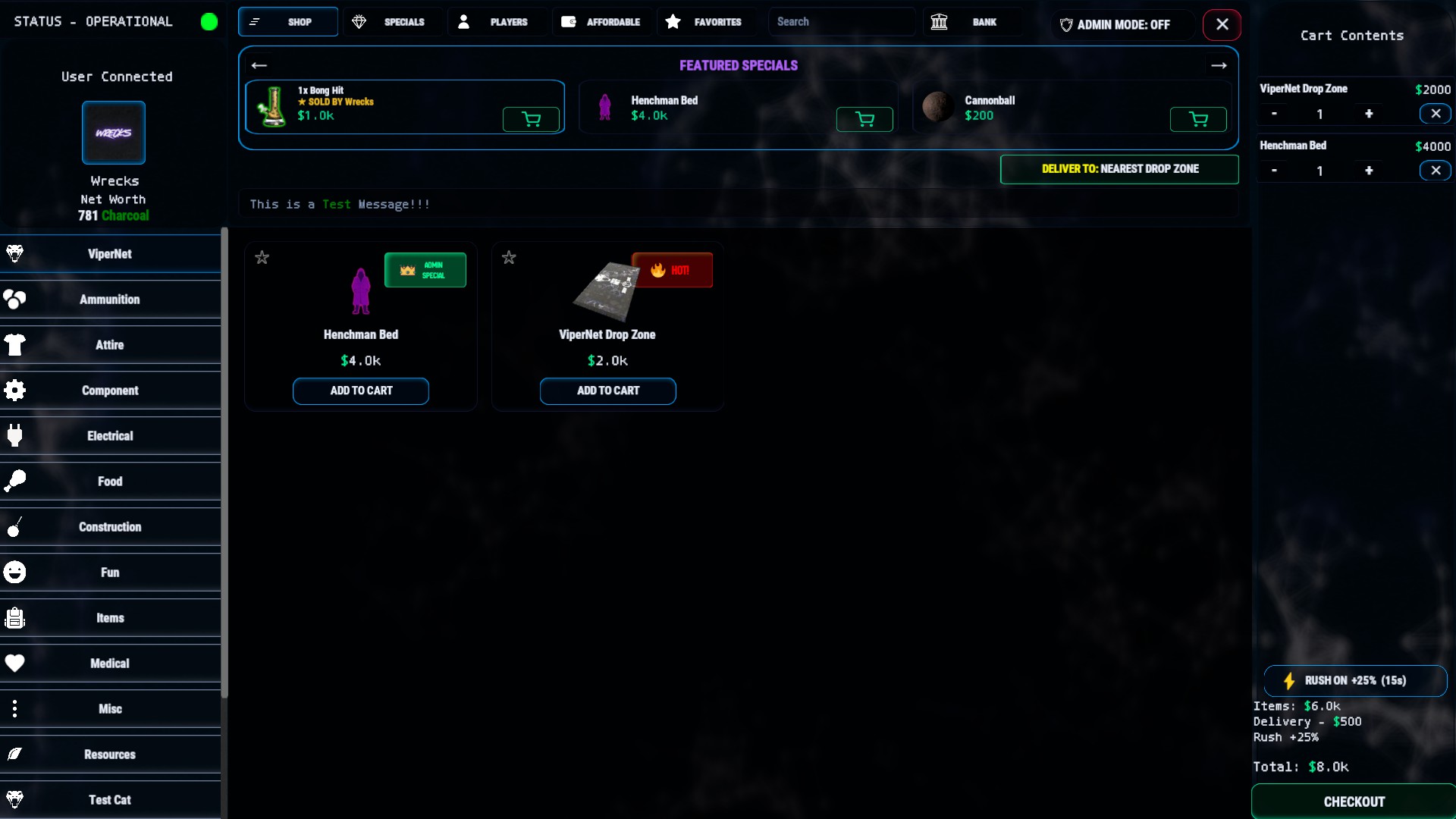
This is a marketplace that players open from a computer station.
Sell items for in-game currency, run a player-to-player market, deliver orders by drone, while also being nearly fully manageable in game via the admin / config panel. (Theme swap requires a 1 line edit / Creating custom themes require data edit / custom pngs/cdn)
Requires ImageLibrary to load the images.
You can use in tandem with Server Rewards / Economics in harmony, even use Custom Currency, you are free to use multiple ways to pay at once so you are not limited to 1 type.
Installation
Prior to install, drop the data file containing the premade categories and themes and then load the .cs to get started.
Admins
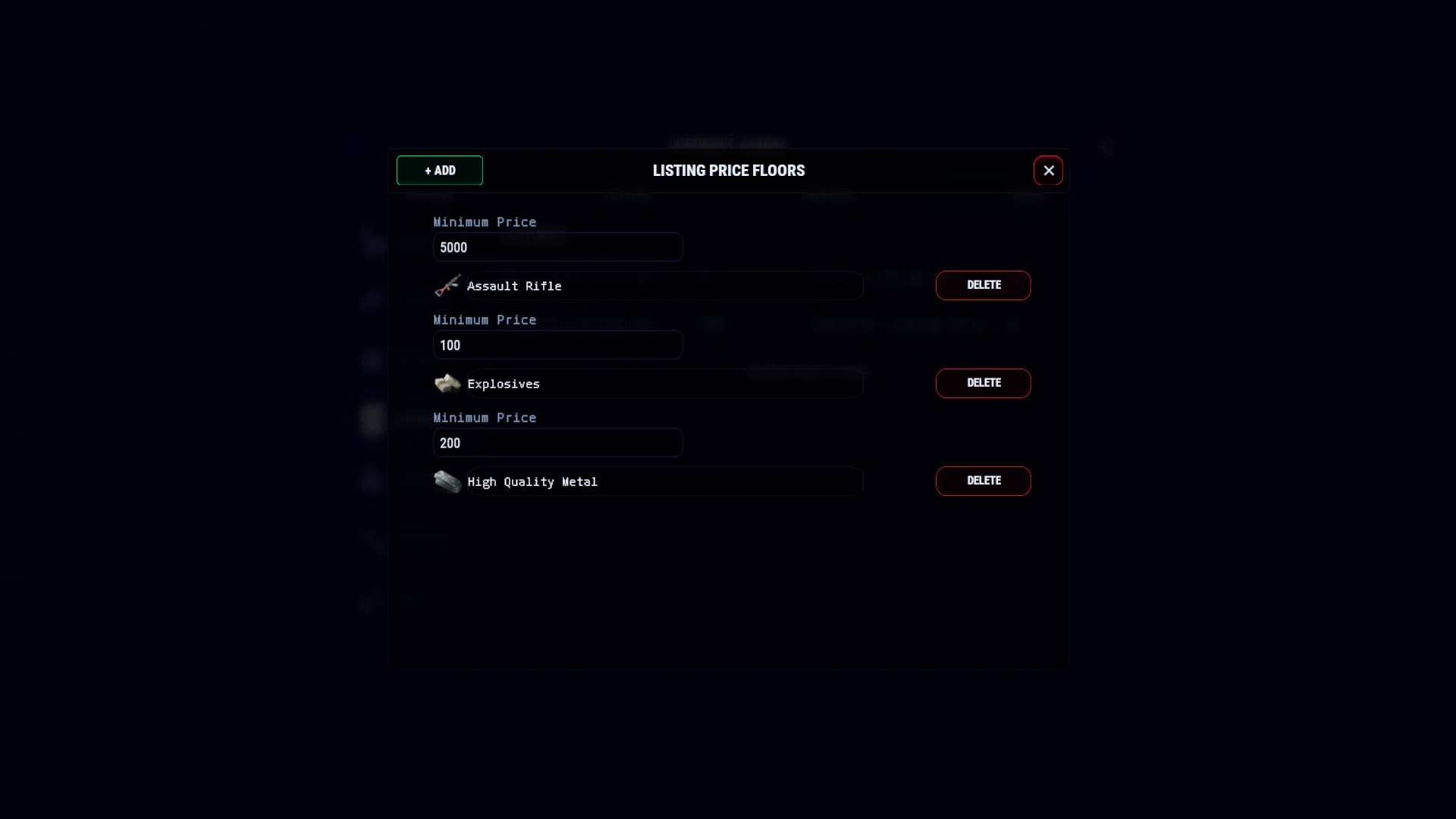
With the ViperNet.Admin permission you get access to the admin mode enabler. With this enabled you can edit categories, enable disable, hide behind a perm, reorder, add items straight from inventory, delete items, adjust prices, adjust order, create limited items, create temp item sales, adjust cooldowns, create command "items", set price floors for player listings so players cannot throw off your economy, Adjust ticker messages, everything you need to tailor the market place how you want.
Themes
ViperNet Comes with 8 palette swapped themes, to swap, go to the ViperNet.json config file, and swap either of these theme names, I will add a theme switcher in game in the future to make this easier.
default - crimson - glitch - gold - nebula - retrowave - tendo - toxic
How to open the Market
With a powered computer station, click the ViperNet Shortcut. This icon is moveable so players can set it where they like it.
Commands
/givedropzone - requires ViperNet.Admin - This is a command to issue yourself a drop zone delivery point, I already pre added this to the ViperNet category in game if needed.
RP / Eco Naming
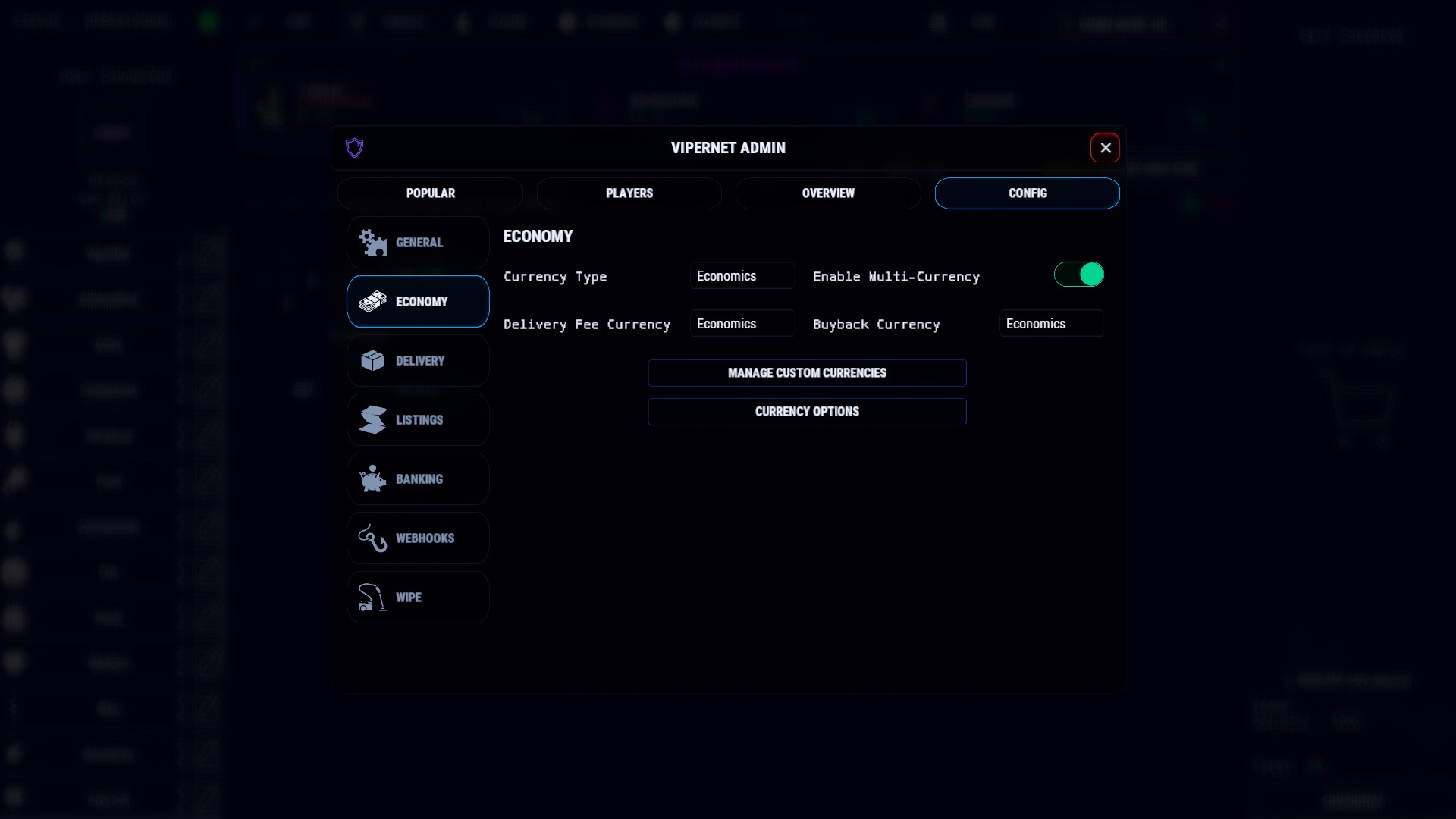
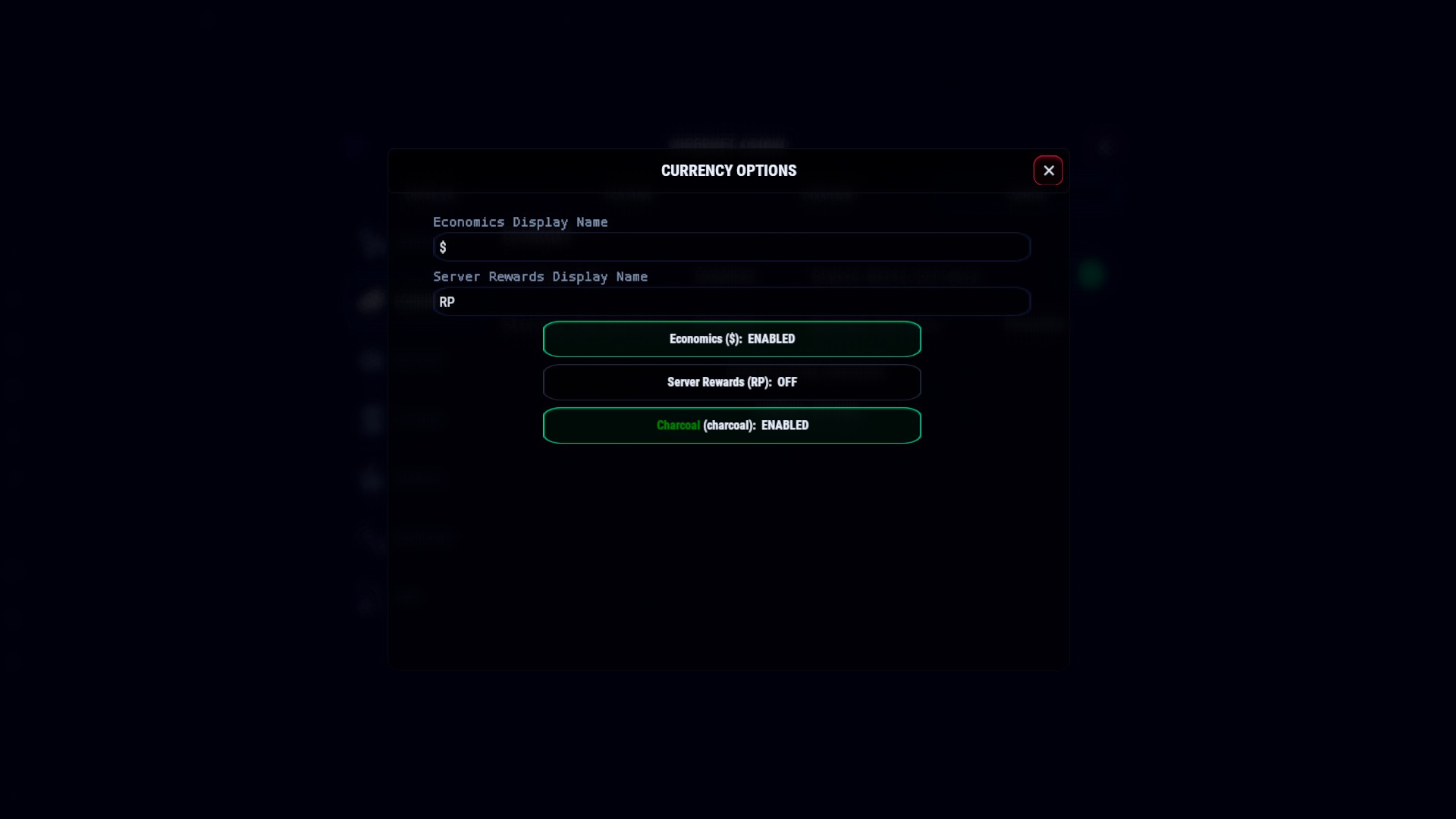
Some servers have alternate names for these, to adjust, open admin panel, economy, currency options and change these to what you like.
Single Vs Multi currency
By default everything is single currency set by currency type in config.
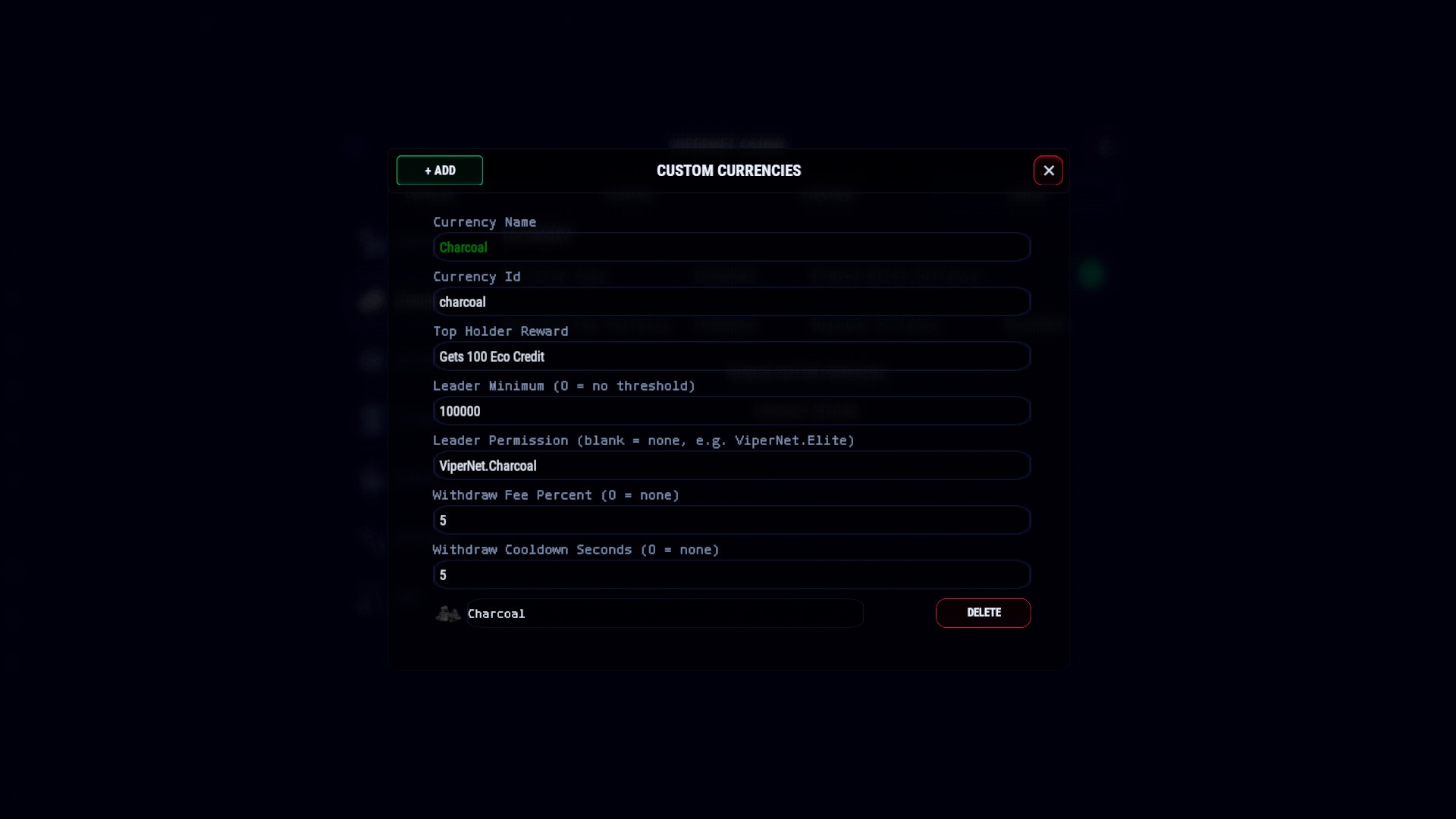
To enable multi currency click enable multi currency and pick what currency you accept and enable it, each item can have individual currency prices so higher value currency can buy more things than a lesser.
Player Features
Cart builder / checkout - players add items to cart, can further edit amount, pay with multiple currencies in one batch
Delivery / drop zones - players can use a dedicated drop zone for orders or it can be dropped right to them, if players order more than 1 package can fit, more will be dropped to complete the order
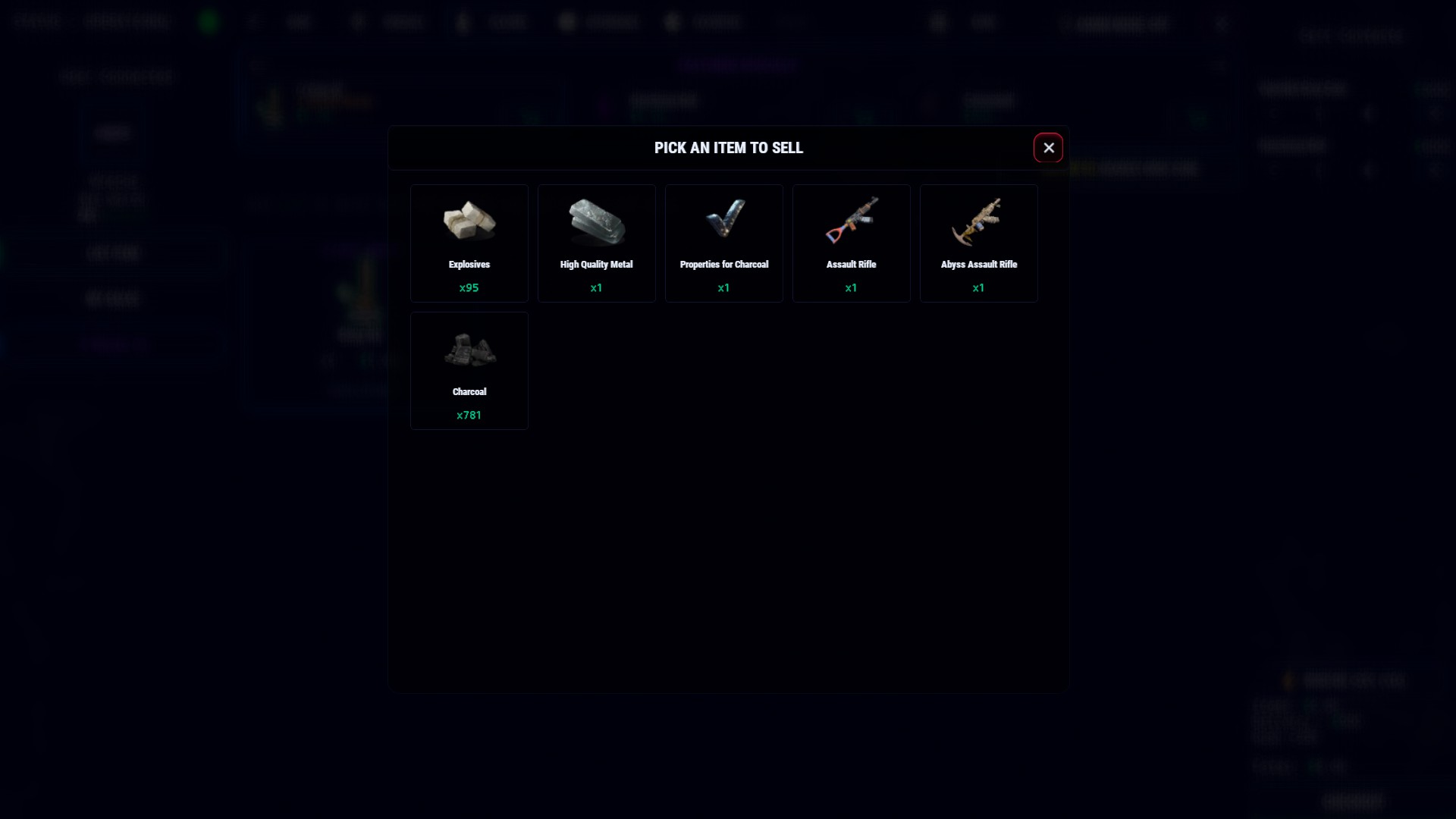
Sell to store / buyback - if enabled, players can sell items back to the shop
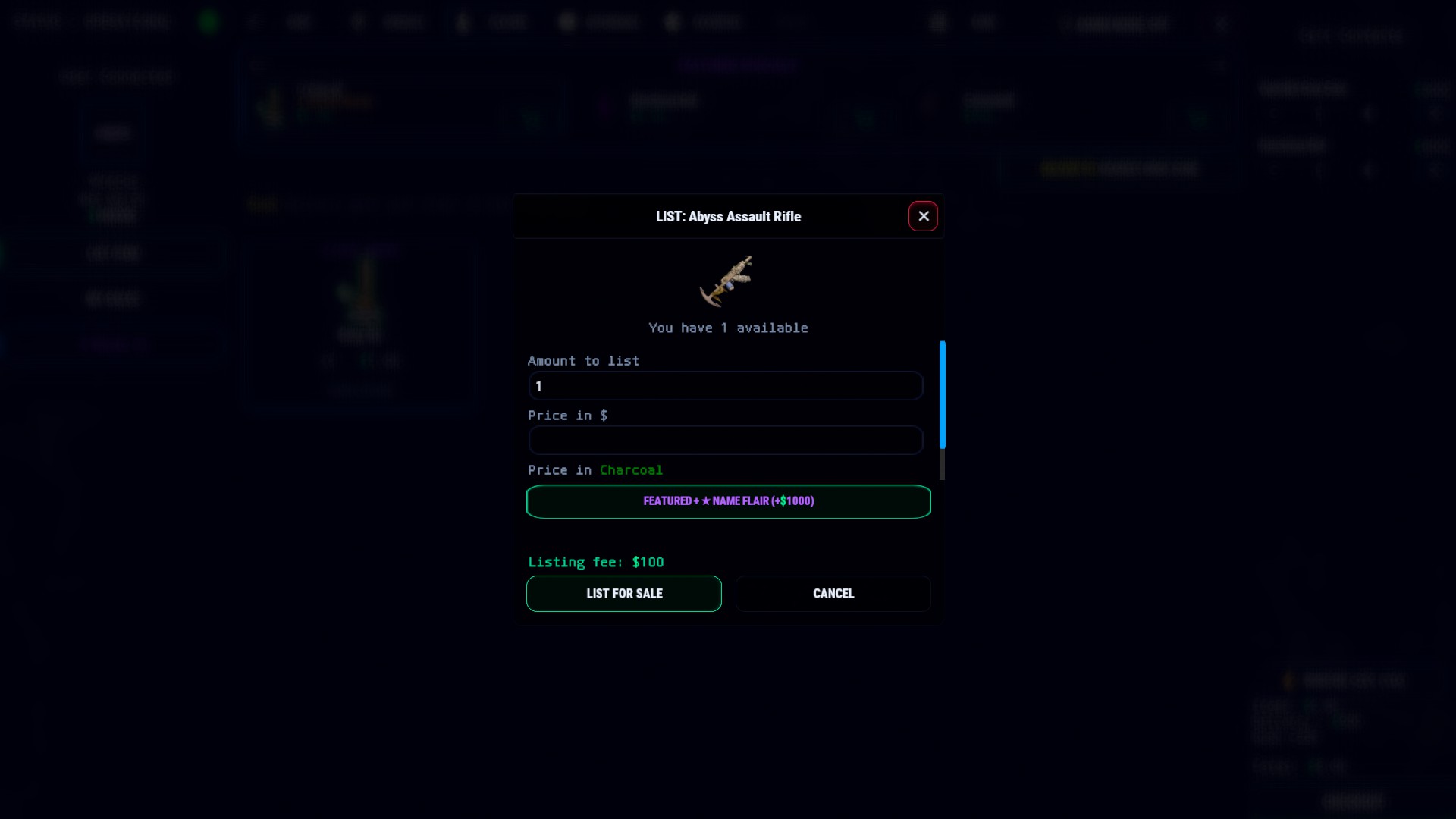
Player marketplace - players list their own items for sale to other players, with an optional fee and the option to "feature" a listing on the banner here you can utilize price floors to keep the economy in check.
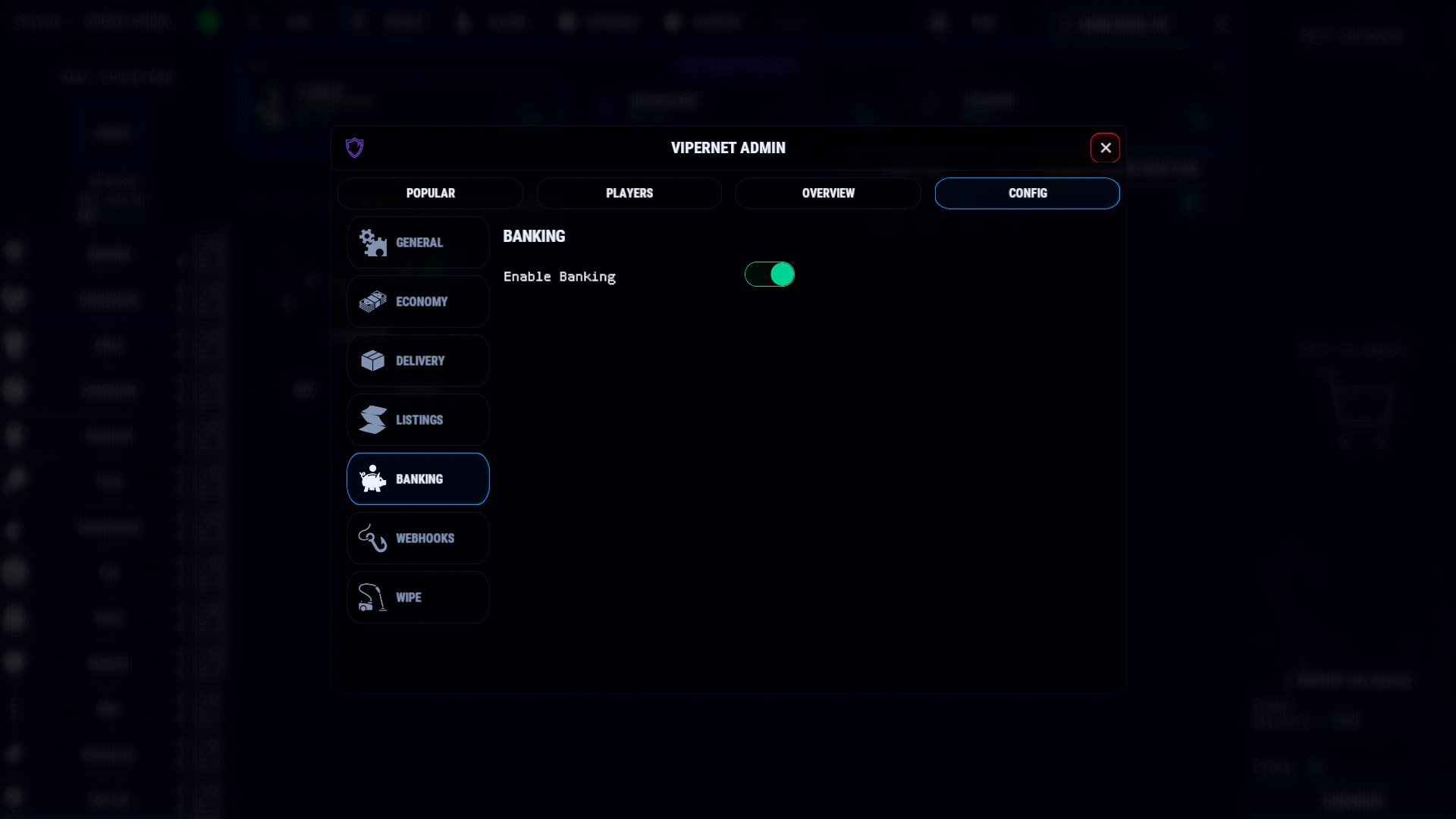
Banking - if enabled, players can bank a custom currency (Will add economics and server rewards in future) Top holder can be for bragging rights or they can be issued a permission. Ex. ViperNet.Gems
Favorites, specials, and affordable filters - quick tabs to help players find items
Other Features
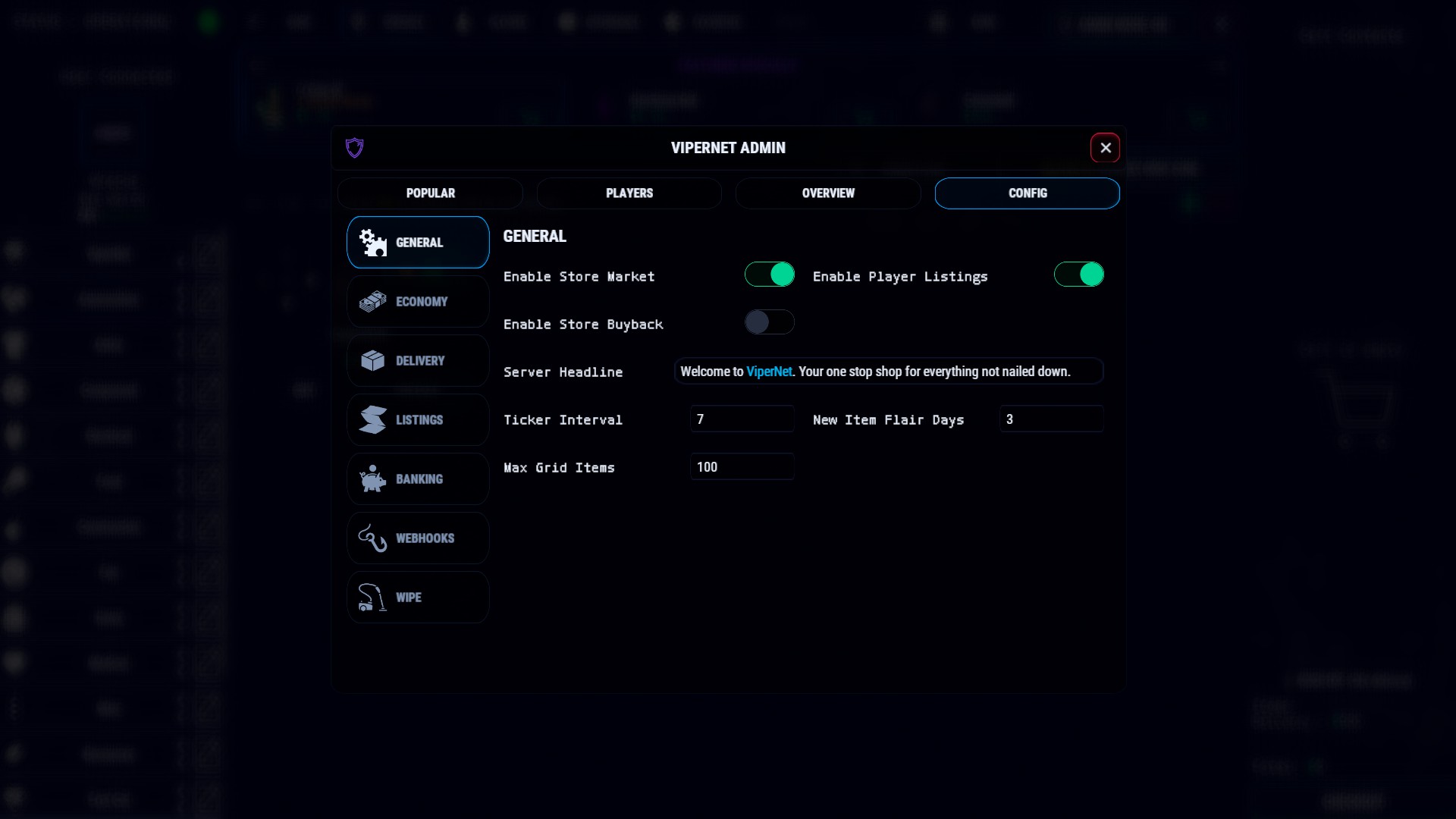
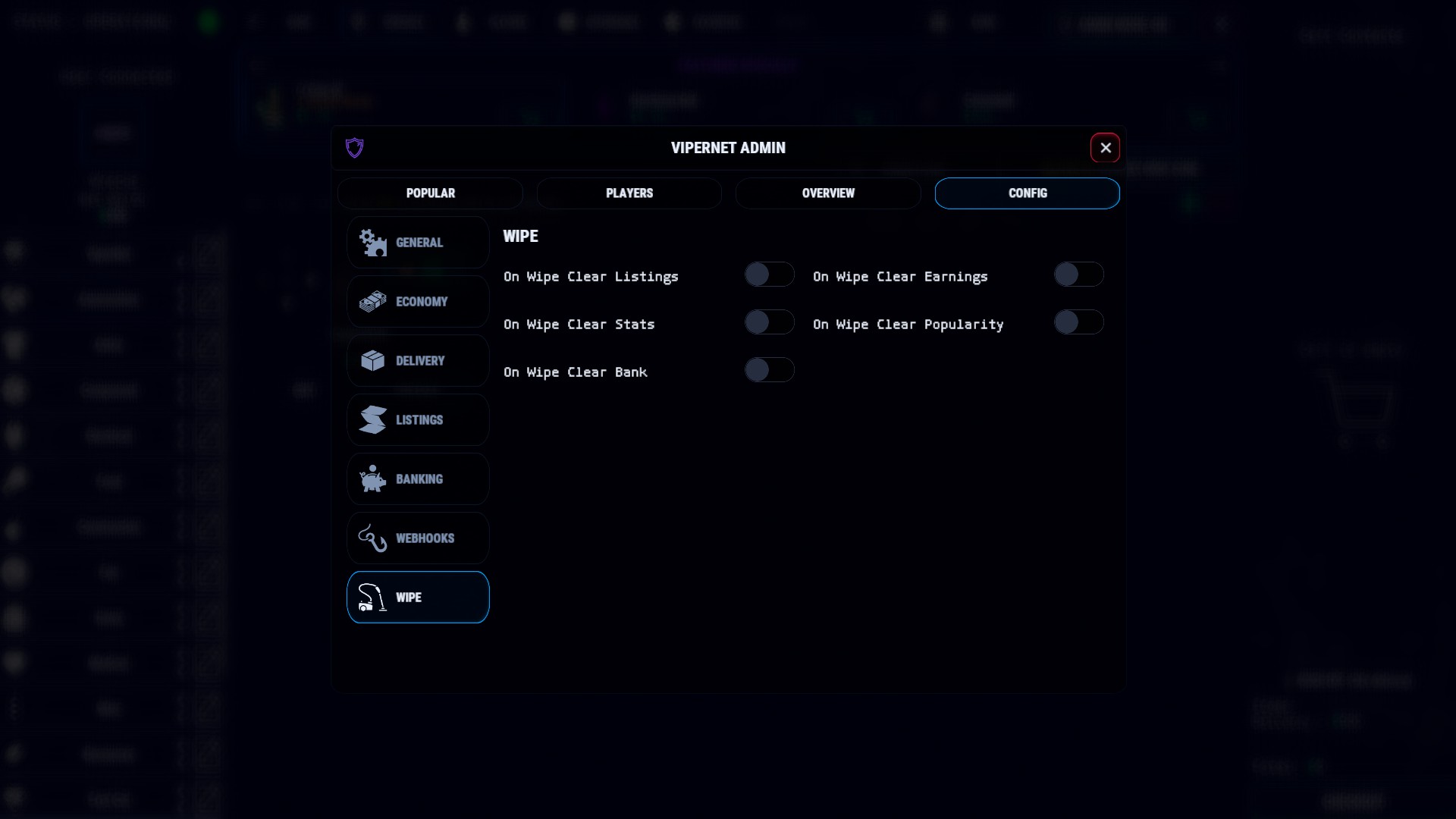
Webhook tracking of Player listings / purchases. Wipe Management of listings and more. Color theming or full png remodeling, Server Headline Editor, set this as a Server Market or just a player market.
Disable or Enable Server "Buyback" at any time, Lang file generated at install time for editing your localization.
ViperNet.json
{
  "Active Theme": "default",
  "Currency Type": "Economics",
  "Custom Currencies": [
    {
      "Currency Id": "dirtycash",
      "Item Shortname": "paper",
      "Skin ID": 3347697156,
      "Currency Name": "Dirty Cash",
      "Top Holder Reward": "Top Holder Earns the <color=#00BFFF>ViperNet</color> <color=red>Elite</color> role which provides a <color=yellow>25%</color> discount.",
      "Leader Minimum": 1000.0,
      "Leader Permission": "ViperNet.Elite",
      "Withdraw Fee Percent": 5.0,
      "Withdraw Cooldown Seconds": 300.0,
      "Bank Icon": null
    }
  ],
  "Enable Multi-Currency": false,
  "Accepted Currencies": [
    "Economics",
    "ServerRewards",
    "dirtycash"
  ],
  "Delivery Fee Currency": "Economics",
  "Buyback Currency": "Economics",
  "Economics Display Name": "$",
  "Server Rewards Display Name": "RP",
  "Economics Bank Settings": {
    "Currency Id": "Economics",
    "Item Shortname": null,
    "Skin ID": 0,
    "Currency Name": null,
    "Top Holder Reward": null,
    "Leader Minimum": 0.0,
    "Leader Permission": null,
    "Withdraw Fee Percent": 0.0,
    "Withdraw Cooldown Seconds": 0.0,
    "Bank Icon": null
  },
  "Server Rewards Bank Settings": {
    "Currency Id": "ServerRewards",
    "Item Shortname": null,
    "Skin ID": 0,
    "Currency Name": null,
    "Top Holder Reward": null,
    "Leader Minimum": 0.0,
    "Leader Permission": null,
    "Withdraw Fee Percent": 0.0,
    "Withdraw Cooldown Seconds": 0.0,
    "Bank Icon": null
  },
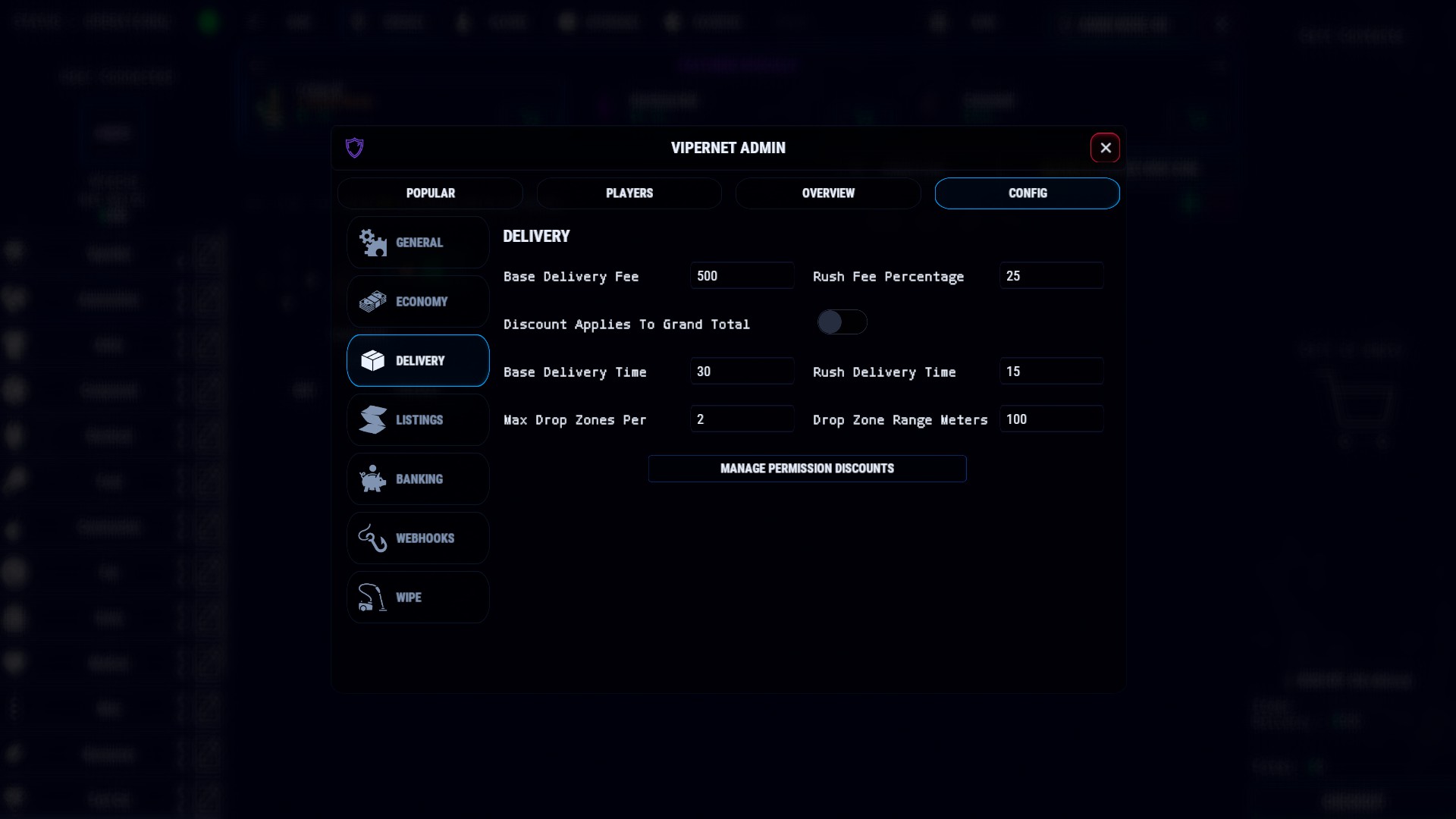
  "Base Delivery Fee": 500.0,
  "Rush Fee Percentage": 25.0,
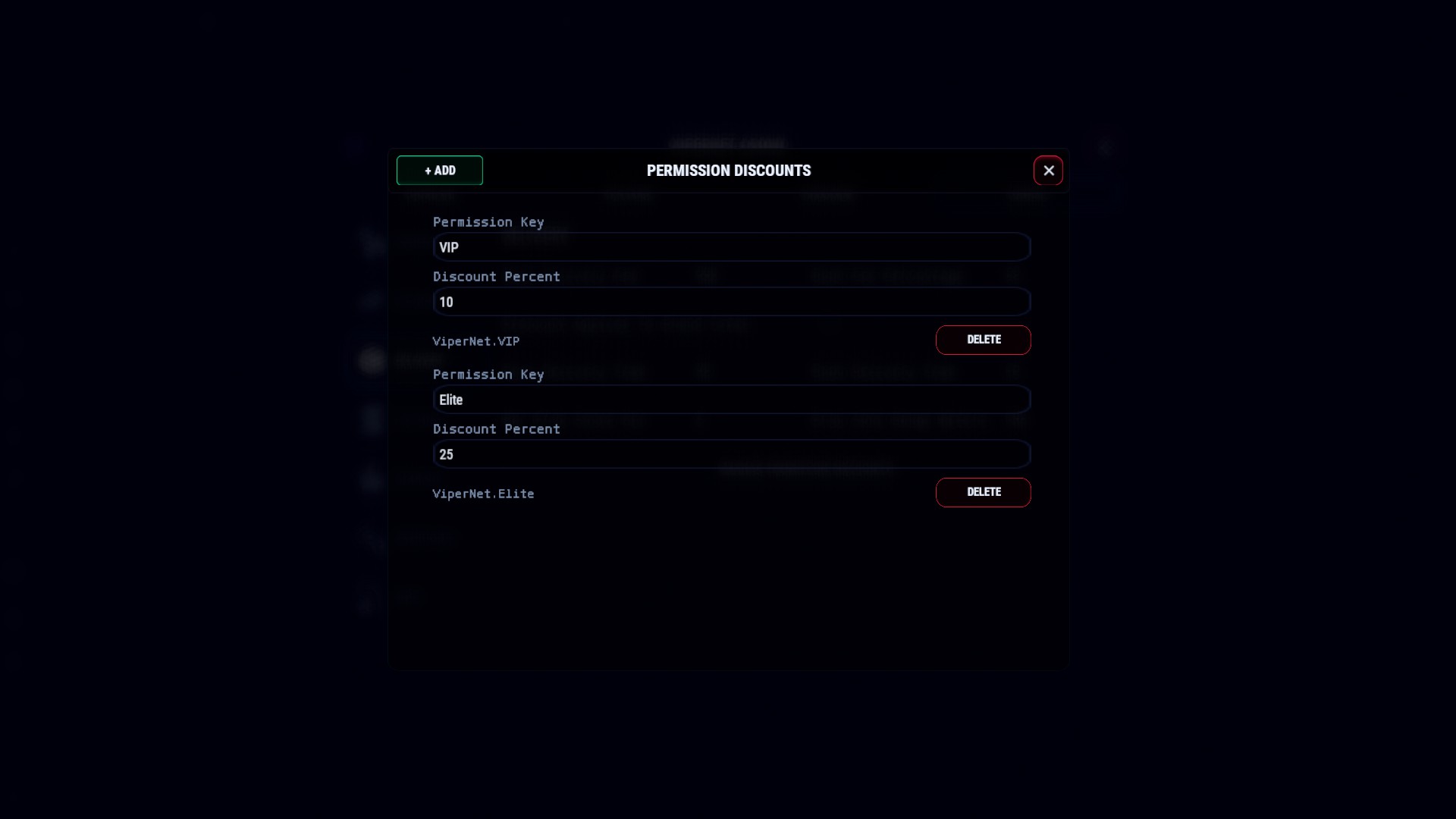
  "Permission Discount Percents": {
    "VIP": 10.0,
    "Elite": 25.0
  },
  "Discount Applies To Grand Total": false,
  "New Item Flair Days": 3.0,
  "Max Grid Items": 100,
  "Enable Banking": false,
  "Base Delivery Time Seconds": 30.0,
  "Rush Delivery Time Seconds": 15.0,
  "Enable Store Market": true,
  "Enable Store Buyback": false,
  "Enable Player Listings": true,
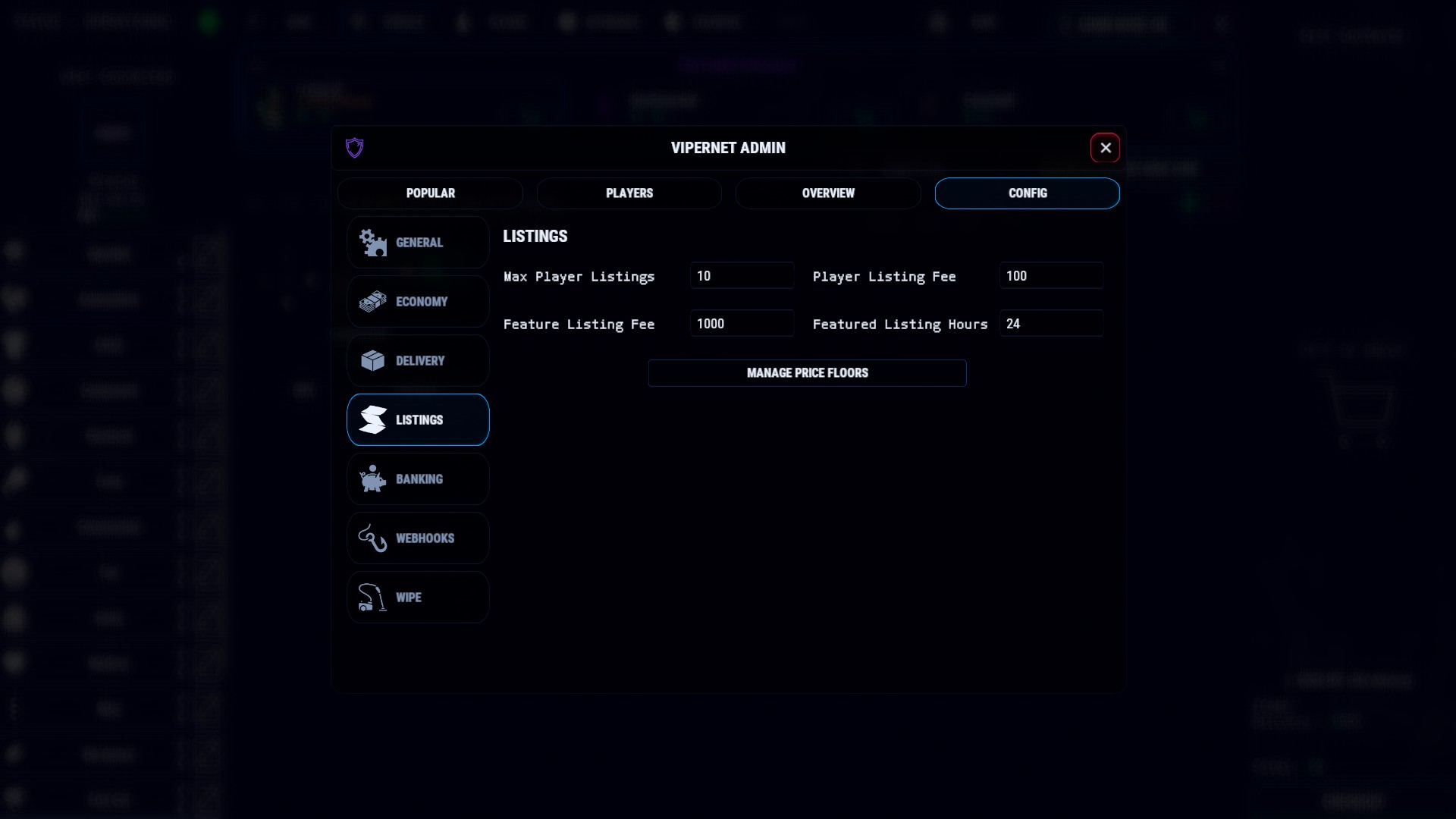
  "Max Player Listings": 10,
  "Player Listing Fee": 100.0,
  "Feature Listing Fee": 1000.0,
  "Featured Listing Hours": 24.0,
  "Listing Price Floors": [
    {
      "Shortname": "rifle.ak",
      "Skin ID": 0,
      "Display Name": null,
      "Text": null,
      "Minimum Price": 5000.0
    }
  ],
  "Max Drop Zones Per Player": 2,
  "Drop Zone Range Meters": 100.0,
  "Ticker Interval Seconds": 6.0,
  "Server Headline": "Welcome to <color=#00BFFF>ViperNet</color>. Your one stop shop for everything not nailed down.",
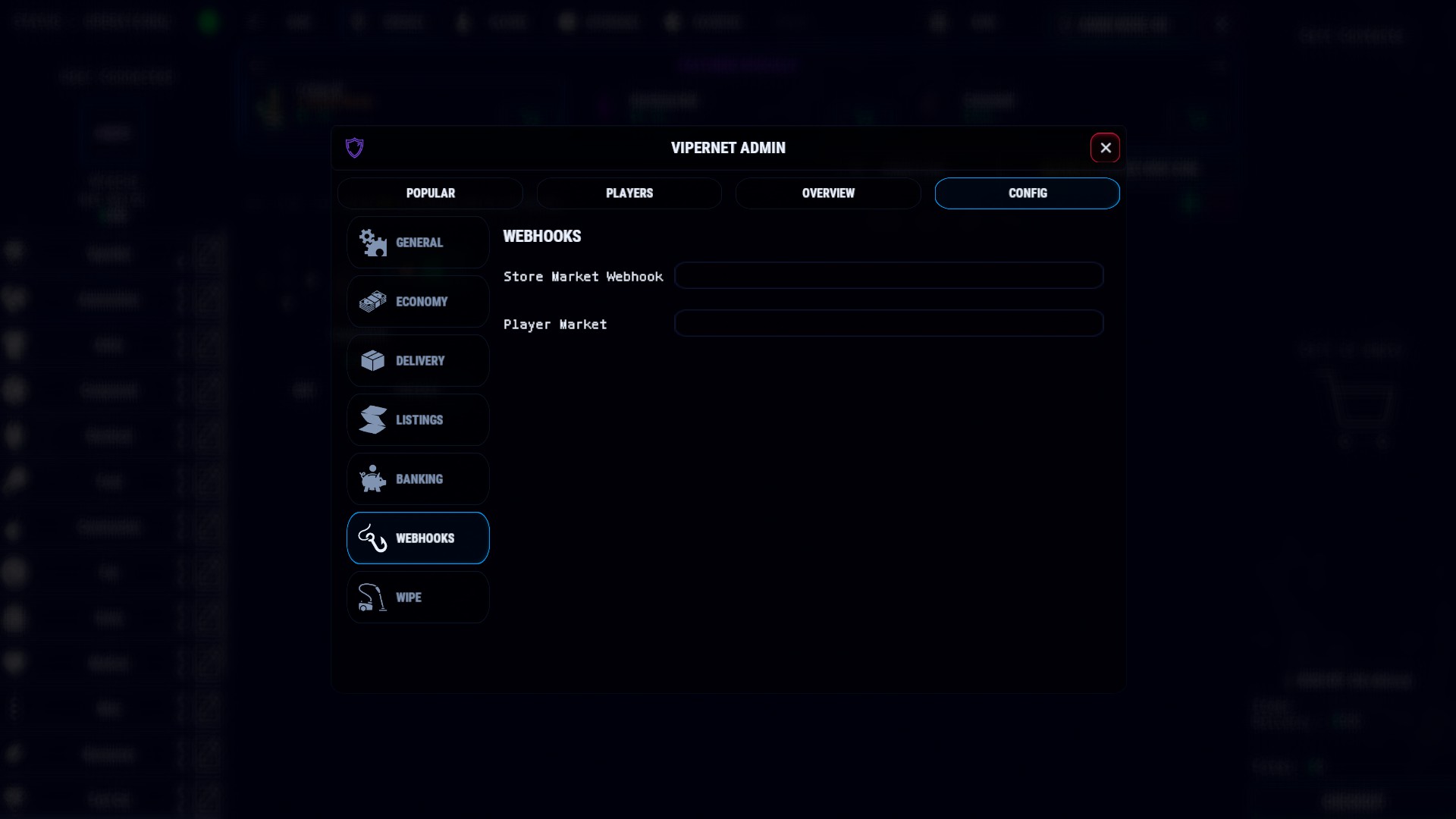
  "Store Market Discord Webhook": "",
  "Player Market Discord Webhook": "",
  "On Wipe Clear Player Listings": true,
  "On Wipe Clear Player Earnings": true,
  "On Wipe Clear Player Stats": true,
  "On Wipe Clear Popularity Stats": true,
  "On Wipe Clear Bank": false
}

Trusted hosting partner. Affordable game servers with solid support and panels.
Visit site ↗ Black Harvest$24.99
 Drugs$20.00
 The Dealer$20.00
 Viper Crafting$25.00
 Custom Crops$20.00
 Henchman$29.99
 ViperNet$39.99
 Kap Bounties $15.99
 Contraband$24.99
 Contraband Files$15.99
- Viper Crafting$25.00
- Drugs$20.00
- The Dealer$20.00
- Custom Crops$20.00
- ViperNet$39.99
- Henchman$29.99