Compost Helper
CompostHelper
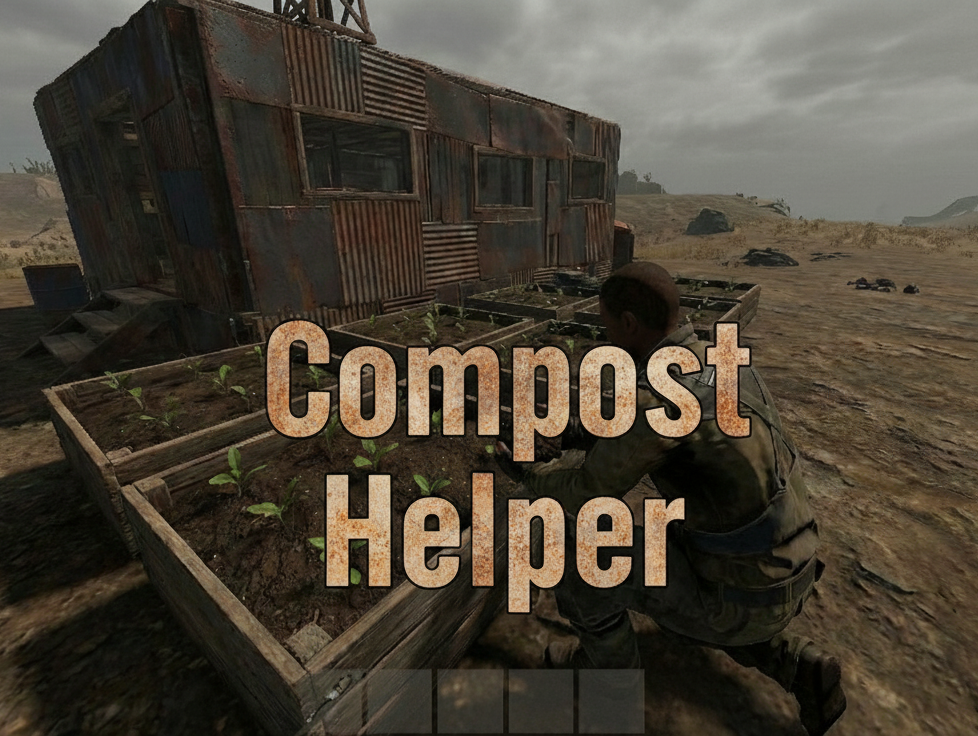
A Rust plugin that adds a "SPREAD" button to Composters for smart fertilizer distribution to planters.
What It Does
When players open a Composter, they see a SPREAD button that: - Converts compostable items into fertilizer - Collects all fertilizer from planters in the TC area - Redistributes fertilizer evenly across all planters - Stores excess back in the Composter
Installation
- Place CompostHelper.cs in oxide/plugins/
- Plugin auto-loads and creates config at oxide/config/Composter.json
- Grant permission: oxide.grant group default composthelper.use
Permission
composthelper.use - Required to see and use the SPREAD button
Configuration
| 1 | { |
| 2 | "Breakdown Time (seconds)": 1.0, |
| 3 | "Auto Distribution Enabled": false, |
| 4 | "Maximum Distribution Range": 50.0, |
| 5 | "Supported Planter Types": [ |
| 6 | "planter.large.deployed", |
| 7 | "planter.small.deployed", |
| 8 | "planter.triangle.deployed", |
| 9 | "plantpot.single.deployed", |
| 10 | "bathtub.planter.deployed", |
| 11 | "minecart.planter.deployed" |
| 12 | ], |
| 13 | "Fertilizer Item Shortname": "fertilizer" |
| 14 | } |
Key Settings: - Maximum Distribution Range: How far to search for planters (default: 50m) - Supported Planter Types: Which planters receive fertilizer
Player Usage
- Place Composter in base (must be in TC range)
- Add fertilizer or any compostable items
- Open Composter and click SPREAD button
- Check chat for results
Example Output: ✓ Distributed 45/50 fertilizer to 15 planters → 5 fertilizer stored back in composter

Command your Rust server. Live WebRCON console, performance and player monitoring, quick actions, groups and permissions, and plugin management.
Visit site ↗