UAV: Radar Enemies Detection
 Yac Vaguer
 1 / 4
1 / 4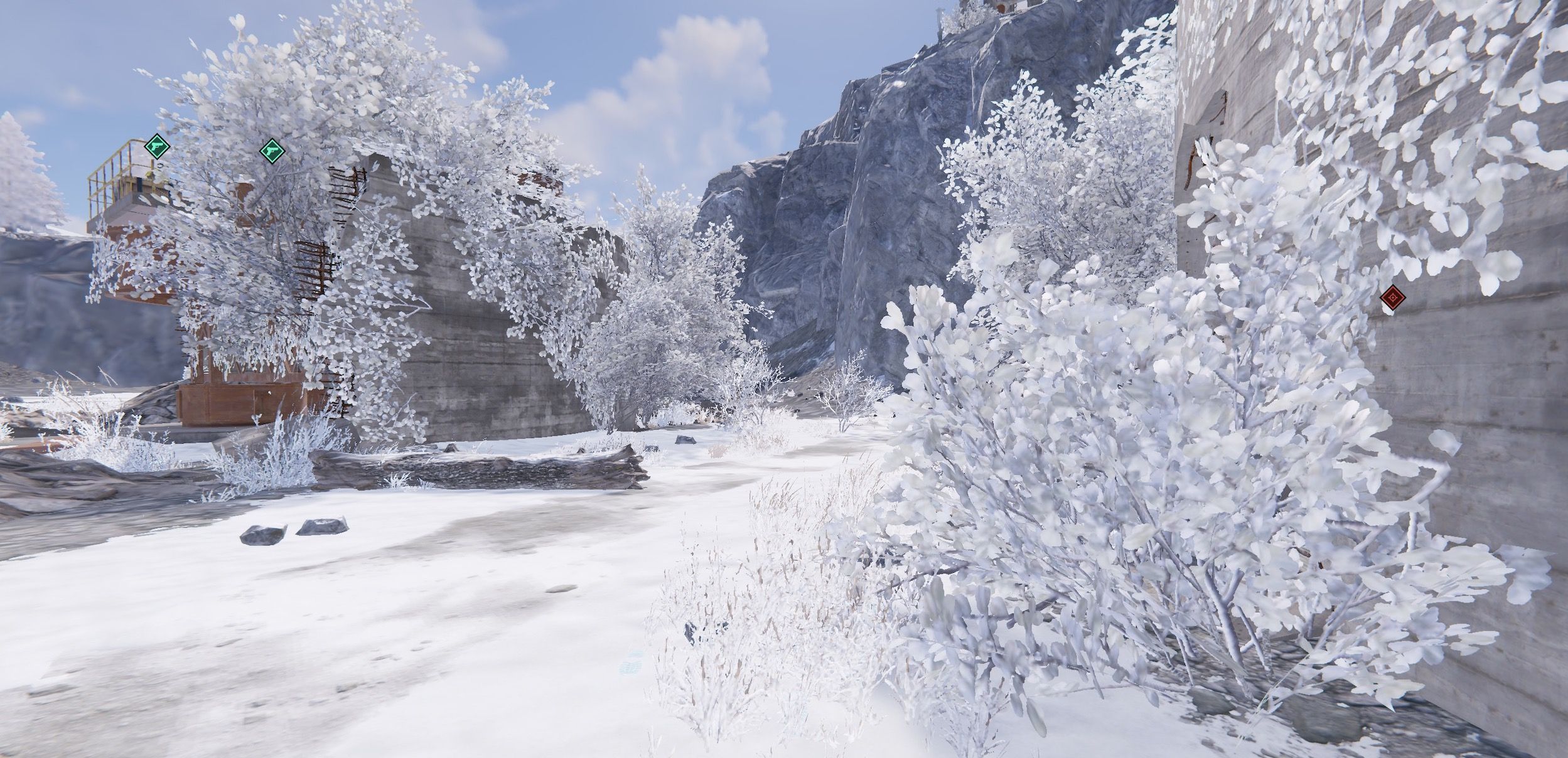
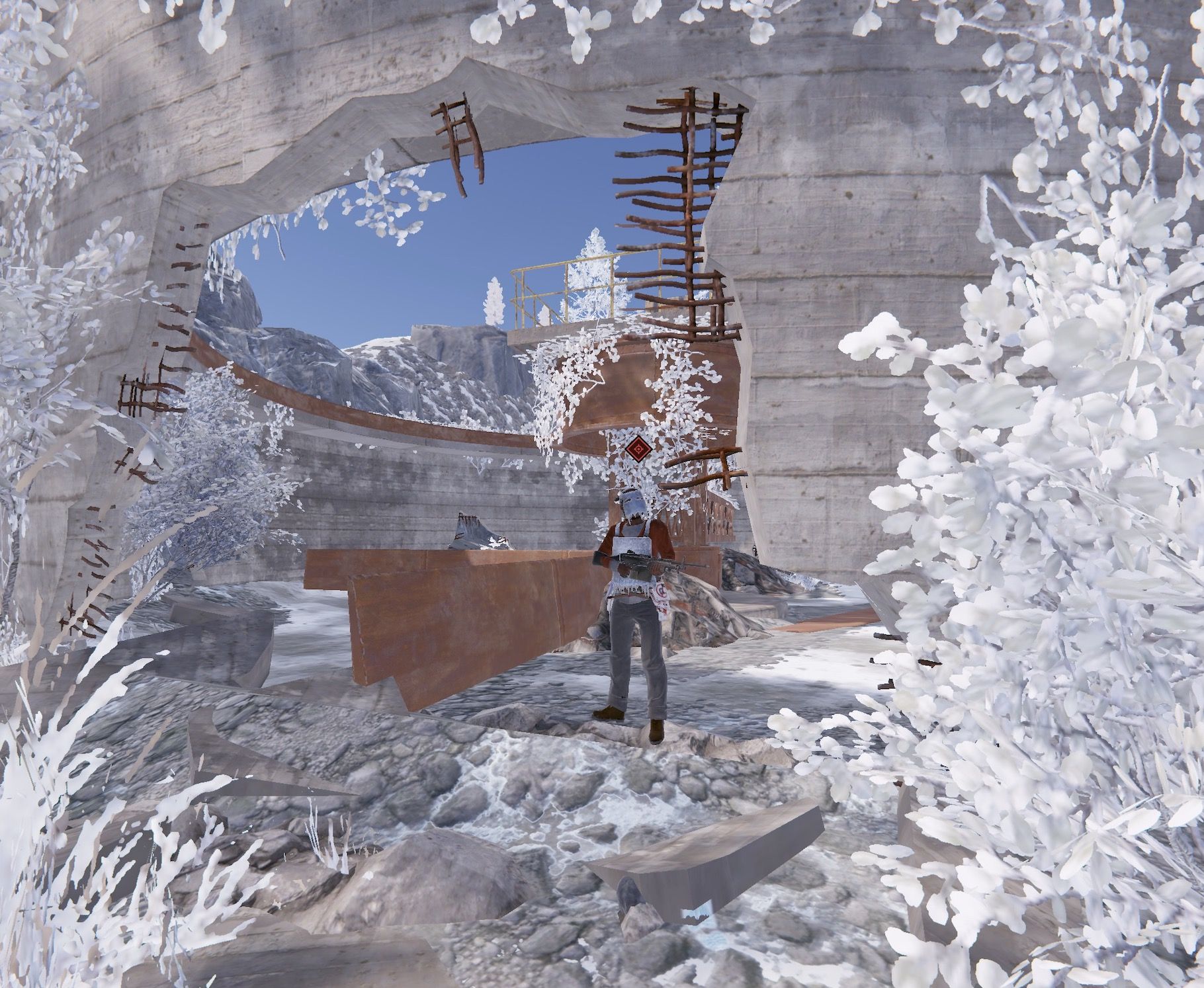
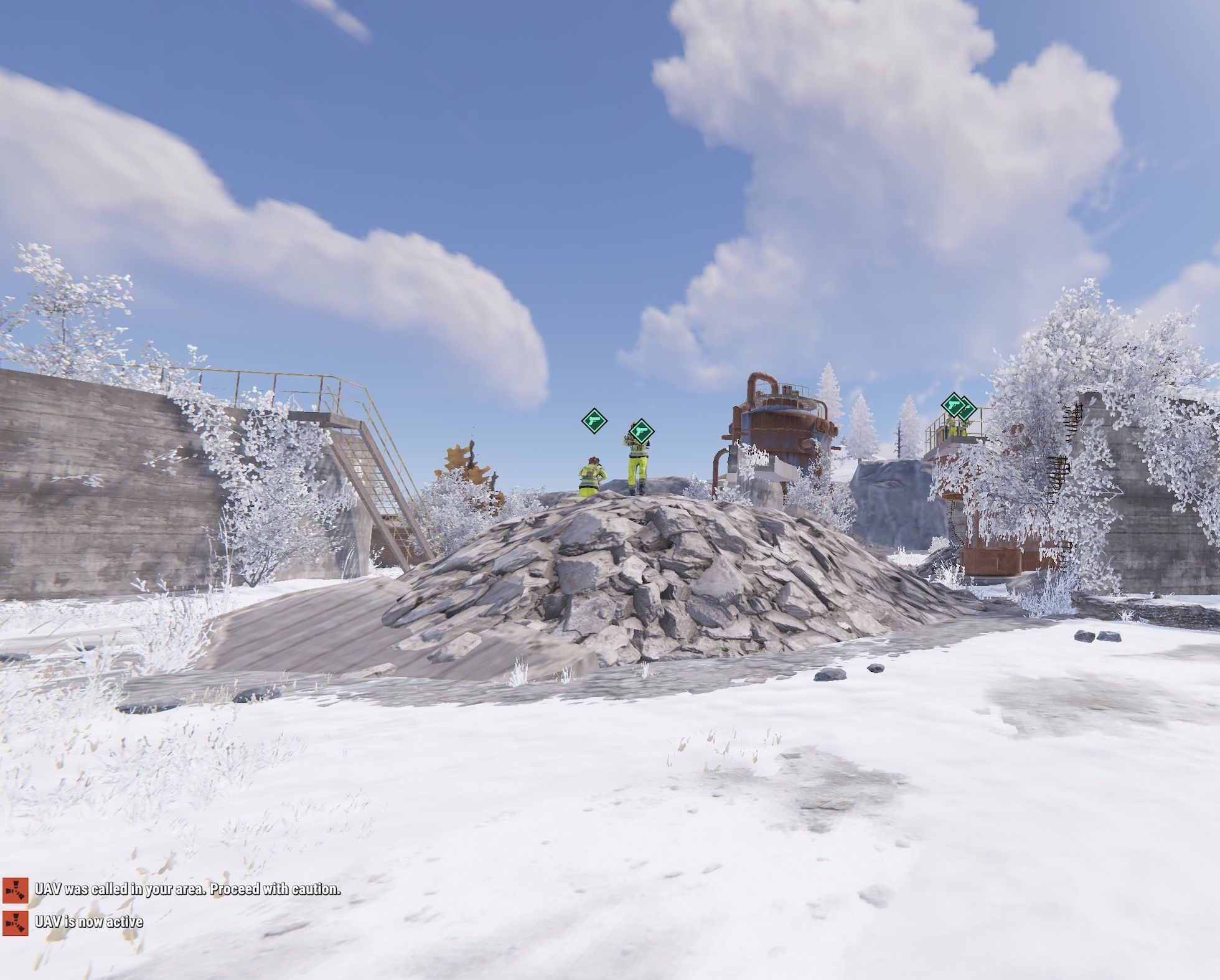
UAV: Radar Enemies Detection call a F15 to that will activate a radar during a certain period of time where you can be able to see where are the enemies located.
This enemies can be represented with different colors and symbols that you can change in the configuration.
You have three types of marks
- Team mates
- NPCs
- Other Players (Enemies)
The plugin is fully configurable
Commands
Chat Command
/uav and /uav {steamId} You can send an UAV to you (if you are an admin) or to a player given the Steam Id
Console Command
uav {steamId} You can send an UAV to a player given the Steam Id
Configuration example
   {
  "Jet Configuration": {
    "Altitude (Over 200 is the recommended)": 200.0,
    "Seconds after spawn to destroy the jet": 15.0,
    "Spawn Distance from target": 500.0
  },
  "UAV Main configuration": {
    "Duration of the Sonar detection": 30.0,
    "Radius of the Radar": 40.0,
    "Seconds between throwing the signal, and the radar start showing players around": 5.0,
    "Skind Id for the supply signal (Need to be unique in the server)": "2791030040"
  }
}
Ideas on how to make the UAV Spawn in your server
1. Add The UAV in the Market if you have one
2. Add as a part of the Loot in the Raidable Bases or Custom loot
3. Add as a Skill in the Skill Tree Plugin More here
4. Make the UAV part of the /kits
5. Add the UAV in vending machines
Skins from the community that you are free to use
@Dead Nasty https://steamcommunity.com/sharedfiles/filedetails/?id=3248306153
@Mabel https://steamcommunity.com/sharedfiles/filedetails/?id=3233756487
@Mr.Wild https://steamcommunity.com/sharedfiles/filedetails/?id=3247990388
UAVSignal.json
{
  "UAV Settings": {
    "Duration (seconds)": 30.0,
    "Radius": 40.0,
    "Skin ID": 3248057023,
    "Warmup Time (seconds)": 5.0,
    "Item Name": "UAV Signal"
  },
  "Jet Settings": {
    "Altitude": 200.0,
    "Spawn Distance": 500.0,
    "Duration (seconds)": 15.0
  },
  "Loot Settings": {
    "Enable Loot Drops": true,
    "Loot Containers and Drop Chances": {
      "crate_normal": 5.0,
      "crate_normal_2": 5.0,
      "crate_elite": 10.0,
      "heli_crate": 15.0,
      "bradley_crate": 15.0
    }
  },
  "Debug Mode": false
}
Command your Rust server. Live WebRCON console, performance and player monitoring, quick actions, groups and permissions, and plugin management.
Visit site ↗