MyF15
 ChipShopMan
 1 / 3
1 / 3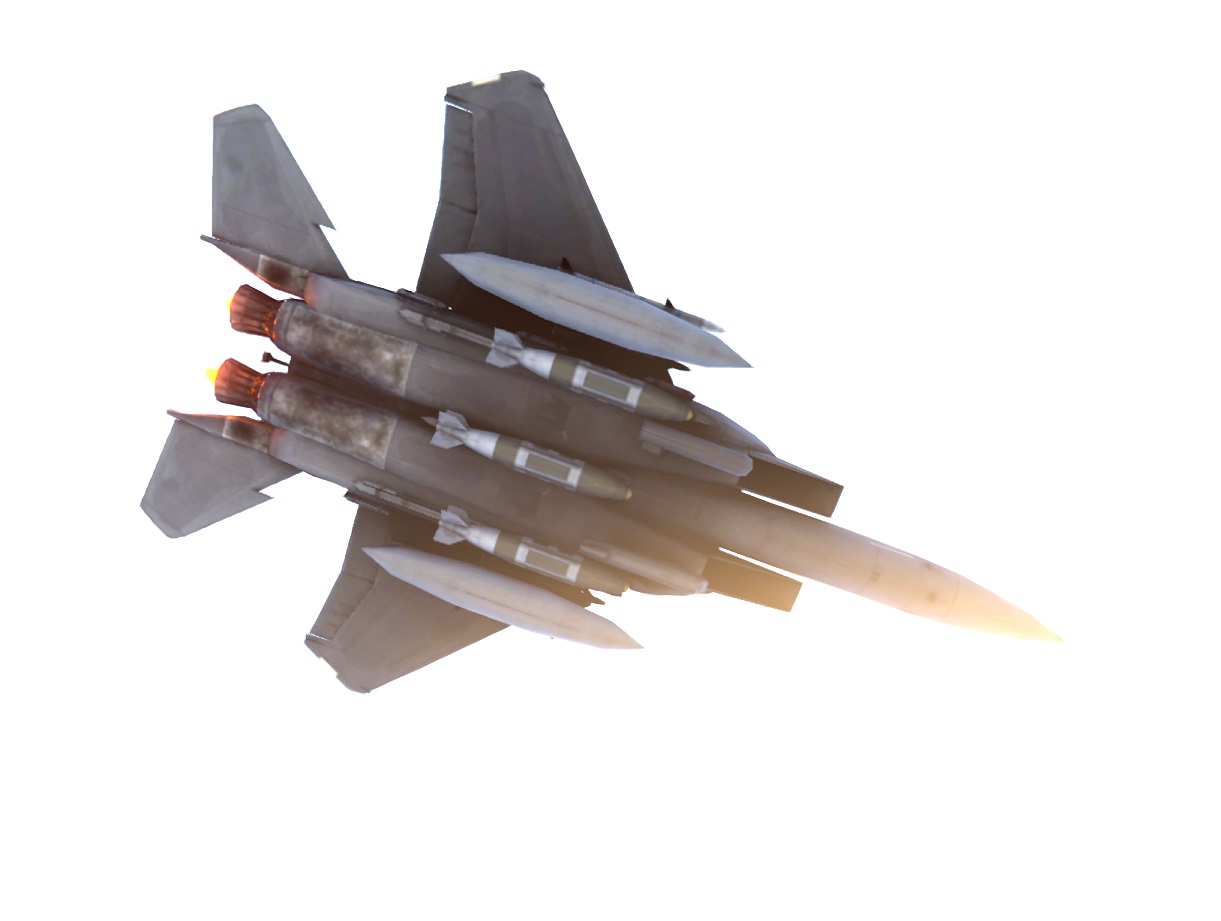
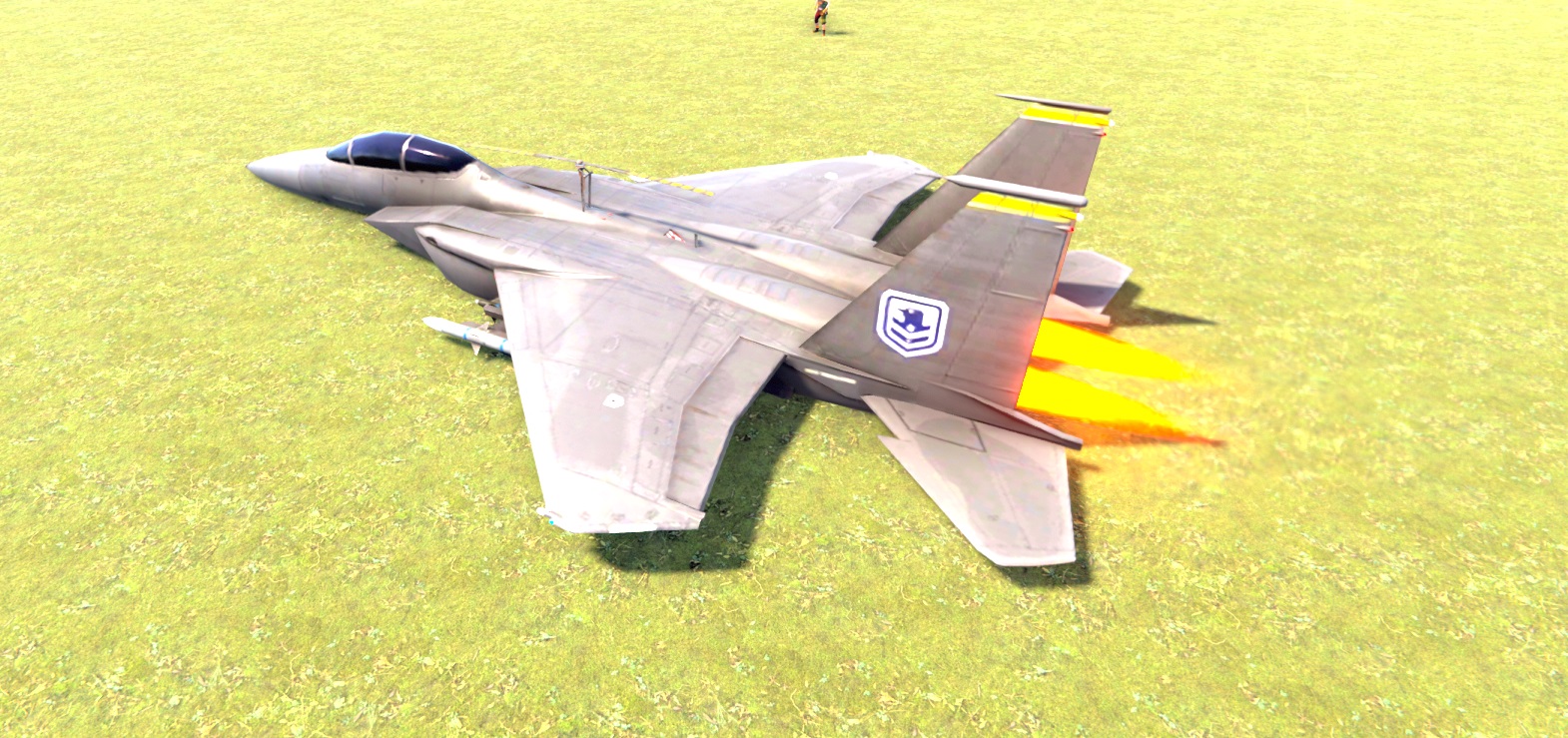
MyF15 allows players in Rust to spawn and pilot their very own F15 fighter jet, transforming their gameplay with an exciting aerial experience. Using simple chat commands, players can effortlessly summon or remove their personal aircraft, adding a unique dimension to their adventures.
How It Works:
The MyF15 plugin modifies a standard Rust minicopter into an F15 fighter jet. Players can use chat commands to spawn or despawn their aircraft, which behaves similarly to noclip movement, offering highly maneuverable flight. Permissions are required to use these commands, ensuring controlled access.
Commands:
/f15 - Spawns your personal F15 jet.
/nof15 - Despawns your F15.
Permissions:
myf15.spawn - Grants permission to spawn an F15 using the /f15 command.
Features:
Cooldown Mechanism: Spawning an F15 has a 2-second cooldown to prevent excessive aircraft spawning.
Automatic Despawn: The F15 automatically despawns when a player disconnects, maintaining server performance and tidiness.
No Explosion Effects: Fireball and explosion effects are disabled upon destruction, ensuring a smoother experience without visual clutter.
Immediate Mounting: Players are automatically mounted to their F15 when spawned, making it quick and easy to take off.
Configurable Settings:
Spawn Distance: The distance at which the F15 spawns from the player can be adjusted, allowing for customization to fit different gameplay styles.
Cooldown Duration: The cooldown period for spawning an F15 can be configured to suit server preferences, preventing abuse or enabling faster respawns.
Speed Multipliers: The speed multiplier for regular flight and sprint-boosted flight can both be adjusted to modify how fast the F15 can travel.
Shift Key for Speed Boost:
When flying the F15, players can hold down the Shift key to activate a speed boost, significantly increasing the speed of their aircraft. This feature provides greater control and agility, making it easier to maneuver.

Command your Rust server. Live WebRCON console, performance and player monitoring, quick actions, groups and permissions, and plugin management.
Visit site ↗