SquidBridge
 Dávid Balázs
 1 / 5
1 / 5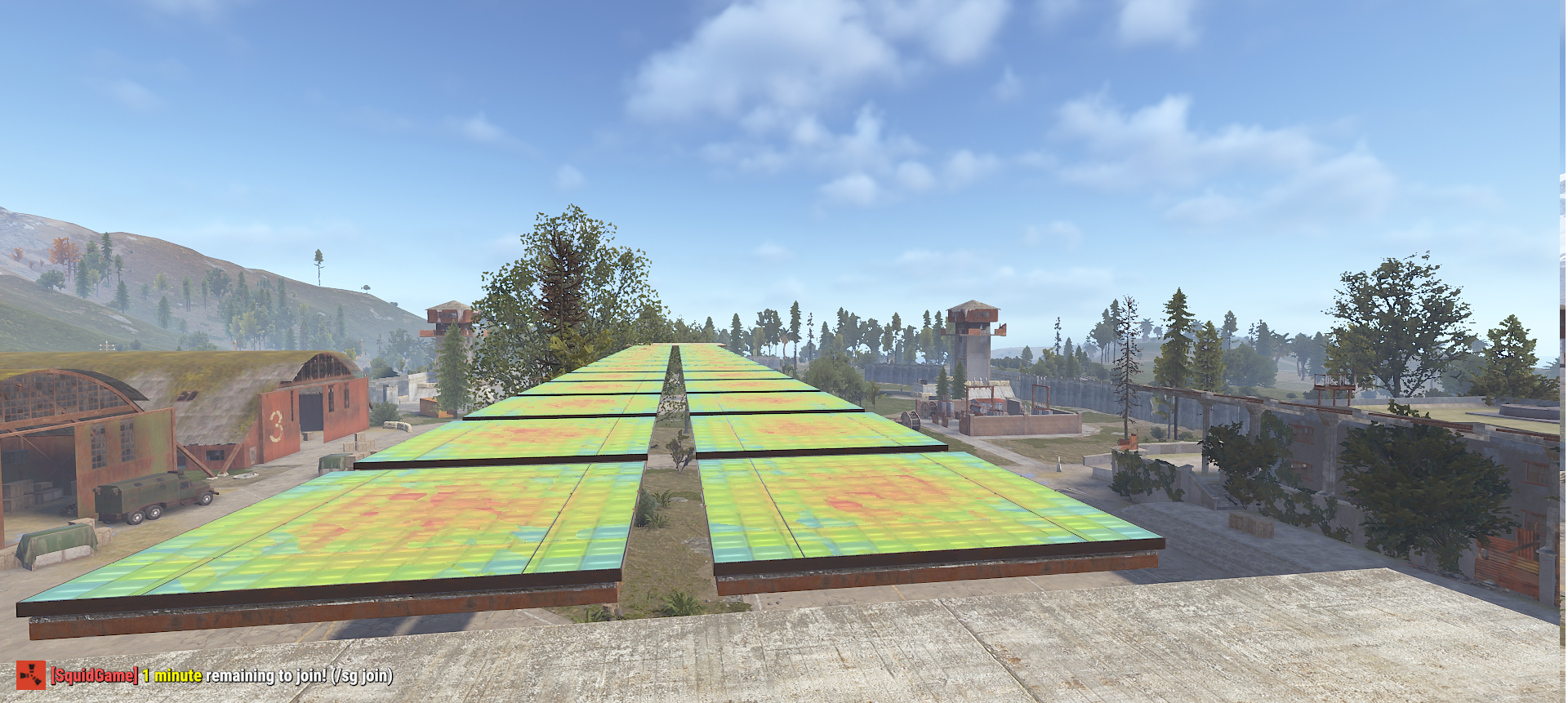
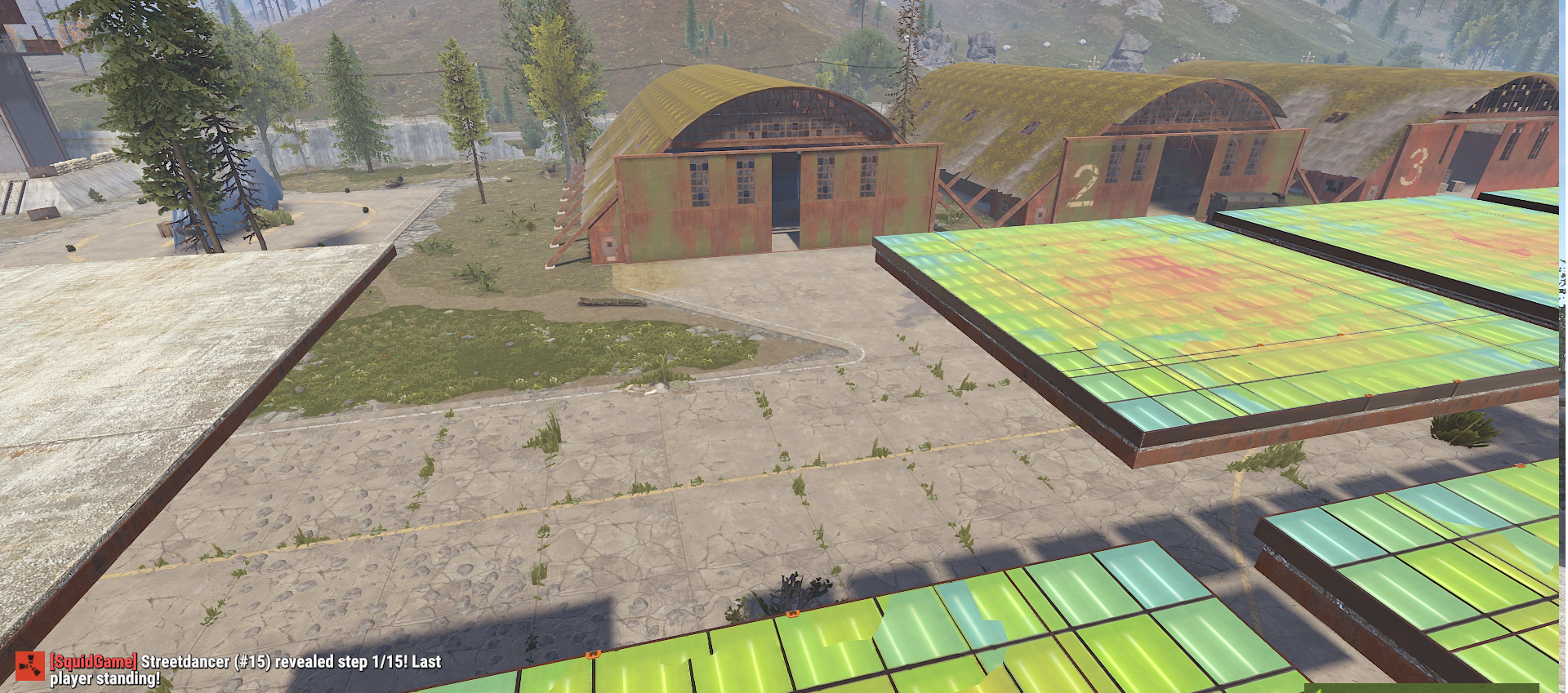
SquidBridge - Squid Game Glass Bridge Event
Bring the iconic Squid Game Glass Bridge challenge to your Rust server with SquidBridge, a fully event-driven minigame built around a dangerous 15-step glass bridge, where every decision matters.
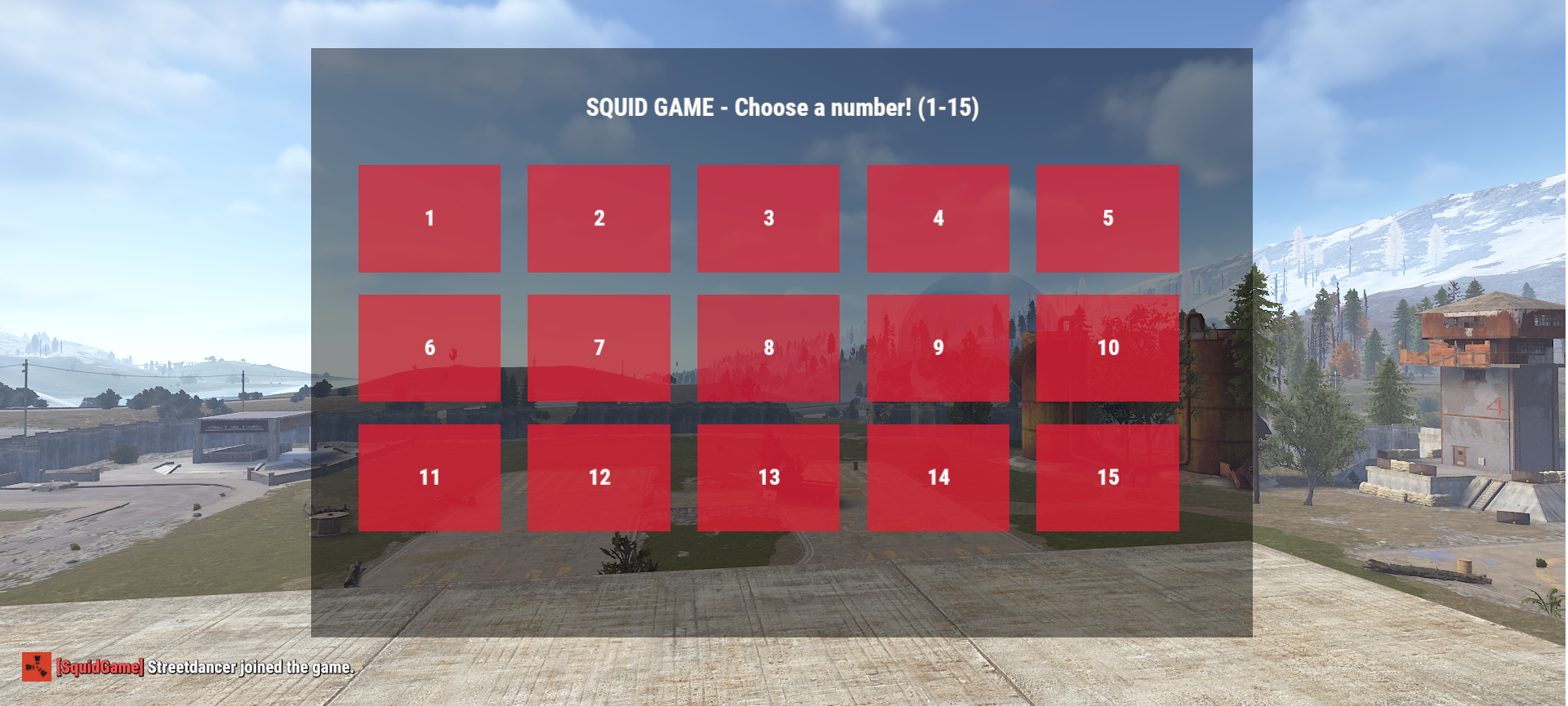
Players join the event during the lobby phase and enter a round-based queue. When it is their turn, they must choose a number between 1 and 15 through the dedicated user interface.
Each bridge step contains two possible paths. One is randomly selected as safe, while the other is deadly.
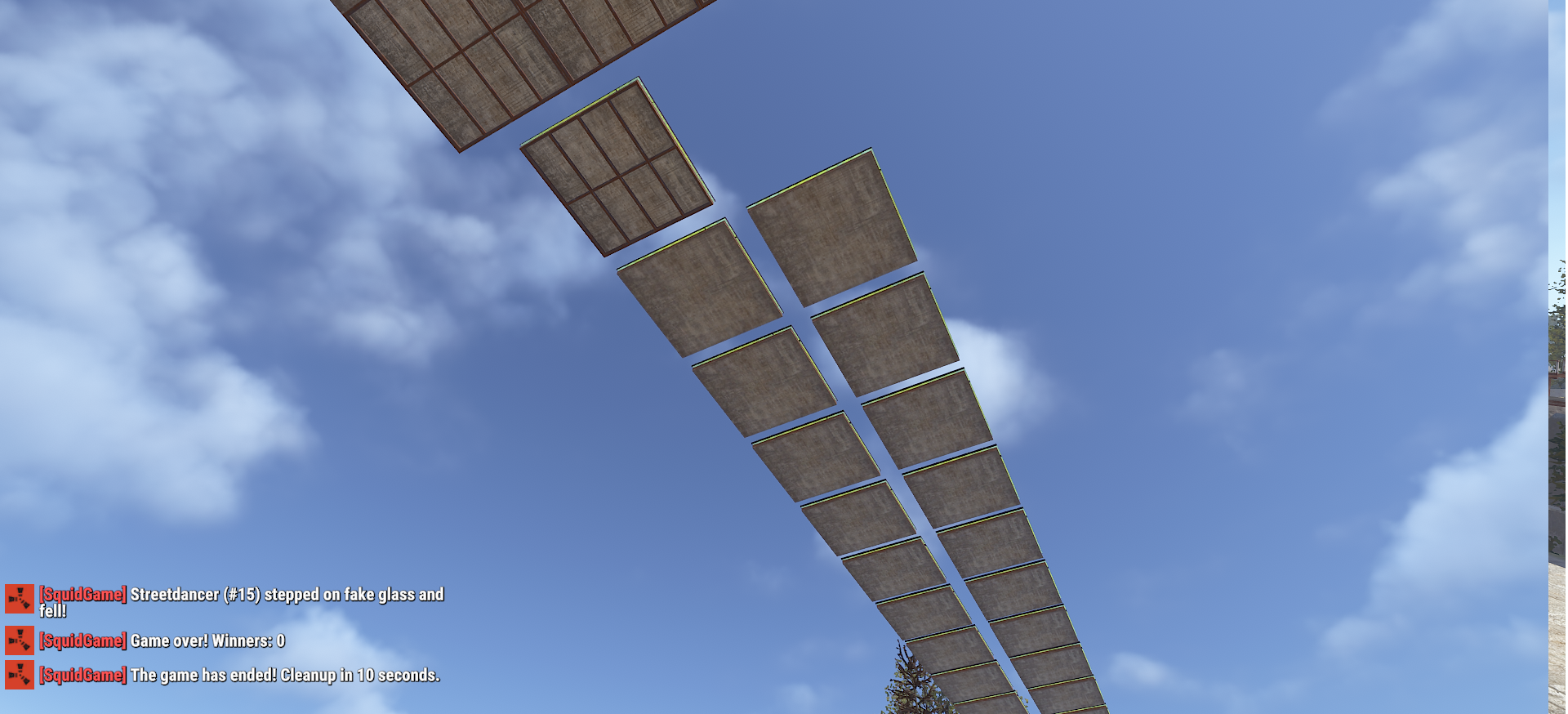
Choosing the wrong panel eliminates the player from the active queue.
? Event System
- Fully automated Squid Game-style Glass Bridge event
- 15 randomly generated bridge steps
- Random safe/unsafe panel pattern for every event
- Round-based player progression
- Players who successfully advance are moved to the end of the queue
- Wrong decisions eliminate players from the current game
- The finish line determines the final ranking
?️ Custom User Interface
SquidBridge includes dedicated interfaces for the event:
- Event join interface available during the lobby
- Number selection interface with options from 1 - 15
- Live game timer
- Event and player status messages
- Custom countdown before the game starts
?️ Dedicated Arena
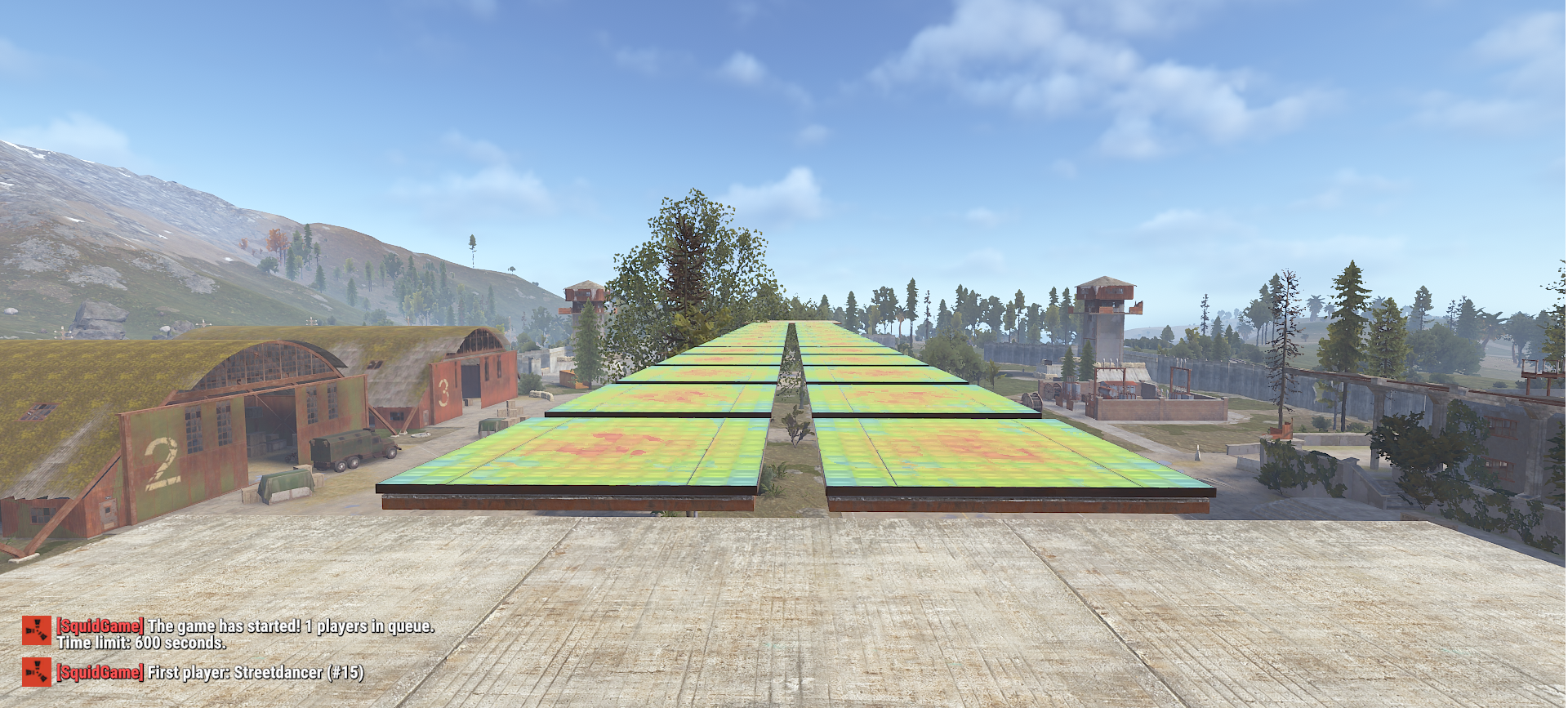
The event automatically builds its arena around the Airfield:
- Elevated starting/waiting platform
- 15-step glass bridge
- Finish platform
- Dynamic lighting along the bridge
- Automatic arena cleanup after the event
⏱️ Countdown & Game Timer
The event features a configurable preparation and gameplay system:
- 2-minute lobby by default
- Maximum game duration of 10 minutes
- Automatic timeout when the game reaches the time limit
- Configurable destruction/cleanup delay after the event
? Scrap Rewards
Players can earn Scrap based on their final placement:
? 1st Place: 5000 Scrap
? 2nd Place: 3000 Scrap
? 3rd Place: 1000 Scrap
Other Finishers: 100 Scrap
The reward system can be enabled or disabled through the configuration.
⚙️ Fully Configurable
Important event settings can be customized directly through the plugin configuration, including:
- Game duration
- Lobby duration
- Delayed arena cleanup
- Automatic event startup
- Automatic event interval
- Fall damage
- Reward system
- Scrap rewards
?️ Commands
Players can join the event using:
/sg join
Administrators can control the event using:
/sg start
/sg stop
The plugin also provides additional arena management functionality for administrators.
? Automatic Events
SquidBridge can operate completely automatically.
Enable the automatic event system and configure the desired interval, allowing the server to regularly host the challenge without requiring an administrator to manually start every event.
?️ Server-Friendly Design
The plugin manages the entire event lifecycle, from arena creation and player registration to gameplay, elimination, rewards, and final cleanup.
This keeps the entire challenge organized from start to finish with minimal administrator involvement.
SquidBridge is ideal for PvE, event, and community servers looking to add a unique and competitive minigame that offers players something completely different from standard Rust gameplay.
Configuration
{
"EnableFallDamage": false,
"GameDurationSeconds": 600,
"LobbyDurationSeconds": 120,
"DestroyDelaySeconds": 10,
"AutoStartEvent": true,
"AutoStartIntervalMinutes": 116,
"Rewards": {
"EnableRewards": true,
"FirstPlaceScrap": 5000,
"SecondPlaceScrap": 3000,
"ThirdPlaceScrap": 1000,
"DefaultScrap": 100
}
}
SquidBridge.json
{
  "EnableFallDamage": false,
  "GameDurationSeconds": 600,
  "LobbyDurationSeconds": 120,
  "DestroyDelaySeconds": 10,
  "AutoStartEvent": false,
  "AutoStartIntervalMinutes": 60,
  "Rewards": {
    "EnableRewards": true,
    "FirstPlaceScrap": 5000,
    "SecondPlaceScrap": 3000,
    "ThirdPlaceScrap": 1000,
    "DefaultScrap": 100
  }
}
Command your Rust server. Live WebRCON console, performance and player monitoring, quick actions, groups and permissions, and plugin management.
Visit site ↗