GreenlightRedlight
 Dávid Balázs
 1 / 5
1 / 5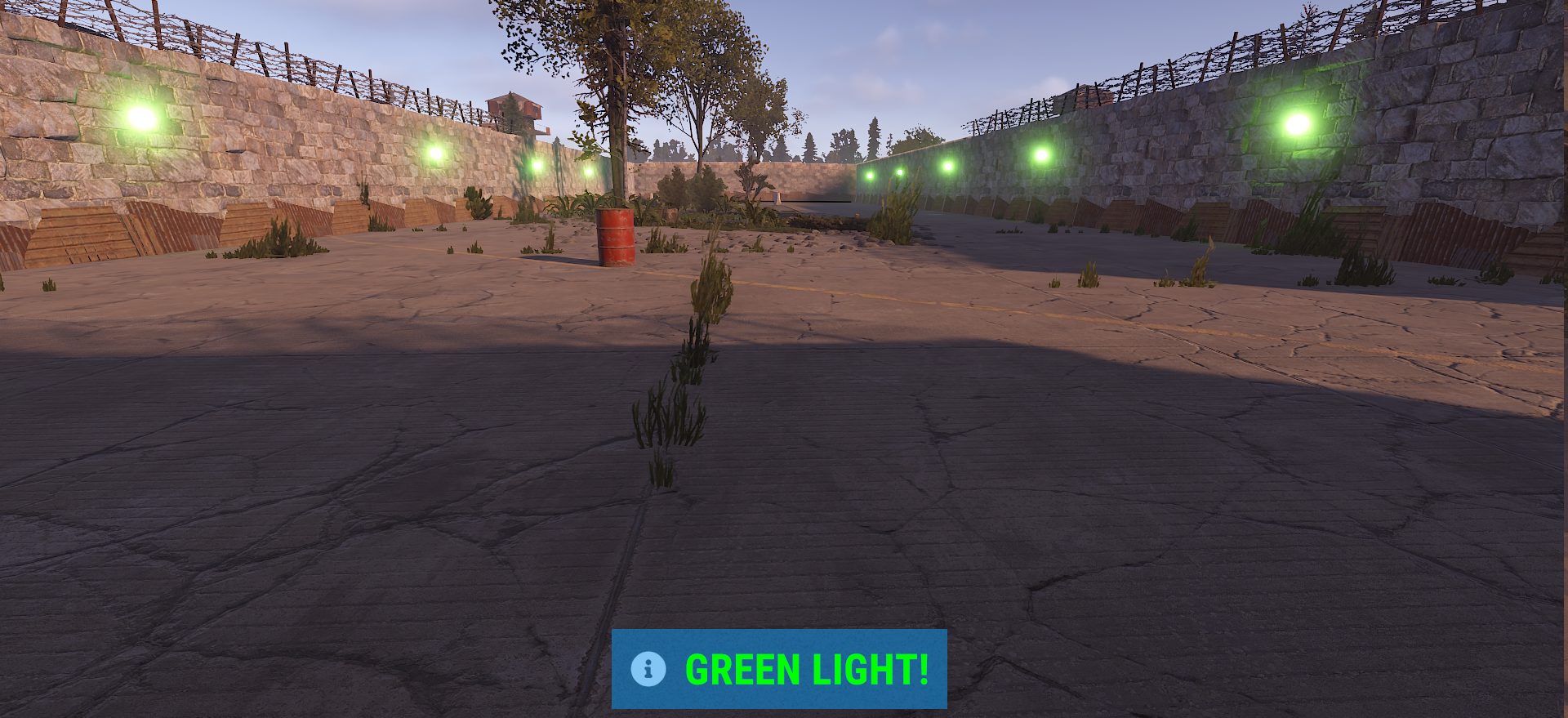
GreenlightRedlight - Rust Minigame Plugin
Bring the classic Green Light, Red Light challenge to your Rust server. GreenlightRedlight creates a dedicated arena at the Airfield, uses dynamic red and green lights to control the game, and turns every round into a fast-paced test of timing, movement, and reaction speed.
How Does It Work?
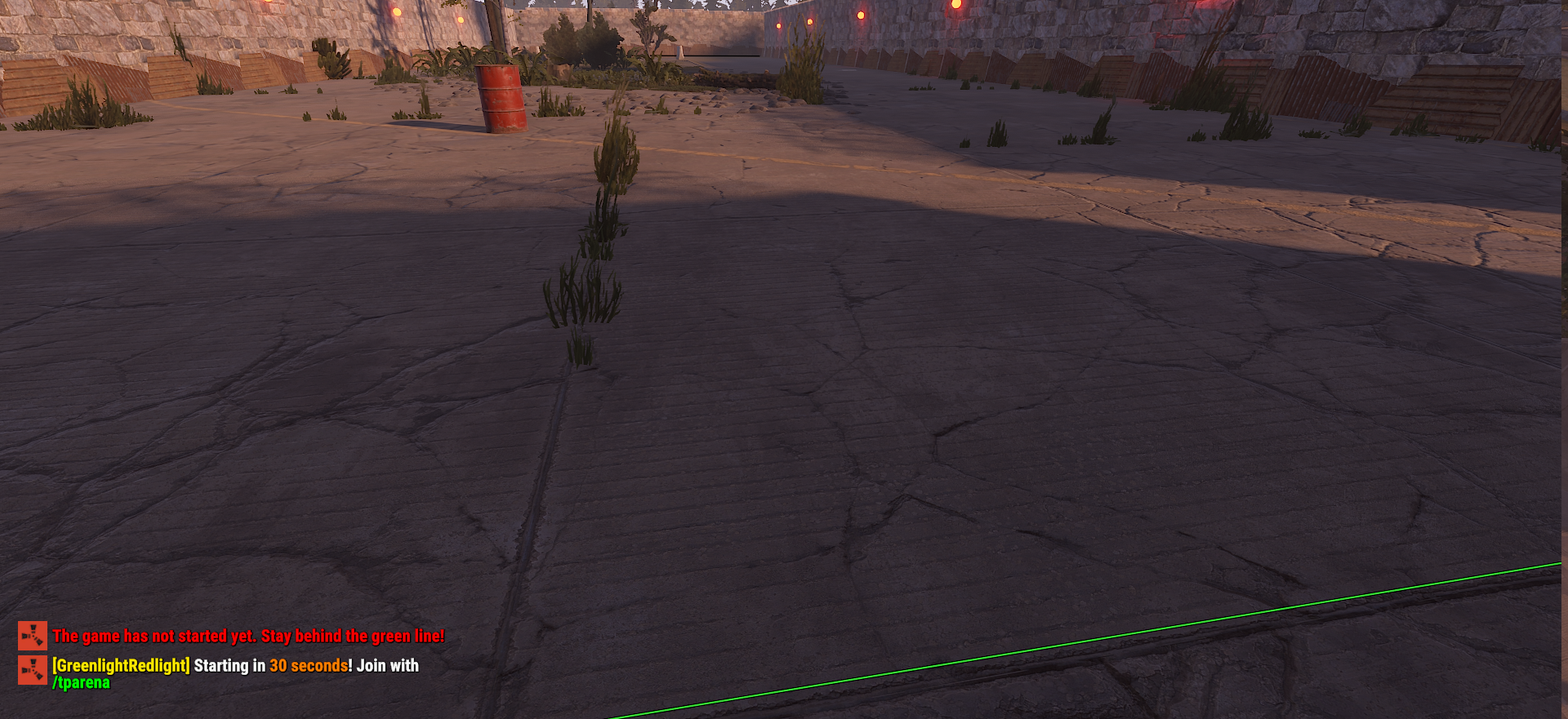
The plugin prepares a large arena and provides players with a 2-minute countdown to join the event. Players can teleport directly to the arena using the /tparena command and wait behind the starting line.
Once the game begins, the lights switch between GREEN and RED at unpredictable intervals.
GREEN LIGHT - Move forward.
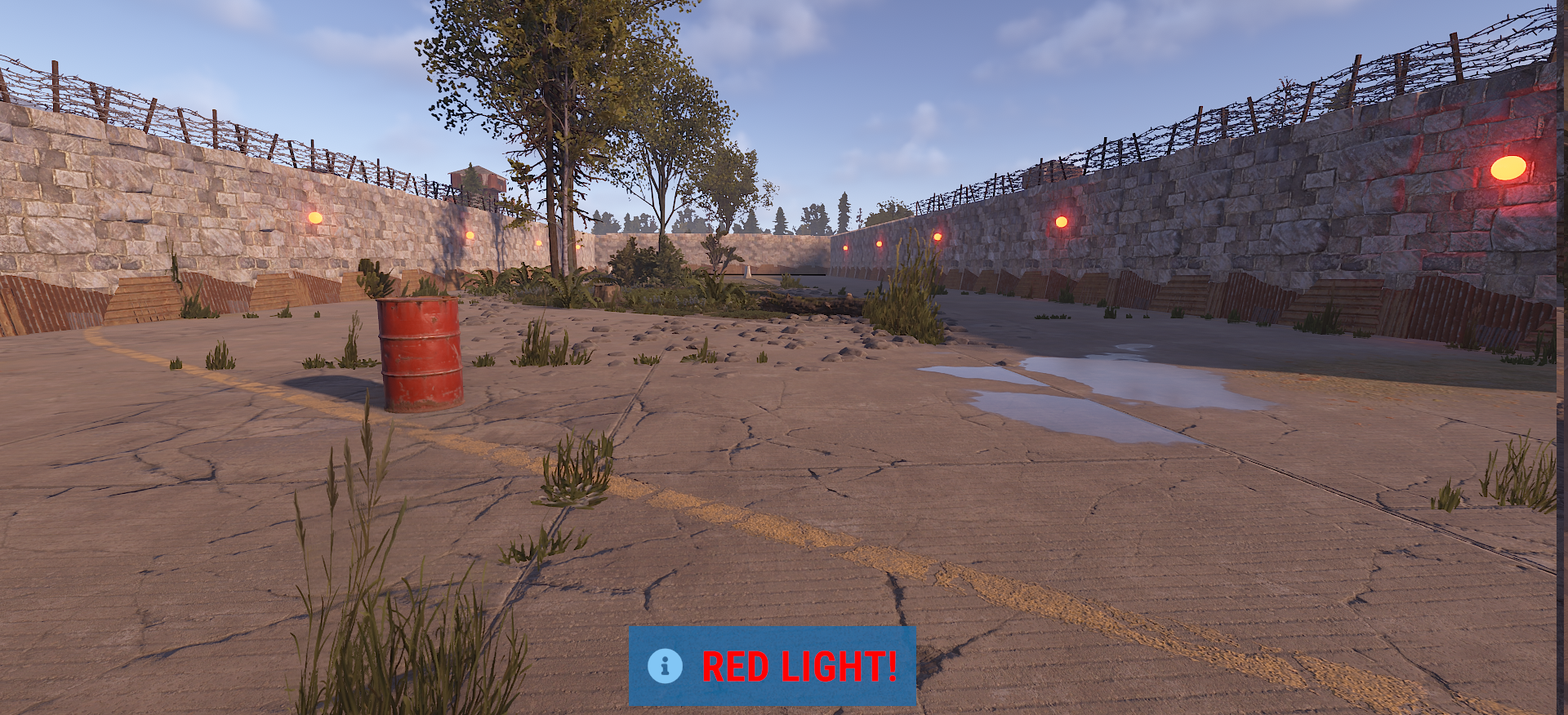
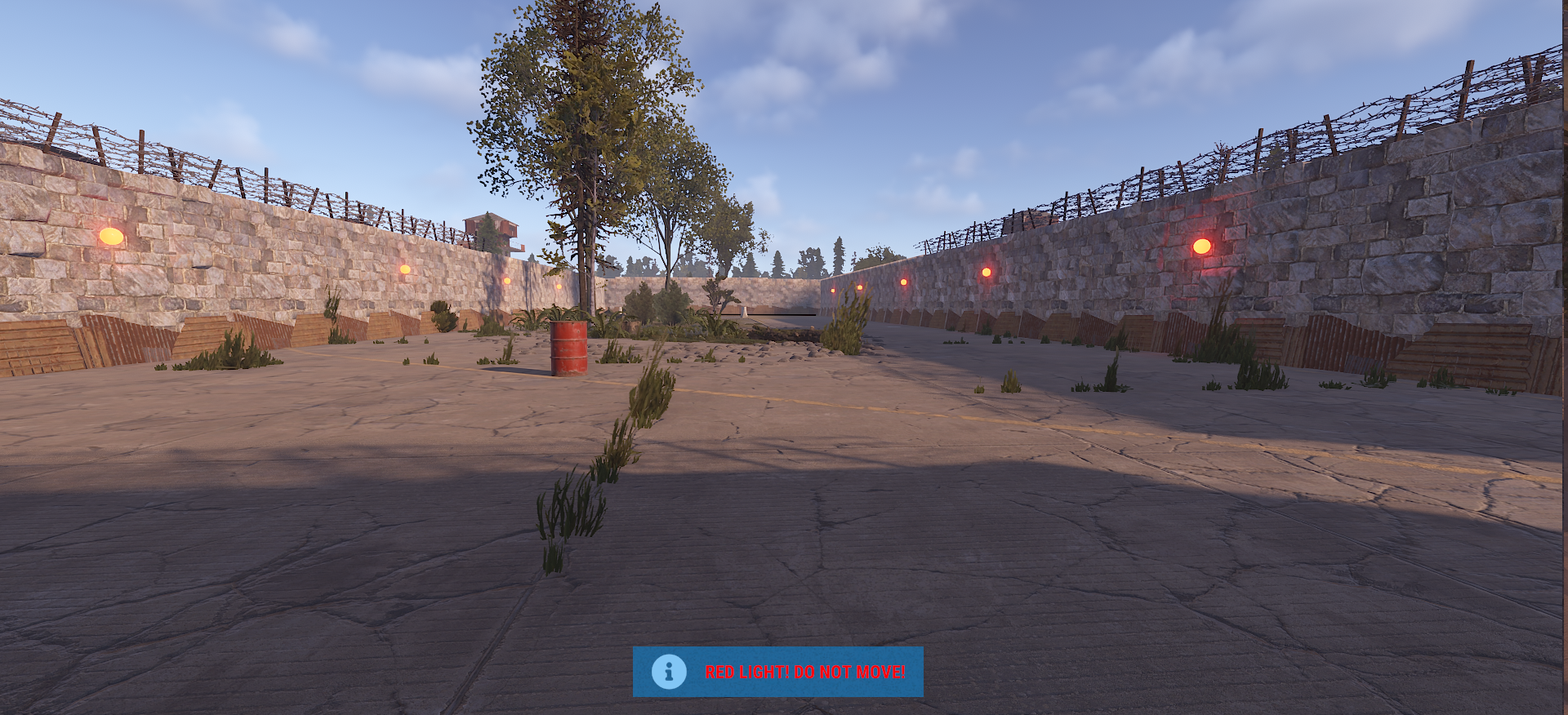
RED LIGHT - Stop immediately.
Moving during a red light causes the player to be pushed backward and triggers a warning effect.
Successfully reaching the finish line means the player has completed the race.
Players are ranked according to the order in which they reach the finish line.
The plugin uses real in-game lighting and sound effects to make every transition clear and immersive.
Automatic Arena
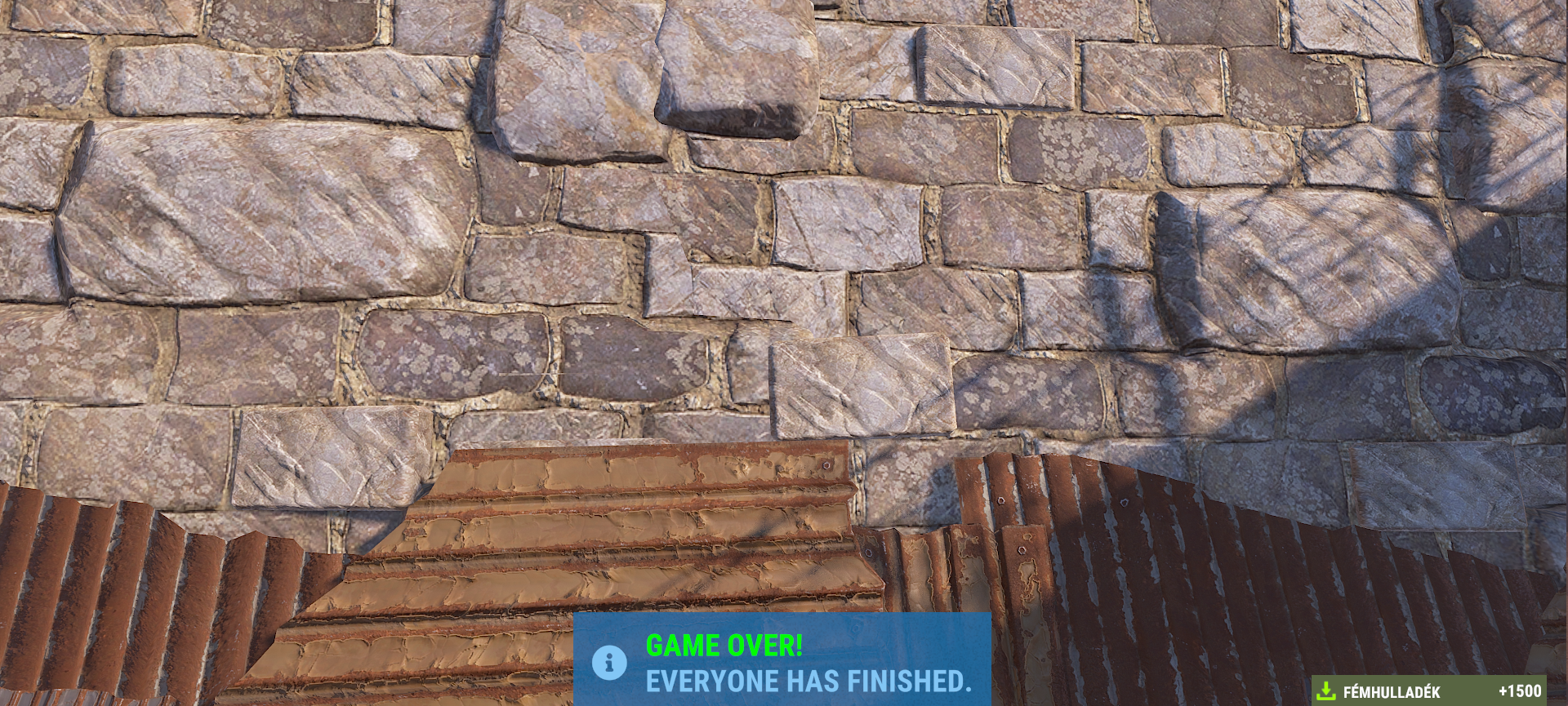
The plugin automatically searches for the Airfield on the map and builds a dedicated arena using high stone walls.
The default arena is 30 meters wide × 90 meters long, with configurable wall spacing.
A map marker is also created so players can easily locate the event.
Dynamic Red & Green Lights
The arena continuously switches between red and green lighting.
Each transition occurs at a random interval between 2.5 and 5 seconds, preventing players from simply memorizing the timing.
Players inside the arena receive both visual and audio feedback whenever the lights change.
Automatic Game Management
The game preparation time can be configured, with the default setting being 120 seconds.
Before each game, players receive countdown notifications at 60, 30, and 10 seconds, followed by the final countdown.
Each game can last for a maximum of 10 minutes.
If players fail to reach the finish line within the time limit, the game ends automatically and the arena is removed.
Scrap Rewards
After completing the race, players receive Scrap rewards based on their final placement:
| Placement | Reward |
|---|---|
| 1st Place | 1500 Scrap |
| 2nd Place | 1000 Scrap |
| 3rd Place | 500 Scrap |
| Other Finishers | 100 Scrap |
Rewards are given immediately when a player crosses the finish line.
Admin Commands
Server administrators have direct control over the event:
/spawnarena - Creates the arena and prepares a new game
/startgame - Immediately starts the game
/tparena - Teleports you to the active arena
/despawnarena - Removes the current arena
The plugin also provides the following permission:
greenlightredlight.admin
This permission allows administrators to manage the arena and event.
Configurable Settings
The main gameplay parameters can be customized through the configuration file, including:
- Automatic arena spawn interval
- Maximum game duration
- Arena width
- Arena length
- Wall spacing
- Pre-game countdown
- Minimum number of players
- First-place reward
- Second-place reward
- Third-place reward
- Default reward
The default configuration provides a 2-minute preparation period and a maximum 10-minute game duration.
Key Features
- Fully automatic arena spawning
- Airfield-based arena generation
- Dynamic green and red lighting system
- Randomized light intervals
- Movement detection during red lights
- Automatic player positioning
- Finish line detection
- Position-based Scrap rewards
- 2-minute pre-game countdown
- Automatic 10-minute timeout
- In-game map marker
- Sound and visual effects
- Configurable arena dimensions
- Administrator commands
- Automatic arena cleanup
Move. Stop. Survive.
Turn your Rust server into a competitive Green Light, Red Light arena.
Configuration
{
  "IntervalMinutes": 120.0,
  "MaxGameDurationMinutes": 10.0,
  "ArenaWidth": 30.0,
  "ArenaLength": 90.0,
  "WallSpacing": 4.8,
  "CountdownSeconds": 120,
  "MinPlayers": 1,
  "FirstPlaceReward": 1500,
  "SecondPlaceReward": 1000,
  "ThirdPlaceReward": 500,
  "DefaultReward": 100
}
GreenlightRedlight.json
{
"IntervalMinutes": 120.0,
"MaxGameDurationMinutes": 10.0,
"ArenaWidth": 30.0,
"ArenaLength": 90.0,
"WallSpacing": 4.8,
"CountdownSeconds": 120,
"MinPlayers": 1,
"FirstPlaceReward": 1500,
"SecondPlaceReward": 1000,
"ThirdPlaceReward": 500,
"DefaultReward": 100
}
Command your Rust server. Live WebRCON console, performance and player monitoring, quick actions, groups and permissions, and plugin management.
Visit site ↗