RFRadio
 ChipShopMan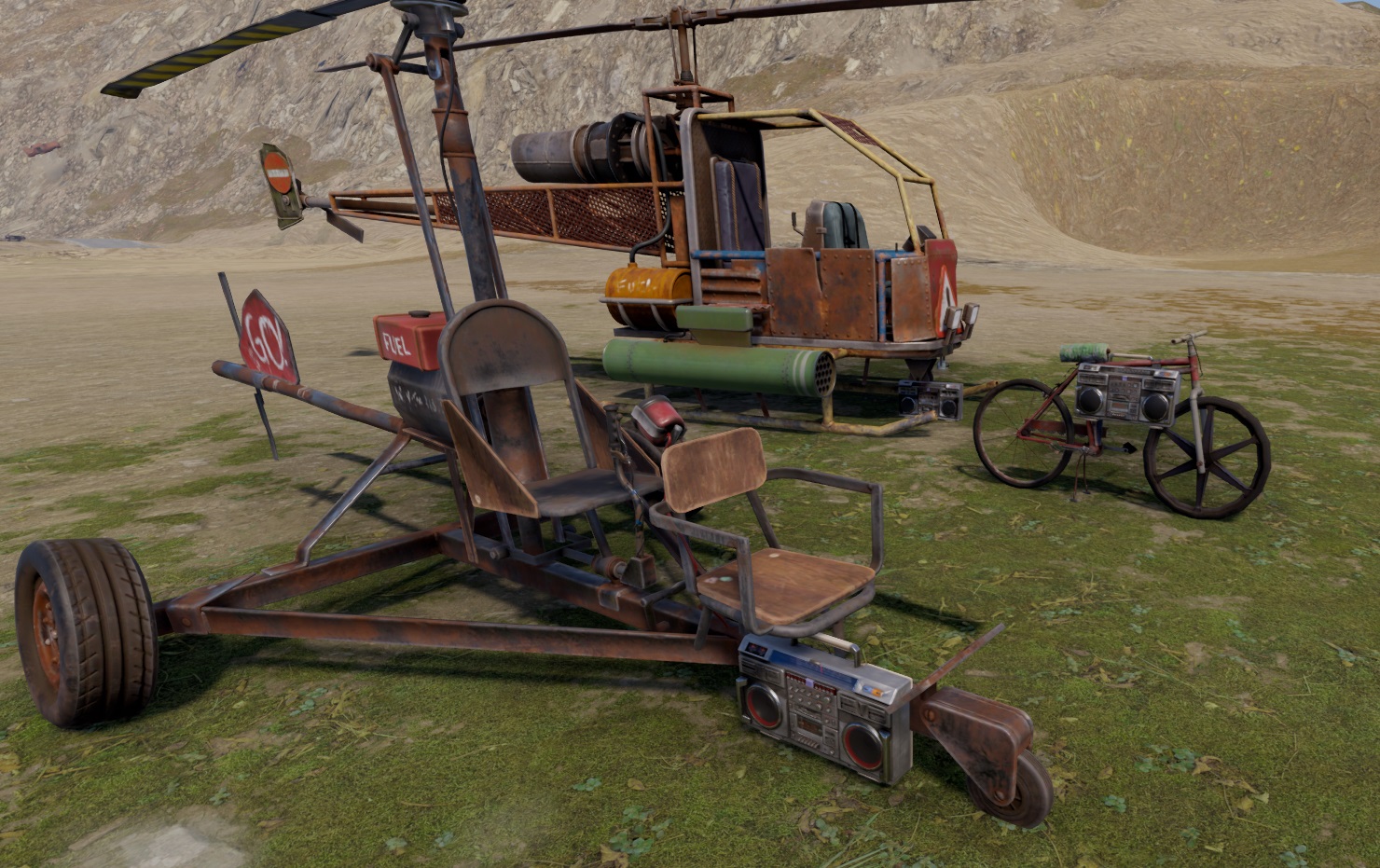
About RFRadio
RFRadio allows players to toggle radios on and off when they are mounted on a vehicle.
Features:
Minicopter Radio: RFRadio introduces the ability for players to spawn and despawn radios on minicopters, scrap transport helicopters, attack helicopters and many others when they are mounted on them.
Easy Integration: The plugin is seamlessly integrated into your server and requires no complex setup. Simply add the plugin to your server's plugins folder, and it's ready to go.
Command-Based: The plugin provides a simple and intuitive command, /radio, that allows players to toggle the radio on and off while they are riding a minicopter,scrap helicopter ot attack helicopter. This command ensures that players can easily interact with the radio functionality.
Customization: While the default configuration spawns radios on minicopters at a specific position and rotation, the code can be easily changed to customize the radio's placement. This flexibility allows you to fine-tune the player experience on your server.
Permissions:
No special permissions required: RFRadio operates as a server-wide enhancement without the need for players to have specific permissions.
Commands:
/radio: This command allows players to toggle the radio on and off while they are riding a minicopter. Player must be mounted for the command to work
Installation:
Place the RFRadio plugin file into your Rust server's plugins folder.
Restart or reload your server for the plugin to take effect.

Command your Rust server. Live WebRCON console, performance and player monitoring, quick actions, groups and permissions, and plugin management.
Visit site ↗