Megaphone
 xNullPointer95
https://www.youtube.com/watch?v=gpVeJlSW4Ek?feature=oembed
https://www.youtube.com/watch?v=gz3Z8kgmmC8?feature=oembed
xMegaphone
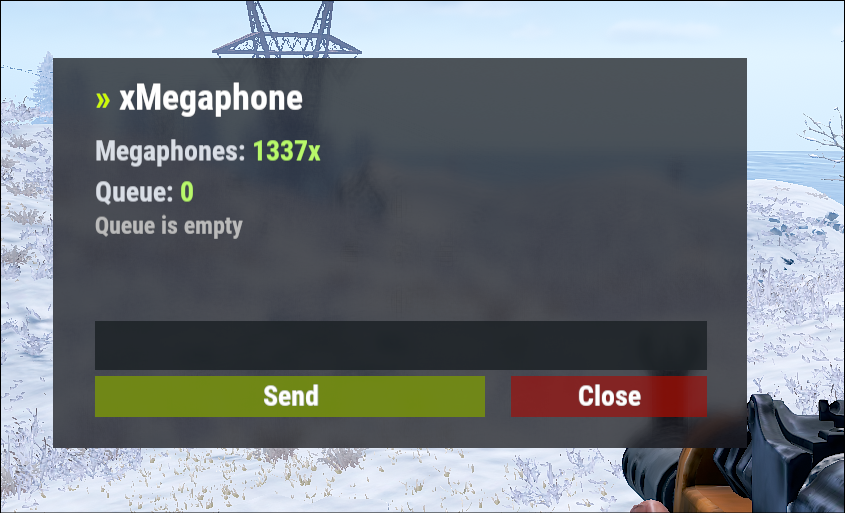
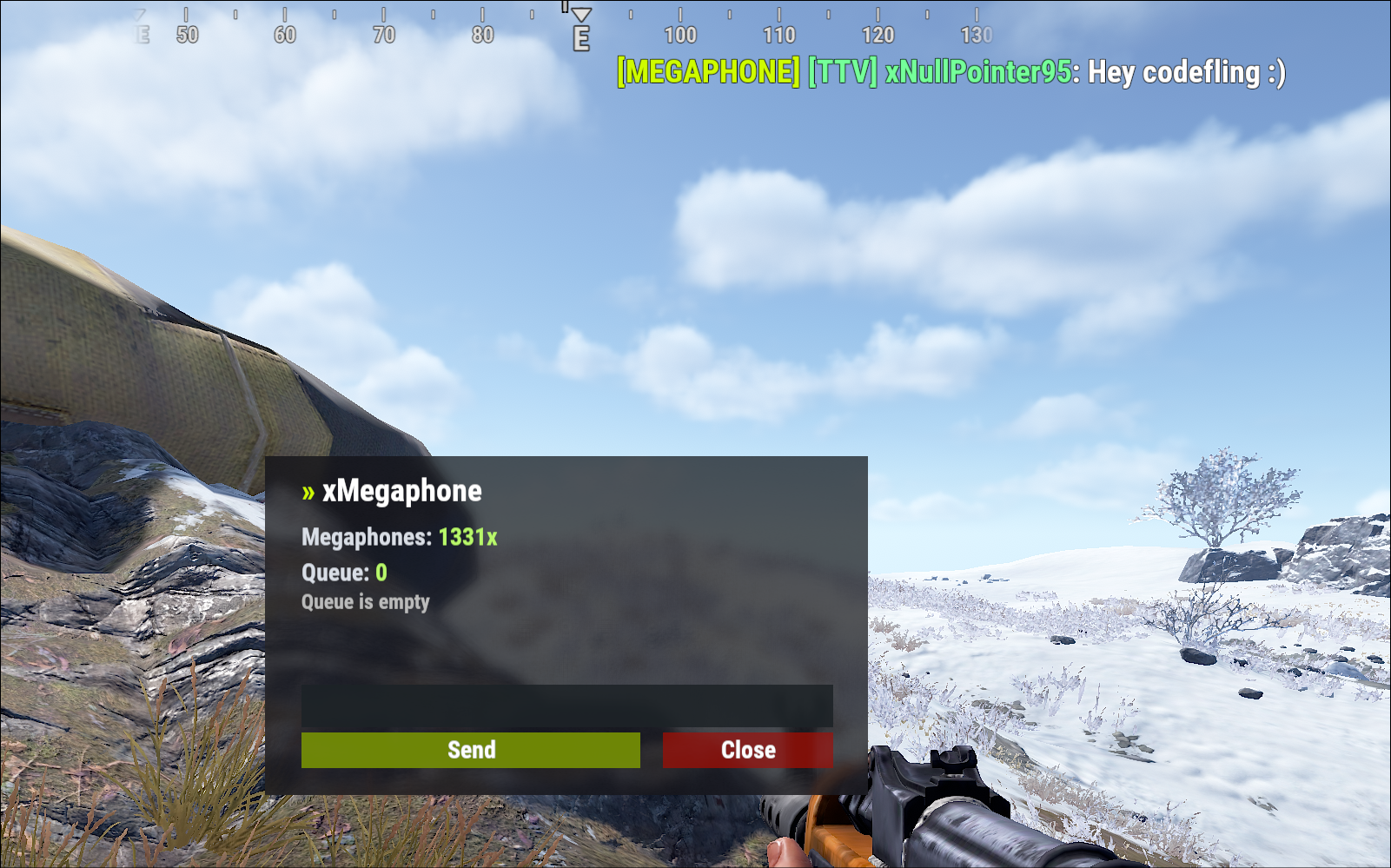
xMegaphone is a powerful megaphone broadcast system for Rust servers that allows players and/or admins to submit custom announcements through an intuitive UI. Messages can be displayed globally as either animated sliding text or clean static text, making it perfect for announcements, events, advertisements, community communication or even selling megaphones to your players for real money.
The plugin is optimized for performance and designed to run smoothly on most servers. For maximum flexibility, you can choose between two display modes depending on your server’s needs:
Type 0 - Sliding Text: Eye-catching animated ticker that scrolls across the screen.
Type 1 - Static Text: Performance-friendly message displayed in the center without animation (recommended for very high population servers).
This allows you to balance visual impact and performance with a simple configuration change.
■ Inspired by the classic megaphone system from the game "Combat Arms" (when it wasn't dead lol), bringing that nostalgic broadcast experience to your server. 🙂
🎬 Plugin Preview
Spoiler
SLIDING TEXT
STATIC TEXT:
🔑 Permission
xmegaphone.use - Needed to use the /xmp command
xmegaphone.admin - Needed to use admin commands
</> Chat Commands (Players)
/xmp - Opens the xMegaphone UI
⌨ Chat/Console Commands (Admins)
/xmp - Opens the xMegaphone UI
/xmp give <steamId|partialName> <amount> - Adds megaphone uses to a player.
/xmp set <steamId|partialName> <amount> - Sets a player’s megaphone uses to an exact number.
/xmp reset <steamId|partialName> - Resets a player’s uses back to your configured StartingMegaphoneUses value.
⚙️ Config
{
  "Uses": {
    "StartingMegaphoneUses": 0
  },
  "Message": {
    "MaxLength": 80
  },
  "Ticker": {
    "MegaphoneType": 0,
    "DurationSecondsType0": 20.0,
    "DurationSecondsType1": 8.0,
    "FontSize": 18,
    "ShowSender": true,
    "PrefixText": "[MEGAPHONE]",
    "PrefixColor": "#cffc03",
    "SenderColor": "#75ff9a",
    "TextColor": "#ffffff"
  }
}
^ "StartingMegaphoneUses" = How many megaphones a player receives when added to datafile for first time.
xMegaphone.json
{
"Uses": {
"StartingMegaphoneUses": 0
},
"Message": {
"MaxLength": 80
},
"Ticker": {
"MegaphoneType": 0,
"DurationSecondsType0": 20.0,
"DurationSecondsType1": 8.0,
"FontSize": 18,
"ShowSender": true,
"PrefixText": "[MEGAPHONE]",
"PrefixColor": "#cffc03",
"SenderColor": "#75ff9a",
"TextColor": "#ffffff"
}
}

Trusted hosting partner. Affordable game servers with solid support and panels.
Visit site ↗