MyServerGear
 RustFlash
 1 / 2
1 / 2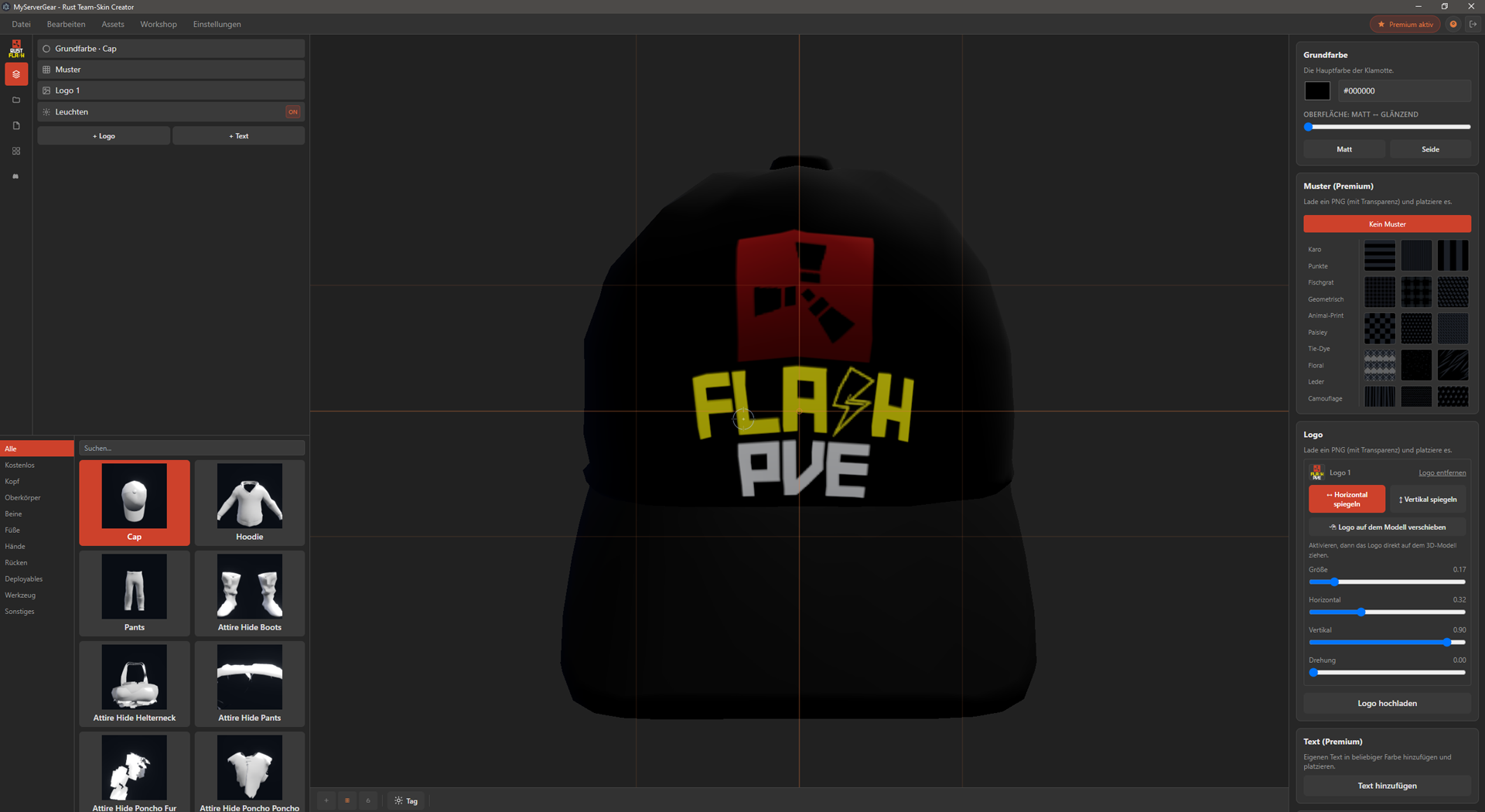
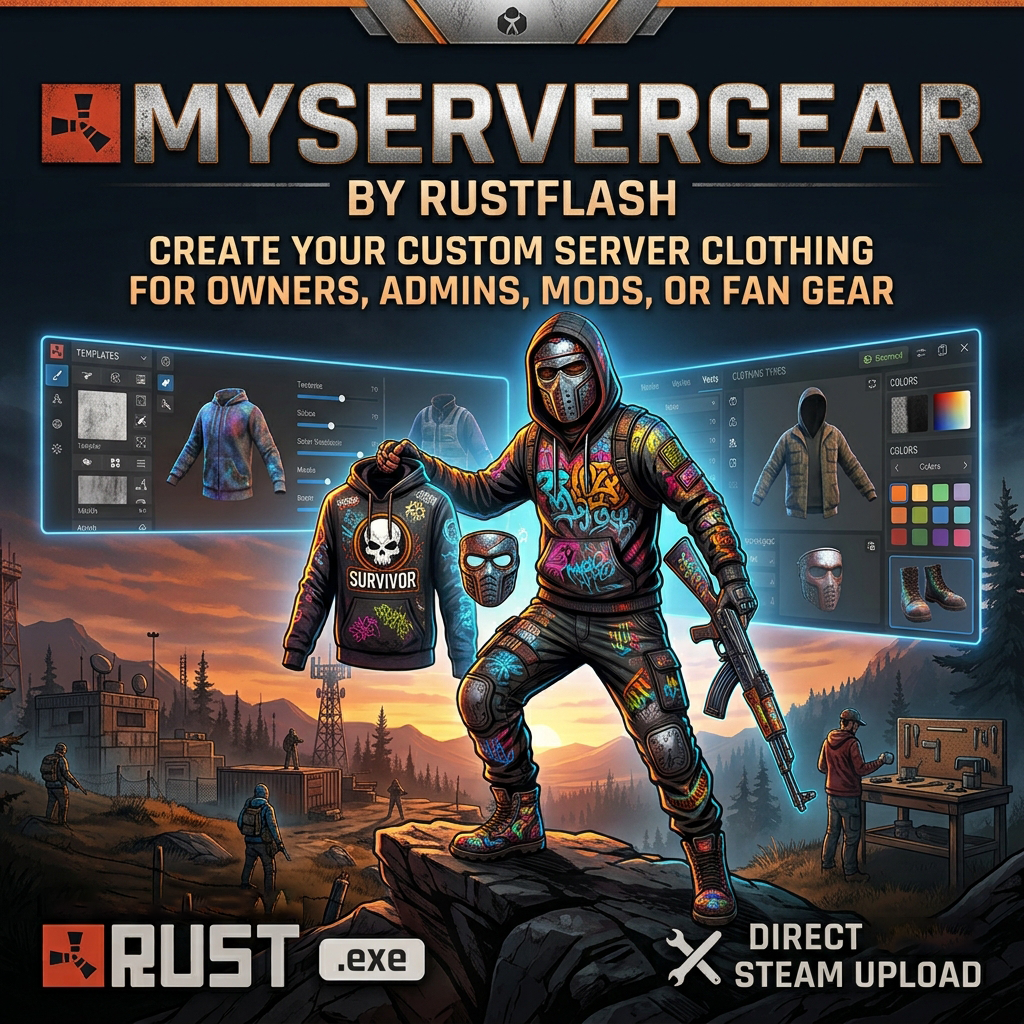
For Rust server owners, allowing you to design your own team clothing without any graphics/3D knowledge.
Description
MyServerGear - Rust Team Skin Creator
A desktop app for Rust server operators that lets you design your own team gear - no graphic design skills required.
New: Completely redesigned layout - clearer, more modern, and more organized than ever before.
Menu Bar (top)
- “New Design,” “Save,” “Save As,” “New Group,” and more are now centrally accessible in the header
Left Side
- Layer Menu for direct access to individual layers - find and edit them quickly
- “My Designs” for direct access to saved designs
- “My Templates” with image previews for quick access to templates
- Asset Management: Upload assets once and use them as often as you like - no need to re-upload
- Editable items clearly sorted in the bottom-left corner
- Search for editable items
Live 3D Preview (Center)
- Generally improved, rotatable preview with more natural lighting
- New menu at the bottom, including a day/night toggle for testing glowing items
- Preview can be centered
- Optional grid for guides
- Items can be locked so they no longer move
Right Side - Colors, Logo, Patterns, Glow
- Base color can be quickly switched to matte or satin
- Patterns organized more clearly
- Pattern color can be customized, including transparency
- Adjustable opacity and size of patterns
- Logo clearly visible during editing
- Multiple text fields now displayed clearly
- Premium features: more items, more color slots, glowing skins
Release
- Direct upload to the Steam Workshop or export textures for Rust’s own editor
- Just one click to get your SkinID
Installation
Simply install the .exe, log in with Steam, and you’re good to go.
Have fun!
Sponsored


Trusted hosting partner. Affordable game servers with solid support and panels.
Visit site ↗Free
DownloadViews559
Downloads88
Purchases0
Rating★ 5.0
Version4.0.2
PlatformTools & Utilities
CategoryOther
Size976 KB
PublishedAug 29, 2026
UpdatedOct 11, 2026
✓ Reviewed for safety and integrity