AutoLootBackpack
 Duff
Duff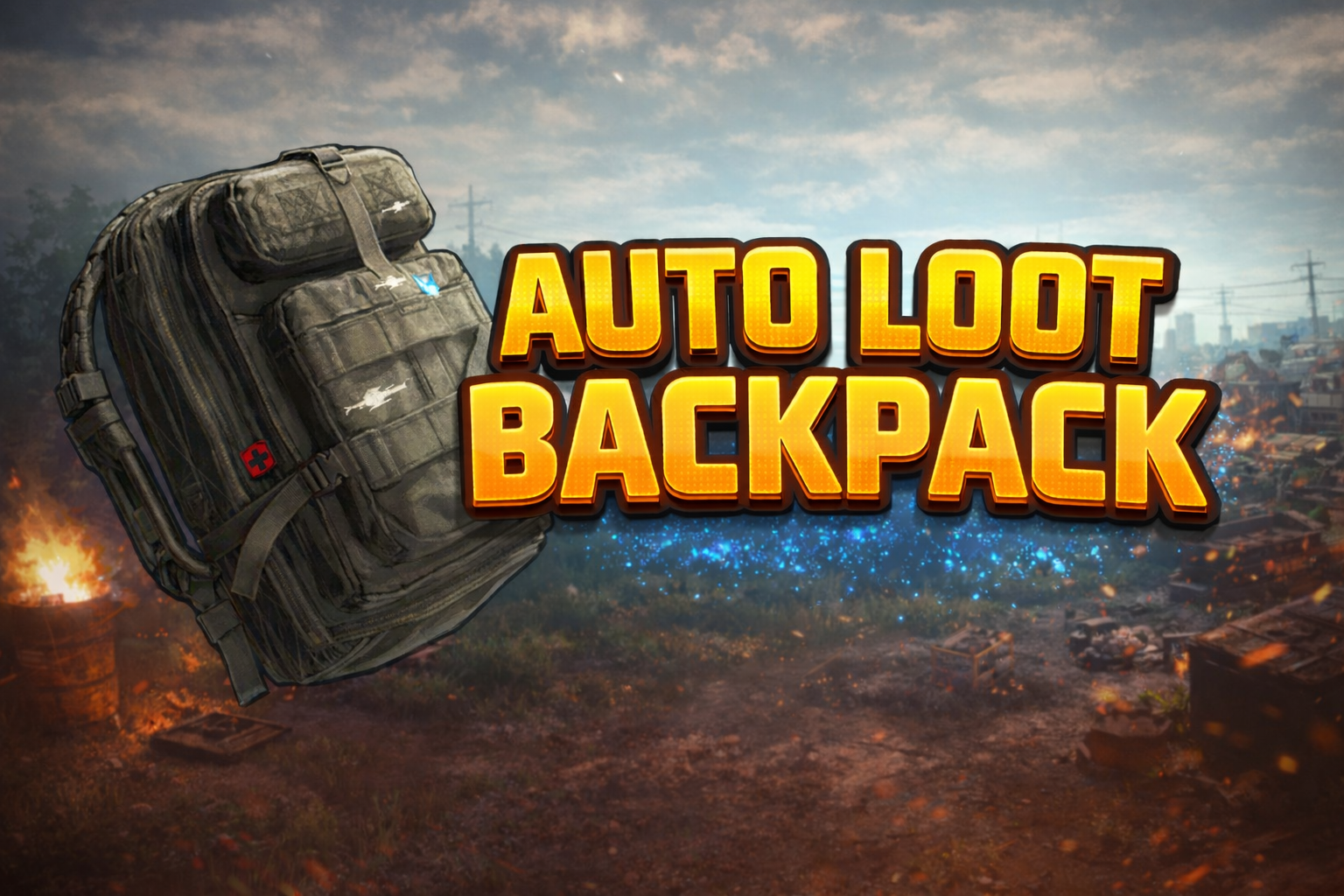
AutoLootBackpack - Never Lose Loot to a Full Inventory Again
AutoLootBackpack is a quality-of-life plugin for Rust that automatically sends overflow items into a player’s equipped backpack when their inventory becomes full.
No menus. No commands. No micromanagement.
Just equip a backpack and keep looting.
Preview:
What Does AutoLootBackpack Do?
When a player’s inventory becomes full during normal gameplay, AutoLootBackpack automatically moves extra items into their equipped backpack instead of dropping them on the ground or blocking the loot because the inventory is full.
This means you don’t have to stop, open your backpack, and manually move items while looting. As long as a backpack is equipped, loot will continue going into the backpack automatically when your main inventory fills up.
This also applies to crafting - if your inventory is full and you craft items, the crafted output will go straight into your backpack as long as one is equipped.
AutoLootBackpack is especially useful when looting:
- Raided bases
- Dead players after PvP fights
- Barrels and roadsigns
- Monuments and high-risk areas
When things get hectic and you don’t have time to manage inventory, AutoLootBackpack keeps the loot flowing so you can stay focused on survival.
Why Players Love It
Perfect for PvP, Raids & Crafting
Loot quickly without stopping to manage inventory. Whether you’re looting a body, clearing a raid, or crafting items, AutoLootBackpack handles overflow automatically.
No More Lost or Blocked Loot
Items won’t despawn, drop on the ground, or refuse to be looted just because your inventory filled up.
Works Seamlessly With Other Loot Plugins
AutoLootBackpack is designed to work alongside other plugins that send loot directly into your inventory, including:
- Instant-kill barrel and roadsign plugins
- Auto-loot barrel and roadsign plugins
When those plugins push loot straight into the player’s inventory, AutoLootBackpack automatically steps in if the inventory is full and routes the overflow into the backpack instead.
Feels Completely Natural
No UI spam, popups, or extra steps. The plugin only activates when it makes sense and stays out of the way.
Default Behavior
- Works automatically after installation
- No configuration required
- Requires a backpack to be equipped
- Inventory space is always checked first
- Supports crafting overflow
- Compatible with auto-loot and instant-kill barrel/roadsign plugins
- Does not interfere with intentional item drops
Perfect for Servers That Want
- Faster, smoother looting
- Less frustration during raids, PvP, and crafting
- Better farming and roaming experience
- A subtle but powerful quality-of-life improvement
Plugins by Duff
🔗 Discord: https://discord.gg/2KBPH7hXb7


Trusted hosting partner. Affordable game servers with solid support and panels.
Visit site ↗