Info Messages (AdvertCycler)
 Brad Copp
 1 / 5
1 / 5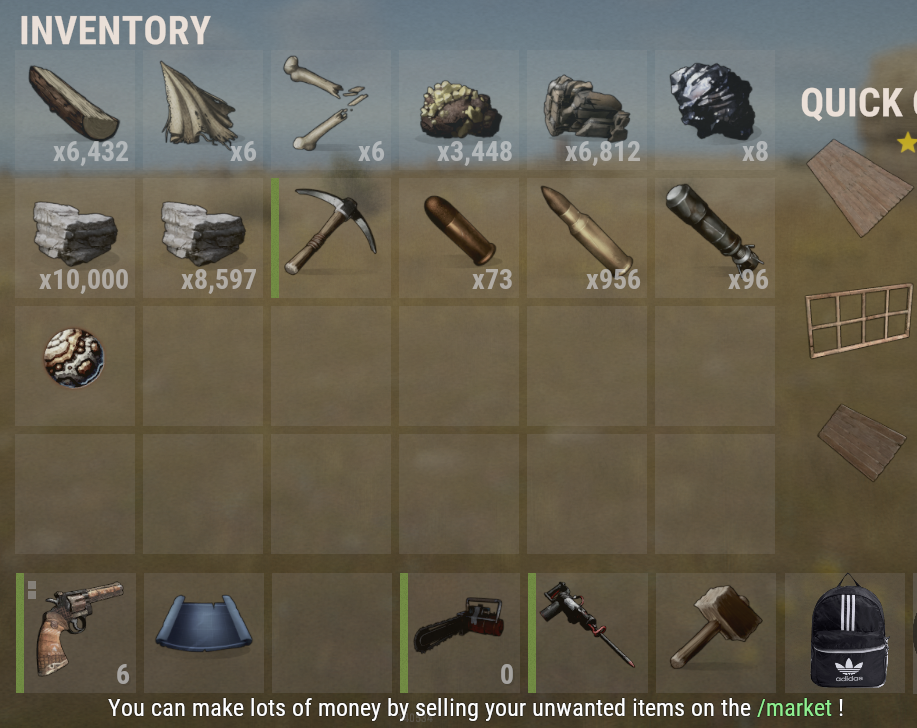
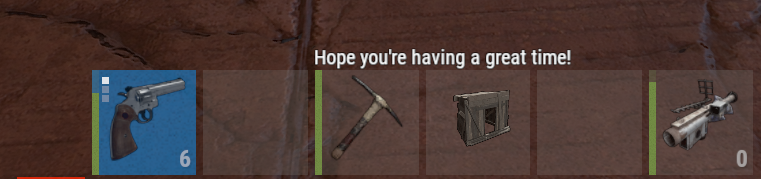

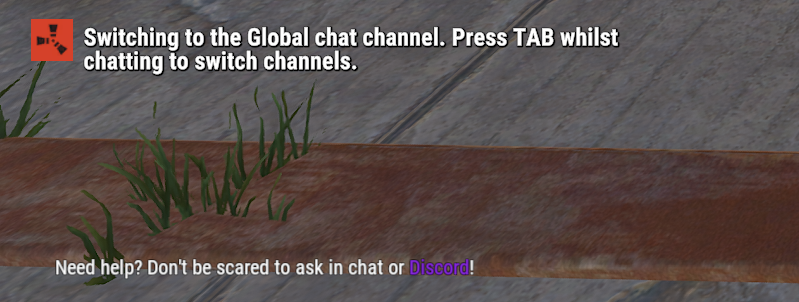
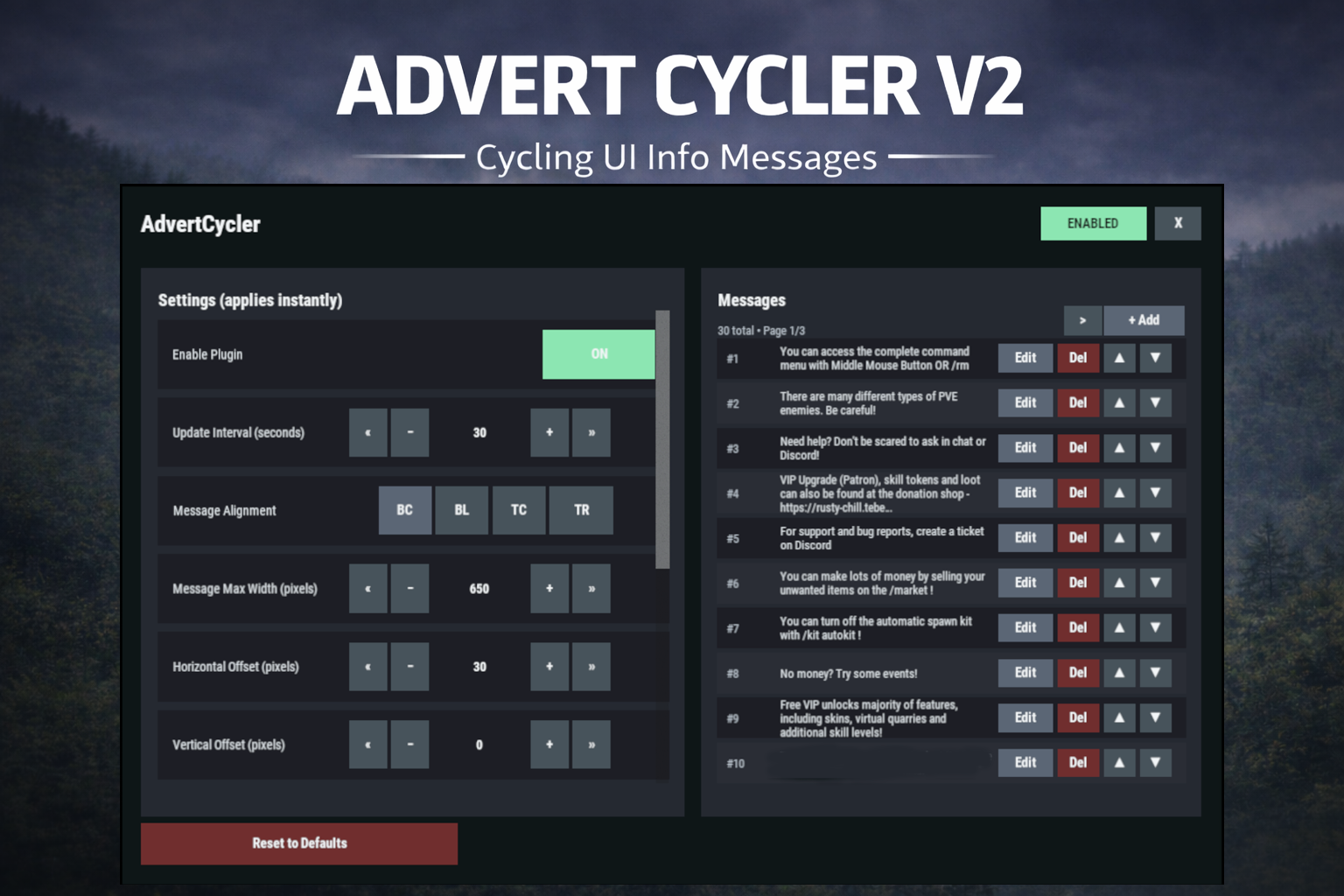
AdvertCycler lets you create a rotating list of on-screen info messages (“adverts”) that display to players without spamming chat. It’s a clean, unobtrusive alternative to chat-based announcers, and the positioning is designed to remain consistent across different screen resolutions and UI scale settings.
Messages cycle on a configurable timer, either in order or randomly. You can fine-tune how the message looks and where it appears using:
-
Preset alignment modes (Bottom Center / Bottom Left / Top Center / Top Right)
-
Horizontal + Vertical offsets (with small/big nudge controls for precise positioning)
-
Max text line width
-
Font size
-
Optional text outline with configurable color (quick-pick color swatches in the UI)
Admin UI (Instant Apply)
AdvertCycler includes a built-in admin UI for live editing and previewing changes in real time:
-
Toggle the plugin on/off
-
Adjust interval, alignment, offsets, width, and font settings
-
Enable/disable outline and pick outline color
-
Choose whether the advert displays on Overlay or Hud
-
Manage the message list:
-
Add / Edit / Delete
-
Reorder messages (move up/down)
-
Paging for large lists
All changes apply instantly, so you can visually tune placement and style while in-game.
Permissions
advertcycler.admin - Grants access to the admin UI and allows editing of all AdvertCycler settings and messages.
advertcycler.view - players/groups with this permission will be shown the advert messages.
Chat Command
/adverts - opens the editor UI
Config Example
{
"AdvertCycler": {
"Enable Plugin": true, /Can disable globally from config if needed for whatever reason.
"Update Interval (seconds)": 30, /How often the message should change
"Message Alignment (BottomCenter/BottomLeft/TopCenter/TopRight)": "BottomLeft", /Base position where the messages should appear
"Message Max Width (pixels)": 300, /Maximum line width for text. Anything beyond carries on new line
"Vertical Offset (pixels)": 10, /Fine Up and Down adjustment of text position
"Horizontal Offset (pixels)": 2, /Fine Left and Right adjustment of text position
"Enable Text Outline": true, /Enable or disable text outline
"Text Outline Color (HEX)": "#000000", /Color of text outline. Black by default.
"Font Size (pixels)": 12, /Text font size
"Display as Overlay": true, /Displaying the messages as overlay will allow them to be seen on top of other in game hud screens such as inventory
"Randomize Messages": false, /Messages can be displayed at random
"Message List": [
"For server info, type <color=#30FEDE>/info</color> in chat.",
"There are many different types of PVE enemies. Be careful!"
]
}
}
HTML can be used in messages to modify color in full or partially, example:
For server info, type <color=#30FEDE>/info</color> in chat.
AdvertCycler.json
{
  "AdvertCycler": {
    "Enable Plugin": true,
    "Update Interval (seconds)": 30,
    "Message Alignment (BottomCenter/BottomLeft/TopCenter/TopRight)": "BottomCenter",
    "Message Max Width (pixels)": 600,
    "Vertical Offset (pixels)": 0,
    "Horizontal Offset (pixels)": 30,
    "Enable Text Outline": true,
    "Text Outline Color (HEX)": "#000000",
    "Font Size (pixels)": 12,
    "Display as Overlay": true,
    "Randomize Messages": false,
    "Message List": [
      "You can use HTML color tags to <color=red>style your text</color>",
      "Dear Admin, you can manage these messages in-game via the <color=green>/adverts</color> command"
    ]
  }
}

Trusted hosting partner. Affordable game servers with solid support and panels.
Visit site ↗