Zombie Swarm PRO
 AlexProjects
 1 / 17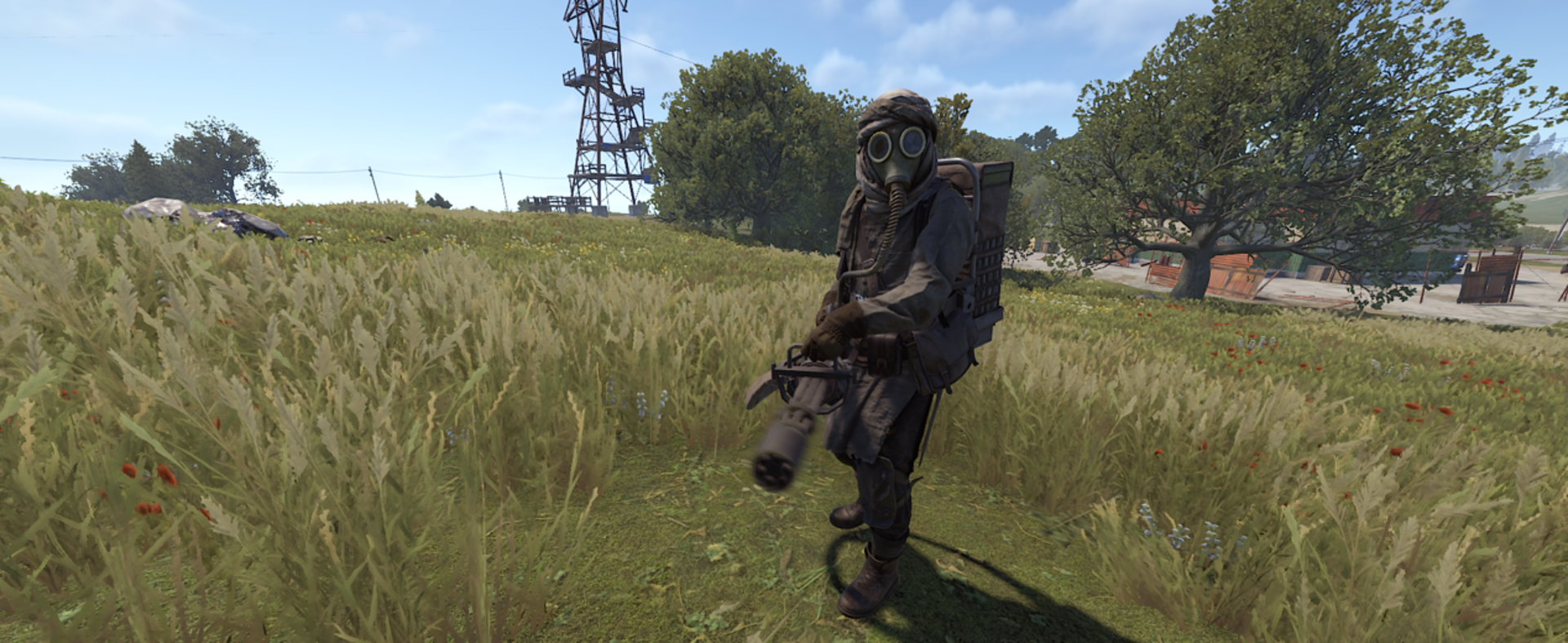
🧟 Swarm Logic
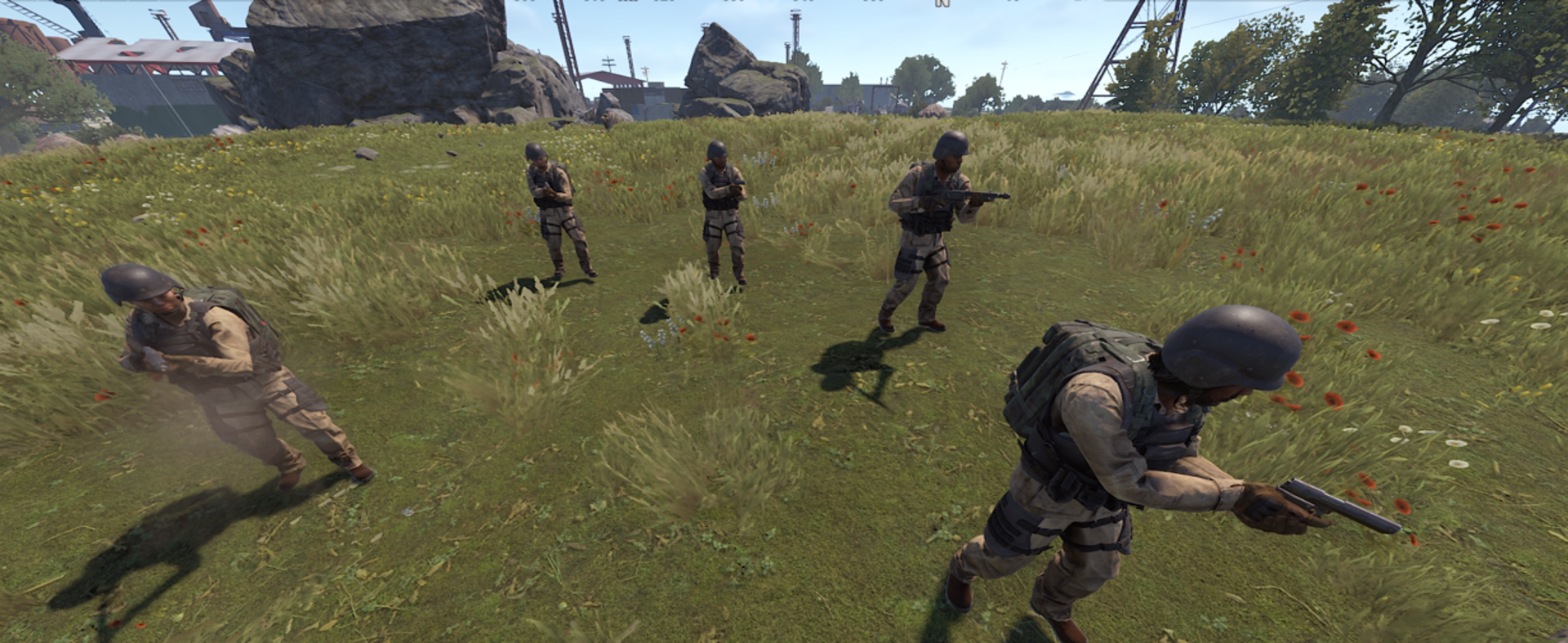
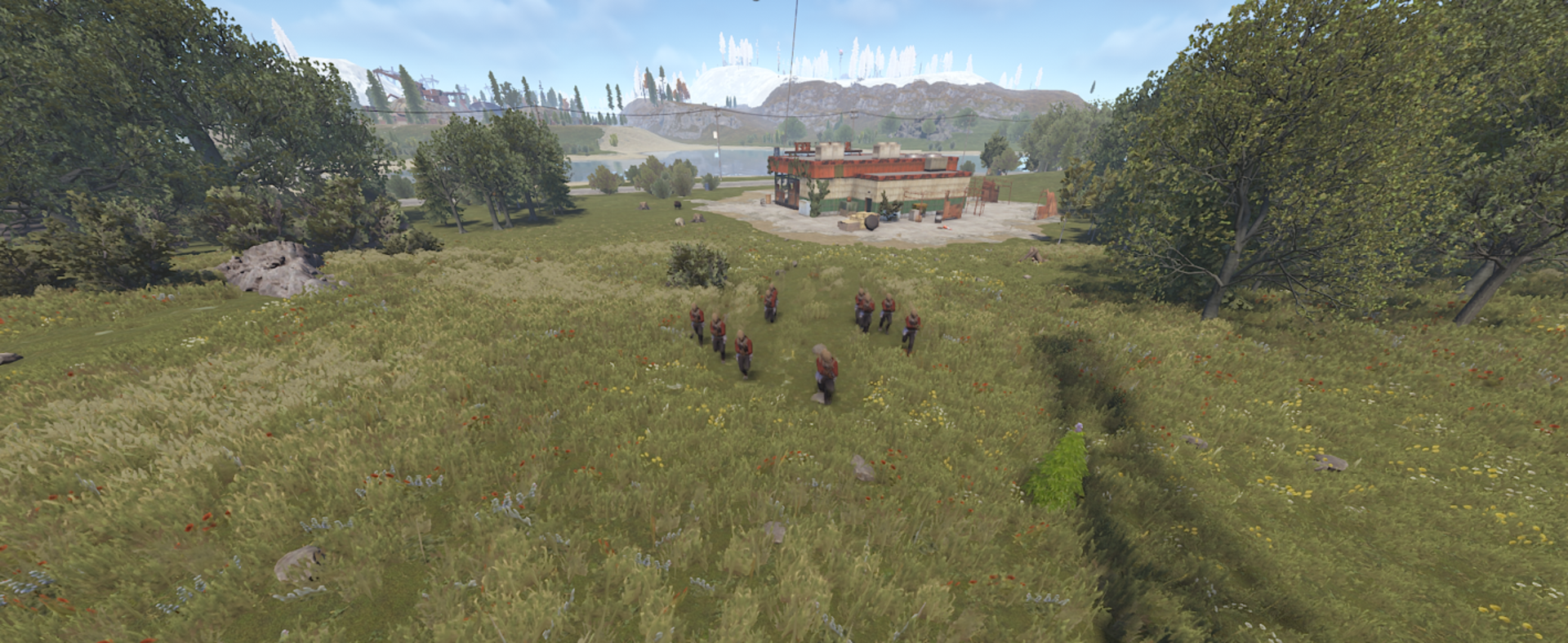
Movement in Formation
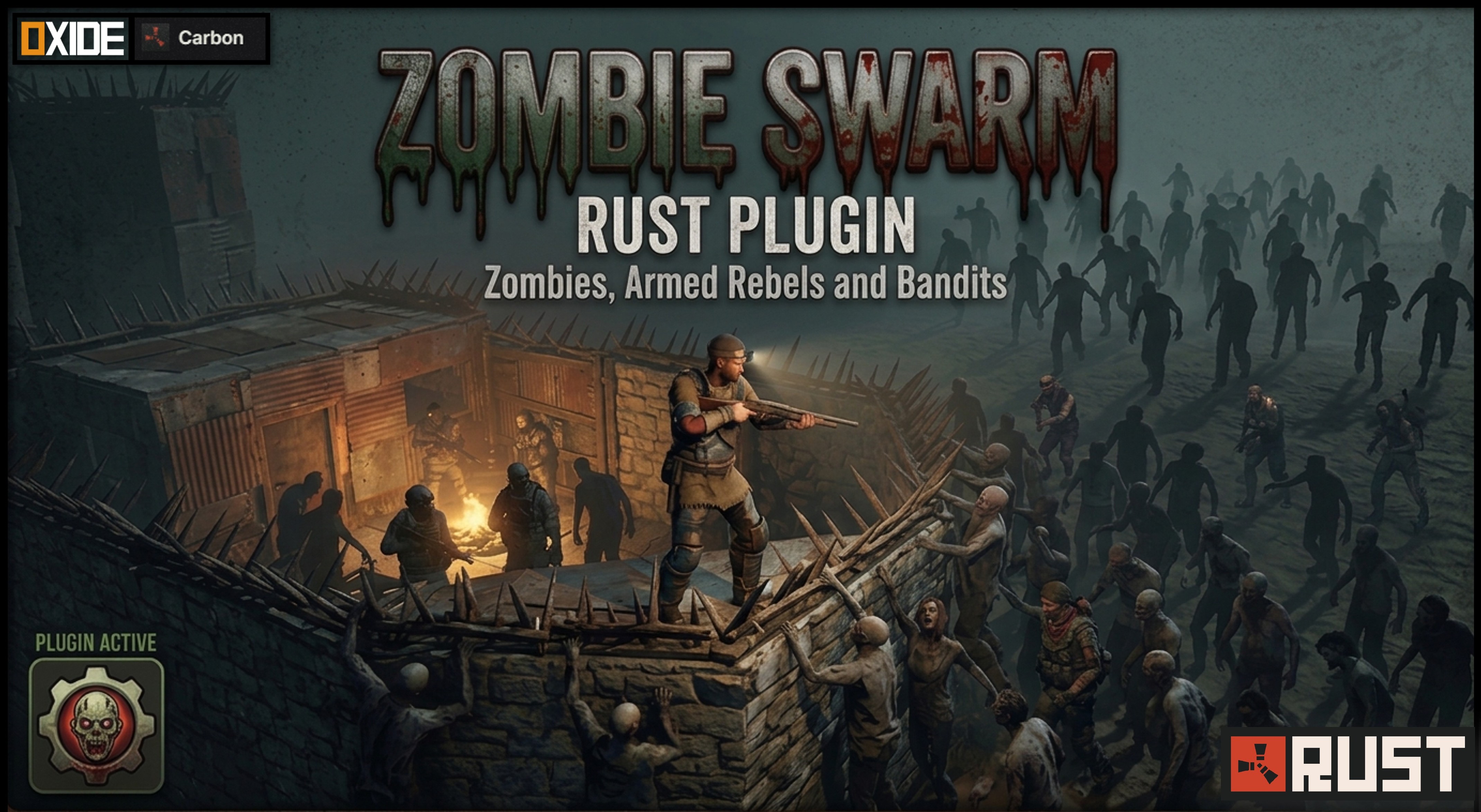
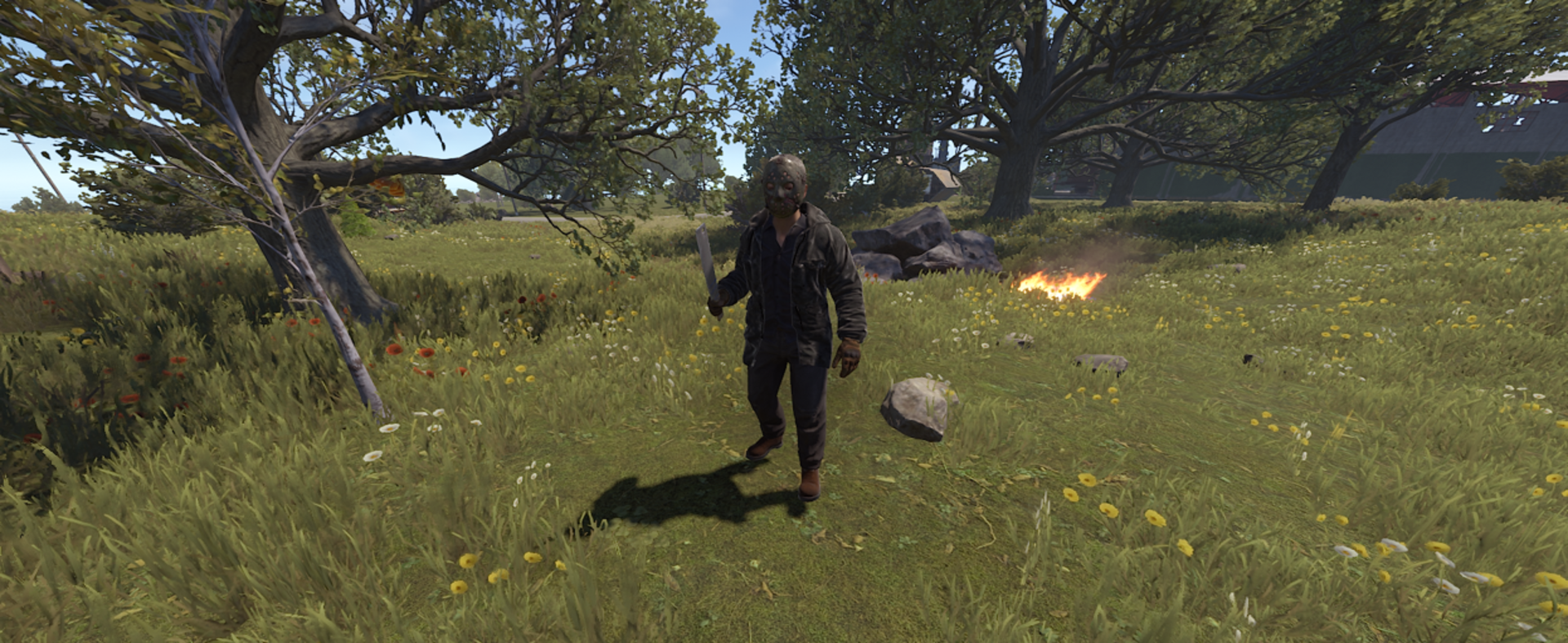
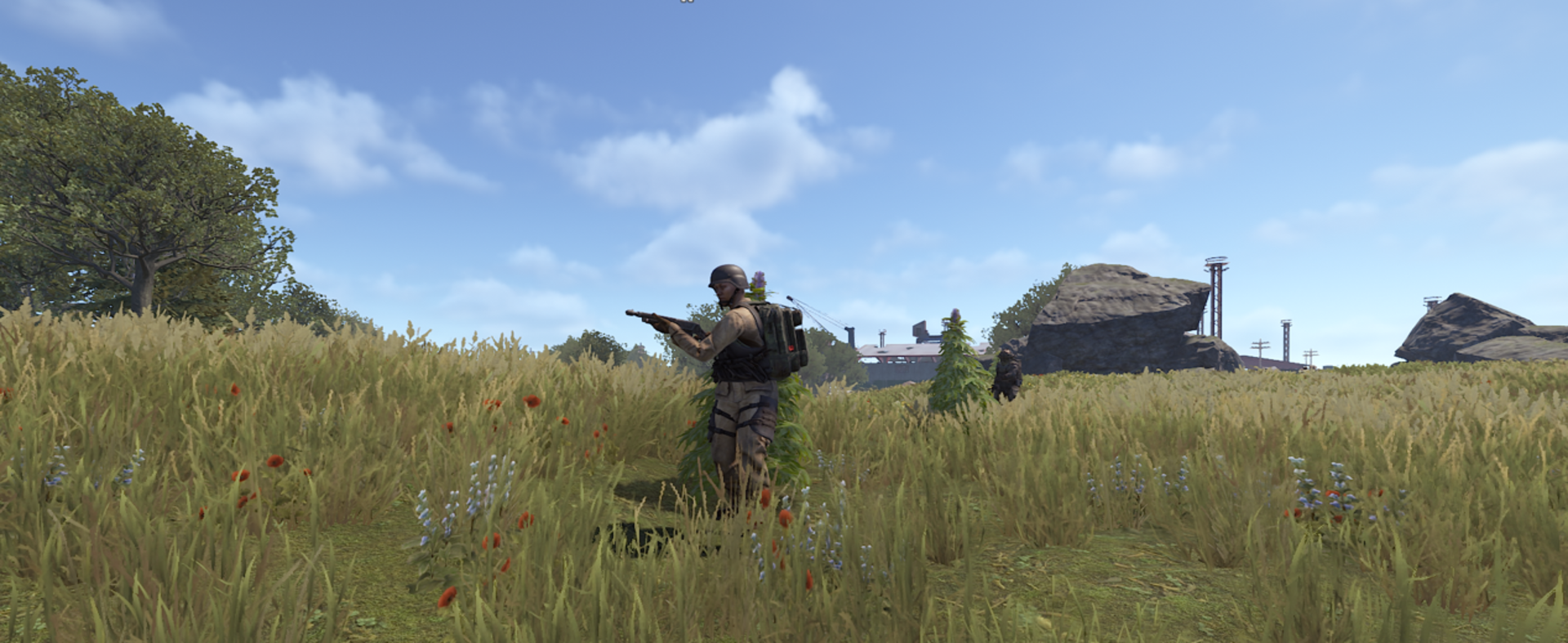
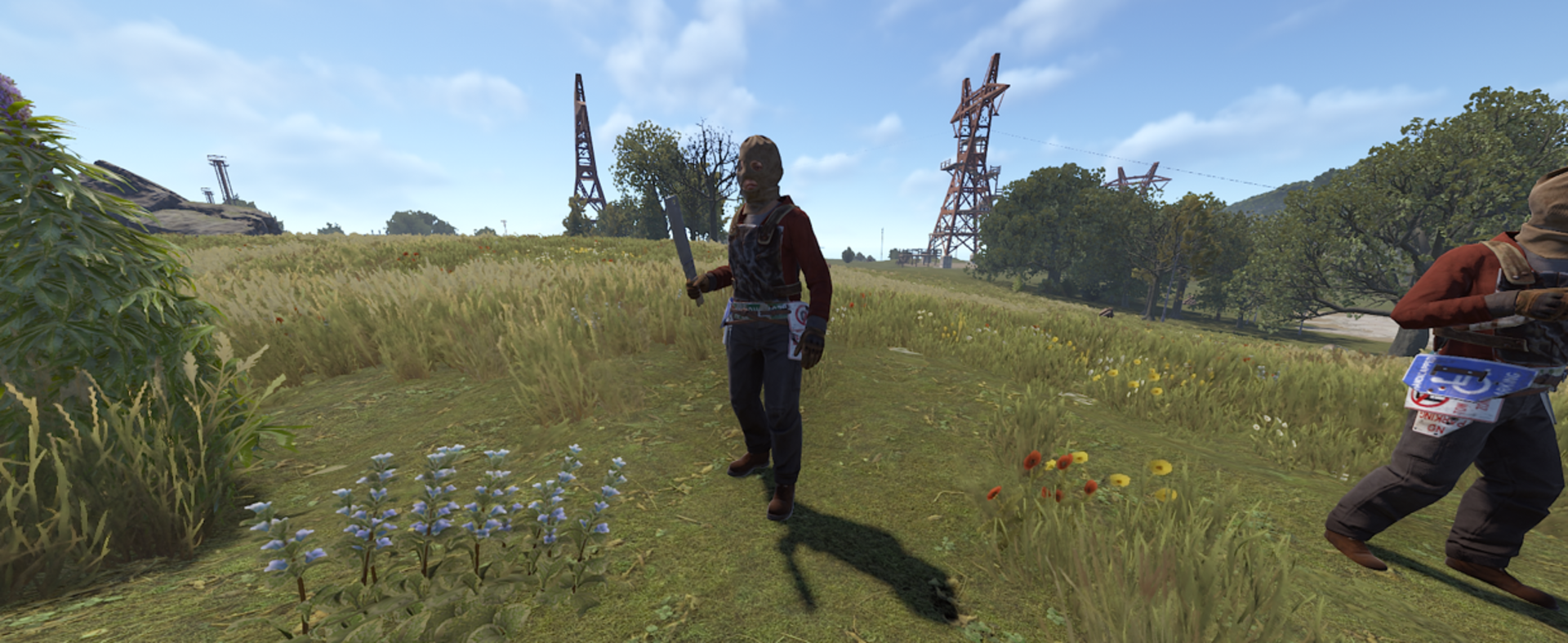
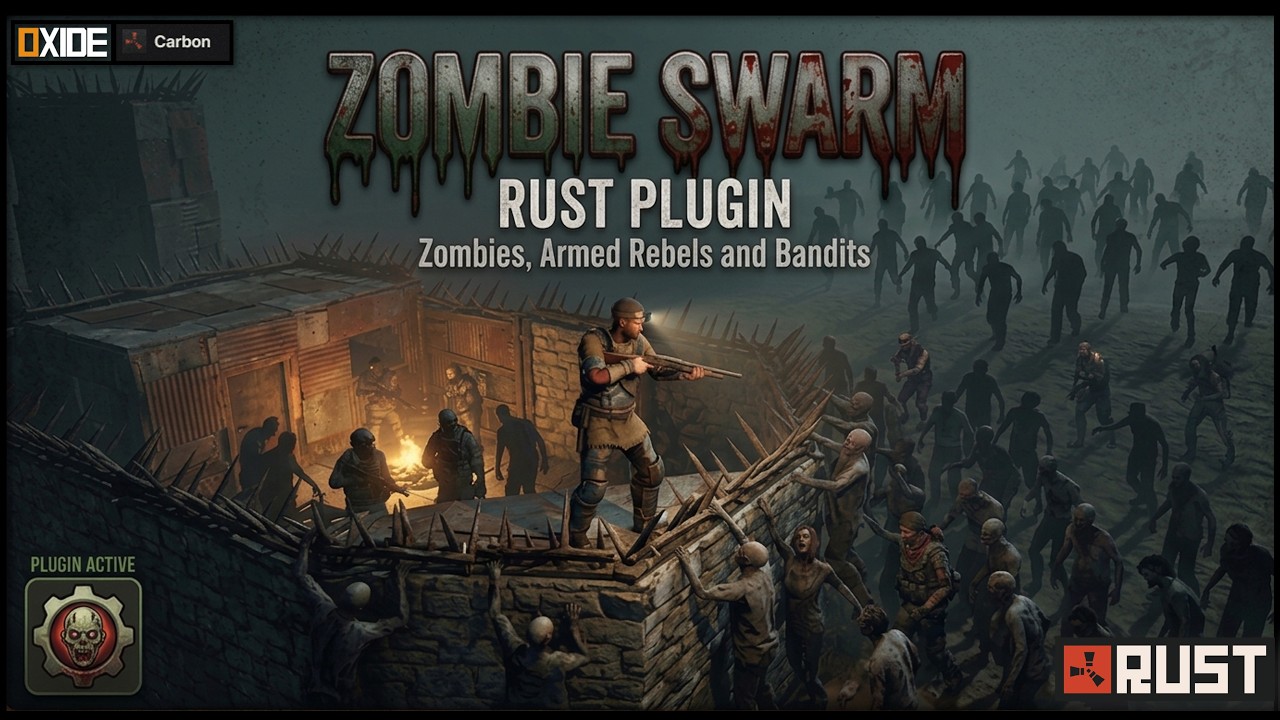
Zombies don’t just pile up chaotically. The add-on calculates a group center and assigns individual radii to each space so the horde moves as a unit.
Advanced Siege Positioning
When attacking a base, NPCs no longer crowd a single point. The AI calculates slots along structures, allowing the swarm to spread out and assault multiple sections simultaneously.
Base Assault AI
If a player takes refuge, the horde detects nearby structures and actively attacks foundations, doors, and barricades to reach its target.
Ranged Combat & Reload System
NPCs can use firearms with a realistic reload system. When they run out of ammo, they temporarily retreat or spend a dynamic reload time based on weapon capacity.
NPC Interaction Modes (New in v1.0.7)
Administrators can define how the swarm interacts with other NPCs:
- Attack - Engage any NPC encountered.
- Passive - Defensive behavior only (counter-attacks when attacked).
- Ignore - Completely ignore external NPCs and focus exclusively on players.
Overhauled Boss AI (Updated in v1.0.7)
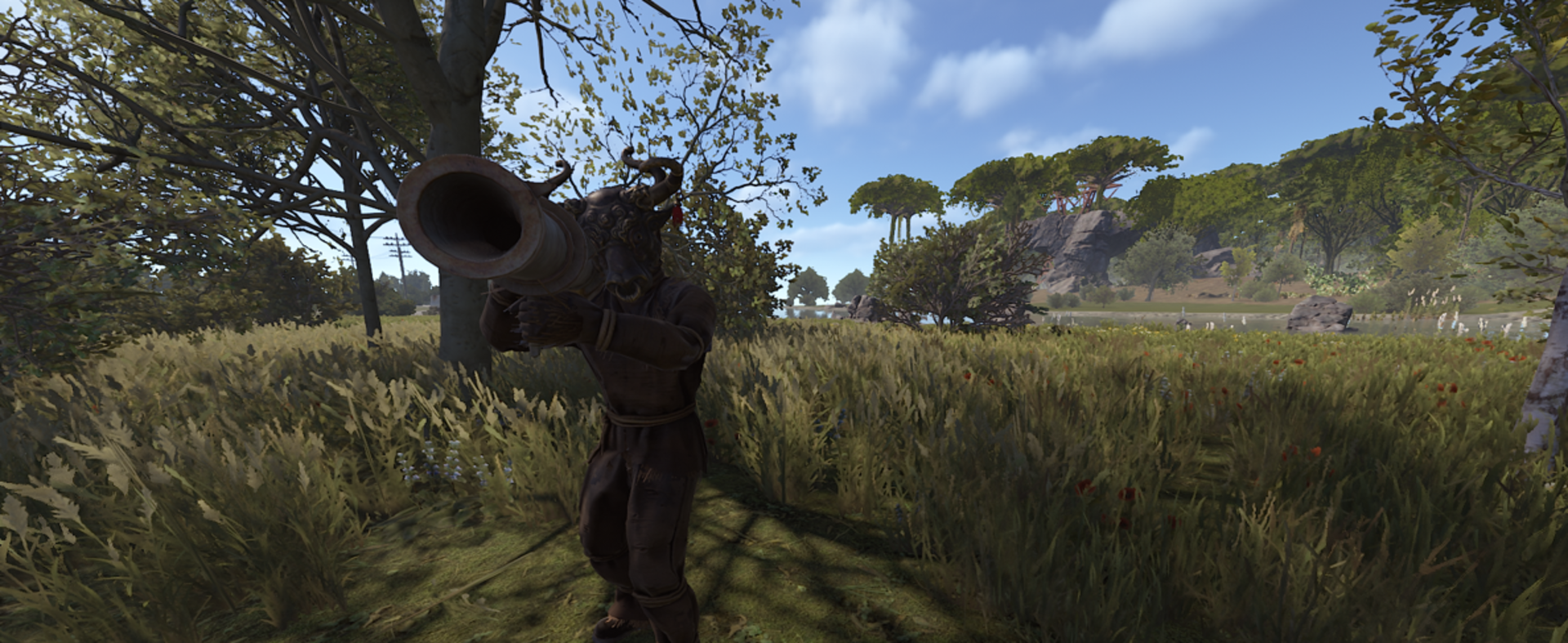
Elite Commanders now feature more lethal and configurable intelligence:
- Configurable Engagement Range - Adjust how far a Boss can detect and track enemies.
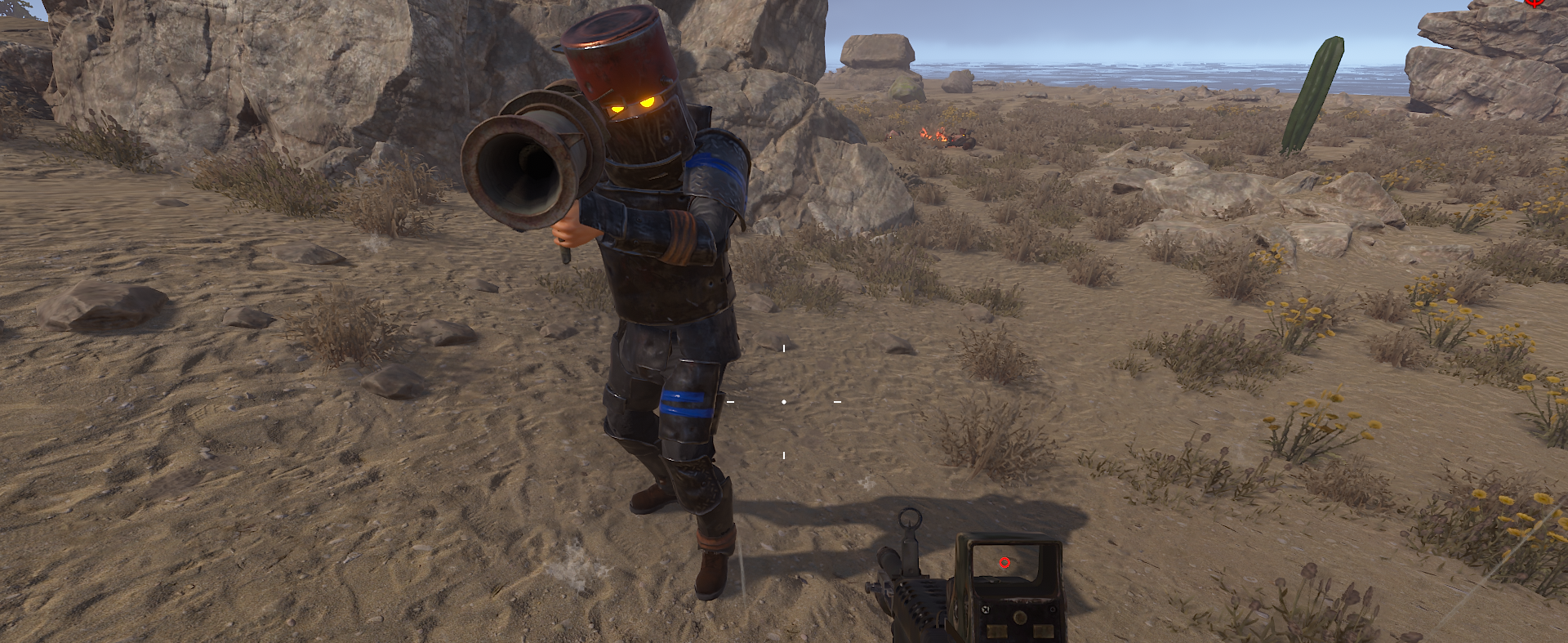
- Weapon Damage Levels - Set Minigun, HMLMG, and M249 damage to Low, Medium, or High.
- Advanced Target Memory - Improved tracking and aiming logic prevents losing players behind cover.
- Suppression Fire & Smart Rocket Aiming - Automatic burst fire and ballistic calculations for accurate rocket attacks from different elevations.
Swarms State Machine
The swarm intelligently alternates between:
- Dynamic Patrol
- Pursuit
- Attack
Shot Alert System
If a player fires from a distance, the group immediately enters a state of alert, locates the attacker, and launches a counterattack.
⚔️🔥 Base Assaults and Advanced Combat Tactics
Grenade Use
NPCs can throw:
- F1 Grenades
- Beancan Grenades
- Molotov Cocktails
- Smoke Grenades
The plugin calculates realistic trajectories, physics, and throw probabilities.
Smart Structure Assaults
The AI recognizes weapon types:
- Melee zombies attack structures directly.
- Firearm-equipped NPCs provide covering fire instead of attacking walls with guns.
Friendly Fire Prevention
Custom damage mitigation prevents zombies from killing each other with grenades or boss explosions.
Configurable Damage
Precisely adjust:
- Structure damage values
- Overall aggression multipliers
Realistic Impact Effects
Accurate visual and sound effects based on impacted materials:
- Wood
- Stone
- Metal
🎭 Visual, Sound, and Loot Customization
Custom Appearance & Outfits
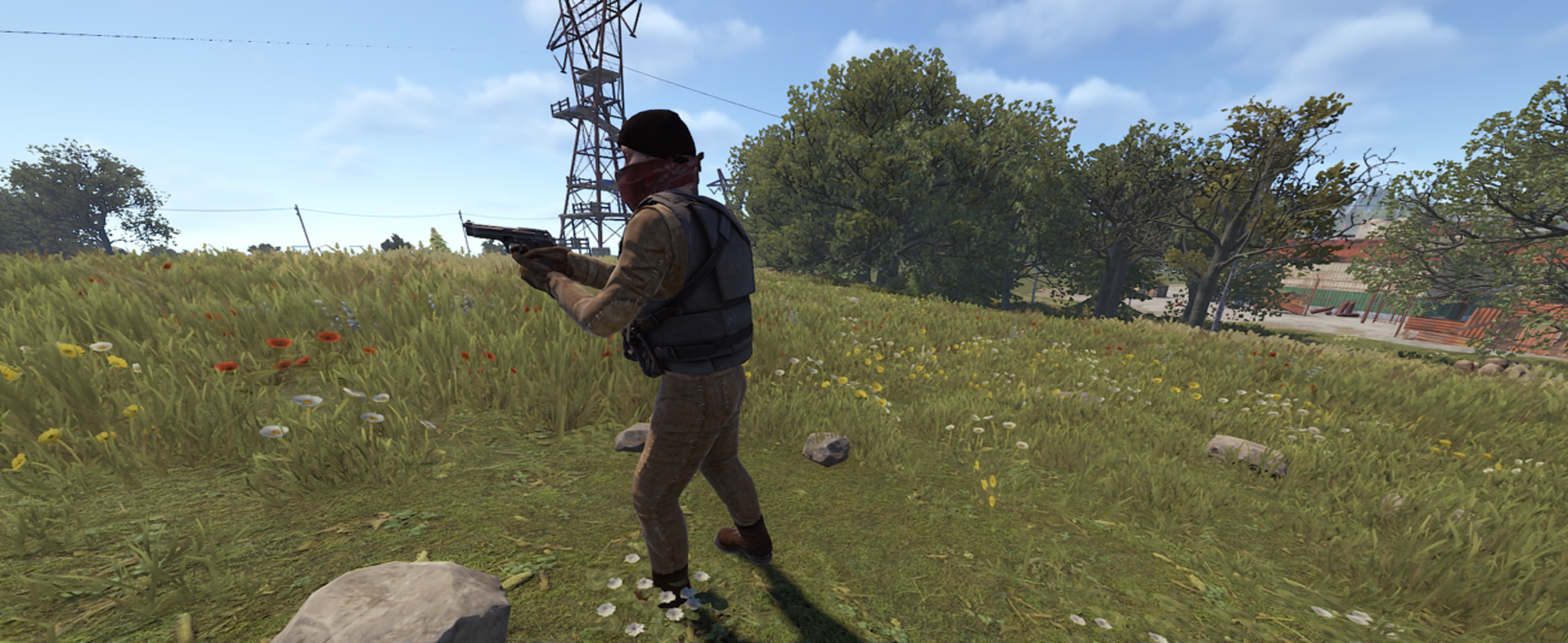
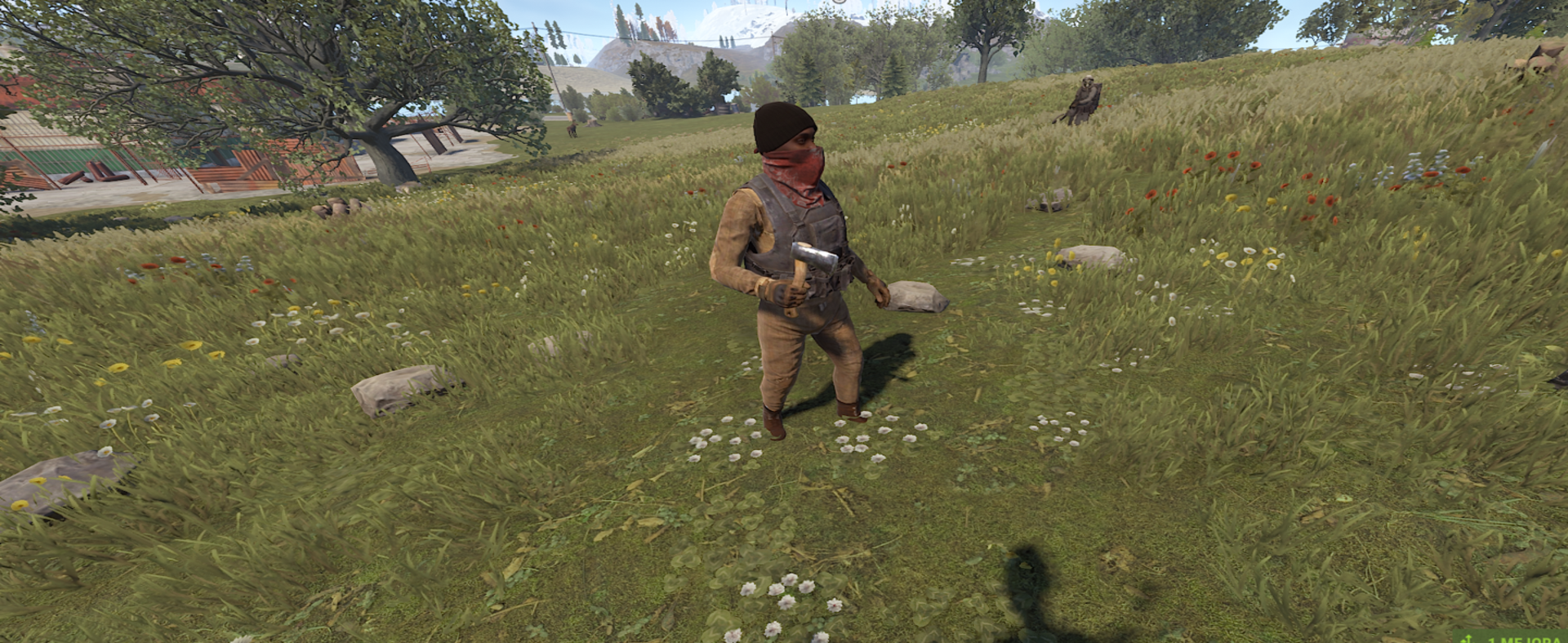
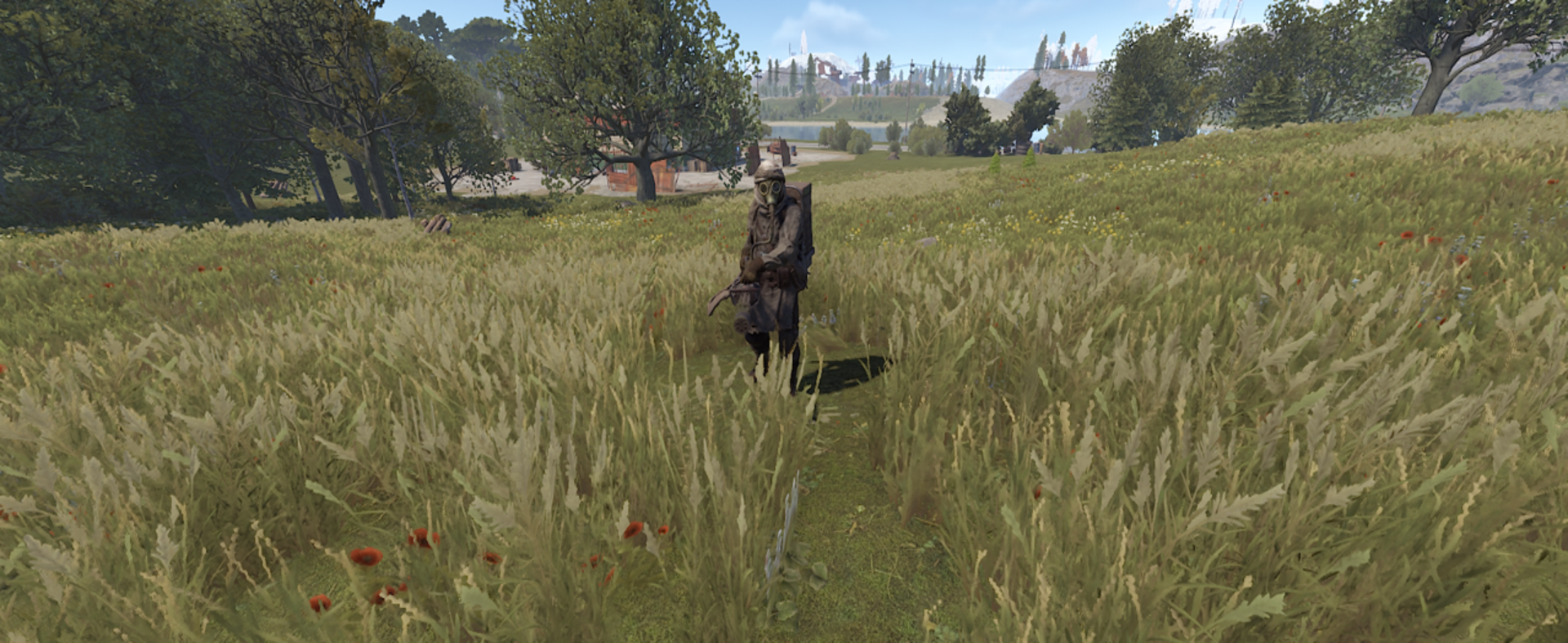
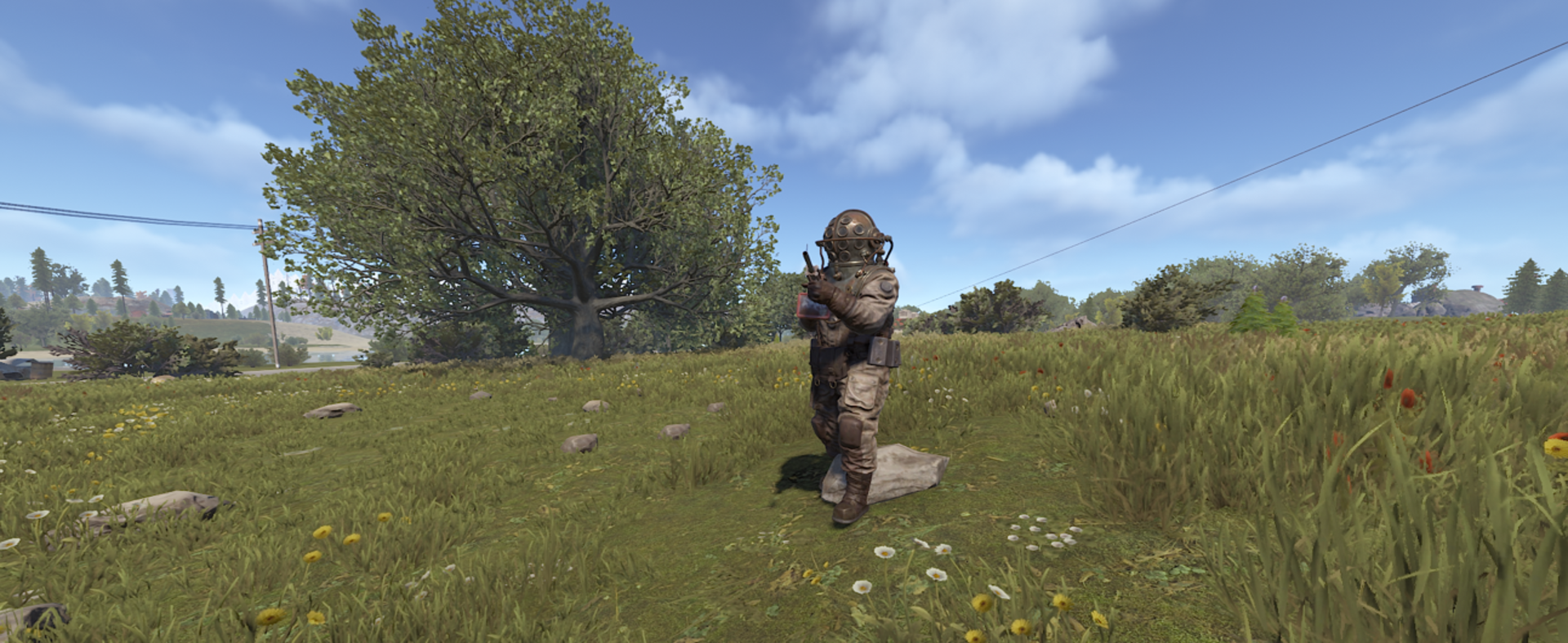
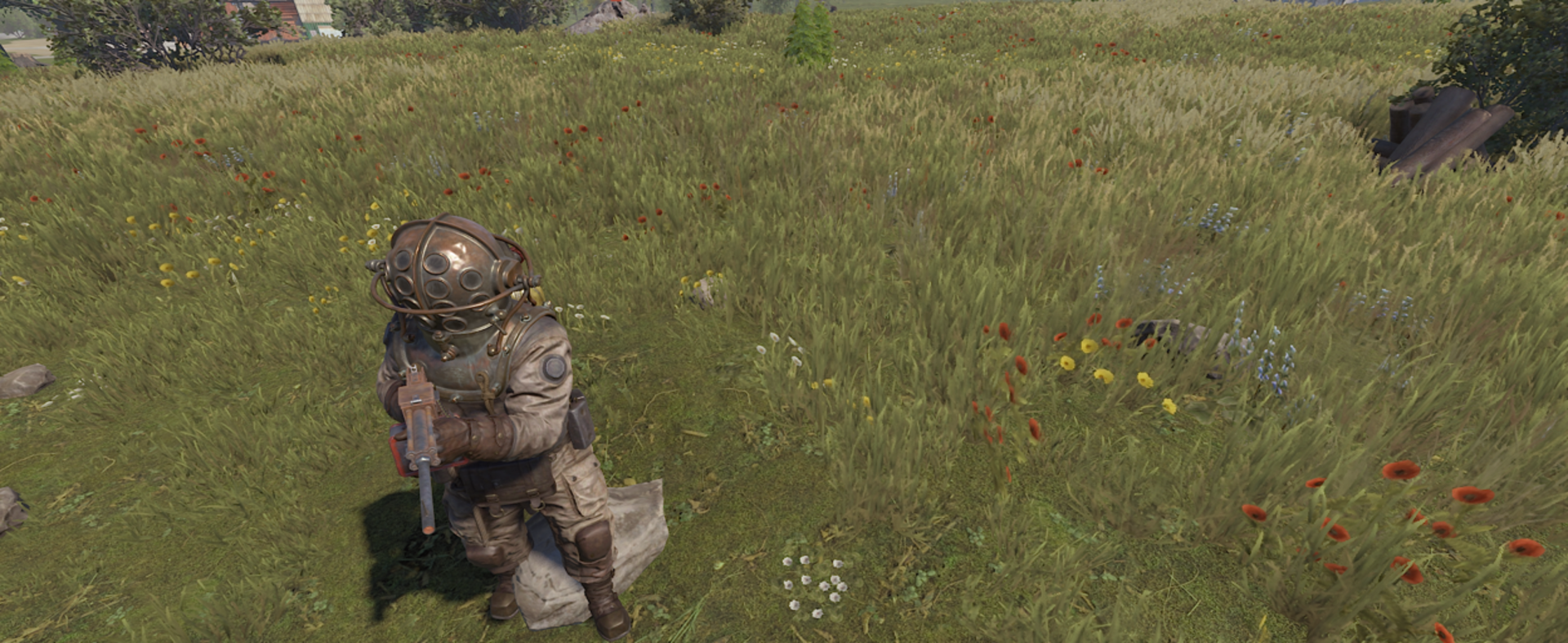
Choose from multiple character styles:
- Scarecrows
- Bandits
- Rebels
- Zombified Humans
Expanded Character Presets (New in v1.0.7)
New Human Archetypes
- Jason
- Prisoner
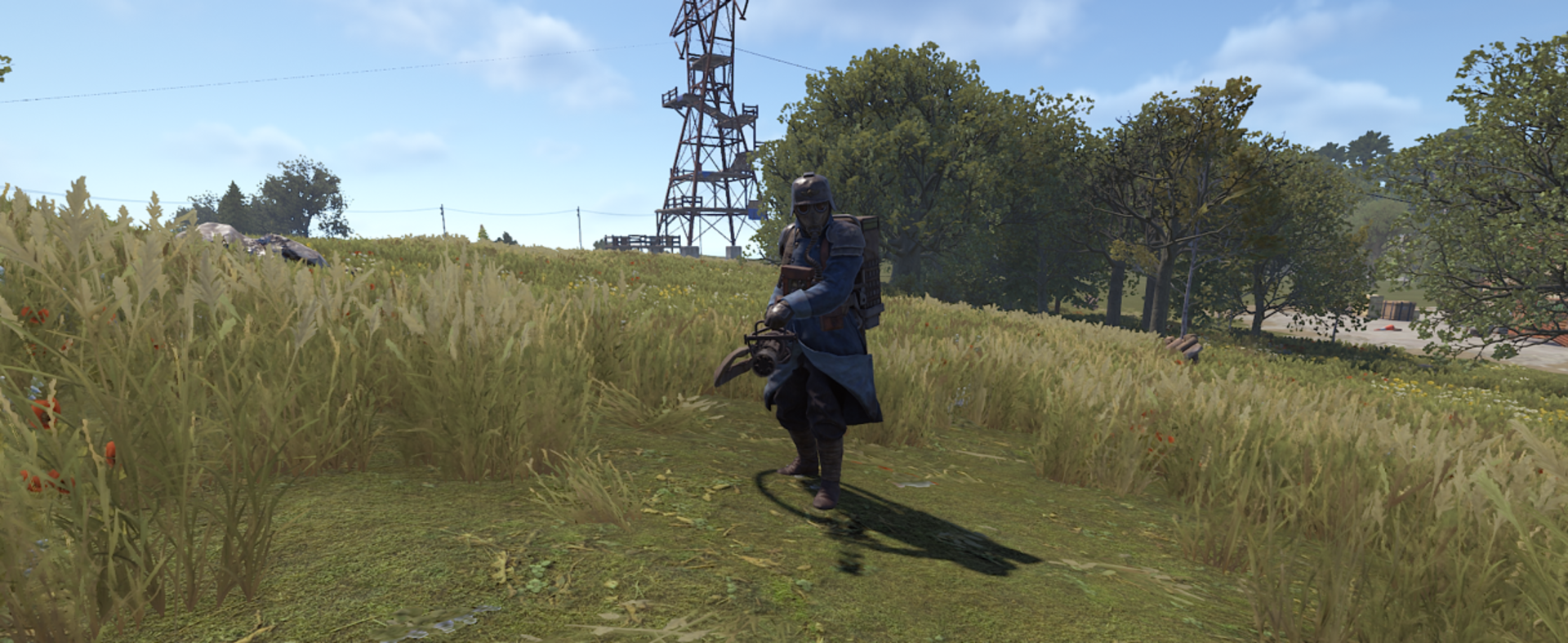
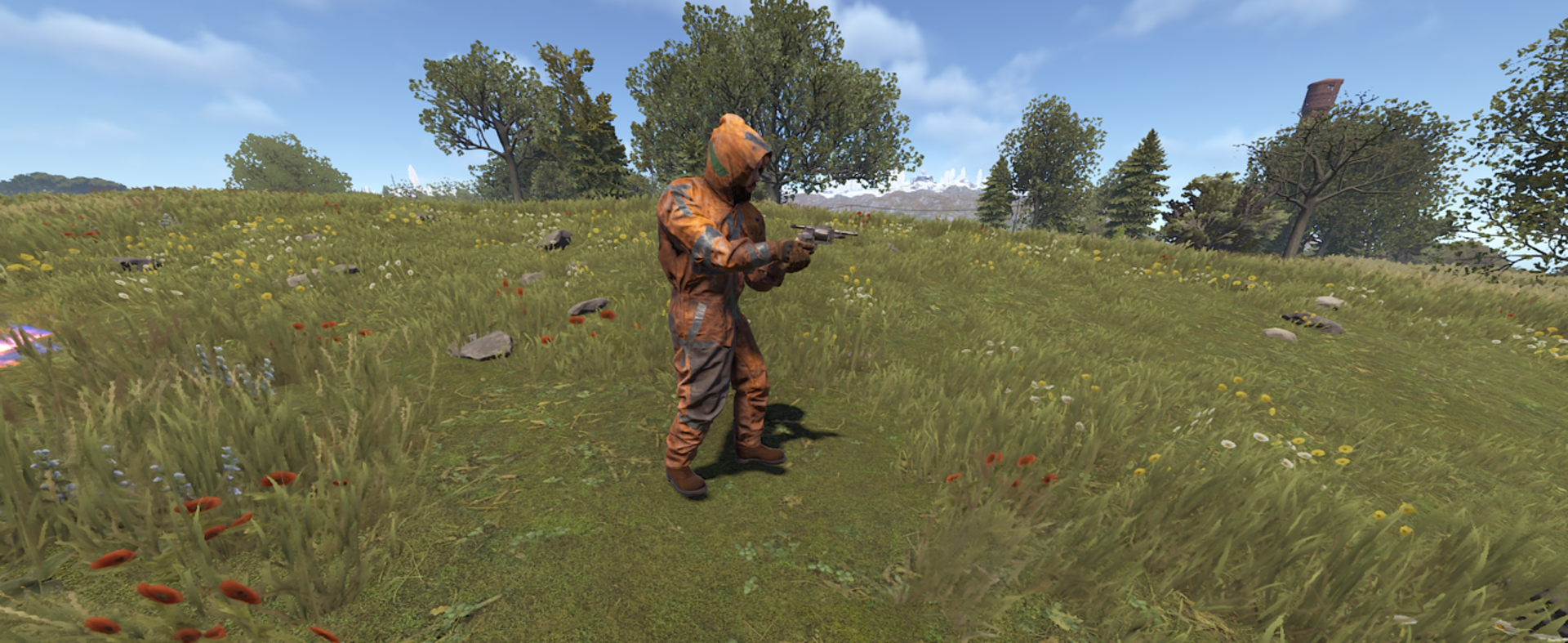
New Boss Outfits
- Krieg
- Nomad
Alongside existing categories:
- Juggernaut
- Tactical
- Demon
- Legendary
- Abyss
⚙️ Population Control and Performance
Memory & Performance Optimization (Updated in v1.0.7)
- Improved active swarm tracking.
- Enhanced target validation.
- Reduced CPU overhead.
- Fixed boss routines that could continue after death.
- Guaranteed memory cleanup.
- Optimized formation system capable of handling large swarms (50+ NPCs).
Smart Spawning (New in v1.0.7)
- Improved
/swarm herecommand. - Hordes now spawn in front of the administrator.
- Advanced NavMesh sampling.
- Safety validation prevents spawns underwater or inside rocks.
Strict Global Limits
Configure maximum simultaneous:
- Zombies
- Swarms
Across the entire server to protect performance.
Spawn Cycle & Cleanup
Configure zombies to:
- Spawn only at night.
- Self-destruct at dawn.
Smart Entity Cleanup
Automatic tracking and removal of:
- Dropped backpacks
- Expired event entities
Prevents unnecessary server bloat.
Detailed Debug Logging
Diagnostic messages for:
- Swarm generation
- Spawn attempts
- Configuration troubleshooting
Featured Highlights
✅ New: Real-time Visual Config Panel (/swp)
✅ 50+ Configurable Settings
✅ 8+ Strategic Performance Checks
✅ 10+ Administrative Commands
✅ Optimized for Servers with 50 - 150+ Players
📊 Administration Tools
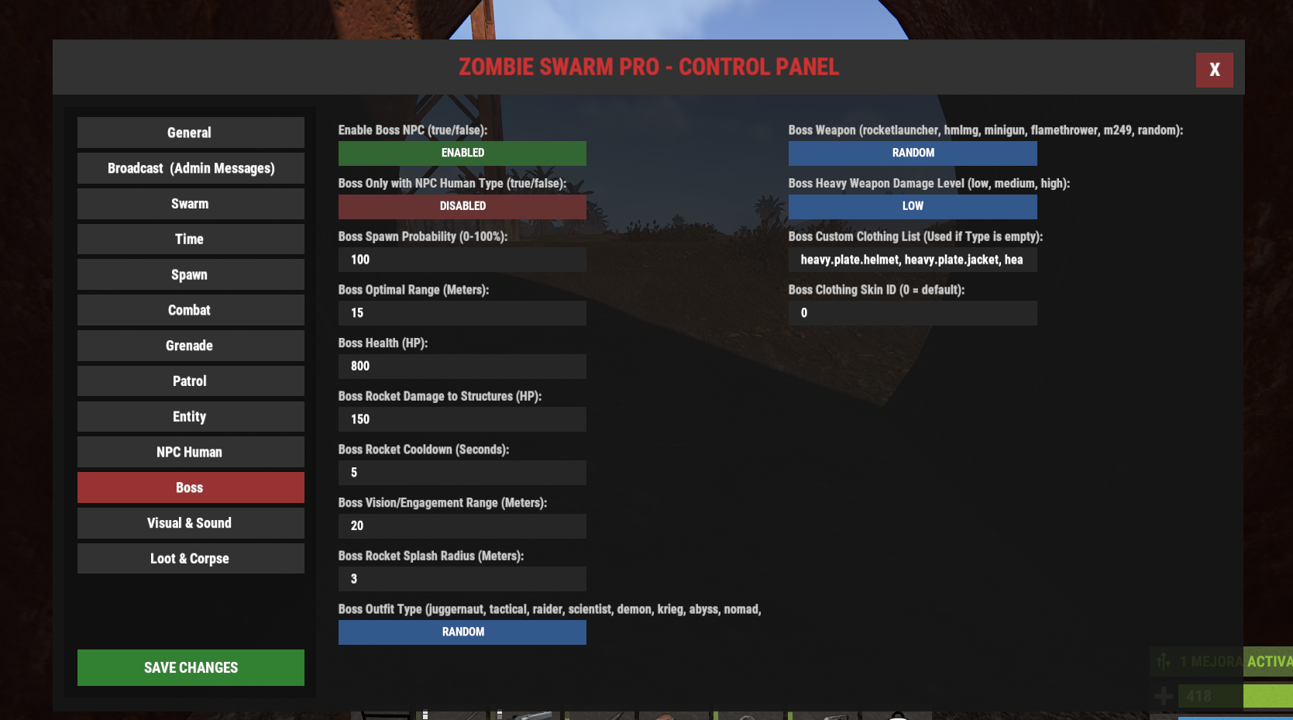
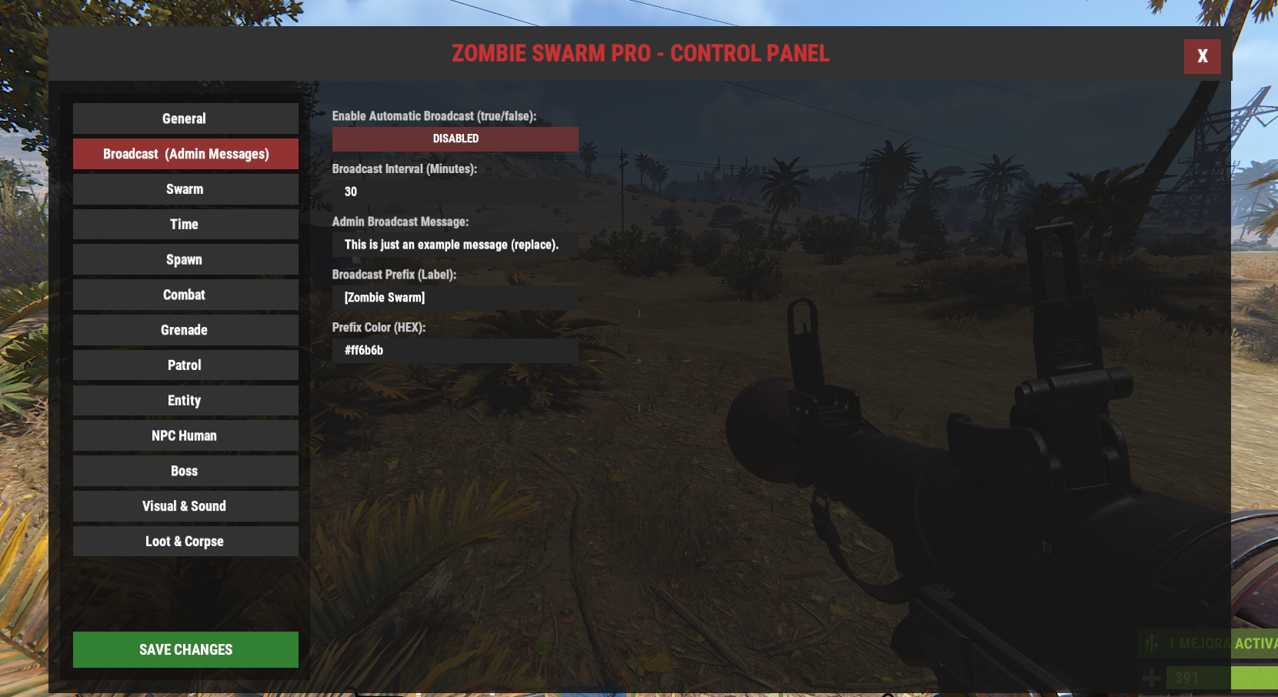
Zombie Swarm Pro v1.0.8 includes an optional additional panel (GUI) called the ZSProPanel, which provides a complete in-game graphical interface for editing plugin settings without manually modifying JSON files. Now, administrators can modify all settings in real time within the game. No more manual .json file edits and server restarts to optimize your apocalypse.
Refined Status Reports
The /swarm status command provides real-time information including:
- Active Boss count
- Active swarm entities
- System status (Paused / Active)
Advanced Debug Logging (New in v1.0.7)
A new diagnostic layer provides detailed logs for:
- Swarm generation
- Boss spawning
- Event cleanup
- Failed spawn attempts
Allowing precise troubleshooting of configuration issues.
Improved Forced Spawning (New in v1.0.7)
The /swarm here command now spawns hordes and bosses directly in front of the administrator's view instead of on top of their current position.
Custom Announcement System
Broadcast automated server messages with:
- Custom HEX colors
- Unique prefixes
- Fully configurable formatting
🖥️ Server Integration, Commands & Permissions
The plugin offers complete control over the apocalypse cycle. Server Admins (Auth Level 2) have full access by default. The help menu (/swarm help) has been visually redesigned for ease of use.
🔑 Permissions
If you want to grant access to moderators, event organizers, or specific players without giving them full admin rights, use the following Oxide permission:
zombieswarmpro.admin- Grants full access to all/swarmchat commands.
To grant this permission, use your console (F1) or RCON:
oxide.grant user <PlayerName or SteamID> zombieswarmpro.adminoxide.grant group <GroupName> zombieswarmpro.admin
🧩 Admin Commands
/swp: open the Pro Visual Configuration GUI (Panel)./swarm status: Shows active swarms, total zombies on the map, and current entity type./swarm toggle: Pauses or resumes the automatic swarm generation on the server./swarm clear: Immediately clears all swarms, zombies, and corpses from the map./swarm reload: Reloads the configuration file without restarting the server./swarm entity [npc_human | scarecrow]: Changes the NPC type in real-time./swarm here: Forces a swarm to spawn exactly at your current position./swarm attack "Player Name": Summons a swarm against a specific player instantly./swarm boss "Player Name": Sends a Boss directly to attack a specific player./swarm cancel "Player Name": Cancels and removes an active swarm attacking a specific player./swarm msg: Broadcasts a custom announcement to all players.
⚙️ Configuration file (json):
| 1 | { |
| 2 | "General Settings": { |
| 3 | "Debug Mode (true/false)": false, |
| 4 | "Enable Auto Status Message": true, |
| 5 | "Status Message Interval (Minutes)": 5.0 |
| 6 | }, |
| 7 | "Broadcast Settings (Admin Messages)": { |
| 8 | "Enable Automatic Broadcast (true/false)": false, |
| 9 | "Broadcast Interval (Minutes)": 30.0, |
| 10 | "Admin Broadcast Message": "This is just an example message (replace).", |
| 11 | "Broadcast Prefix (Label)": "[Zombie Swarm]", |
| 12 | "Prefix Color (HEX)": "#ff6b6b" |
| 13 | }, |
| 14 | "Swarm Settings": { |
| 15 | "Zombies Per Swarm (Amount)": 6, |
| 16 | "Max Global Zombies (Total NPC Limit)": 80, |
| 17 | "Max Global Swarms (Limit)": 15, |
| 18 | "Spawn Probability per Player (0-100%)": 30, |
| 19 | "Swarms Per Player (Limit)": 2, |
| 20 | "Maintain Swarm Size (Refill missing zombies)": false, |
| 21 | "Spawn Cooldown per Player (Seconds)": 600.0 |
| 22 | }, |
| 23 | "Time Settings": { |
| 24 | "Start Hour (0-24h)": 18.0, |
| 25 | "End Hour (0-24h)": 8.0 |
| 26 | }, |
| 27 | "Spawn Settings": { |
| 28 | "Spawn Min Distance (Meters)": 15.0, |
| 29 | "Spawn Max Distance (Meters)": 25.0, |
| 30 | "Spawn Tick (Seconds)": 0.3 |
| 31 | }, |
| 32 | "Combat Settings": { |
| 33 | "Enable Base Raiding AI (true/false)": false, |
| 34 | "Damage to Structures (HP per hit)": 15.0, |
| 35 | "Zombie Speed Fraction (0.1 - 1.0 multiplier)": 0.5, |
| 36 | "Player Detection Range (Meters)": 40.0, |
| 37 | "Attack Distance (Meters)": 2.0, |
| 38 | "Formation Slot Radius (Meters)": 1.5, |
| 39 | "Control Logic Tick (Seconds)": 0.5, |
| 40 | "Attack When Shot (true/false)": true, |
| 41 | "Shot Alert Duration (Seconds)": 30.0, |
| 42 | "Zombie Melee Attack Speed Multiplier (1.0 - 2.0)": 1.0, |
| 43 | "Zombie Health (HP)": 200.0, |
| 44 | "Interaction with other NPCs (attack / passive / ignore)": "ignore" |
| 45 | }, |
| 46 | "Grenade Settings": { |
| 47 | "Enable Grenades (true/false)": true, |
| 48 | "Allow Smoke Grenades (true/false)": false, |
| 49 | "Grenade Type (f1, beancan, smoke, molotov, random)": "random", |
| 50 | "Grenade Throw Probability (0-100%)": 5, |
| 51 | "Grenade Throw Cooldown (Seconds)": 20.0, |
| 52 | "Disable Zombie Friendly Fire (Explosions/Fire)": true, |
| 53 | "Min Throw Distance (Meters)": 5.0, |
| 54 | "Max Throw Distance (Meters)": 25.0, |
| 55 | "F1 Prefab Path (Fallback)": "assets/prefabs/weapons/f1 grenade/grenade.f1.deployed.prefab", |
| 56 | "Beancan Prefab Path (Fallback)": "assets/prefabs/weapons/beancan grenade/grenade.beancan.deployed.prefab", |
| 57 | "Smoke Prefab Path (Fallback)": "assets/prefabs/tools/smoke grenade/grenade.smoke.deployed.prefab", |
| 58 | "Molotov Prefab Path (Fallback)": "assets/prefabs/weapons/molotov cocktail/grenade.molotov.deployed.prefab" |
| 59 | }, |
| 60 | "Patrol Settings": { |
| 61 | "Patrol Random Behavior (true/false)": true, |
| 62 | "Patrol Run Probability (0-100%)": 40, |
| 63 | "Patrol Stop Probability (0-100%)": 30, |
| 64 | "Patrol Stop Duration (Seconds)": 3.0, |
| 65 | "Patrol Walk Duration (Seconds)": 5.0, |
| 66 | "Patrol Run Duration (Seconds)": 4.0, |
| 67 | "Patrol Waypoint Interval (Seconds)": 25.0, |
| 68 | "Patrol Radius (Meters)": 50.0 |
| 69 | }, |
| 70 | "Entity Settings": { |
| 71 | "Entity Type (scarecrow, npc_human, random)": "scarecrow" |
| 72 | }, |
| 73 | "NPC Human Settings": { |
| 74 | "NPC Human Clothing (military, survival, scavenger, jason, raider, ghost, maniac, prisoner, random)": "random", |
| 75 | "Ranged Weapon Chance (0-100%)": 30, |
| 76 | "List of Melee Weapons": [ |
| 77 | "machete", |
| 78 | "bone.club", |
| 79 | "salvaged.cleaver", |
| 80 | "hatchet" |
| 81 | ], |
| 82 | "List of Ranged Weapons (pistols and shotguns)": [ |
| 83 | "pistol.semiauto", |
| 84 | "pistol.revolver", |
| 85 | "pistol.m92", |
| 86 | "shotgun.pump" |
| 87 | ], |
| 88 | "Enable NPC Human Armor (true/false)": true |
| 89 | }, |
| 90 | "Boss Settings": { |
| 91 | "Enable Boss NPC (true/false)": false, |
| 92 | "Boss Only with NPC Human Type (true/false)": true, |
| 93 | "Boss Spawn Probability (0-100%)": 40, |
| 94 | "Boss Optimal Range (Meters)": 15.0, |
| 95 | "Boss Health (HP)": 800.0, |
| 96 | "Boss Rocket Damage to Structures (HP)": 150.0, |
| 97 | "Boss Rocket Cooldown (Seconds)": 5.0, |
| 98 | "Boss Vision/Engagement Range (Meters)": 30.0, |
| 99 | "Boss Rocket Splash Radius (Meters)": 3.0, |
| 100 | "Boss Outfit Type (juggernaut, tactical, raider, scientist, demon, krieg, abyss, nomad, random)": "random", |
| 101 | "Boss Weapon (rocketlauncher, hmlmg, minigun, flamethrower, m249, random)": "random", |
| 102 | "Boss Heavy Weapon Damage Level (low, medium, high)": "medium", |
| 103 | "Boss Custom Clothing List (Used if Type is empty)": [ |
| 104 | "heavy.plate.helmet", |
| 105 | "heavy.plate.jacket", |
| 106 | "heavy.plate.pants" |
| 107 | ], |
| 108 | "Boss Clothing Skin ID (0 = default)": 0 |
| 109 | }, |
| 110 | "Visual & Sound Settings": { |
| 111 | "Enable Glowing Eyes (true/false)": true, |
| 112 | "Enable Zombie Sound Effects (true/false)": true, |
| 113 | "Death Sound Prefab": "assets/bundled/prefabs/fx/player/gutshot_scream.prefab", |
| 114 | "Ambient/Scream Sound Prefab": "assets/bundled/prefabs/fx/player/beartrap_scream.prefab" |
| 115 | }, |
| 116 | "Loot & Corpse Settings": { |
| 117 | "Enable Drop Loot (true/false)": false, |
| 118 | "Clear Corpses in the end (true/false)": true, |
| 119 | "Clear Backpacks in the end (true/false)": true |
| 120 | } |
| 121 | } |
🖥️ Control Panel (GUI):
🔷 Support
If you find any bugs or would like to see new features, please let me know and we’ll gladly find a way to implement them.
This plugin is constantly being maintained and will continue to evolve with smart new features, gameplay improvements, and more fun mechanics.
Your feedback helps shape the future of this project.
ZombieSwarmPro.json
{
  "General Settings": {
    "Debug Mode (true/false)": false,
    "Enable Auto Status Message": true,
    "Status Message Interval (Minutes)": 5.0
  },
  "Broadcast Settings (Admin Messages)": {
    "Enable Automatic Broadcast (true/false)": false,
    "Broadcast Interval (Minutes)": 30.0,
    "Admin Broadcast Message": "This is just an example message (replace).",
    "Broadcast Prefix (Label)": "[Zombie Swarm]",
    "Prefix Color (HEX)": "#ff6b6b"
  },
  "Swarm Settings": {
    "Zombies Per Swarm (Amount)": 6,
    "Max Global Zombies (Total NPC Limit)": 80,
    "Max Global Swarms (Limit)": 15,
    "Spawn Probability per Player (0-100%)": 30,
    "Swarms Per Player (Limit)": 2,
    "Maintain Swarm Size (Refill missing zombies)": false,
    "Spawn Cooldown per Player (Seconds)": 600.0
  },
  "Time Settings": {
    "Start Hour (0-24h)": 18.0,
    "End Hour (0-24h)": 8.0
  },
  "Spawn Settings": {
    "Spawn Min Distance (Meters)": 15.0,
    "Spawn Max Distance (Meters)": 25.0,
    "Spawn Tick (Seconds)": 0.3
  },
  "Combat Settings": {
    "Enable Base Raiding AI (true/false)": false,
    "Damage to Structures (HP per hit)": 15.0,
    "Zombie Speed Fraction (0.1 - 1.0 multiplier)": 0.5,
    "Player Detection Range (Meters)": 40.0,
    "Attack Distance (Meters)": 2.0,
    "Formation Slot Radius (Meters)": 1.5,
    "Control Logic Tick (Seconds)": 0.5,
    "Attack When Shot (true/false)": true,
    "Shot Alert Duration (Seconds)": 30.0,
    "Zombie Melee Attack Speed Multiplier (1.0 - 2.0)": 1.0,
    "Zombie Health (HP)": 200.0,
    "Interaction with other NPCs (attack / passive / ignore)": "ignore"
  },
  "Grenade Settings": {
    "Enable Grenades (true/false)": true,
    "Allow Smoke Grenades (true/false)": false,
    "Grenade Type (f1, beancan, smoke, molotov, random)": "random",
    "Grenade Throw Probability (0-100%)": 5,
    "Grenade Throw Cooldown (Seconds)": 30.0,
    "Disable Zombie Friendly Fire (Explosions/Fire)": true,
    "Min Throw Distance (Meters)": 5.0,
    "Max Throw Distance (Meters)": 25.0,
    "F1 Prefab Path (Fallback)": "assets/prefabs/weapons/f1 grenade/grenade.f1.deployed.prefab",
    "Beancan Prefab Path (Fallback)": "assets/prefabs/weapons/beancan grenade/grenade.beancan.deployed.prefab",
    "Smoke Prefab Path (Fallback)": "assets/prefabs/tools/smoke grenade/grenade.smoke.deployed.prefab",
    "Molotov Prefab Path (Fallback)": "assets/prefabs/weapons/molotov cocktail/grenade.molotov.deployed.prefab"
  },
  "Patrol Settings": {
    "Patrol Random Behavior (true/false)": true,
    "Patrol Run Probability (0-100%)": 40,
    "Patrol Stop Probability (0-100%)": 30,
    "Patrol Stop Duration (Seconds)": 3.0,
    "Patrol Walk Duration (Seconds)": 5.0,
    "Patrol Run Duration (Seconds)": 4.0,
    "Patrol Waypoint Interval (Seconds)": 25.0,
    "Patrol Radius (Meters)": 50.0
  },
  "Entity Settings": {
    "Entity Type (scarecrow, npc_human, random)": "scarecrow"
  },
  "NPC Human Settings": {
    "NPC Human Clothing (military, survival, scavenger, jason, raider, ghost, maniac, prisoner, random)": "random",
    "Ranged Weapon Chance (0-100%)": 30,
    "List of Melee Weapons": [
      "machete",
      "bone.club",
      "salvaged.cleaver",
      "hatchet"
    ],
    "List of Ranged Weapons (pistols and shotguns)": [
      "pistol.semiauto",
      "pistol.revolver",
      "pistol.m92",
      "shotgun.pump"
    ],
    "Enable NPC Human Armor (true/false)": true
  },
  "Boss Settings": {
    "Enable Boss NPC (true/false)": false,
    "Boss Only with NPC Human Type (true/false)": true,
    "Boss Spawn Probability (0-100%)": 40,
    "Boss Optimal Range (Meters)": 15.0,
    "Boss Health (HP)": 800.0,
    "Boss Rocket Damage to Structures (HP)": 150.0,
    "Boss Rocket Cooldown (Seconds)": 5.0,
    "Boss Vision/Engagement Range (Meters)": 30.0,
    "Boss Rocket Splash Radius (Meters)": 3.0,
    "Boss Outfit Type (juggernaut, tactical, raider, scientist, demon, krieg, abyss, nomad, random)": "random",
    "Boss Weapon (rocketlauncher, hmlmg, minigun, flamethrower, m249, random)": "random",
    "Boss Heavy Weapon Damage Level (low, medium, high)": "medium",
    "Boss Custom Clothing List (Used if Type is empty)": [
      "heavy.plate.helmet",
      "heavy.plate.jacket",
      "heavy.plate.pants"
    ],
    "Boss Clothing Skin ID (0 = default)": 0
  },
  "Visual & Sound Settings": {
    "Enable Glowing Eyes (true/false)": true,
    "Enable Zombie Sound Effects (true/false)": true,
    "Death Sound Prefab": "assets/bundled/prefabs/fx/player/gutshot_scream.prefab",
    "Ambient/Scream Sound Prefab": "assets/bundled/prefabs/fx/player/beartrap_scream.prefab"
  },
  "Loot & Corpse Settings": {
    "Enable Drop Loot (true/false)": false,
    "Clear Corpses in the end (true/false)": true,
    "Clear Backpacks in the end (true/false)": true
  }
}

Trusted hosting partner. Affordable game servers with solid support and panels.
Visit site ↗