Boogie Knight
 RickySpanish

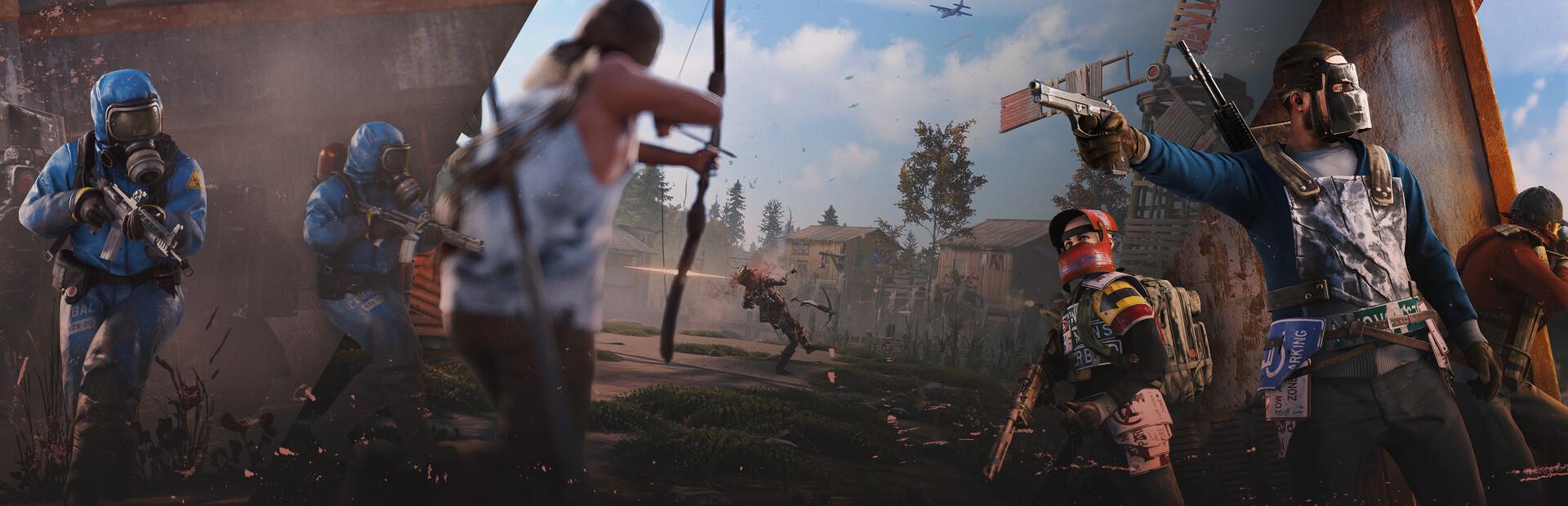
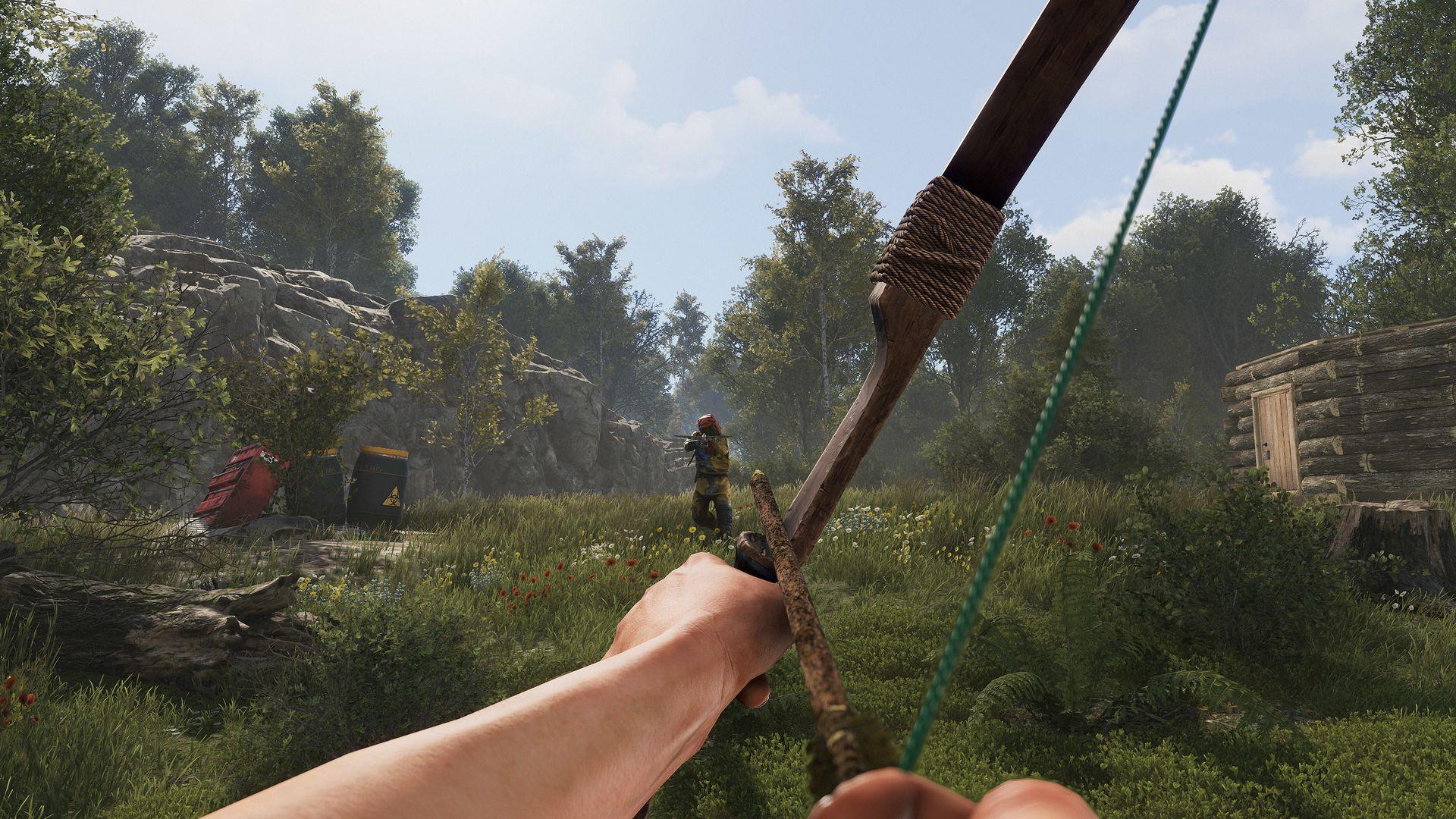
A giant disco boss that plays whatever music you like. His lights and disco ball pulse to the music, and he talks to players with fully voiced lines.
He fights in three stages. Each stage turns the party up with new attacks:
- Mic Stand, Mic Slam and Boomerang Mic up close
- Laser Show, Spotlight Hunt, God Rays and Lighthouse beams
- Bass Drop, Feedback Scream and Disco Drop shockwaves
- Bass Bombs, Encore Rain and Disco Spin from range
- Crowd Surf and Soul Train for players who run or climb
- Mirrorballs he drops that fire rays of their own
- Dance Fever, which forces nearby players to dance and heals him for each one caught
When he dies he breakdances, drops loot crates and announces the top damage dealers.
Features
- Real radio music from any stream URL you set, or turn the radio off
- Fully voiced
- Three stages with their own attacks
- Peaceful mode: he stays friendly until someone attacks him, then his smiley face turns into a red frown
- Automatic spawning at monuments or at your own saved spawn points
- Health bar and map marker with his name and health
- Configurable loot crates
- Damage protection so a group can't melt him in seconds
- Lang file for every message
Requirements
Monster Framework. The included MonsterFrameworkUpdater plugin installs it and keeps it up to date. A server restart is required for Monster Framework to load.
Permission
boogieknight.admin: use every command below. Server admins can use them without it.
Chat commands
/bk spawn: spawns him in front of you/bk kill: kills every Boogie Knight (he still breakdances and drops loot)/bk remove: removes every Boogie Knight with no loot/bk point add: saves where you are standing as a spawn point, facing the way you look/bk point list: lists the saved spawn points with their grid/bk point spawn <n>: spawns him at point n/bk point tp <n>: teleports you to point n/bk point remove <n>: deletes point n/bk point clear: deletes every saved point
Console commands
boogieknight.spawn: spawns him in front of youboogieknight.spawn <player name or id>: spawns him in front of that playerboogieknight.spawn <x> <y> <z>: spawns him at that position
Spawn locations
With automatic spawning on, he picks a spot from both the monuments in the config and your saved spawn points.
- Monuments: list them under
Monuments to spawn at. Use the monument's map name (for exampleAirfield,Launch Site,Military Tunnel) or its prefab name (for exampleairfield_1). Monuments that aren't on the map are skipped. - Saved points: stand where you want him, face the way he should look and type
/bk point add. Points are saved and stay after restarts and reloads.
To only use your own points, empty the monument list. To only use monuments, don't save any points.

Trusted hosting partner. Affordable game servers with solid support and panels.
Visit site ↗