Artifacts
 PumpkinKing
 1 / 6
1 / 6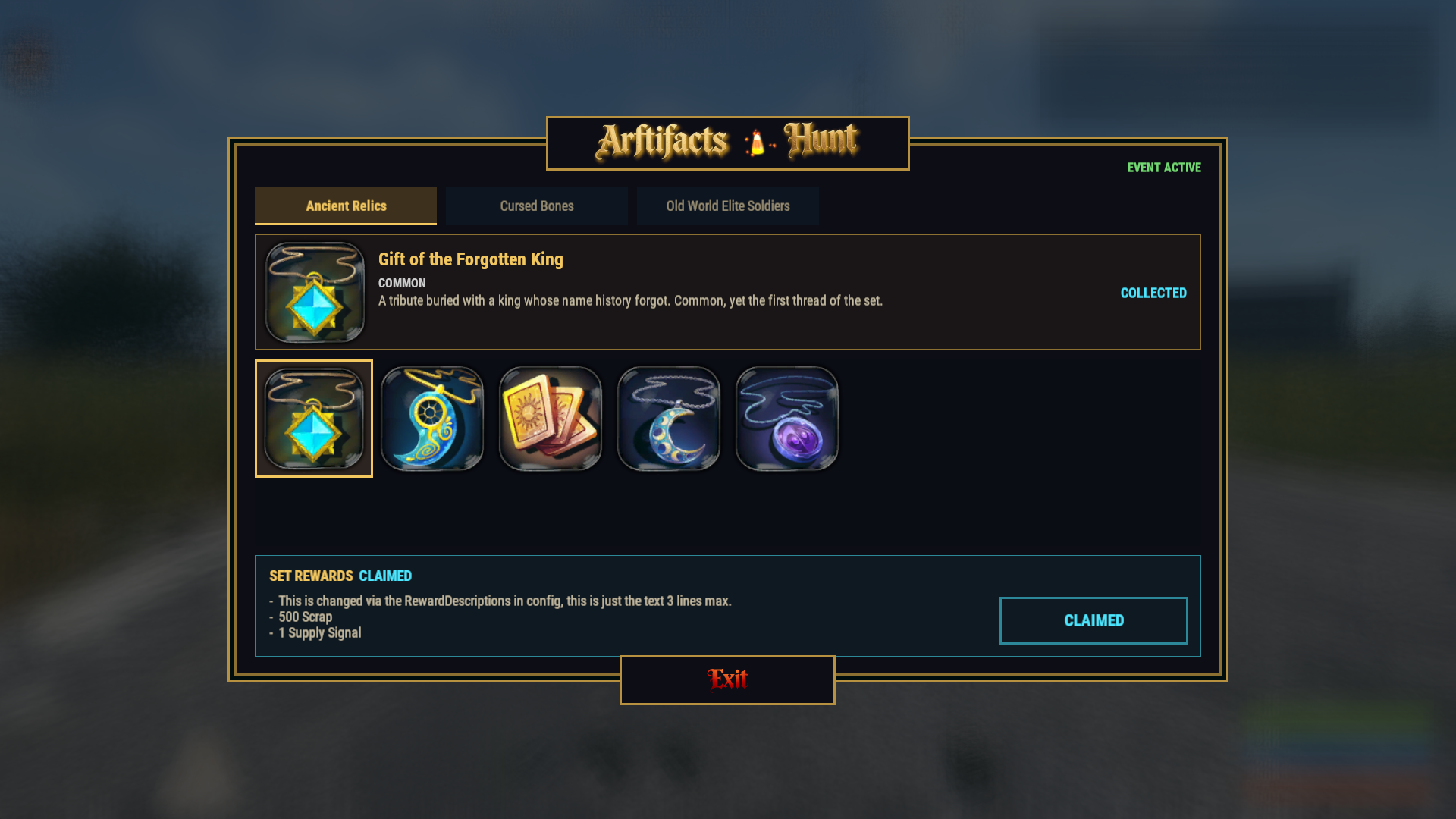
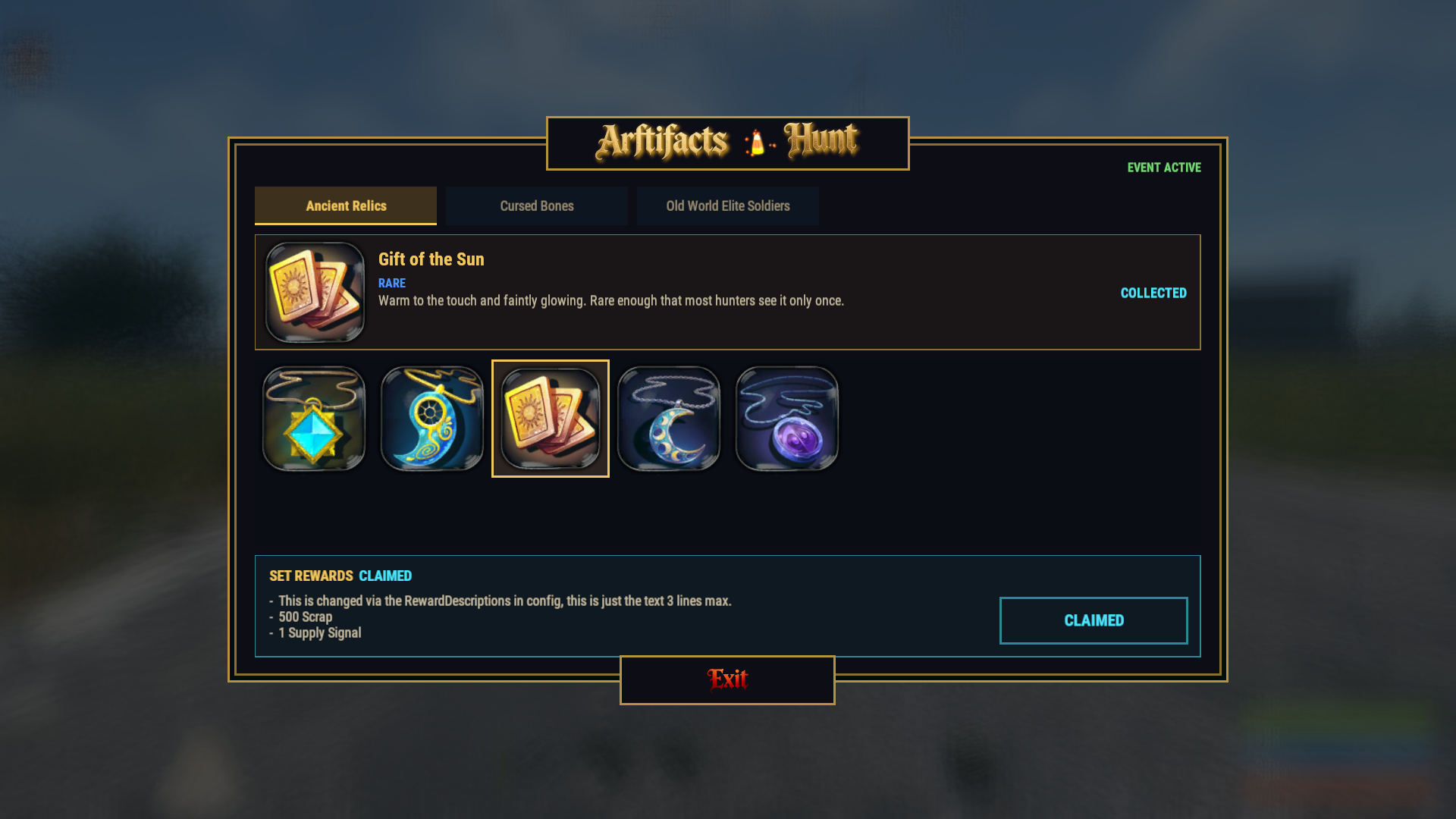
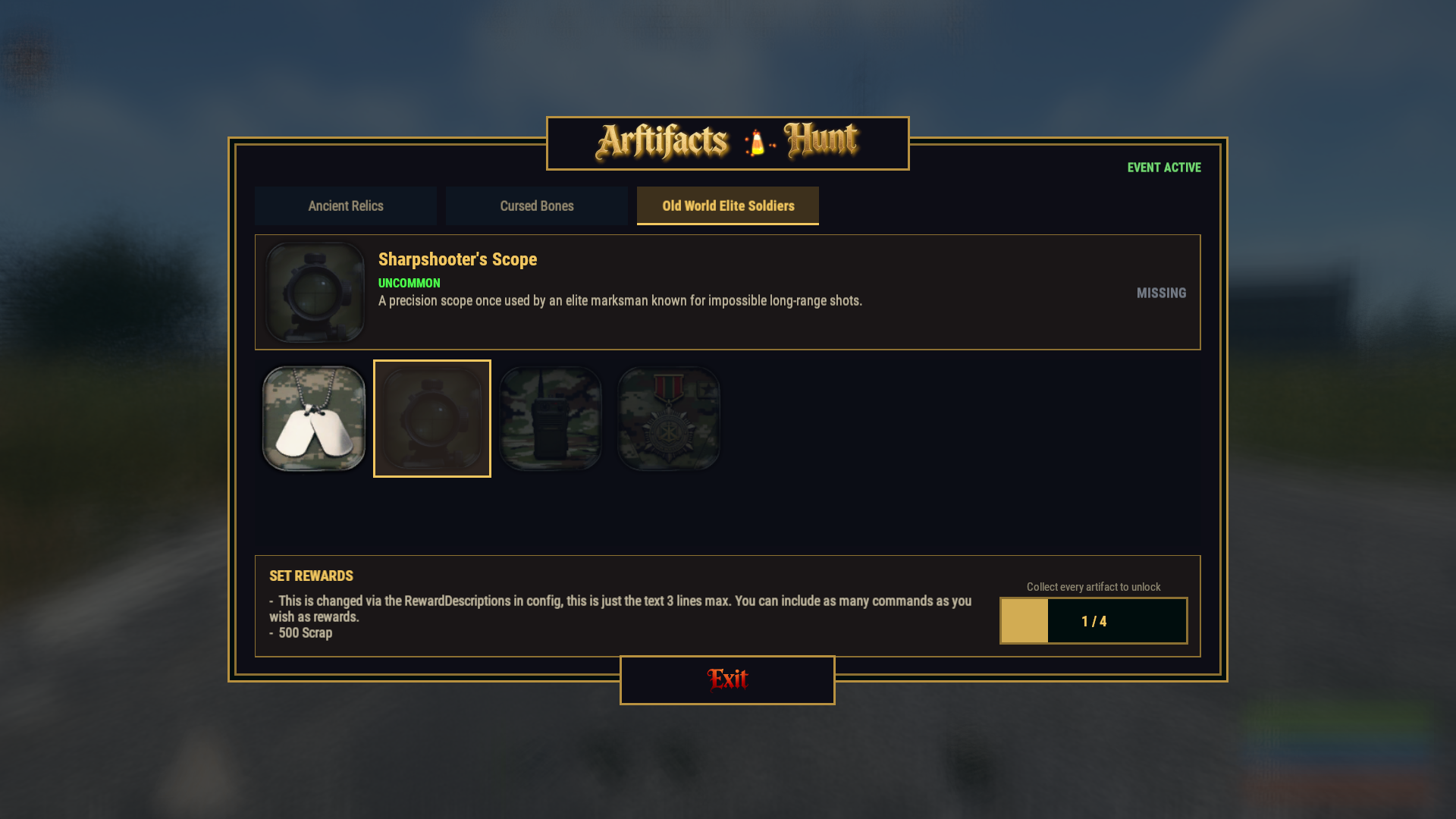
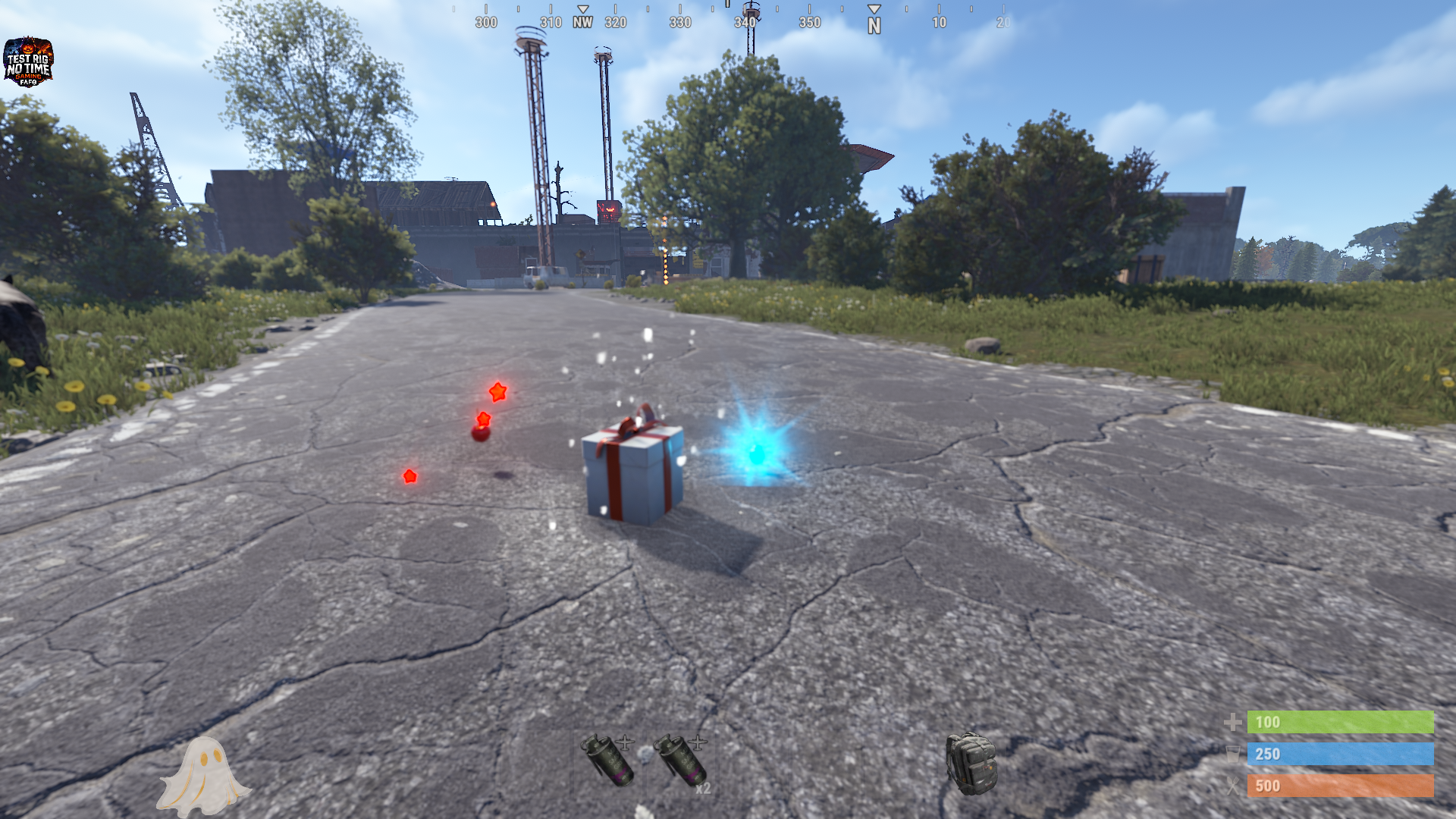
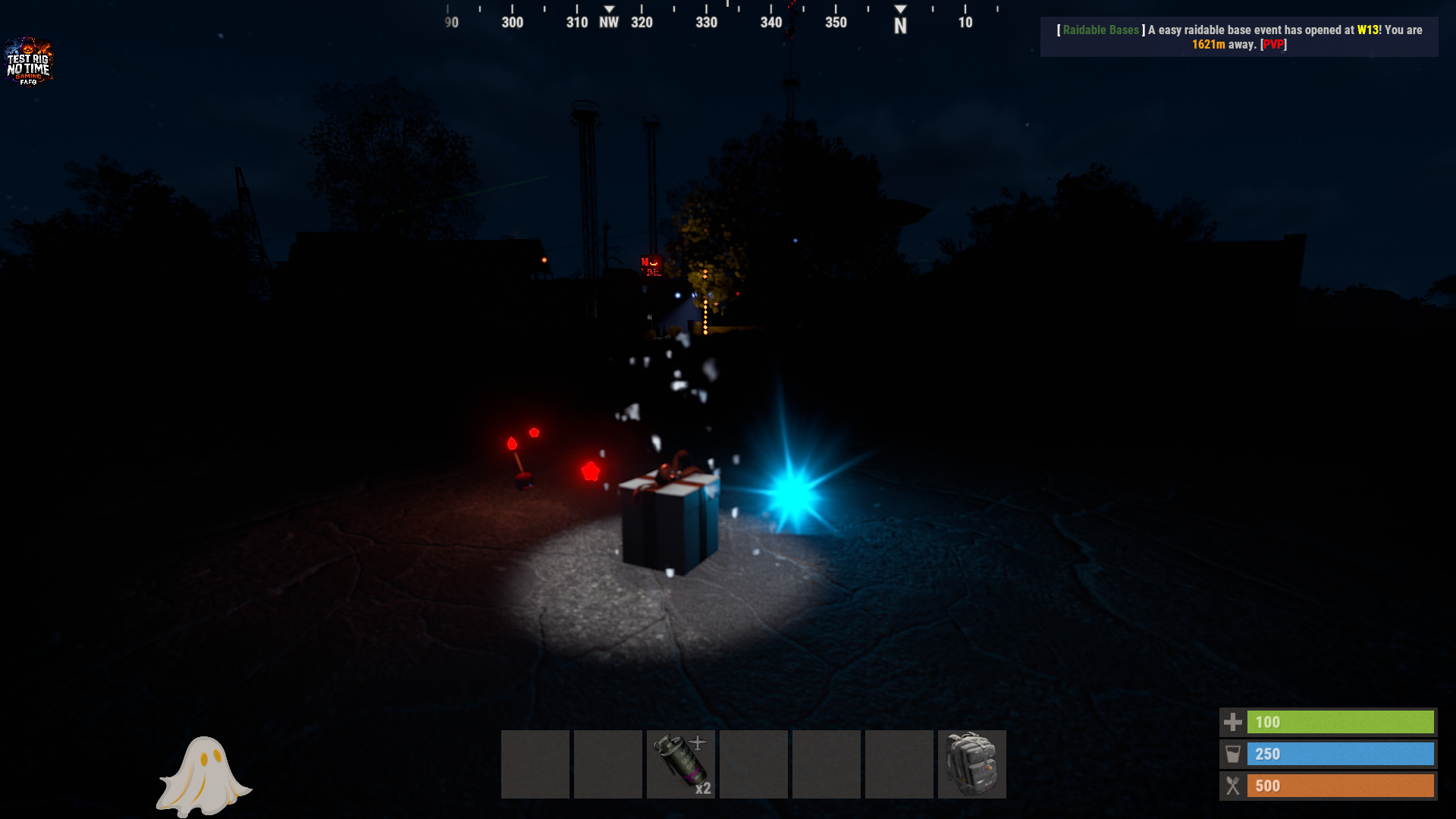
Artifacts is a collectible-event plugin that turns ordinary loot containers across your Rust server into opportunities to discover rare themed artifacts.
Players find special skinned items hidden in world loot crates and barrels, then register them through the plugin’s collection interface. Each artifact belongs to a themed set - such as ancient relics, cursed bones, elite soldiers, and more. Completing a full set awards the player with configurable server rewards, including items, permissions, scrap, supply signals, economy rewards, or any command-supported prize.
Key Features
Themed collectible sets with fully configurable artifact names, rarities, skins, descriptions, and drop rates.
Fully configurable loot containers, respawn intervals, rewards, UI colors, images, and artifact data.
Rarity system with customizable colors and world-spawn chances (separate from world loot).
Set-completion rewards using configurable server console commands.
Artifact registration system that can consume items upon collection.
Custom UI for viewing progress, browsing sets, and registering found artifacts.
Event support, including options to require an active event before artifacts spawn.
Custom visual and sound effects for opening the UI, registering artifacts, and completing sets.
Artifacts provides a long-term collectible objective for players, encouraging exploration, looting, trading, and competition while giving server owners complete control over rarity, progression, and rewards.
Artifacts Plugin - Command List
Player Chat Commands
/artifacts - Opens the Artifact Hunt UI panel
/artifacts chat - Shows your artifact progress in chat (text-only version)
Admin Commands (requires artifacts.admin permission or admin flag)
/artgiveset - Gives yourself every artifact from all sets
/artgiveset <set name> - Gives yourself all artifacts from a specific set
/artspawn - Creates a spawn point at your position for the set matching the artifact you're holding
/artspawn <set name> - Creates a spawn point at your position for the named set
(if blank it defaults to a 100% appear chance)
/artspawn <set name> <percent> - Same, but with a custom appear chance (0 - 100)
/artspawn list - Lists all spawn points with index, set, chance, monument, and status
/artspawn remove - Removes the nearest spawn point within 10m
/artspawn remove <index> - Removes a spawn point by index (from /artspawn list)
/artspawn chance <index> <percent> - Changes the appear chance of an existing spawn point
/artspawn check - Prints diagnostics and forces a world spawn check
Console Commands (requires owner auth / RCON)
artifacts.start - Starts the artifact event
artifacts.stop - Stops the artifact event
artifacts.give <name> <skinId> - Gives a specific artifact to a player
artifacts.giveset <name> <setname>- Gives a player all artifacts from one set (or all sets if omitted)
artifacts.giveset <name> - Gives a player all artifacts from ALL SETS
artifacts.spawns - Lists all world spawn points and their status
artifacts.removespawn <index> - Removes a spawn point by index
artifacts.reset <steamid\name\all> - Wipes artifact progress for a player, or everyone with all
Permission
artifacts.admin - grants access to the admin chat commands (/artgiveset, /artspawn, ect.)
Artifacts.json
{
  "Consume Artifact On Registration": true,
  "Allow Registration While Event Is Stopped": true,
  "World Spawns Require Active Event": true,
  "World Respawn Check Interval Seconds": 1200.0,
  "Log World Spawns To Console": false,
  "Rarities": {
    "Common": {
      "World Spawn Chance Percent": 50.0,
      "Color": "#cccccc"
    },
    "Uncommon": {
      "World Spawn Chance Percent": 25.0,
      "Color": "#4dff4d"
    },
    "Rare": {
      "World Spawn Chance Percent": 15.0,
      "Color": "#4d94ff"
    },
    "Epic": {
      "World Spawn Chance Percent": 10.0,
      "Color": "#b366ff"
    },
    "Legendary": {
      "World Spawn Chance Percent": 5.0,
      "Color": "#ff9933"
    }
  },
  "UI Theme": {
    "Panel Background": "#090d17",
    "Panel Background Deep": "#05080d",
    "Gold": "#b89140",
    "Gold Bright": "#f2c761",
    "Gold Dim": "#8c7033",
    "Accent": "#4de6ff",
    "Muted": "#59738c"
  },
  "Effects": {
    "Artifact Registered": "assets/prefabs/misc/xmas/presents/effects/unwrap.prefab",
    "Set Completed": "assets/prefabs/misc/halloween/lootbag/effects/gold_open.prefab",
    "UI Open": "assets/prefabs/npc/autoturret/effects/online.prefab",
    "UI Click": "assets/bundled/prefabs/fx/notice/loot.copy.fx.prefab",
    "UI Close": "assets/prefabs/npc/autoturret/effects/offline.prefab"
  },
  "Custom Images": {
    "Banner Image URL": "https://i.ibb.co/vv6HtX12/Banner.png",
    "Exit Button Image URL": "https://i.ibb.co/8Qm3rhQ/exit-2.png"
  },
  "Discord Webhook URL": "",
  "Artifact Sets": [
    {
      "Set Name": "Ancient Relics",
      "Loot Container Short Prefab Names": [
        "crate_normal",
        "crate_normal_2",
        "crate_elite",
        "crate_basic",
        "loot_barrel_1",
        "loot_barrel_2"
      ],
      "Reward Descriptions": [
        "This is changed via the RewardDescriptions in config, this is just the text 3 lines max.",
        "500 Scrap",
        "1 Supply Signal"
      ],
      "Reward Commands": [
        "inventory.giveto {steamid} scrap 500",
        "inventory.giveto {steamid} supply.signal 1"
      ],
      "Artifacts": [
        {
          "Artifact Name": "Gift of the Forgotten King",
          "Rarity": "Common",
          "Skin ID": 3787993313,
          "Item Shortname": "xmas.present.medium",
          "Loot Chance Percent": 3.0,
          "Description": "A tribute buried with a king whose name history forgot. Common, yet the first thread of the set."
        },
        {
          "Artifact Name": "Gift of the Deep",
          "Rarity": "Uncommon",
          "Skin ID": 3787992813,
          "Item Shortname": "xmas.present.medium",
          "Loot Chance Percent": 2.0,
          "Description": "Pulled from waters that never see the sun. It still drips, no matter how long it has been ashore."
        },
        {
          "Artifact Name": "Gift of the Sun",
          "Rarity": "Rare",
          "Skin ID": 3787992582,
          "Item Shortname": "xmas.present.medium",
          "Loot Chance Percent": 1.0,
          "Description": "Warm to the touch and faintly glowing. Rare enough that most hunters see it only once."
        },
        {
          "Artifact Name": "Gift of the Goddess",
          "Rarity": "Epic",
          "Skin ID": 3787992331,
          "Item Shortname": "xmas.present.medium",
          "Loot Chance Percent": 0.5,
          "Description": "A pale silver artifact said to glow beneath the full moon."
        },
        {
          "Artifact Name": "Gift of the Void",
          "Rarity": "Legendary",
          "Skin ID": 3787990162,
          "Item Shortname": "xmas.present.medium",
          "Loot Chance Percent": 0.2,
          "Description": "A forbidden relic, and the one nobody agrees is real."
        }
      ]
    },
    {
      "Set Name": "Cursed Bones",
      "Loot Container Short Prefab Names": [
        "loot_barrel_1",
        "loot_barrel_2"
      ],
      "Reward Descriptions": [
        "This is changed via the RewardDescriptions in config, this is just the text 3 lines max.",
        "500 Scrap",
        "1 Supply Signal"
      ],
      "Reward Commands": [
        "inventory.giveto {steamid} scrap 500",
        "inventory.giveto {steamid} supply.signal 1"
      ],
      "Artifacts": [
        {
          "Artifact Name": "Severed Trigger Finger",
          "Rarity": "Common",
          "Skin ID": 3789621313,
          "Item Shortname": "xmas.present.medium",
          "Loot Chance Percent": 3.0,
          "Description": "Yellowed trigger finger taken from a gravedigger who never truly left his cemetery."
        },
        {
          "Artifact Name": "Cursed Rib Cage",
          "Rarity": "Uncommon",
          "Skin ID": 3789621998,
          "Item Shortname": "xmas.present.medium",
          "Loot Chance Percent": 2.0,
          "Description": "A charred rib marked with runes that whisper whenever darkness falls."
        },
        {
          "Artifact Name": "Screaming Skull Totem",
          "Rarity": "Rare",
          "Skin ID": 3789621522,
          "Item Shortname": "xmas.present.medium",
          "Loot Chance Percent": 1.0,
          "Description": "A ritual skull carved into a totem; faint cries echo from within."
        },
        {
          "Artifact Name": "Spine of the Ripper",
          "Rarity": "Epic",
          "Skin ID": 3789621731,
          "Item Shortname": "xmas.present.medium",
          "Loot Chance Percent": 0.5,
          "Description": "A cursed vertebra from an admin whose power ended in fire and betrayal."
        }
      ]
    },
    {
      "Set Name": "Old World Elite Soldiers",
      "Loot Container Short Prefab Names": [
        "crate_normal",
        "crate_elite"
      ],
      "Reward Descriptions": [
        "This is changed via the RewardDescriptions in config, this is just the text 3 lines max. You can include as many commands as you wish as rewards.",
        "500 Scrap",
        "1 Supply Signal"
      ],
      "Reward Commands": [
        "inventory.giveto {steamid} scrap 500",
        "inventory.giveto {steamid} supply.signal 1"
      ],
      "Artifacts": [
        {
          "Artifact Name": "Veteran's Dog Tags",
          "Rarity": "Common",
          "Skin ID": 3789626944,
          "Item Shortname": "xmas.present.medium",
          "Loot Chance Percent": 3.0,
          "Description": "A battered pair of identification tags belonging to a soldier who survived countless battles."
        },
        {
          "Artifact Name": "Sharpshooter's Scope",
          "Rarity": "Uncommon",
          "Skin ID": 3789627177,
          "Item Shortname": "xmas.present.medium",
          "Loot Chance Percent": 2.0,
          "Description": "A precision scope once used by an elite marksman known for impossible long-range shots."
        },
        {
          "Artifact Name": "Commander’s Field Radio",
          "Rarity": "Rare",
          "Skin ID": 3789627498,
          "Item Shortname": "xmas.present.medium",
          "Loot Chance Percent": 1.0,
          "Description": "A hardened military radio still crackling with fragments of a final command transmission."
        },
        {
          "Artifact Name": "Medal of the Iron Battalion",
          "Rarity": "Epic",
          "Skin ID": 3789627842,
          "Item Shortname": "xmas.present.medium",
          "Loot Chance Percent": 0.5,
          "Description": "The highest honor awarded to the legendary Iron Battalion for bravery beyond all orders."
        }
      ]
    }
  ]
}

Trusted hosting partner. Affordable game servers with solid support and panels.
Visit site ↗