Server Companion App (MayoLynx)
 MayonnaiseScc
 1 / 11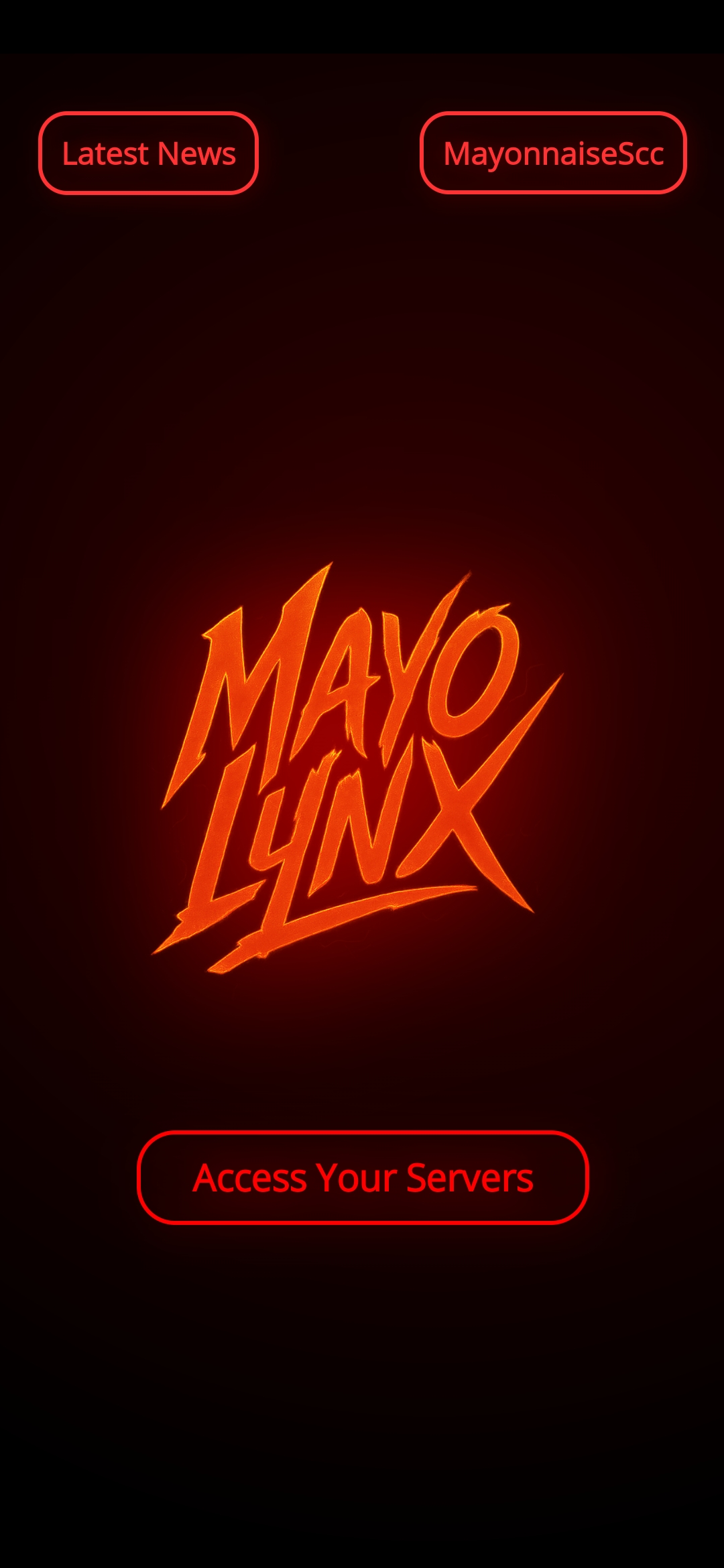
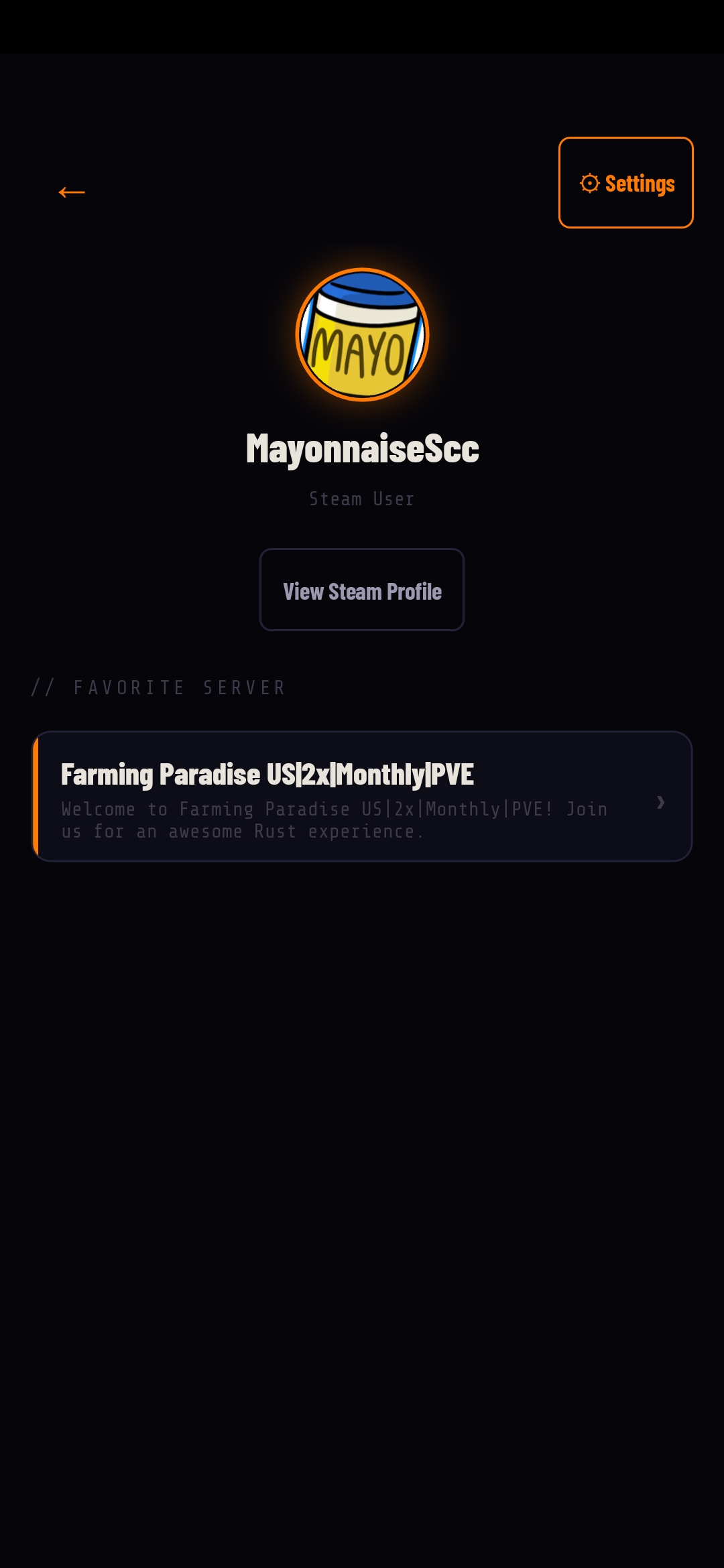
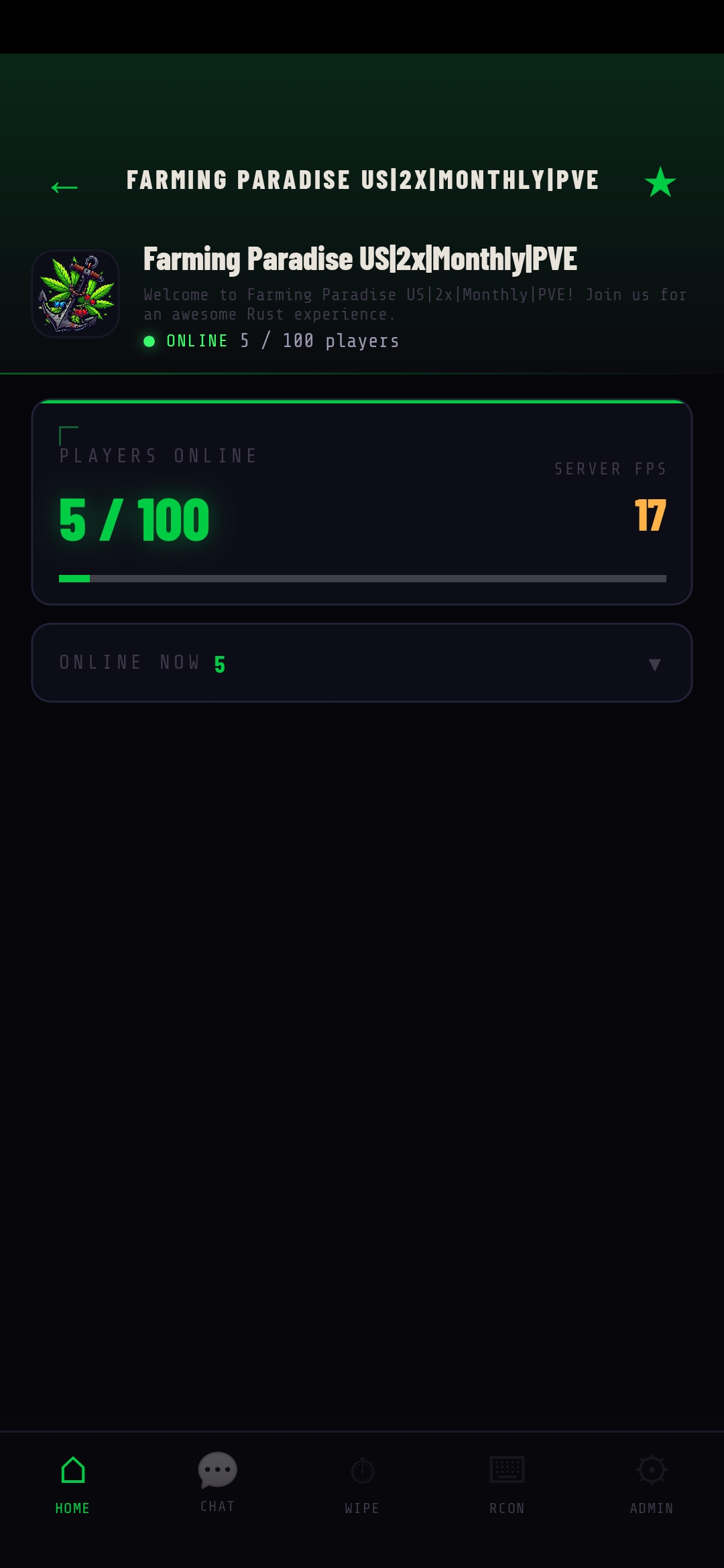
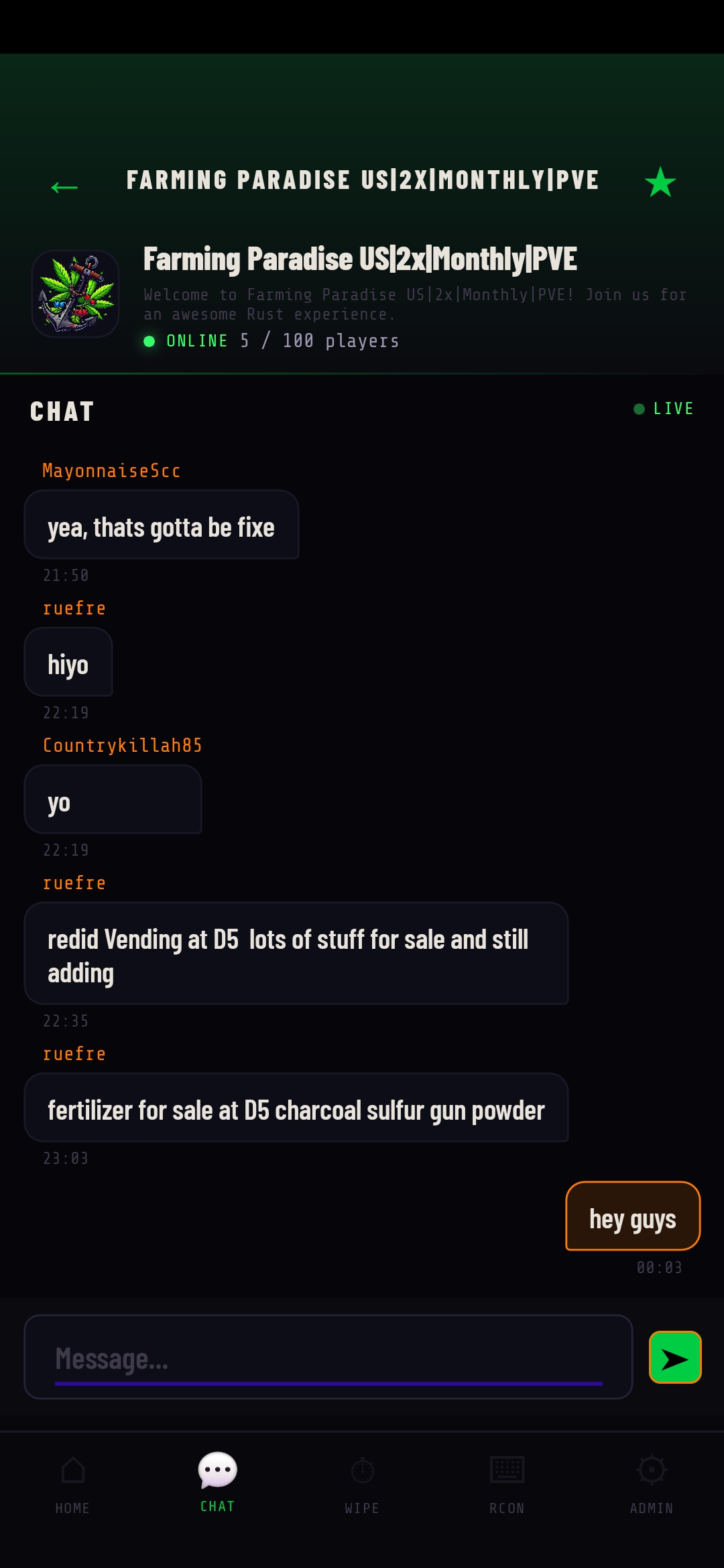
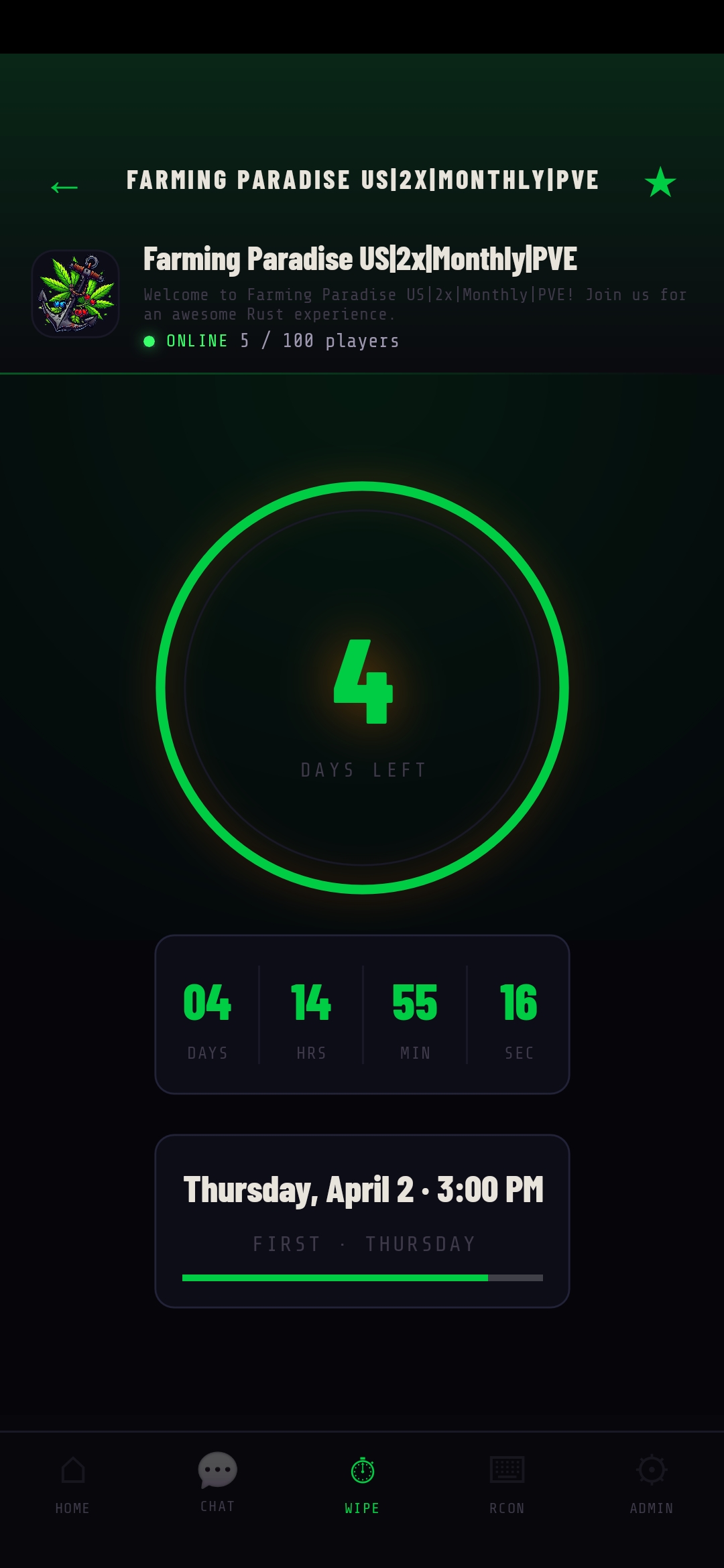
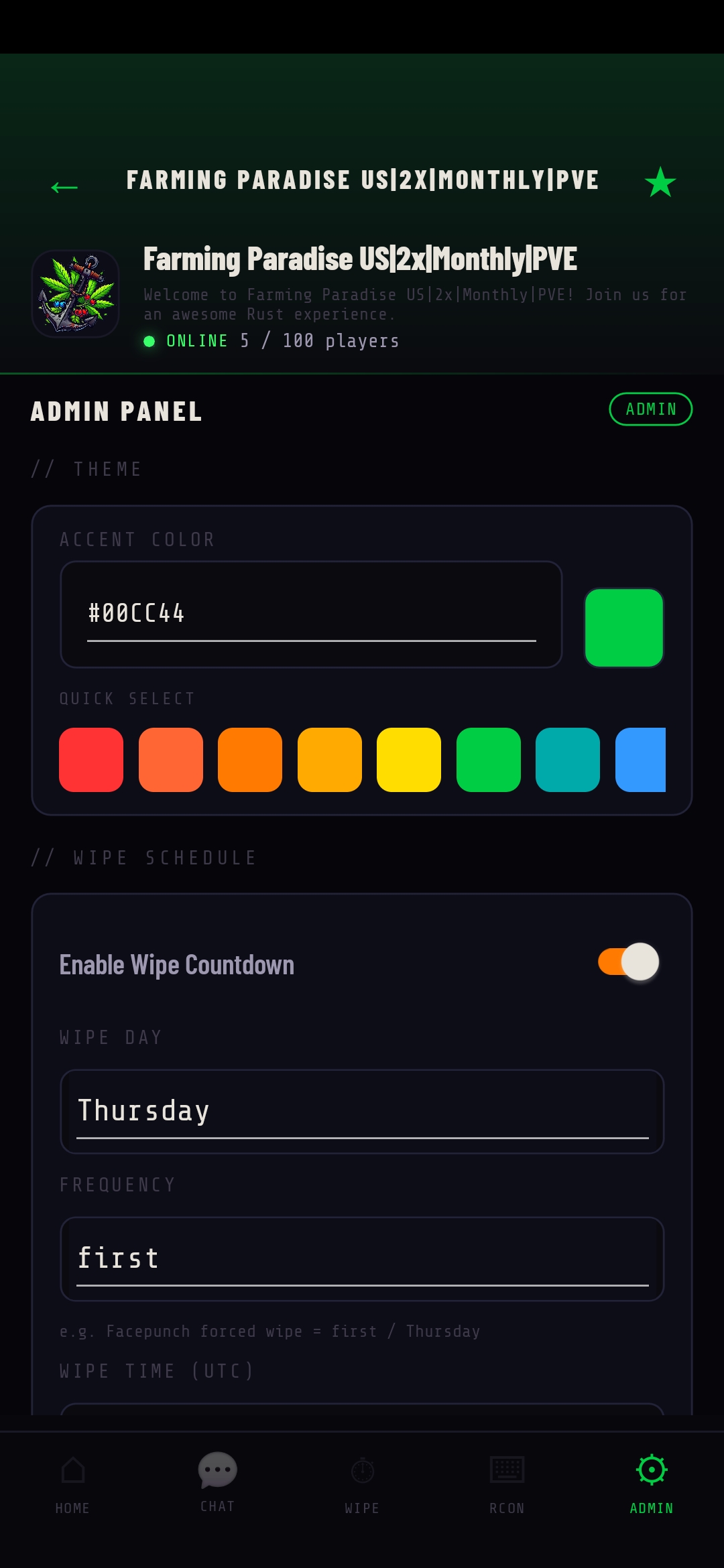
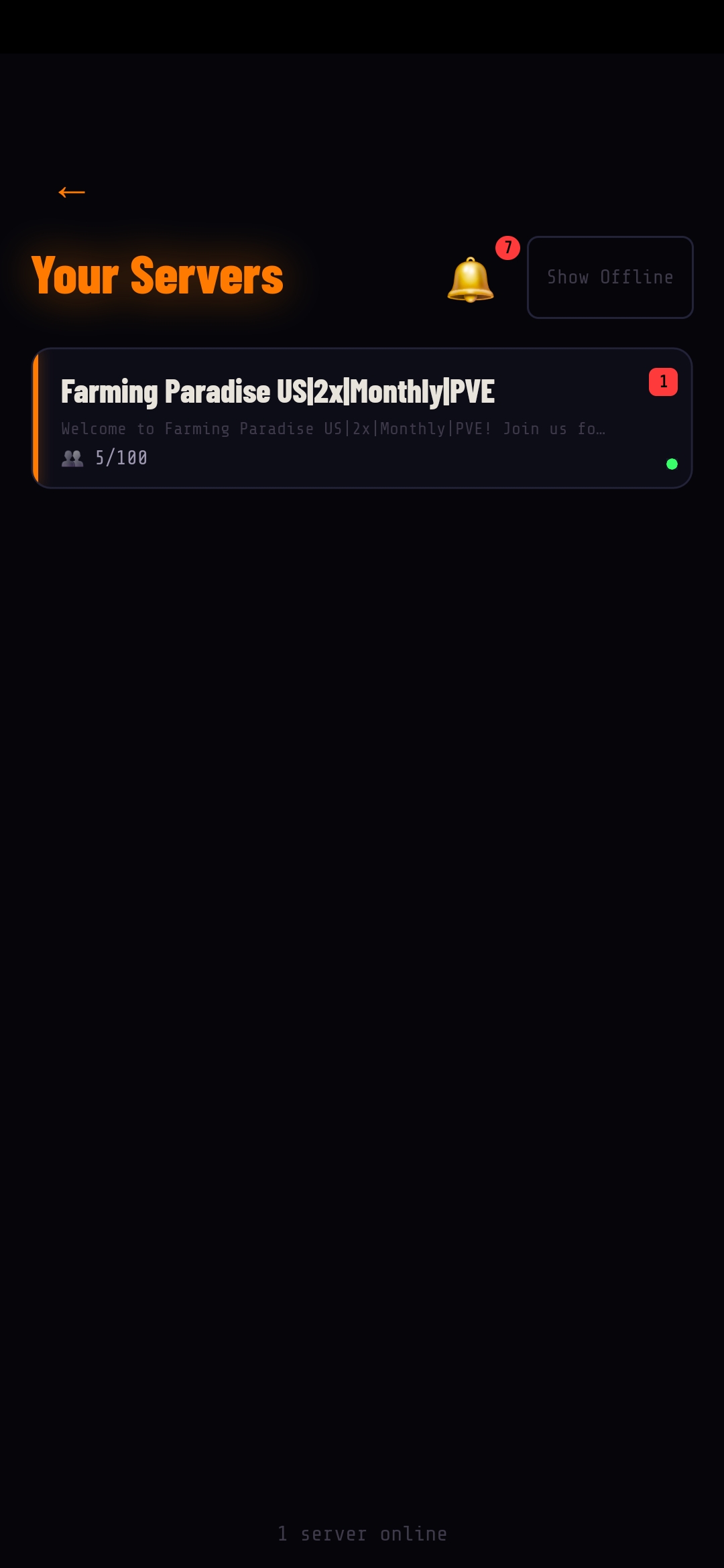
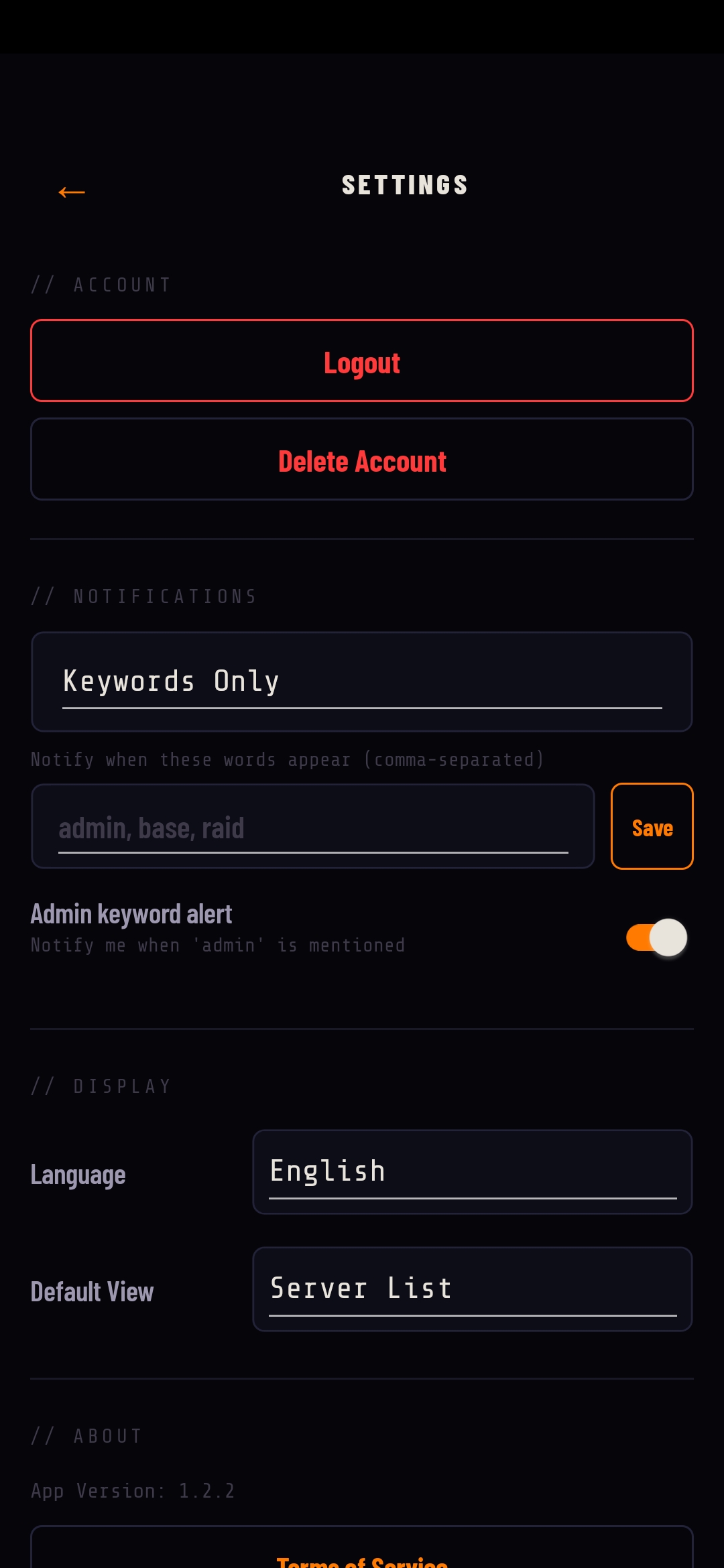
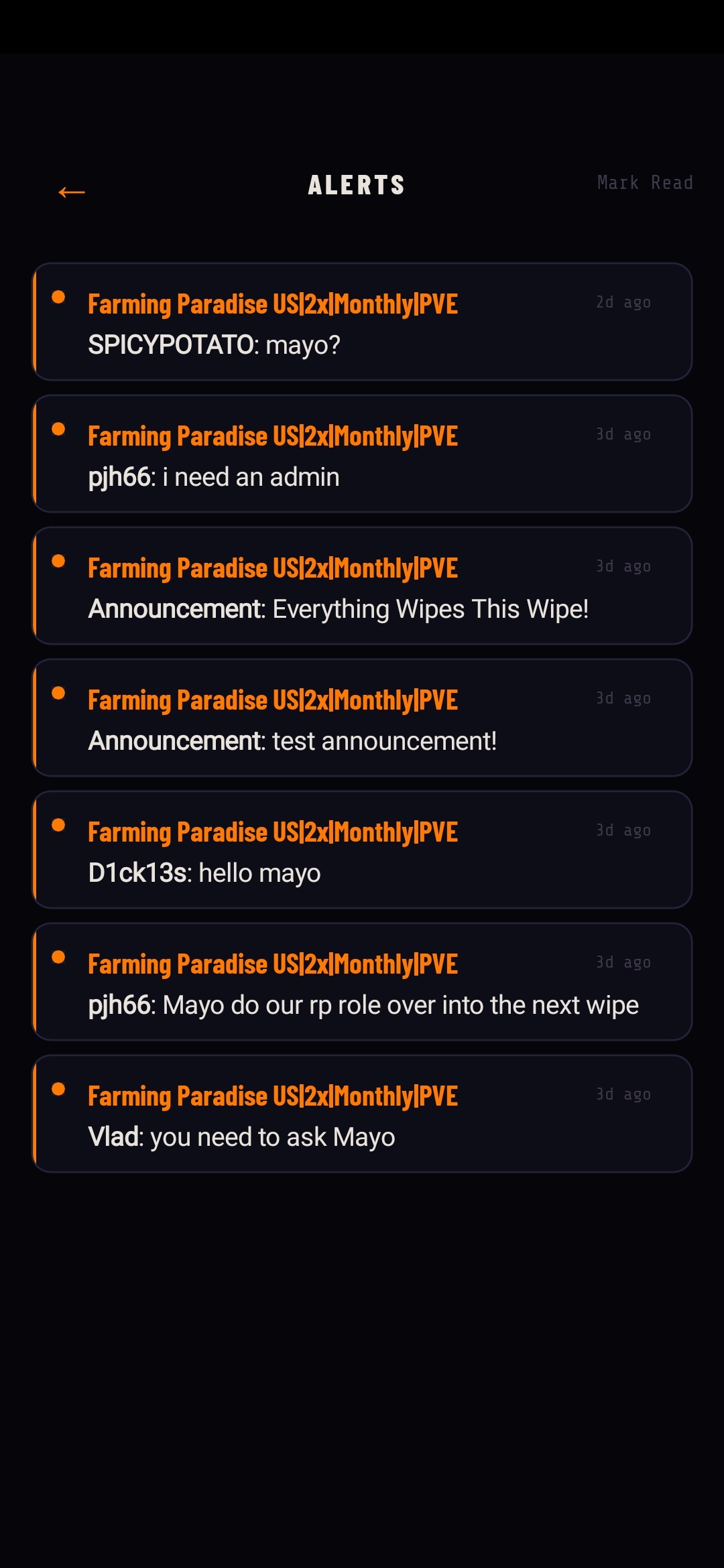
Mobile companion app for your Rust server community (currently in closed Android beta).
Description
MayoLynx
Mobile app for your Rust server. Players link with a code from chat and get live server info, chat with people in-game, and push notifications on their phone.
iOS is out on the App Store. Android is in closed testing, hit me up if you wanna get added. Grab it at mayolynx.com.
Needs a mayolynx.com sub to run.
Commands
/mayolynx gives the player a 6 digit code to enter in the app
Admin console
mayolynx.pushpush a full updatemayolynx.testtest the connectionmayolynx.ban <steamid>ban from app chatmayolynx.unban <steamid>unbanmayolynx.infostatus info
Permissions
mayolynx.chatbasic chat from appmayolynx.chat.vipvip cooldownmayolynx.chat.adminno cooldown
Config
json
| 1 | { |
| 2 | "API Key (paste from mayolynx.com dashboard)": "", |
| 3 | // grab this from your dashboard after adding the server |
| 4 | |
| 5 | "Server ID (auto-filled when connected, do not edit)": "", |
| 6 | // leave alone, plugin fills this in |
| 7 | |
| 8 | "Update Interval (seconds, minimum 60)": 300, |
| 9 | // how often to sync stats to the dashboard |
| 10 | |
| 11 | "Discord Webhook URL - Chat (leave empty to disable)": "", |
| 12 | // mirrors in-game chat to discord |
| 13 | |
| 14 | "Discord Webhook URL - Announcements (leave empty to disable)": "", |
| 15 | // mirrors app announcements to discord |
| 16 | |
| 17 | "App Chat Enabled (master toggle for app-to-server chat)": true, |
| 18 | // false to kill app chat entirely |
| 19 | |
| 20 | "Chat Cooldown Basic (seconds, requires mayolynx.chat)": 30, |
| 21 | "Chat Cooldown VIP (seconds, requires mayolynx.chat.vip)": 10, |
| 22 | "Chat Cooldown Admin (seconds, requires mayolynx.chat.admin)": 0, |
| 23 | // per tier cooldowns, set to whatever |
| 24 | |
| 25 | "Max Message Length": 300, |
| 26 | |
| 27 | "VIP Chat Prefix (shown in-game for VIP app messages)": "[VIP]", |
| 28 | "Admin Chat Prefix (shown in-game for Admin app messages)": "[ADMIN]", |
| 29 | // shows after [Mobile] tag, leave empty to hide |
| 30 | |
| 31 | "Ad Broadcast Enabled (master toggle for the recurring in-game promo)": true, |
| 32 | "Ad Broadcast Interval (seconds, minimum 60)": 600, |
| 33 | "Ad Broadcast Message (in-game; blank to skip)": "Like this server? Get the companion app free at mayolynx.com" |
| 34 | // in-game promo for the app, turn off if you dont want it |
| 35 | } |
Setup
- Install plugin
- Log in at mayolynx.com, add your server
- Paste the api key into
oxide/config/MayoLynx.json oxide.reload MayoLynx
Sponsored


Trusted hosting partner. Affordable game servers with solid support and panels.
Visit site ↗Free
DownloadViews507
Downloads11
Purchases0
Rating★ 0.0
Version1.4.3
PlatformRust
CategoryTools
CompatibleOxide
Size30 KB
PublishedMar 26, 2026
UpdatedMay 5, 2026
✓ Reviewed for safety and integrity