MBLogo
 Barry_Allenn
 1 / 3
1 / 3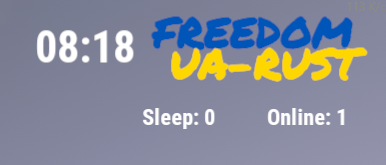
Description
📘 MBLogo - Server Logo & Info Display
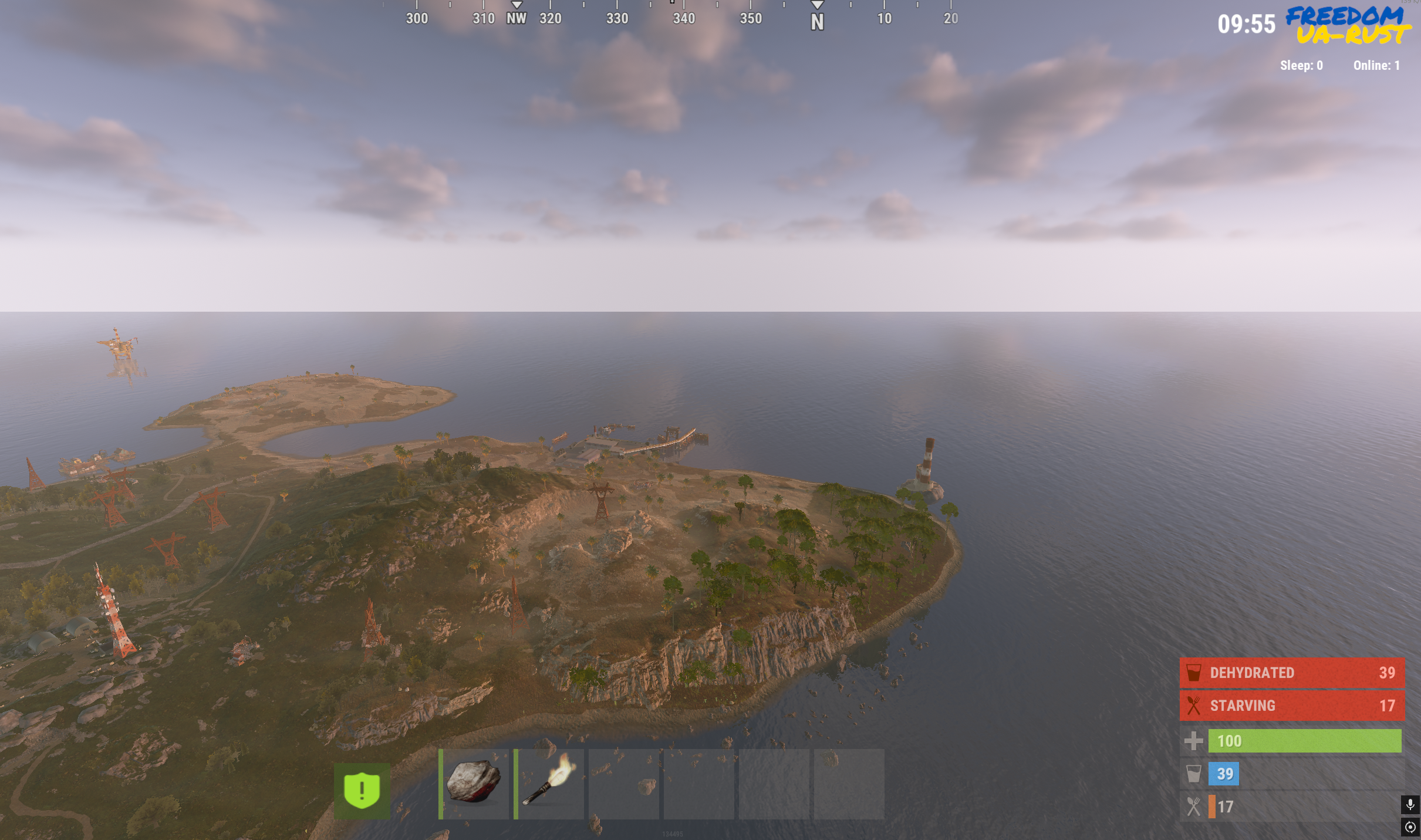
Displays the server logo and key information in the top-right corner of the screen.
Shows two customizable title lines, current in-game time, number of online players, and sleepers.
All data updates automatically without UI reloads.
⚙️ Features
- Displays two customizable title lines (supports color and formatting via RichText).
- Shows:
- ⏰ current in-game time;
- 👥 number of online players;
- 💤 number of sleeping players.
- Automatic data refresh at a configurable interval.
- Update interval is adjustable via the config file.
- Clean, minimal UI design positioned in the top-right corner.
🧩 Configuration
{
  "Title Line 1": "<color=#0057b8><b></b></color>",
  "Title Line 2": "<color=#ffd700><b></b></color>",
  "Time update interval (in seconds)": 20.0
}
Parameter explanation:
- Title Line 1 / 2 - Text lines for your server name or branding.
- You can use color codes, <b>, and <i> formatting.
- Time update interval (in seconds) - How often (in seconds) the time and player info update.
Default configuration
MBLogo.json
{
  "Title Line 1": "",
  "Title Line 2": "",
  "Time update interval (in seconds)": 20.0
}Sponsored


Trusted hosting partner. Affordable game servers with solid support and panels.
Visit site ↗Free
DownloadViews1.3k
Downloads7
Purchases0
Rating★ 0.0
Version1.0.0
Compile check✓ Passed Oct 21, 2026
PlatformRust
CategoryPlugins
CompatibleOxide · Carbon
Size8 KB
PublishedApr 23, 2026
UpdatedJul 13, 2026
✓ Reviewed for safety and integrity