TCollectionLog
 T-Stew
 1 / 4
1 / 4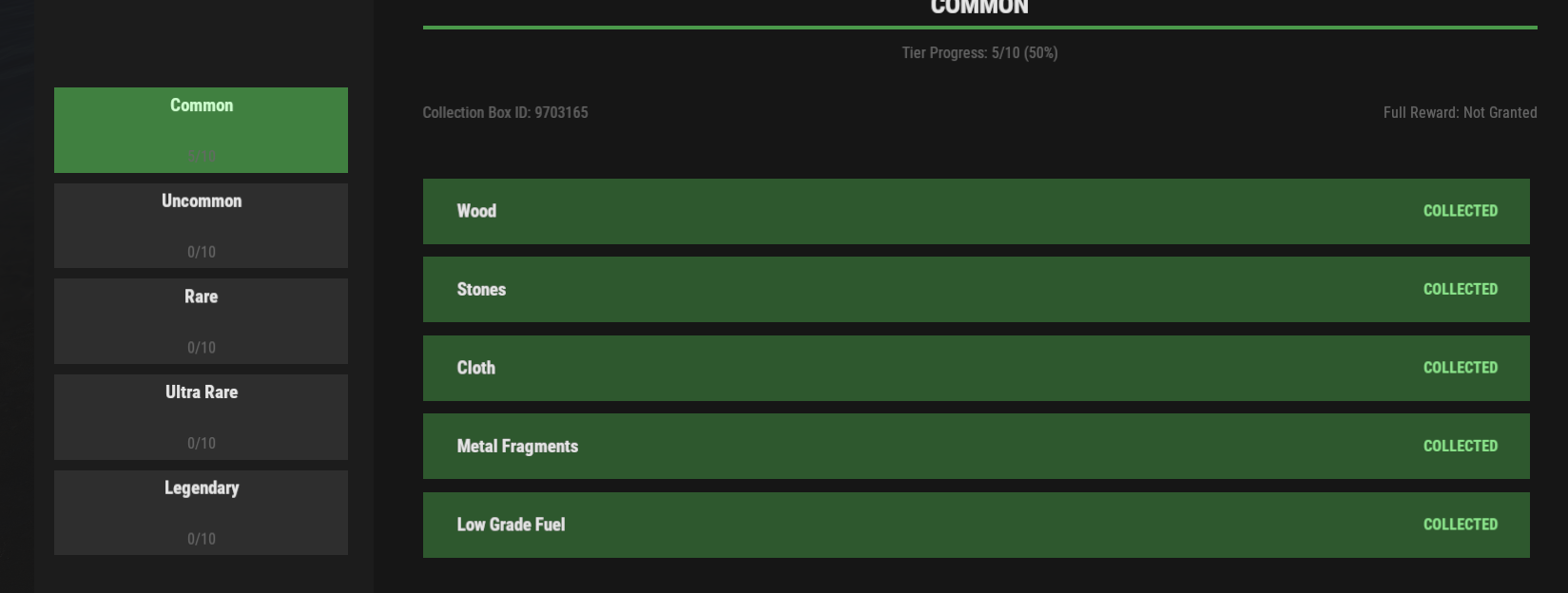
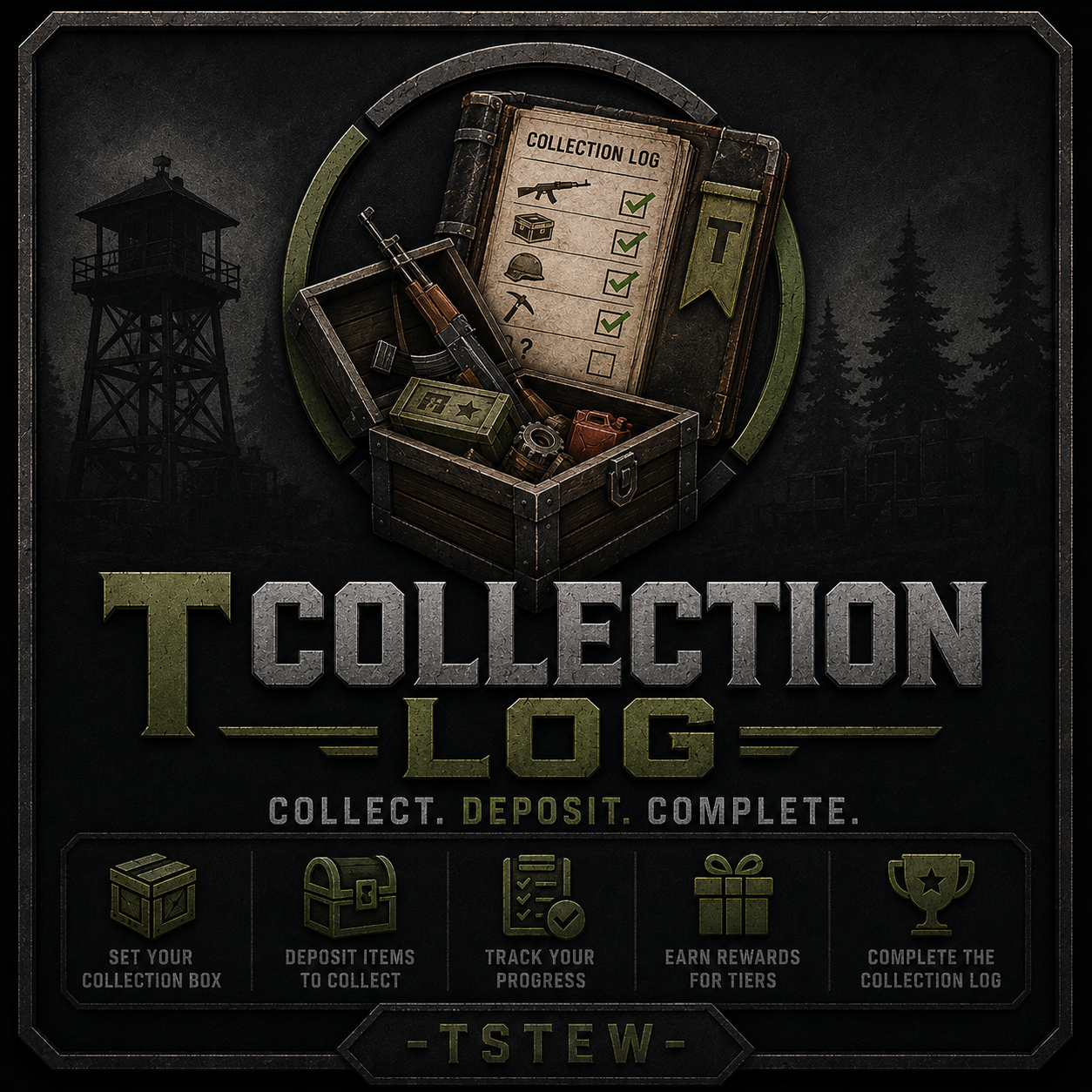
TCollectionLog brings a true Collection Log system to Rust, giving players long-term progression goals beyond raiding and PvP.
Players assign their own personal collection box and begin hunting for items across the server. Once an item is deposited into their assigned collection box, it is permanently recorded in their collection log and marked as collected. Complete items, finish tiers, earn rewards, and work toward 100% collection completion.
Unlike achievement systems, items are not tracked when looted, crafted, or obtained. They only count once they have been physically deposited into the player's collection box, creating a genuine collection experience.
Features
- Personal Collection Logs
- Tier-Based Progression
- Deposit-To-Unlock Tracking
- Personal Collection Boxes
- Automatic Tier Rewards
- Full Collection Completion Rewards
- Persistent or Wipe-Based Progress
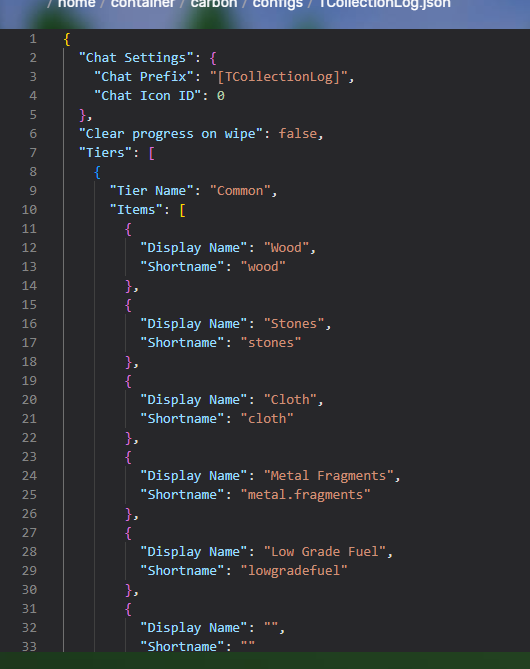
- Fully Configurable Tiers & Items
- Collection Leaderboards
- Rust CUI Interface
- Admin Management Commands
- Oxide & Carbon Compatible
Player Commands
/clog
- Opens the Collection Log UI
/clog top
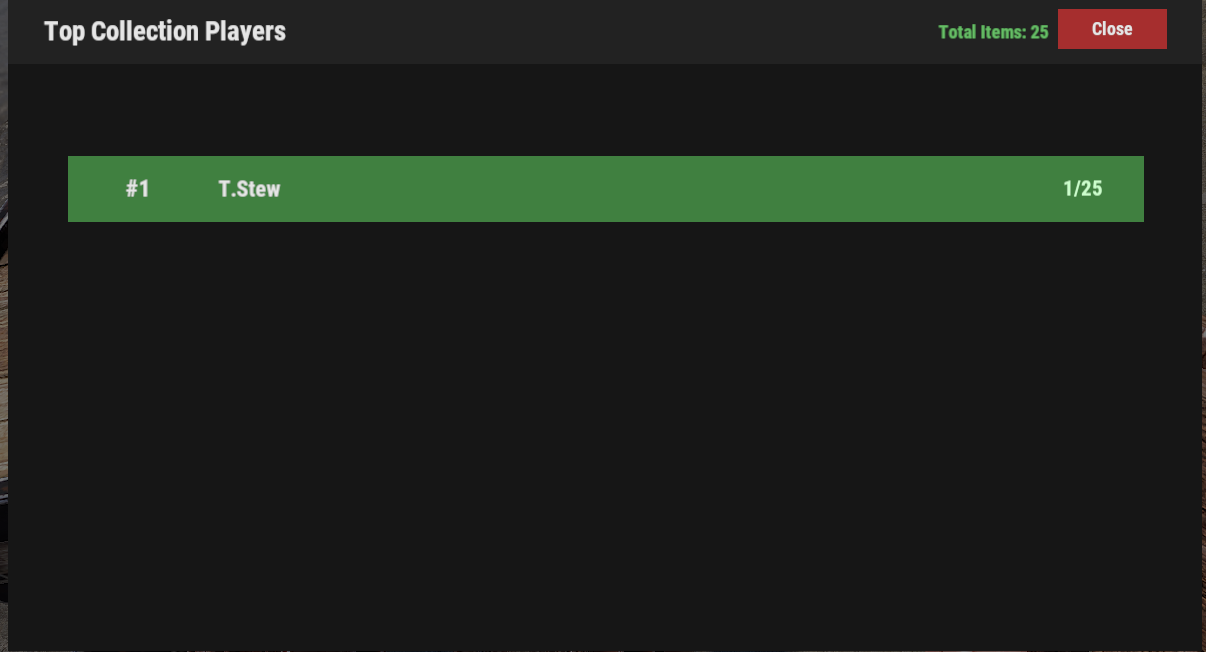
- Displays the top collection log players on the server
/setclogbox
- Assign a Small Wooden Box or Large Wooden Box as your personal collection box
Admin Commands
/collectionadmin reset <player>
- Reset a player's collection progress
/collectionadmin hardreset <player>
- Reset a player's collection progress and collection box assignment
/collectionadmin complete <player> <tier> <item>
- Mark an item as completed
/collectionadmin uncomplete <player> <tier> <item>
- Remove completion from an item
/collectionadmin progress <player>
- View a player's collection progress
/collectionadmin reload
- Reload plugin configuration and data
Permissions
tcollectionlog.use
- Allows players to use TCollectionLog
tcollectionlog.admin
- Allows access to admin commands