Loading...
Browse/Rust/Plugins/Spawn Everything - Spawn all entity, Bases, Item, Deploy Nature, loot, Pickup Entity, Pickup Vehicles
Spawn Everything - Spawn all entity, Bases, Item, Deploy Nature, loot, Pickup Entity, Pickup Vehicles
 scalboxv1.6.4#spawn everything#spawn#spawn vehicle#vehicle#karuza vehicle#karuza#deployables#crates#custom entity#execute commands
Spawn Everything - Spawn Vehicle, Karuza Vehicle, Deployables, Bases, Item, Recycler, Crates, Custom entity, Execute Commands, Loots, Pickup Entity, Pickup Vehicles, Deploy Nature, Instant Airdrop, and much more...
Spawn Everything - Spawn all entity, Bases, Item, loot, Pickup Entity, Pickup Vehicles, Deploy Nature, Instant Airdrop, allows you to spawn any entity or execute commands, all by using an item, pickup entity or vehicles, and much more.
It is already configured to generate vehicles by default, including custom vehicles from Karuza, Naval Deep Sea entity, Crates, Locked Crate, Deployables, Casino items and much more.
Through the configuration you can add other entities that can be generated,
just enter a prefab name, or a command if you do not have a prefab name, and set the skin of the item that will be used.
It also allows you to limit the spawn, for example if you do not have building permits, avoid spawning in water or allow it only in water,
also being able to choose the minimum depth of the water, allow or not spawn inside buildings, monuments and more.
It is also possible to pick up the generated entity/vehicles, using the hammer.
You can add items to the in-game shop, loot, or wherever you want.
Spawn Bases using copy paste or other plugin.
You can also Deploy Nature and enable instant airdrop.
Ability to enable the cleanup system, to automatically delete deployed entities that are no longer used.
Compatible with Oxide/Umod and Carbon.
ALL AVAILABLE ENTITIES
Here you can find a file with all the entities currently available and the various information on the item to create to spawn the entity
ALL AVAILABLE ENTITIES
----------------------------------------
BUY KARUZA CUSTOM VEHICLES:
Karuza vehicles are included in the configuration, but vehicles must be purchased separately from the Karuza website: https://karuza.dev/
----------------------------------------
PLAYLIST - VIDEO EXAMPLE
Below you can see an example video on how to use the plugin.
--------------------
SOME EXAMPLES OF USE:
Some examples of how the plugin works and the entities that can be spawned by default.
- Vehicle Spawn
- Spawn Custom Vehicles by Karuza
- Pickup Entity
- Pickup Vehicle
- Pickup Karuza Vehicle
- Spawn Recycler
- Deploy Nature
- Ability to enable instant airdrop.
- Spawn NPC vehicles, such as Bradley, Patrol helicopter, CH47 (Chinook 47)
- Spawn loot boxes, such as the: Locked Crate, Oil Rig Locked Crate, Bradley APC Crate, Patrol Helicopter Crate, Elite Tier Crate, Elite Tier Crate - Underwater Labs.
- Crater for mines, to place mines where you want. Survey Crater - For Mining Quarry, Survey Crater Oil - For Pump Jack.
- Spawn Bases using copy paste or other plugin
- Spawn Casino entities
- Spawn custom entities
- And much more
PERMISSIONS:
- spawneverything.admin -- Allows the use of commands reserved for admins, such as giving items for entity spawning to players.
- spawneverything.fuel.unlimited -- If the entity to be spawned is a vehicle, the vehicle will not need fuel to run. The same can be achieved via the configuration file, for each individual entity.
- spawneverything.nodamage.enabled -- Spawned entities will not take damage if the player has this permission.
- spawneverything.nodamage.allow_decay_damage -- Entities for which damage protection has been activated will continue to take damage from decay.
- spawneverything.nodecay -- Disable entity decay.
- spawneverything.spawn.not_enabled -- Allows you to spawn entities that have not been enabled in the configuration file.
- spawneverything.spawn.bypass_building_privilege -- Allows you to spawn entities even if you don't have building permissions, for entities that require building permissions to spawn.
- spawneverything.spawn.bypass_tc -- Allows entities to be spawned, for entities that cannot be spawned near any Tool Cupboard (TC).
- spawneverything.spawn.bypass_monument -- Allows entities to be spawned in monuments, for entities that cannot be spawned in monuments.
- spawneverything.spawn.bypass_road_rails -- Allows entities to be spawned to the road/rails, for entities that cannot be spawned to the road/rails.
- spawneverything.spawn.bypass_only_outside -- Allows entities to spawn inside buildings, for entities that cannot be spawned inside buildings.
- spawneverything.spawn.bypass_water -- Allows entities to spawn in water, for entities that cannot be spawned in water.
- spawneverything.spawn.bypass_respawn_conditions -- Allows you to bypass condition checking for respawned entities after they have been picked up. Picked up entities will always be respawned in the max condition.
COMMANDS FOR PLAYERS
Commands can be typed in chat (by putting the / character in front of the command), or from console.
-
/se pickup-- Command to pick up entities, without the hammer.
COMMANDS FOR ADMIN
Commands can be typed in chat (by putting the / character in front of the command), from console or Rcon.
To use these commands you must have the role: spawneverything.admin
-
/se <skinID> <quantity>-- Allows you to give the item to spawn the entity, to yourself. You need to pass these parameters:- skinID of the configured entity
- The quantity of items.
-
/se <skinID> <quantity> <steamID>-- Allows you to give the item to spawn the entity, to a player. You need to pass these parameters:- skinID of the configured entity
- The quantity of items.
- The SteamID of the player to give the items to
Commands can be added or modified in the configuration file: /oxide/config/SpawnEverything.json
ENTITY PICK UP
You can collect the generated entity using the hammer.
By collecting the entity, you will be given back the item for the entity's spawn.
To collect the entity you need to hold down the SHIFT key and hit the entity with the hammer.
You can only collect entities that have been enabled for collection in the configuration file.
Depending on the configurations/roles, the picked up entities can be respawned to the conditions they were in when they were picked up or to the maximum conditions.
INSTANT AIRDROP
In the plugin configuration, you can enable instant airdrop.
USE VIA SHOP, LOOT. VENDING MACHINE
The plugin can use any item for entity spawning.
You need to generate an item with a certain skin id, to get the item that allows the entity to spawn.
The name of the item to use and the skin id are present in the configuration file:
- Item name (That will be used to spawn the entity. Default grenade.flashbang)
- SkinID
You can add these items to the in-game Shop, to the loot, in the Vending Machine or wherever you want, very easily.
For example, this item spawns a minicopter:
Item: grenade.flashbang | SkinID: 3366887420
or
ItemID: -936921910 | SkinID: 3366887420
CONFIGURATION
The settings and options can be configured in the SpawnEverything.json under the config directory.
The use of an editor and validator is recommended to avoid formatting issues and syntax errors.
{
  "TimeZone": "Europe/London",
  "Chat Command": [
    "se",
    "spawneverything",
    "spawner"
  ],
  "ChatPrefix": "SpawnEverything",
  "Enable entity spawn when item is dropped. (Default: FALSE)": false,
  "Show Pick Up Entity Confirm Dialog. (Default: TRUE)": true,
  "Pick up entity using a button/key combination. Button to use: -1 DISABLED - 1 (MMB - middle mouse button) - 2 (SHIFT + MMB) - 3 (CTRL + MMB). Default: -1": -1,
  "Kill all Nature entities when the associated cupboard (TC) is destroyed? Default: false": false,
  "Add spawnable Resource/Nature to your configuration. (Default: FALSE)": false,
  "Add Karuza Custom Vehicles to your configuration. (Default: FALSE)": false,
  "Instant Supply Signal Settings": {
    "Enable instant Supply Signal drop. Default: FALSE": false,
    "Spawn Only Outside bases. Default: TRUE": true,
    "Spawn Cooldown (seconds). [Minimum 1 seconds]. Default: 1": 1,
    "Bypass Fancy Drop to avoid conflicts with the launch of the Supply Signal. Default: TRUE": true
  },
  "Cleanup system": {
    "Enable Cleanup System. Default: FALSE": false,
    "Deletes all player deployed entities when disconnecting. Default: FALSE": false,
    "Deletes all player vehicles when disconnecting. Default: FALSE": false,
    "Deletes all player Karuza vehicles when disconnecting. Default: FALSE": false
  },
  "Role Permission": {
    "vip1": {
      "Priority. (lower = higher priority)": 1,
      "Always regenerate picked up entities at maximum conditions. Default FALSE": false,
      "Global maximum number of active entities for each Enabled Spawnable Entity. (-1 no limit)": -1,
      "Maximum number of active entities for each Enabled Spawnable Entity. Value = SkinID, Limits (Number of active entities. -1 no limit)": {}
    },
    "vip2": {
      "Priority. (lower = higher priority)": 2,
      "Always regenerate picked up entities at maximum conditions. Default FALSE": false,
      "Global maximum number of active entities for each Enabled Spawnable Entity. (-1 no limit)": -1,
      "Maximum number of active entities for each Enabled Spawnable Entity. Value = SkinID, Limits (Number of active entities. -1 no limit)": {}
    },
    "vip3": {
      "Priority. (lower = higher priority)": 3,
      "Always regenerate picked up entities at maximum conditions. Default FALSE": false,
      "Global maximum number of active entities for each Enabled Spawnable Entity. (-1 no limit)": -1,
      "Maximum number of active entities for each Enabled Spawnable Entity. Value = SkinID, Limits (Number of active entities. -1 no limit)": {}
    },
    "default": {
      "Priority. (lower = higher priority)": 100,
      "Always regenerate picked up entities at maximum conditions. Default FALSE": false,
      "Global maximum number of active entities for each Enabled Spawnable Entity. (-1 no limit)": -1,
      "Maximum number of active entities for each Enabled Spawnable Entity. Value = SkinID, Limits (Number of active entities. -1 no limit)": {}
    }
  },
  "Entity Drop Item": [
    {
      "Enabled": false,
      "DisplayName": "Spawn Minicopter",
      "Description": "Spawn Minicopter",
      "Item name (That will be used to spawn the entity. Default grenade.flashbang)": "grenade.flashbang",
      "Spawn PrefabName": "assets/content/vehicles/minicopter/minicopter.entity.prefab",
      "SkinID": 3366887420,
      "Item can be stacked? FALSE, the entity will be respawned in the same condition it was in when picked. TRUE, the entity will always be respawned as new. Default: FALSE": false,
      "Spawn Position Offset": {
        "Right": 0.0,
        "Forward": 0.0,
        "Up": 0.0
      },
      "Spawn Rotation Offset": {
        "X": 0.0,
        "Y": 0.0,
        "Z": 0.0
      },
      "Entity Type. Default Rust": "Rust",
      "Can Pick Up Entity. Default false": true,
      "Custom Radius Check": 0.0,
      "Execute Player Commands": [],
      "Execute Player Commands As Admin": false,
      "Execute Server Commands": [],
      "Spawn Cooldown (seconds)": 0,
      "Usage Cooldown. Cooldown for reuse (seconds) (0 no cooldown)": 0,
      "Requires Building Privilege to Spawn Entity. (Default: TRUE)": true,
      "Minimum spawn distance from any Tool Cupboard (TC). [0 = Disabled] (Default: 0)": 0,
      "Allow Spawn in Monuments. (Default: FALSE)": false,
      "Disable Spawn in Monuments and Monuments radius. (Default: FALSE)": false,
      "Disable Spawn On Road/Rails. (Default: FALSE)": false,
      "Minimum spawn distance from Road/Rails. (Default: 0)": 0,
      "Spawn Only Outside": true,
      "Dont Spawn In Water": true,
      "Requires Water": false,
      "Minimum Water Depth": 0.0,
      "Armored": false,
      "Unlimited Fuel": false,
      "Fuel Amount": 0
    },
    {
      "Enabled": false,
      "DisplayName": "Spawn Attack Helicopter",
      "Description": "Spawn Attack Helicopter",
      "Item name (That will be used to spawn the entity. Default grenade.flashbang)": "grenade.flashbang",
      "Spawn PrefabName": "assets/content/vehicles/attackhelicopter/attackhelicopter.entity.prefab",
      "SkinID": 3366893095,
      "Item can be stacked? FALSE, the entity will be respawned in the same condition it was in when picked. TRUE, the entity will always be respawned as new. Default: FALSE": false,
      "Spawn Position Offset": {
        "Right": 0.0,
        "Forward": 0.0,
        "Up": 0.0
      },
      "Spawn Rotation Offset": {
        "X": 0.0,
        "Y": 0.0,
        "Z": 0.0
      },
      "Entity Type. Default Rust": "Rust",
      "Can Pick Up Entity. Default false": true,
      "Custom Radius Check": 0.0,
      "Execute Player Commands": [],
      "Execute Player Commands As Admin": false,
      "Execute Server Commands": [],
      "Spawn Cooldown (seconds)": 0,
      "Usage Cooldown. Cooldown for reuse (seconds) (0 no cooldown)": 0,
      "Requires Building Privilege to Spawn Entity. (Default: TRUE)": true,
      "Minimum spawn distance from any Tool Cupboard (TC). [0 = Disabled] (Default: 0)": 0,
      "Allow Spawn in Monuments. (Default: FALSE)": false,
      "Disable Spawn in Monuments and Monuments radius. (Default: FALSE)": false,
      "Disable Spawn On Road/Rails. (Default: FALSE)": false,
      "Minimum spawn distance from Road/Rails. (Default: 0)": 0,
      "Spawn Only Outside": true,
      "Dont Spawn In Water": true,
      "Requires Water": false,
      "Minimum Water Depth": 0.0,
      "Armored": false,
      "Unlimited Fuel": false,
      "Fuel Amount": 0
    },
    {
      "Enabled": false,
      "DisplayName": "Spawn Scrap Transport Helicopter",
      "Description": "Spawn Scrap Transport Helicopter",
      "Item name (That will be used to spawn the entity. Default grenade.flashbang)": "grenade.flashbang",
      "Spawn PrefabName": "assets/content/vehicles/scrap heli carrier/scraptransporthelicopter.prefab",
      "SkinID": 3366892516,
      "Item can be stacked? FALSE, the entity will be respawned in the same condition it was in when picked. TRUE, the entity will always be respawned as new. Default: FALSE": false,
      "Spawn Position Offset": {
        "Right": 0.0,
        "Forward": 0.0,
        "Up": 0.0
      },
      "Spawn Rotation Offset": {
        "X": 0.0,
        "Y": 0.0,
        "Z": 0.0
      },
      "Entity Type. Default Rust": "Rust",
      "Can Pick Up Entity. Default false": true,
      "Custom Radius Check": 0.0,
      "Execute Player Commands": [],
      "Execute Player Commands As Admin": false,
      "Execute Server Commands": [],
      "Spawn Cooldown (seconds)": 0,
      "Usage Cooldown. Cooldown for reuse (seconds) (0 no cooldown)": 0,
      "Requires Building Privilege to Spawn Entity. (Default: TRUE)": true,
      "Minimum spawn distance from any Tool Cupboard (TC). [0 = Disabled] (Default: 0)": 0,
      "Allow Spawn in Monuments. (Default: FALSE)": false,
      "Disable Spawn in Monuments and Monuments radius. (Default: FALSE)": false,
      "Disable Spawn On Road/Rails. (Default: FALSE)": false,
      "Minimum spawn distance from Road/Rails. (Default: 0)": 0,
      "Spawn Only Outside": true,
      "Dont Spawn In Water": true,
      "Requires Water": false,
      "Minimum Water Depth": 0.0,
      "Armored": false,
      "Unlimited Fuel": false,
      "Fuel Amount": 0
    },
    {
      "Enabled": false,
      "DisplayName": "Spawn Hot Air Balloon",
      "Description": "Spawn Hot Air Balloon",
      "Item name (That will be used to spawn the entity. Default grenade.flashbang)": "grenade.flashbang",
      "Spawn PrefabName": "assets/prefabs/deployable/hot air balloon/hotairballoon.prefab",
      "SkinID": 3366893631,
      "Item can be stacked? FALSE, the entity will be respawned in the same condition it was in when picked. TRUE, the entity will always be respawned as new. Default: FALSE": false,
      "Spawn Position Offset": {
        "Right": 0.0,
        "Forward": 0.0,
        "Up": 0.0
      },
      "Spawn Rotation Offset": {
        "X": 0.0,
        "Y": 0.0,
        "Z": 0.0
      },
      "Entity Type. Default Rust": "Rust",
      "Can Pick Up Entity. Default false": true,
      "Custom Radius Check": 0.0,
      "Execute Player Commands": [],
      "Execute Player Commands As Admin": false,
      "Execute Server Commands": [],
      "Spawn Cooldown (seconds)": 0,
      "Usage Cooldown. Cooldown for reuse (seconds) (0 no cooldown)": 0,
      "Requires Building Privilege to Spawn Entity. (Default: TRUE)": true,
      "Minimum spawn distance from any Tool Cupboard (TC). [0 = Disabled] (Default: 0)": 0,
      "Allow Spawn in Monuments. (Default: FALSE)": false,
      "Disable Spawn in Monuments and Monuments radius. (Default: FALSE)": false,
      "Disable Spawn On Road/Rails. (Default: FALSE)": false,
      "Minimum spawn distance from Road/Rails. (Default: 0)": 0,
      "Spawn Only Outside": true,
      "Dont Spawn In Water": true,
      "Requires Water": false,
      "Minimum Water Depth": 0.0,
      "Armored": false,
      "Unlimited Fuel": false,
      "Fuel Amount": 0
    },
    {
      "Enabled": false,
      "DisplayName": "Spawn Armored Hot Air Balloon",
      "Description": "Spawn Armored Hot Air Balloon",
      "Item name (That will be used to spawn the entity. Default grenade.flashbang)": "grenade.flashbang",
      "Spawn PrefabName": "assets/prefabs/deployable/hot air balloon/hotairballoon.prefab",
      "SkinID": 3366893925,
      "Item can be stacked? FALSE, the entity will be respawned in the same condition it was in when picked. TRUE, the entity will always be respawned as new. Default: FALSE": false,
      "Spawn Position Offset": {
        "Right": 0.0,
        "Forward": 0.0,
        "Up": 0.0
      },
      "Spawn Rotation Offset": {
        "X": 0.0,
        "Y": 0.0,
        "Z": 0.0
      },
      "Entity Type. Default Rust": "Rust",
      "Can Pick Up Entity. Default false": true,
      "Custom Radius Check": 0.0,
      "Execute Player Commands": [],
      "Execute Player Commands As Admin": false,
      "Execute Server Commands": [],
      "Spawn Cooldown (seconds)": 0,
      "Usage Cooldown. Cooldown for reuse (seconds) (0 no cooldown)": 0,
      "Requires Building Privilege to Spawn Entity. (Default: TRUE)": true,
      "Minimum spawn distance from any Tool Cupboard (TC). [0 = Disabled] (Default: 0)": 0,
      "Allow Spawn in Monuments. (Default: FALSE)": false,
      "Disable Spawn in Monuments and Monuments radius. (Default: FALSE)": false,
      "Disable Spawn On Road/Rails. (Default: FALSE)": false,
      "Minimum spawn distance from Road/Rails. (Default: 0)": 0,
      "Spawn Only Outside": true,
      "Dont Spawn In Water": true,
      "Requires Water": false,
      "Minimum Water Depth": 0.0,
      "Armored": true,
      "Unlimited Fuel": false,
      "Fuel Amount": 0
    },
    {
      "Enabled": false,
      "DisplayName": "Spawn Kayak",
      "Description": "Spawn Kayak",
      "Item name (That will be used to spawn the entity. Default grenade.flashbang)": "grenade.flashbang",
      "Spawn PrefabName": "assets/content/vehicles/boats/kayak/kayak.prefab",
      "SkinID": 3366894316,
      "Item can be stacked? FALSE, the entity will be respawned in the same condition it was in when picked. TRUE, the entity will always be respawned as new. Default: FALSE": false,
      "Spawn Position Offset": {
        "Right": 0.0,
        "Forward": 0.0,
        "Up": 0.0
      },
      "Spawn Rotation Offset": {
        "X": 0.0,
        "Y": 0.0,
        "Z": 0.0
      },
      "Entity Type. Default Rust": "Rust",
      "Can Pick Up Entity. Default false": true,
      "Custom Radius Check": 0.0,
      "Execute Player Commands": [],
      "Execute Player Commands As Admin": false,
      "Execute Server Commands": [],
      "Spawn Cooldown (seconds)": 0,
      "Usage Cooldown. Cooldown for reuse (seconds) (0 no cooldown)": 0,
      "Requires Building Privilege to Spawn Entity. (Default: TRUE)": true,
      "Minimum spawn distance from any Tool Cupboard (TC). [0 = Disabled] (Default: 0)": 0,
      "Allow Spawn in Monuments. (Default: FALSE)": false,
      "Disable Spawn in Monuments and Monuments radius. (Default: FALSE)": false,
      "Disable Spawn On Road/Rails. (Default: FALSE)": false,
      "Minimum spawn distance from Road/Rails. (Default: 0)": 0,
      "Spawn Only Outside": true,
      "Dont Spawn In Water": false,
      "Requires Water": true,
      "Minimum Water Depth": 0.5,
      "Armored": false,
      "Unlimited Fuel": false,
      "Fuel Amount": 0
    },
    ........................................
  ],
  "VersionNumber": {
    "Major": 1,
    "Minor": 6,
    "Patch": 3
  }
}
-
TimeZone: -- Default: Europe/London
-
Chat Command: -- Here you can add, edit or delete Commands can be typed in chat (by putting the / character in front of the command), or from console.
-
ChatPrefix: -- Chat message prefix.
-
Enable entity spawn when item is dropped: If set to FALSE, blocks the entity from spawning if the item is dropped instead of thrown. Default: FALSE
-
Show Pick Up Entity Confirm Dialog: -- If enabled, show a confirmation dialog when you want to collect the entity for added security and to avoid unintentional errors. Default: TRUE
-
Pick up entity using a button/key combination. Button to use: -1 DISABLED - 1 (MMB - middle mouse button) - 2 (SHIFT + MMB) - 3 (CTRL + MMB): Key combinations to pick up entities without using the hammer. Default -1
-
Kill all Nature entities when the associated cupboard (TC) is destroyed?: Destroys Nature/Resource entities when the associated cupboard (TC) is destroyed. NOTE: Entities generated before adding the TC will not be destroyed. Default false
-
Add spawnable Resource/Nature to your configuration -- If set to TRUE, adds all Resources/Nature to the configuration. Default: FALSE
-
Add Karuza Custom Vehicles to your configuration: -- If set to TRUE, adds all Karuza custom vehicles to the configuration. Default: FALSE
INSTANT AIRDROP
Configuration for instant airdrop:
-
Enable instant Supply Signal drop: -- If enabled, Supply Drops arrive instantly. Default: FALSE
-
Spawn Only Outside bases: -- Enable Supply Signals to spawn only outside bases. Default: TRUE
-
Spawn Cooldown (seconds). [Minimum 1 seconds]: -- Sets a wait time before the Supply Drop arrive, once the Supply Signal is thrown. Minimum 1 seconds. Default: 1
-
Bypass Fancy Drop to avoid conflicts with the launch of the Supply Signal: -- If enabled, bypasses the FancyDrop plugin to avoid conflicts. Default: TRUE
CLEANUP SYSTEM
If enabled, it allows spawned entities to be automatically deleted after a player disconnects. This is useful for creative servers, but not only:
-
Enable Cleanup System: Enable or disable the automatic cleanup system. Default: FALSE
-
Deletes all player deployed entities when disconnecting: Destroys all spawned entities (except vehicles). Default: FALSE
-
Deletes all player vehicles when disconnecting: Destroys all vehicles (Except Karuza vehicles). Default: FALSE
-
Deletes all player Karuza vehicles when disconnecting: Destroys all Karuza vehicles. Default: FALSE
GROUPS AND LIMITS - ROLE PERMISSION
The plugin creates 4 default groups: Default, vip1, vip2, vip3.
You can add more groups or rename groups.
For example, if you change the group vip1 to vip_elite, the permission spawneverything.vip_elite will be created
If you create a new group, for example vipvanilla, the permission spawneverything.vipvanilla will be created.
In the configuration file there is this configuration for managing groups:
-
Role Permission: Here you can set the configurations for the various roles:
-
Priority. (lower = higher priority) -- Each group has its own property, the lower this number is, the more important the group is. This is useful in the case where a player has more roles assigned. In this case, the group with the lowest priority will be assigned, the most important group. Negative numbers are also allowed.
-
Always regenerate picked up entities at maximum conditions: Force entity respawn to always be at maximum conditions, even for picked up entities. Default FALSE
-
Global maximum number of active entities for each Enabled Spawnable Entity. (-1 no limit): Global limit that applies to all entities. Determines how many entities of the same type can be in use at the same time. Default -1 (no limit)
-
Maximum number of active entities for each Enabled Spawnable Entity. Value = SkinID, Limits (Number of active entities. -1 no limit): Number of entities of the same type that can be in use at the same time. Here you can specify the limit for each individual SkinID. The limit applied here overrides the global limit.
Configuration example:
"Maximum number of active entities for each Enabled Spawnable Entity. Value = SkinID, Limits (Number of active entities. -1 no limit)": {
    "3366887420": -1,
    "3366892516": 20,
    "3366893095": 0
}
-
SPAWNABLE ENTITY: ITEM CONFIGURATION
Here you will insert all the items with their configurations for the spawn of any entity.
- Enabled: -- If set to FALSE, the entity cannot be spawned. You can bypass this check with the permission: spawneverything.spawn.not_enabled
-
DisplayName: -- The name of the Item that the player will see when he clicks on it with the mouse.
-
Description: -- A description of the entity that will be spawned. It has no effect on the player's Item, it is just for internal use to remind you what this Item does.
-
Item name (That will be used to spawn the entity. Default grenade.flashbang): -- Here you need to specify the name of the item that will be used to spawn this entity.
-
Spawn PrefabName: -- Here you enter the name of the Prefab that will be generated. It is not mandatory, you can not enter the Prefab Name and instead execute commands that you can define later in the configuration.
-
SkinID: -- Here you enter the SkinID that will be applied to the item. Based on the SkinID, a different Item will be generated for the spawn of different entities.
You can use existing SkinIDs on the Steam Workshop or create your own Skin. -
Item can be stacked? FALSE, the entity will be respawned in the same condition it was in when picked. TRUE, the entity will always be respawned as new:
-
FALSE: the entity will be respawned in the same condition it was in when picked.
-
TRUE: the entity will always be respawned as new.
-
Default: FALSE
-
-
Entity Type -- This field is used by the plugin to understand if it is a Rust entity or an entity generated by another plugin. If you do not know what to enter, leave it as default: Rust
-
Align the entity with the player's direction: Spawns the entity in the direction the player is looking. Default false
-
Reverse the player's direction for entity generation: If set to TRUE, reverses the player's direction for entity spawning. Default false
-
Force persistence. Set to TRUE if the spawned entity disappears after a server restart: Set to TRUE if the spawned entity disappears after a server restart. Default false
-
Can Pick Up Entity. Default false -- Here you can decide whether the entity can be picked up with the hammer or not. It is recommended to disable picking for all items that generate Loot, to avoid abuse.
-
Spawn Position Offset: -- Here you can specify the position to add relative to the entity spawn point, to fine-tune the positions of entities.
-
Right: Moves the entity to the right. Use a negative value to move the entity to the left
-
Forward: Moves the entity forward. Use a negative value to move the entity backwards.
-
Up: Moves the entity up. Use a negative value to move the entity down.
-
-
Spawn Rotation Offset -- Here you can specify the coordinates to add relative to the entity's spawn point, to fine-tune the rotation of the entities.
-
X: Rotate the entity on the X-axis
-
Y: Rotate the entity on the Y-axis
-
Z: Rotate the entity on the Z-axis
-
-
Custom Radius Check -- Each spawn checks if there are entities that collide and the radius, within which to check, is automatically determined based on the size of the entity. But in some cases it is necessary to define a custom radius. Here you can decide the radius within which to check if there are entities that collide with the spawn.
-
Execute Player Commands: -- Here you can enter 1 or more commands that will be executed when the Item is launched. You can use some placeholders that can be passed to the commands
-
%%msg%%: This placeholder can be used to send a message to the player, here is an example command:
- "%%msg%% test command": This will send a message to the player with the text: "test command"
- "%%msg%% %%steamid%%": This will send a message to the player with the text: player steamID
- %%steamid%%: This placeholder is used to insert the player's steamID into the command.
- %%username%%: This placeholder is used to insert the player username into the command.
- %%displayName%%: This placeholder is used to insert the player display name (include clan tag) into the command.
- %%spawnCoordinateX%%: This placeholder is used to insert the spawn coordinate X into the command.
- %%spawnCoordinateY%%: This placeholder is used to insert the spawn coordinate Y into the command.
- %%spawnCoordinateZ%%: This placeholder is used to insert the spawn coordinate Z into the command.
- %%spawnRotationX%%: This placeholder is used to insert the spawn rotation X into the command.
- %%spawnRotationY%%: This placeholder is used to insert the spawn rotation Y into the command.
- %%spawnRotationZ%%: This placeholder is used to insert the spawn rotation Z into the command.
- %%mapGrid%%: This placeholder is used to insert the map grid into the command.
- %%mapGridLetter%%: This placeholder is used to insert the map grid letter into the command.
- %%mapGridNumber%%: This placeholder is used to insert the map grid number into the command.
- --------------------
-
Here are some possible command examples:
- "deposit %%steamid%% 1000": Will deposit 1000 RP into the player's account (Economics plugin)
-
"inventory.giveto %%steamid%% "short name" "amount" ": This will send a certain amount of items to the player.
-
%%msg%%: This placeholder can be used to send a message to the player, here is an example command:
- Execute Player Commands As Admin: -- If set to TRUE, runs the command as Admin. Useful for running commands that require server-side Admin permissions. Default: FALSE
-
Execute Server Commands: -- Run a command on the server console with server privileges.
Allow administrative commands such as spawning entities, changing game variables, managing players, etc.
Bypass normal player permission restrictions, as the command is executed as if it were entered directly into the server console. Useful if you want to run a command, that a player normally could not execute, because he does not have permissions. You can use the same placeholders as the property: Execute Player Commands -
Spawn Cooldown (seconds): -- Sets a wait time before the entity is spawned, once the item is thrown.
-
Usage Cooldown. Cooldown for reuse (seconds) (0 no cooldown): Cooldown for entity reuse. Default 0 seconds
- Spawn Only Outside: -- If set to TRUE, the entity can only spawn outside of buildings or on the roof. It cannot spawn inside the building. Useful for vehicles or large entities, to avoid them getting stuck inside the base. Default: TRUE. You can bypass this check with the permission: spawneverything.spawn.bypass_only_outside
-
Allow spawning entity only where you have Building Privilege -- If set to TRUE, spawning is only allowed where you have building permissions. Default: FALSE. You can bypass this check with the permission: spawneverything.spawn.bypass_building_privilege
-
Requires Building Privilege or zones without TC to Spawn Entity: -- If set to TRUE, building permissions will be required to spawn an entity or zones without TC. Default: TRUE. You can bypass this check with the permission: spawneverything.spawn.bypass_building_privilege
-
Minimum spawn distance from any Tool Cupboard (TC). [0 = Disabled] -- Minimum spawn distance from any Tool Cupboard (TC). [0 = Disabled]. Default: 0. You can bypass this check with the permission: spawneverything.spawn.bypass_tc
-
Allow Spawn in Monuments: -- If set to FALSE, the entity cannot be spawned inside the monument, but can be spawned outside the monument, within the radius of the monument (Radius means the red radius visible when for example trying to build near a monument). Default: FALSE. You can bypass this check with the permission: spawneverything.spawn.bypass_monument
-
Disable Spawn in Monuments and Monuments radius: -- If set to true, the entity cannot be spawned inside the monument and outside the monument, within the radius of the monument (Radius means the red radius visible when for example trying to build near a monument). Default: FALSE. You can bypass this check with the permission: spawneverything.spawn.bypass_monument
-
Disable Spawn On Road/Rails -- Disable entity spawn on the road/rails. Default: FALSE. You can bypass this check with the permission: spawneverything.spawn.bypass_road_rails
-
Minimum spawn distance from Road/Rails -- Minimum distance from the road/rails for the entity to spawn. Default: 0. You can bypass this check with the permission: spawneverything.spawn.bypass_road_rails
-
Dont Spawn In Water: -- If set to TRUE, the entity cannot be spawned in water. Useful for vehicles that cannot go in water. Warning: There is one exception. In very shallow water, entities can still be spawned, for example near the coast. The water must not be deeper than 0.5 meters. Default: FALSE. You can bypass this check with the permission: spawneverything.spawn.bypass_water
-
Requires Water: -- If set to TRUE, the entity can only be spawned in water, useful for vehicles that can only operate in water, such as boats. Default: FALSE
- Minimum Water Depth: -- If the entity can only be spawned in water, you can decide the minimum depth of the water. Useful to avoid spawning large entities in very shallow water so they do not get stuck. Default: 0 Meters = Any depth. The value cannot be negative.
-
No Damage -- If set to TRUE, entities will not take damage. Default: FALSE
-
No Damage - Allow Decay Damage -- Entities for which damage protection has been activated will continue to take damage from decay. Default: FALSE
-
No Decay -- Disable entity decay. Default: FALSE
-
Disable resource production, for example for entities of type Resource/Nature -- If set to TRUE, entities do not produce resources, useful for entities of type Resources/Nature
-
Armored: -- There are entities that have the same Prefab Name, but 1 of the 2 can be generated with armor. In this case, you can decide which entity should have armor, For example Armored Hot Air Balloon.
-
Unlimited Fuel: -- If the entity is a vehicle, you can choose to spawn the entity with unlimited fuel. This configuration does not apply to Karuza's custom vehicles. You can bypass this check with the permission: spawneverything.fuel.unlimited
- Fuel Amount: -- If the entity is a vehicle, you can decide how much fuel the entity will spawn with. Default: 0 fuel. You can bypass this check with the permission: spawneverything.fuel.unlimited
NB: At least 1 of the 2 fields between Spawn PrefabName and Execute Commands is mandatory
LOCALIZATION
The plugin is translated into the following languages:
- English
- Italian
- Spanish
- French
- German
- Dutch
- Turkish
- Russian
- Ukrainian
- Chinese (Simplified - zh-CN)
Translation files are located in the /oxide/lang folder,here is an example of a /oxide/lang/en/SpawnEverything.json translation file.
You can add translations for other languages by adding them to the folder: /oxide/lang
ALL AVAILABLE ENTITIES
Here you can find a file with all the entities currently available and the various information on the item to create to spawn the entity
ALL AVAILABLE ENTITIES
----------------------------------------
AVAILABLE ENTITIES
By default the plugin is configured with these entities that can be generated:
VEHICLES:
Minicopter, Attack Helicopter, Scrap Transport Helicopter, Hot Air Balloon, Armored Hot Air Balloon, Kayak, Row Boat, RHIB, Tugboat, Submarine Solo, Submarine Duo, Horse, Snowmobile, Tomaha Snowmobile, Sedan, 2 Module Car, 3 Module Car, 4 Module Car, Motorbike, Motorbike With Sidecar, Pedal Bike, Pedal Trike.
NAVAL DEEP SEA:
PT Boat, Cannon - Land.
KARUZA CUSTOM VEHICLES:
All Karuza special vehicles are included, you need to enable the property in the config file to use them.
Requires Karuza Vehicles plugin.
SPECIAL VEHICLES:
Bradley APC, Patrol Helicopter, Chinook 47.
SPECIAL ENTITIES:
Train Casino - Lucky Caboose, Blackjack Machine (Caboose), Card Table (Caboose), Slot Machine (Caboose), Card Table - A, Card Table - B, Card Table - C, Card Table - D, Slot Machine, Recycler, Recycler Safe Zone, Present Drop, Desk A Static, Door Vault, Small Ramp, Plank
CRATE:
Locked Crate, Oil Rig Locked Crate, Bradley APC Crate, Patrol Helicopter Crate, Elite Tier Crate, Elite Tier Crate - Underwater Labs.
CRATER:
Survey Crater - For Mining Quarry, Survey Crater Oil - For Pump Jack.
RESOURCES/NATURE:
Deployment of entities of type Resources/Nature, such as trees
NEW ENTITIES
You can add as many entities as you want via the configuration file.
If you have any difficulties or need to add a particular entity, feel free to open a support request and it will be added to the plugin.
New entities will be added with future releases of the plugin.
ENTITY IMAGE PREVIEW:
Spawn Minicopter 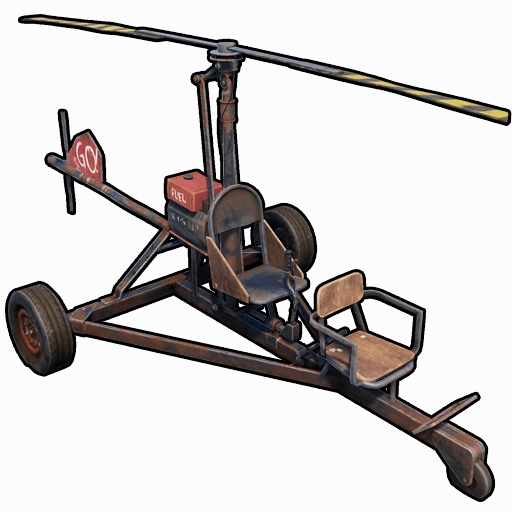
|
Spawn Attack Helicopter 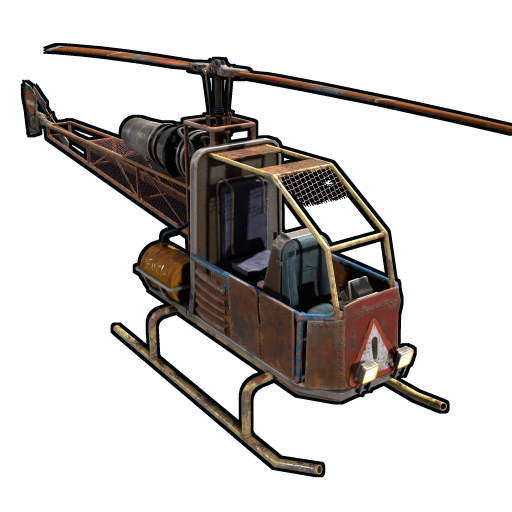
|
Spawn Scrap Transport Helicopter 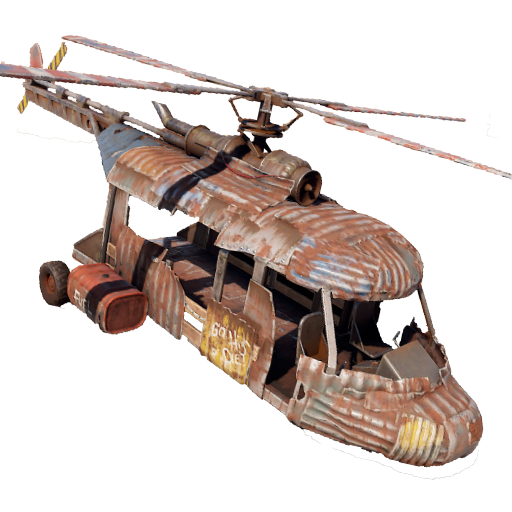
|
Spawn Hot Air Balloon 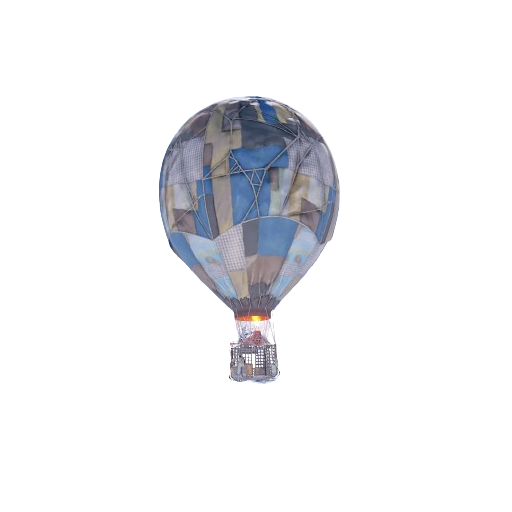
|
Spawn Armored Hot Air Balloon 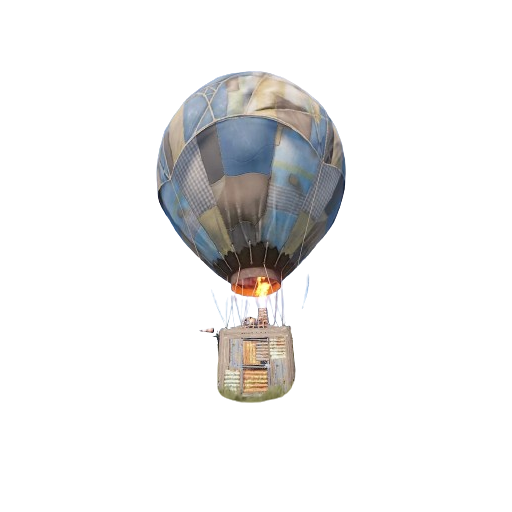
|
Spawn Kayak 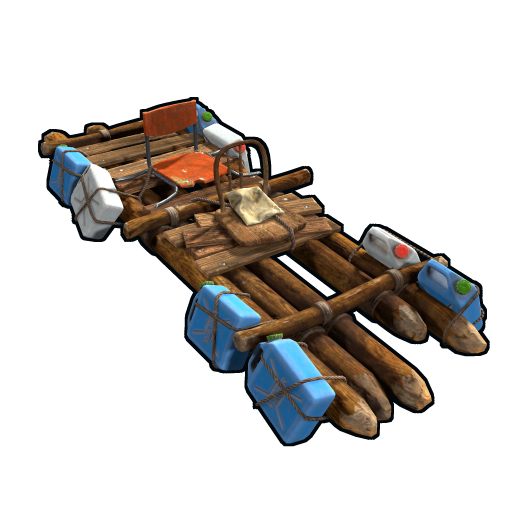
|
Spawn Row Boat 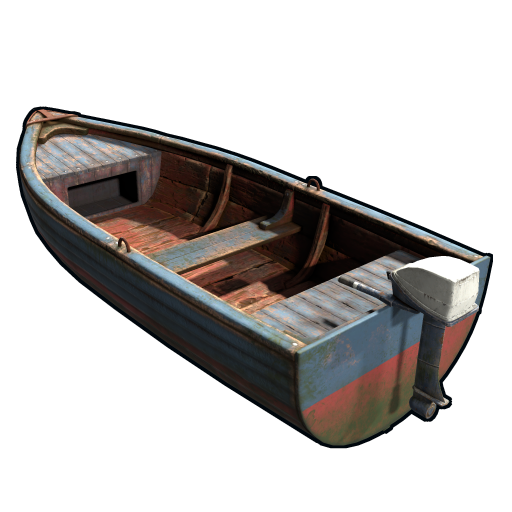
|
Spawn RHIB 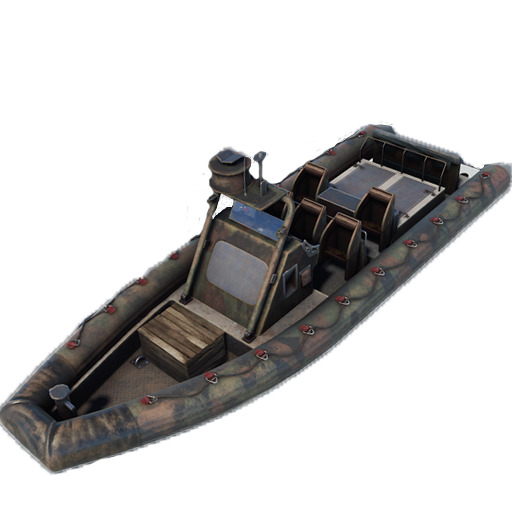
|
Spawn Tugboat 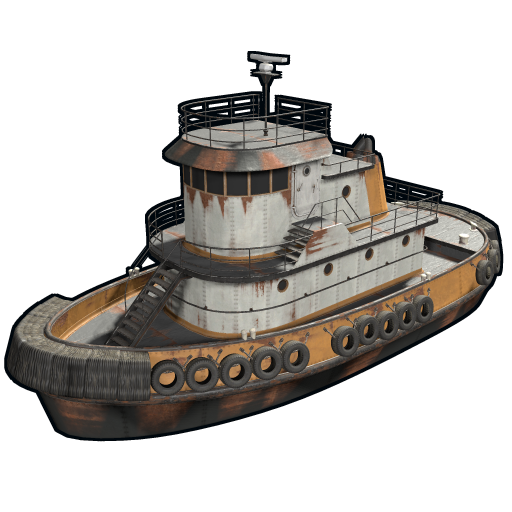
|
Spawn Submarine Solo 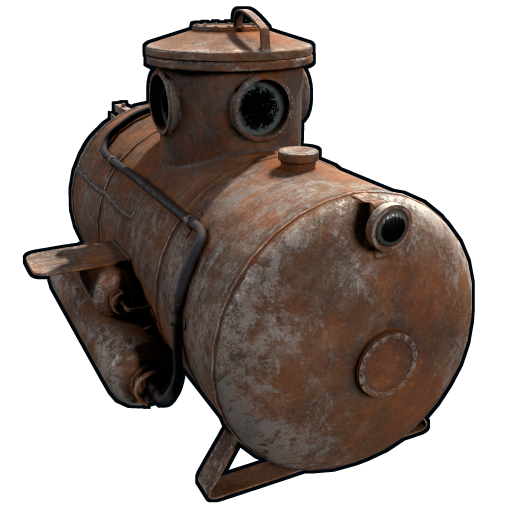
|
Spawn Submarine Duo 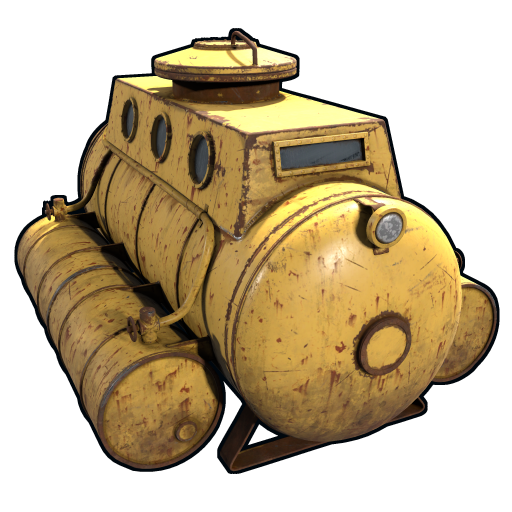
|
Spawn Horse 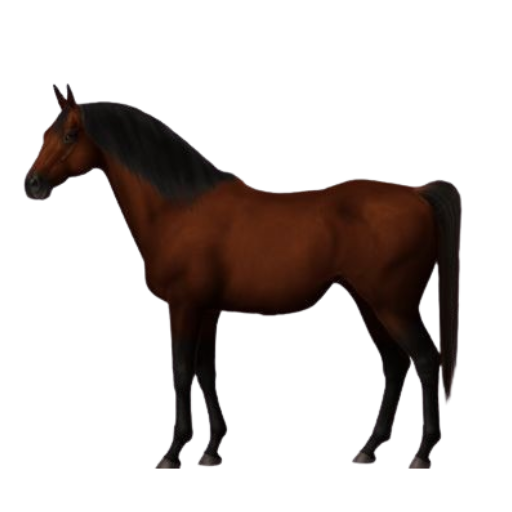
|
Spawn Snowmobile 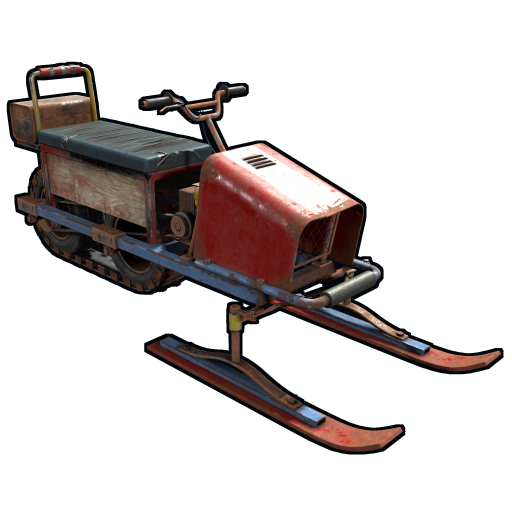
|
Spawn Tomaha Snowmobile 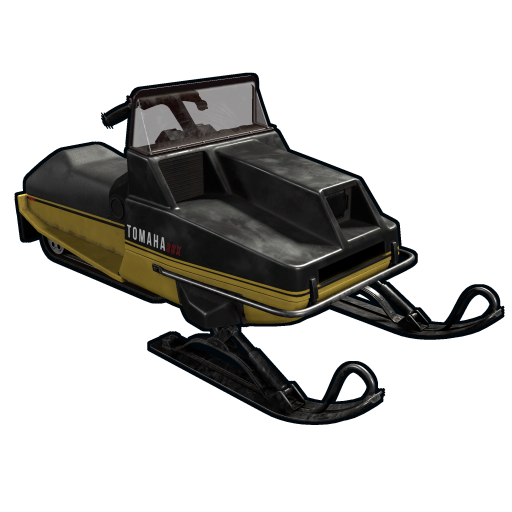
|
Spawn Sedan 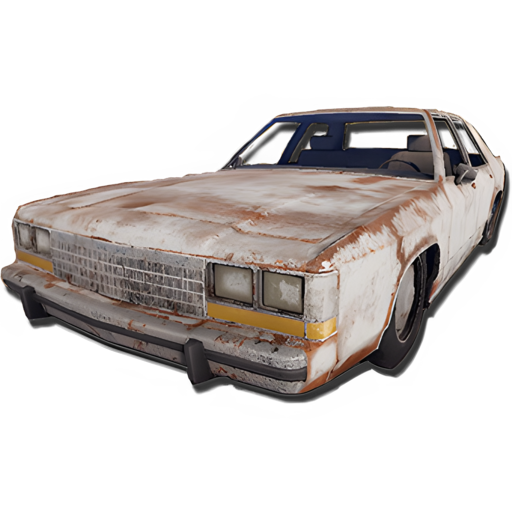
|
Spawn 2 Module Car 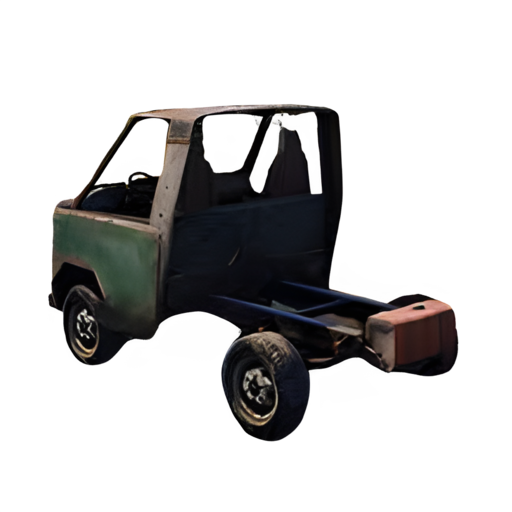
|
Spawn 3 Module Car 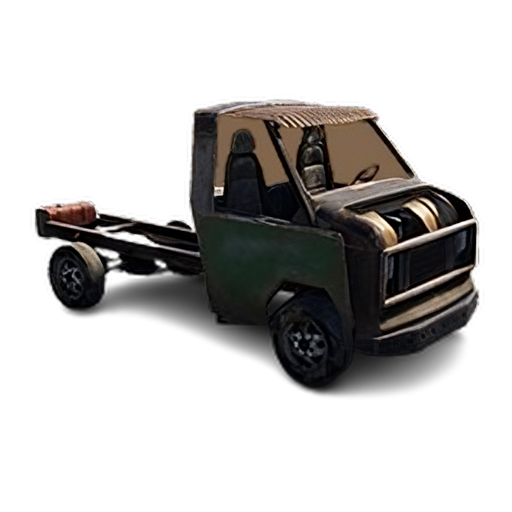
|
Spawn 4 Module Car 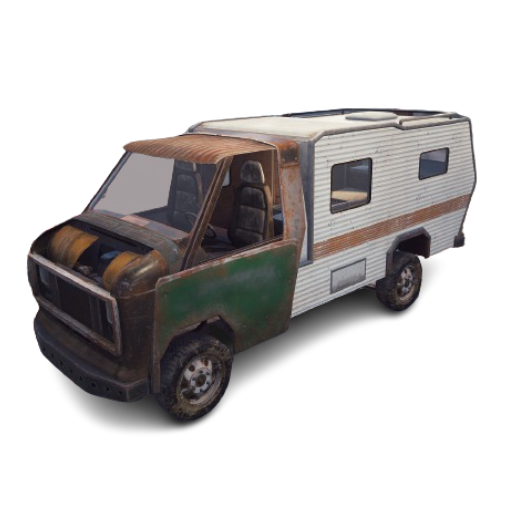
|
Spawn Motorbike 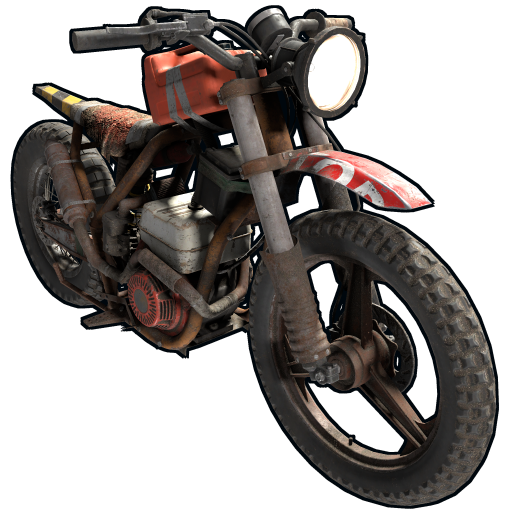
|
Spawn Motorbike With Sidecar 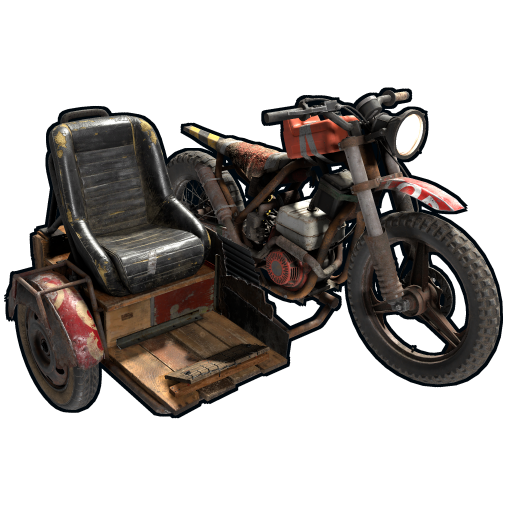
|
Spawn Pedal Bike 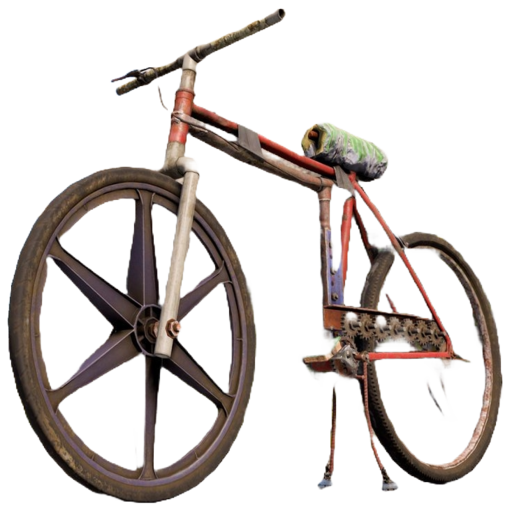
|
Spawn Pedal Trike 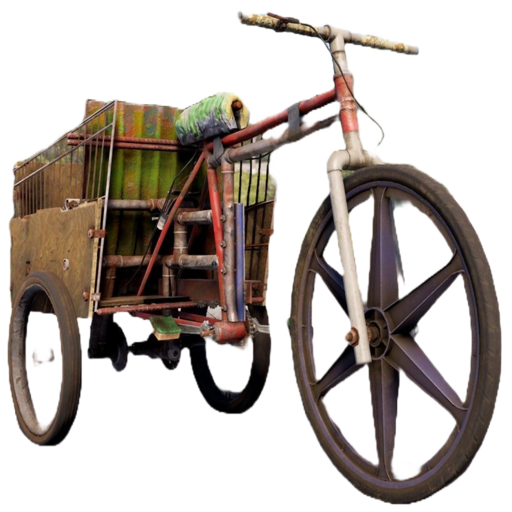
|
Spawn Recycler 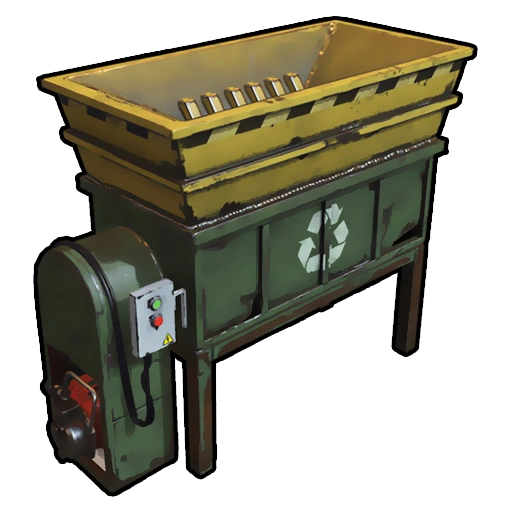
|
Spawn Recycler Safe Zone 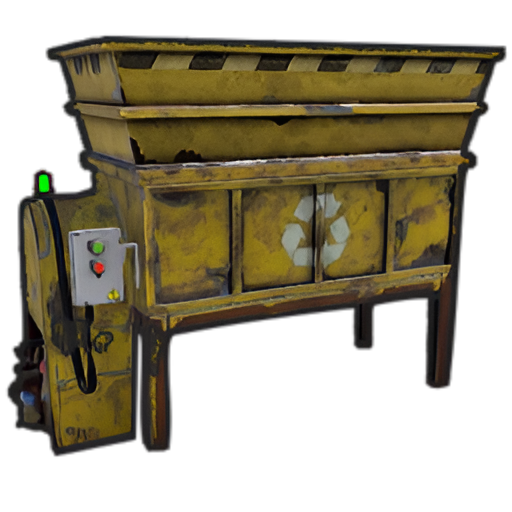
|
Spawn Bradley APC 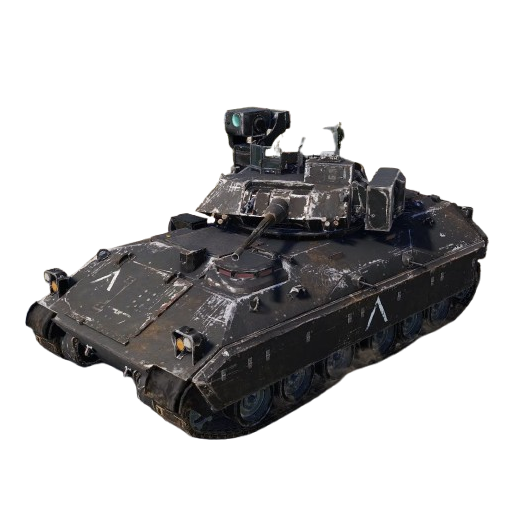
|
Spawn Patrol Helicopter 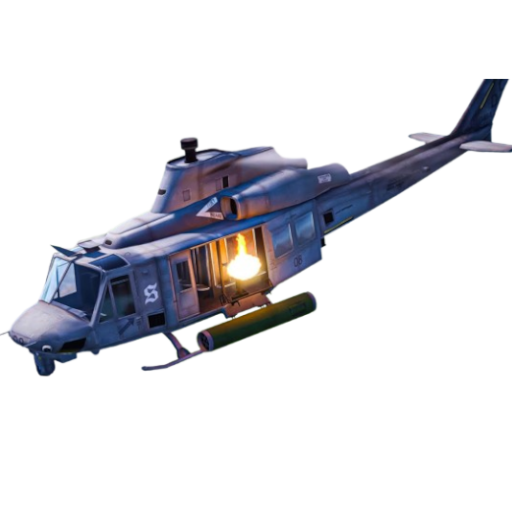
|
Spawn Chinook 47 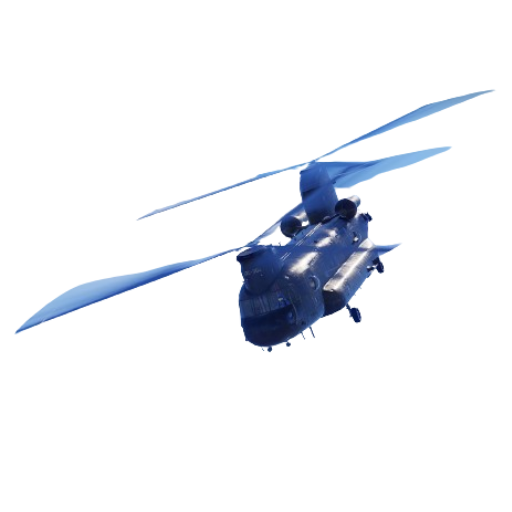
|
Spawn MLRS Launcher 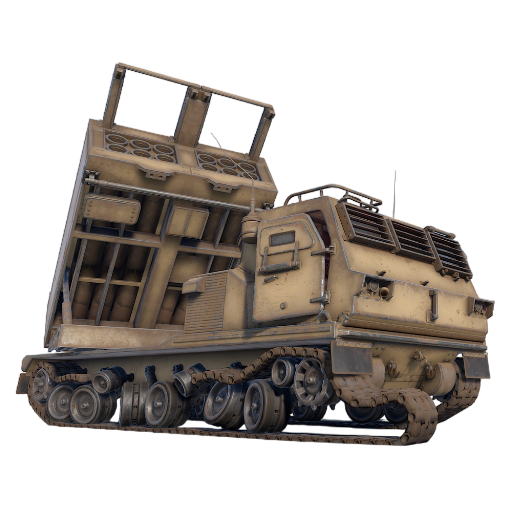
|
Spawn Survey Crater - For Mining Quarry 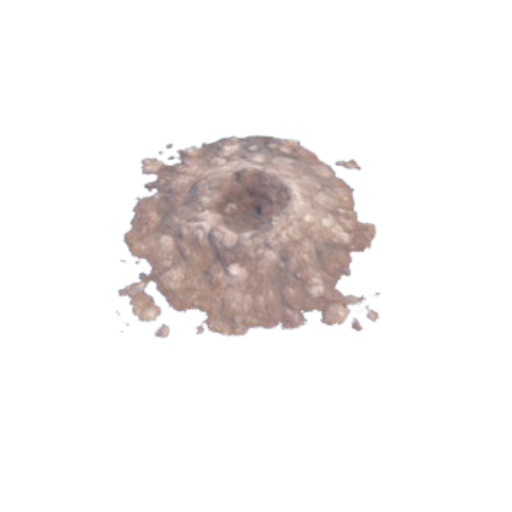
|
Spawn Survey Crater Oil - For Pump Jack 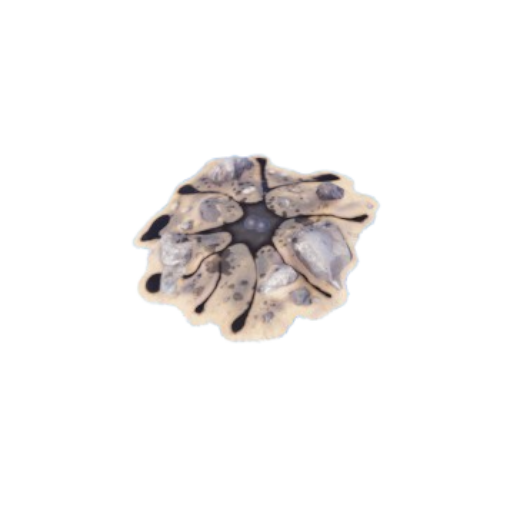
|
Spawn Locked Crate 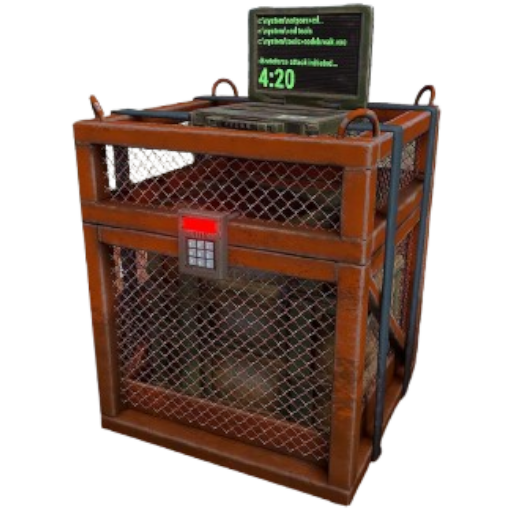
|
Spawn Oil Rig Locked Crate 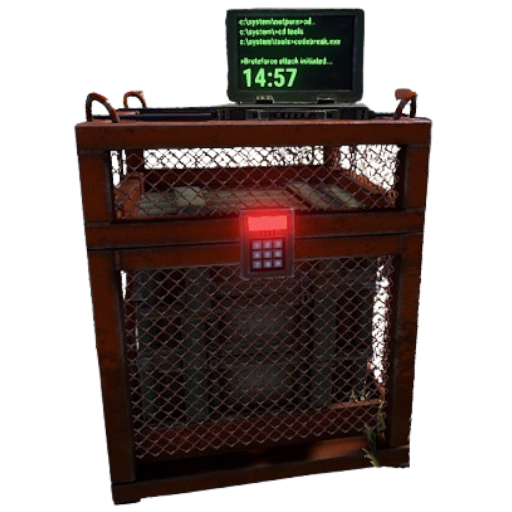
|
Spawn Bradley APC Crate 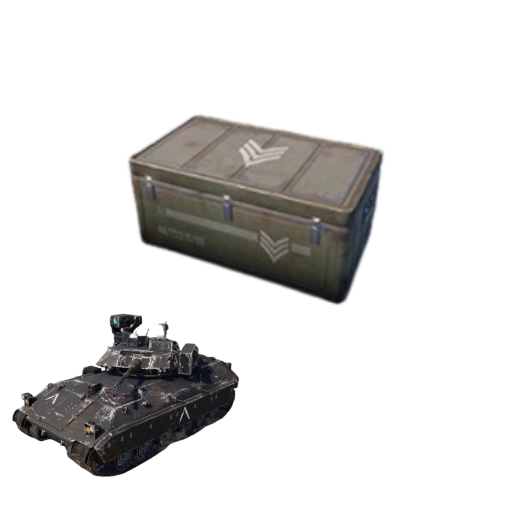
|
Spawn Patrol Helicopter Crate 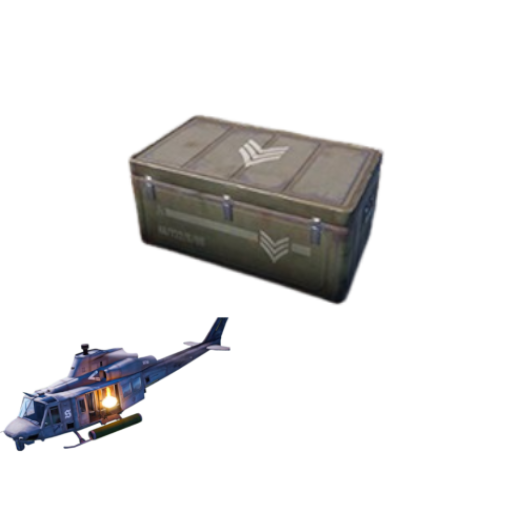
|
Spawn Elite Tier Crate 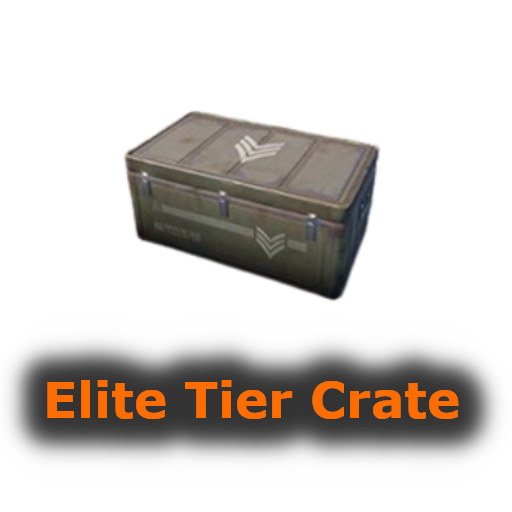
|
Spawn Elite Tier Crate - Underwater Labs 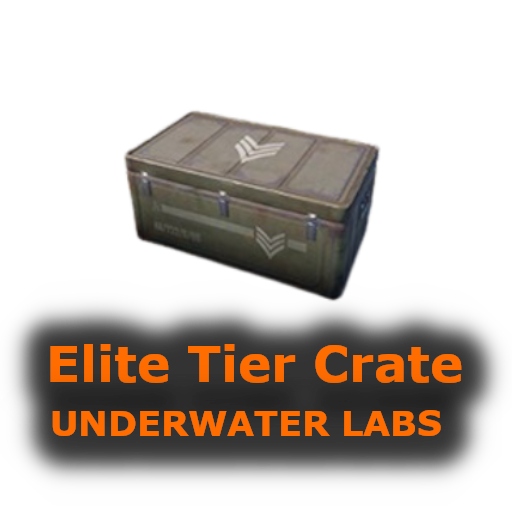
|
Spawn Train Casino - Lucky Caboose 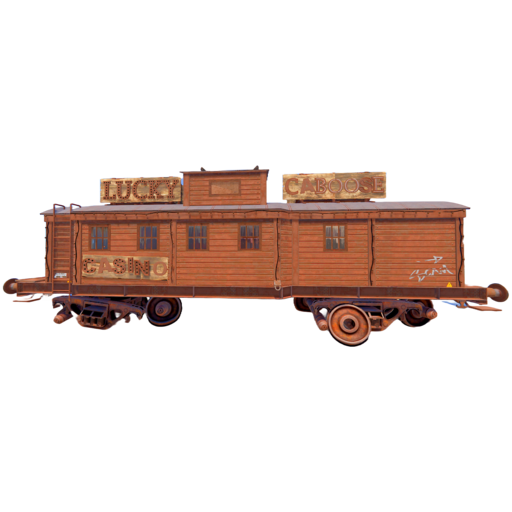
|
Spawn Casino - Blackjack Machine (Caboose) 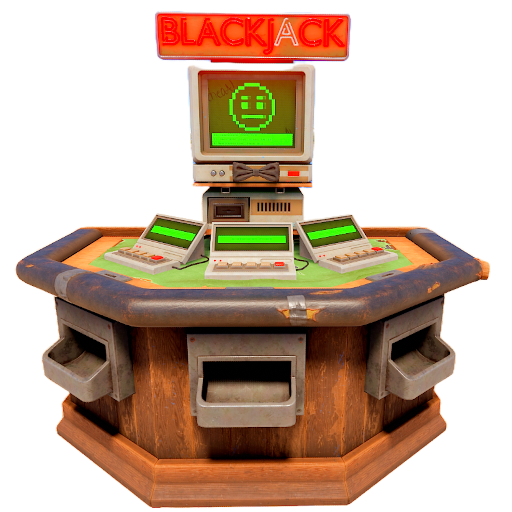
|
Spawn Casino - Card Table (Caboose) 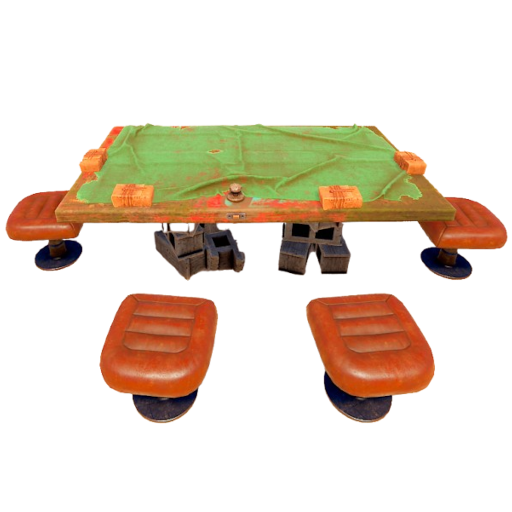
|
Spawn Casino - Slot Machine (Caboose) 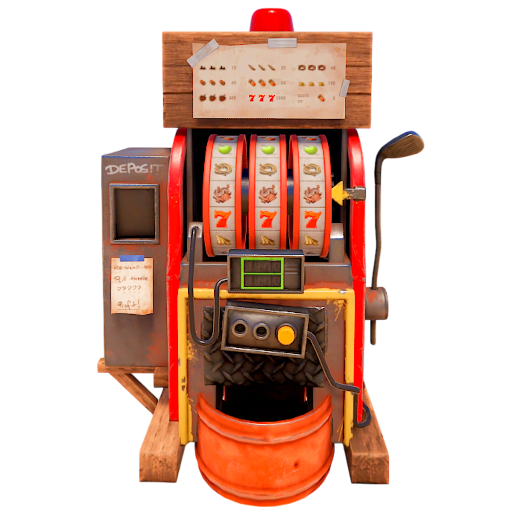
|
Spawn Card Table - A 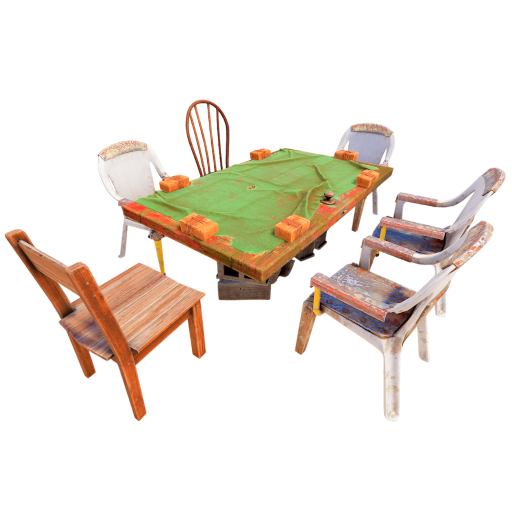
|
Spawn Card Table - B 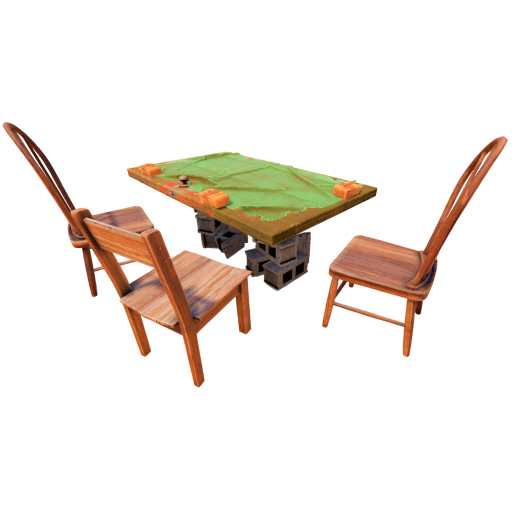
|
Spawn Card Table - C 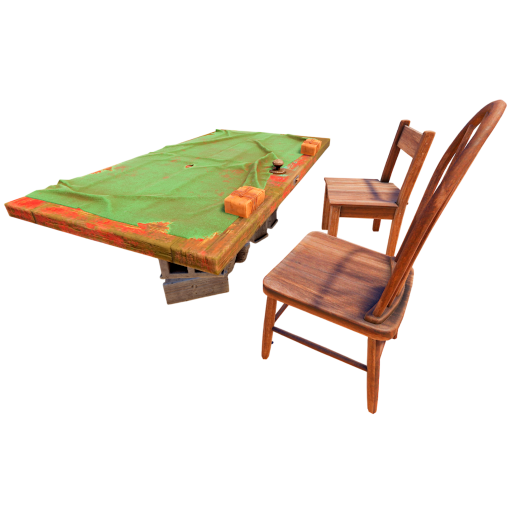
|
Spawn Card Table - D 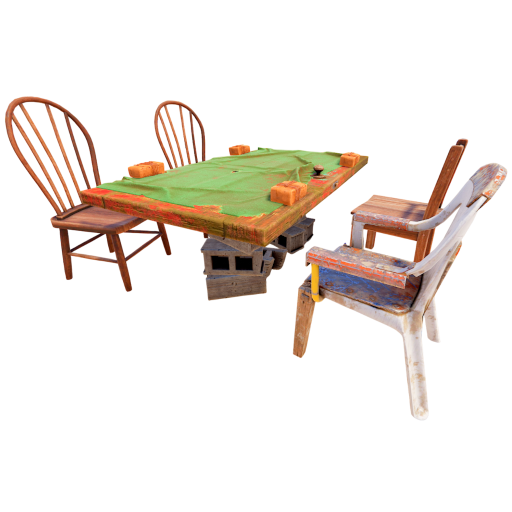
|
Spawn Casino - Slot Machine 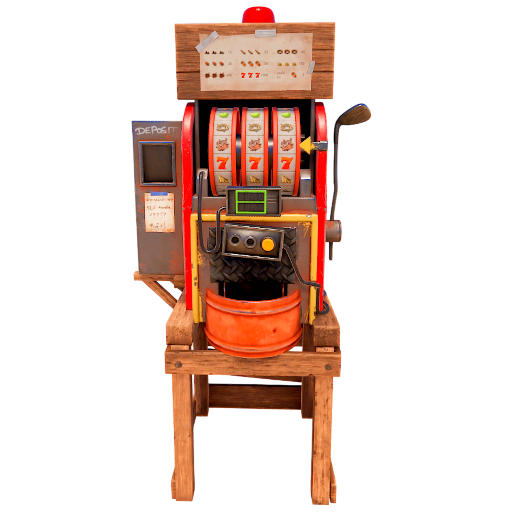
|
Spawn Present Drop 
|
Spawn PT Boat
|
Spawn Cannon - Land
|
Spawn Desk A Static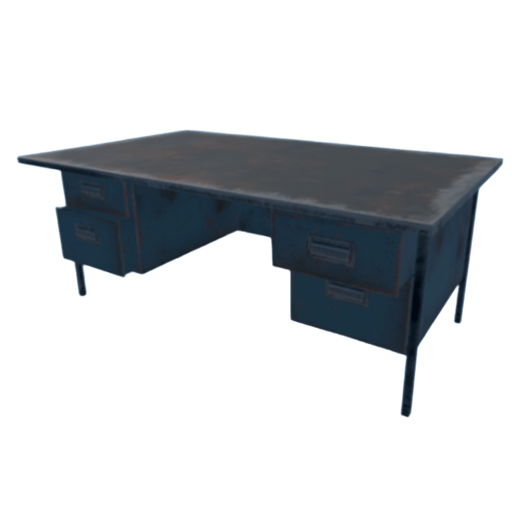
|
Spawn Door Vault
|
Spawn Small Ramp
|
Spawn Plank
|
||||
SPAWN ALL KARUZA VEHICLES 
|
SPAWN BASES 
|
EXECUTE COMMANDS 
|
AND MUCH MORE... 
|
||||
Swamp Tree A 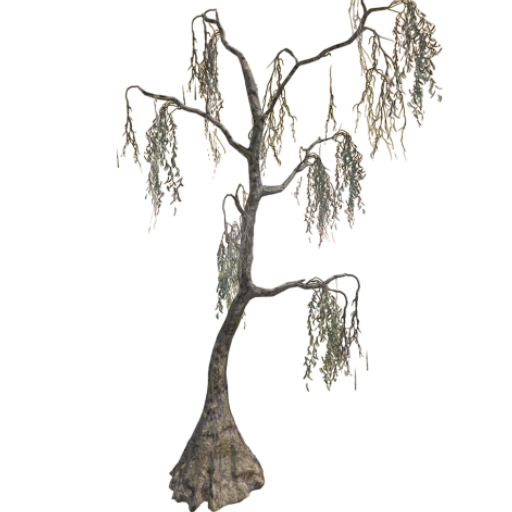
|
Swamp Tree B 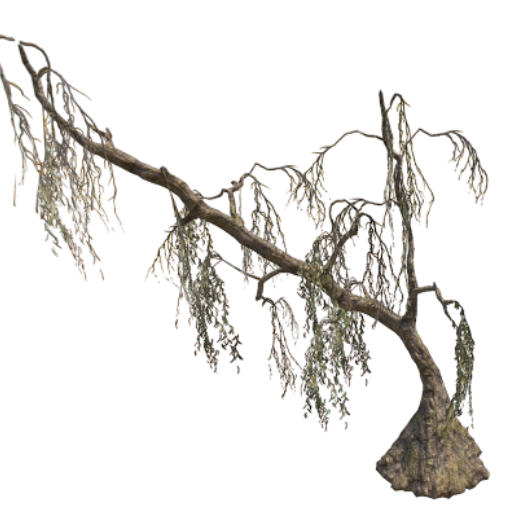
|
Swamp Tree C 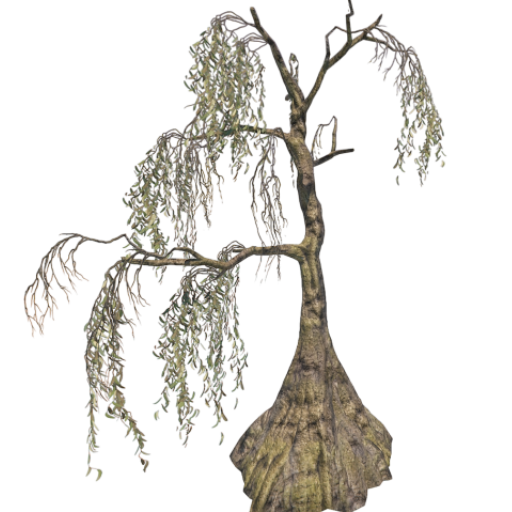
|
Swamp Tree D 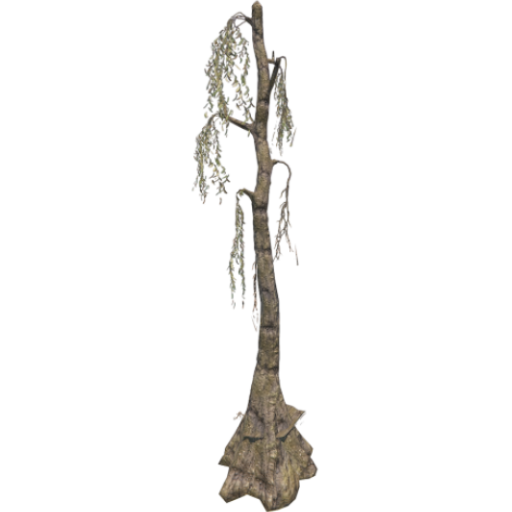
|
Swamp Tree E 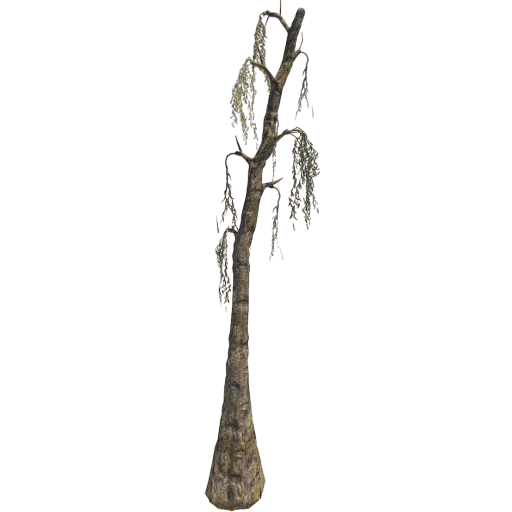
|
Swamp Tree F 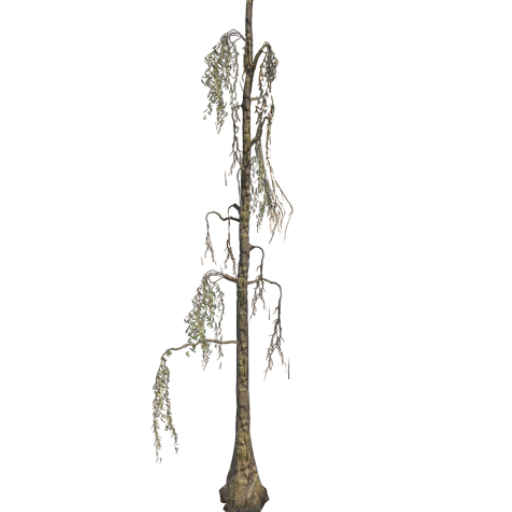
|
Arctic Forest - Douglas Fir A Snow 
|
Arctic Forest - Douglas Fir B Snow 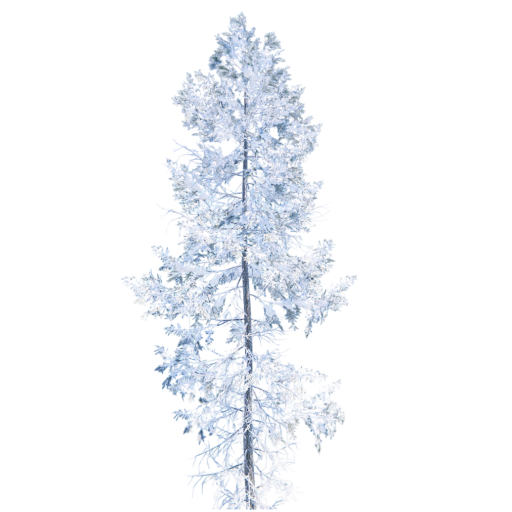
|
Arctic Forest - Douglas Fir C Snow 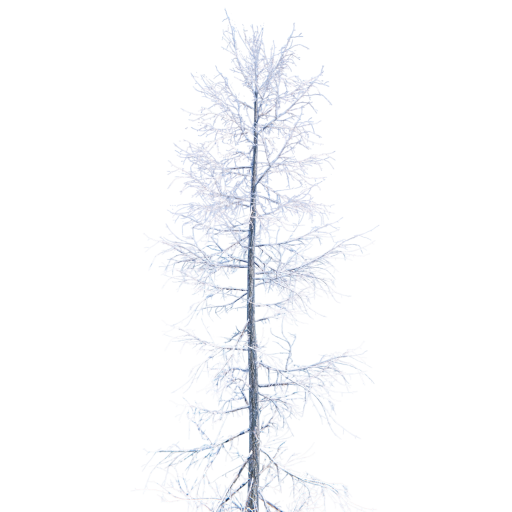
|
Arctic Forest - Pine A Snow 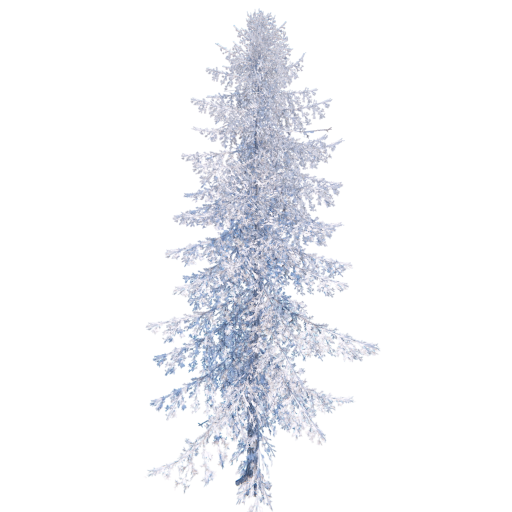
|
Arctic Forest - Pine C Snow 
|
Arctic Forest - Pine Dead Snow A 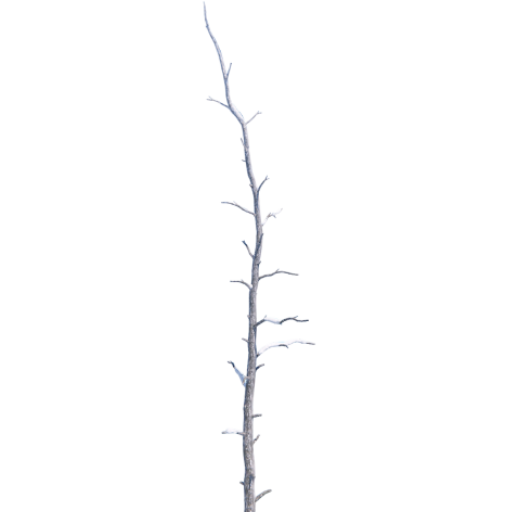
|
Arctic Forest - Pine Dead Snow B 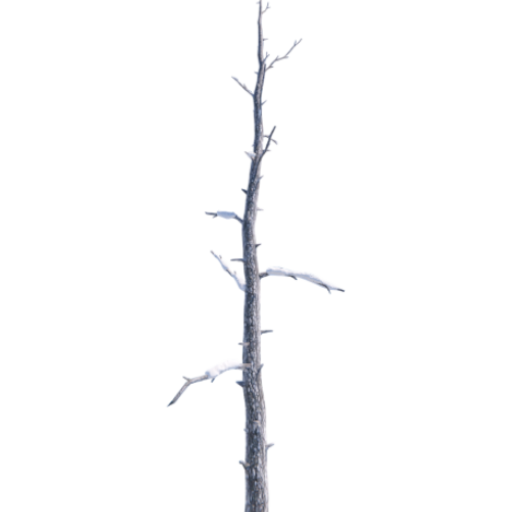
|
Arctic Forest - Pine Dead Snow C 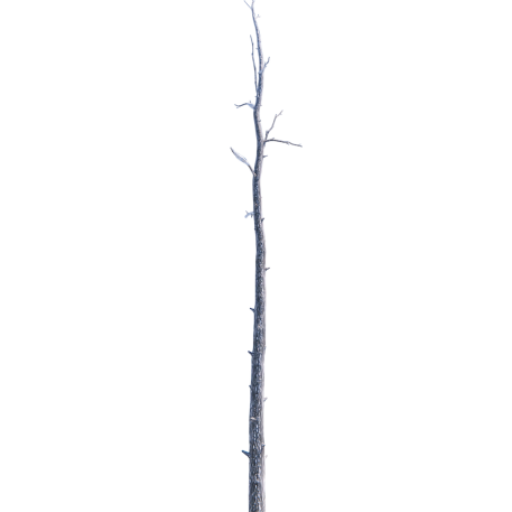
|
Arctic Forest - Pine Dead Snow D 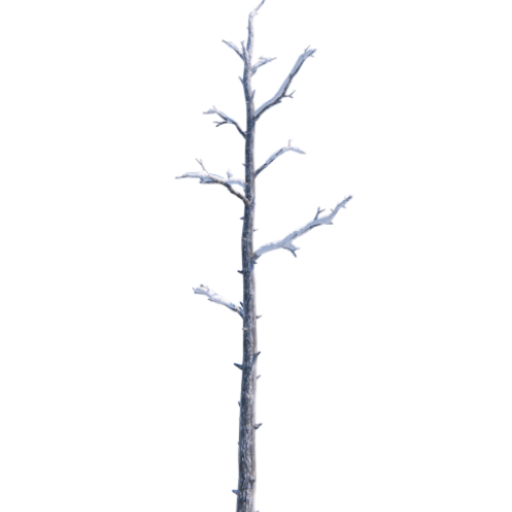
|
Arctic Forest - Pine Dead Snow E 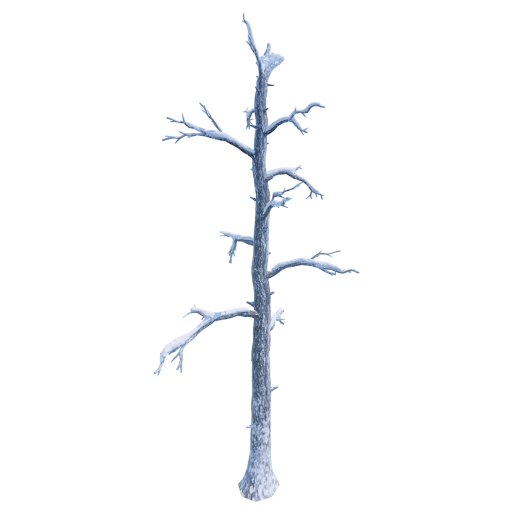
|
Arctic Forest - Pine Dead Snow F 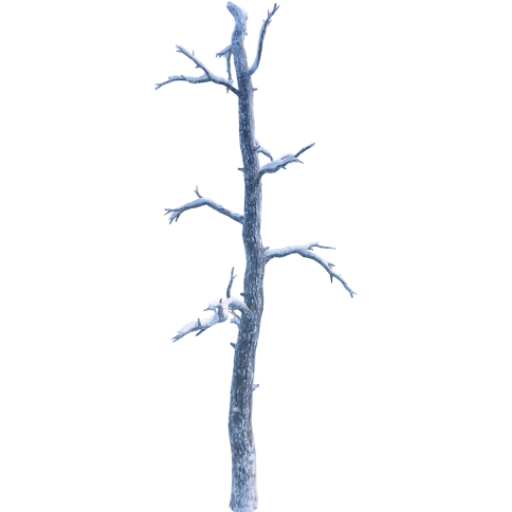
|
Arctic Forest - Pine Sapling A Snow 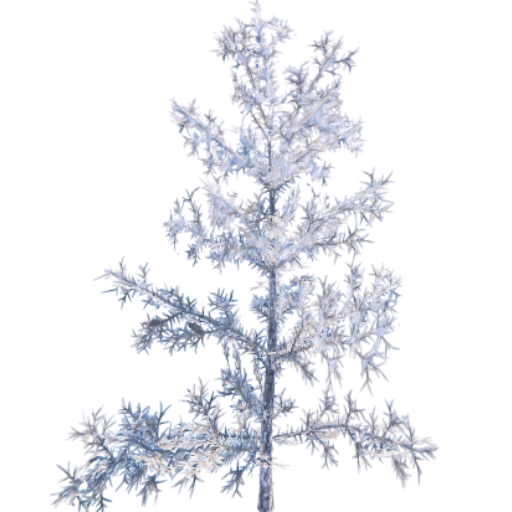
|
Arctic Forest - Pine Sapling B Snow 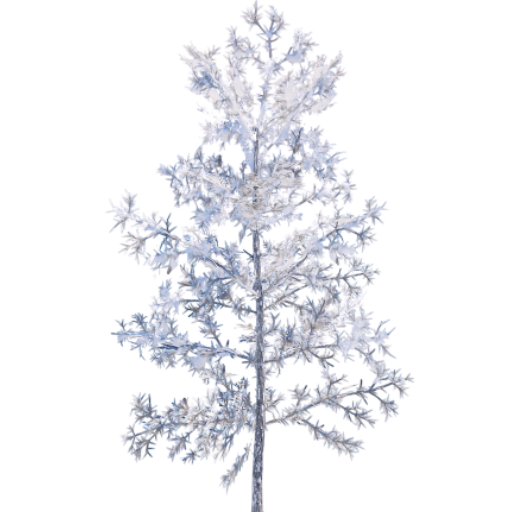
|
Arctic Forest - Pine Sapling C Snow 
|
Arctic Forest - Pine Sapling D Snow 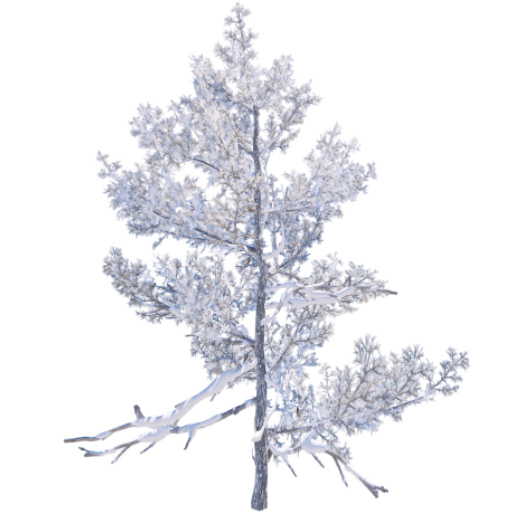
|
Arctic Forest - Pine Sapling E Snow 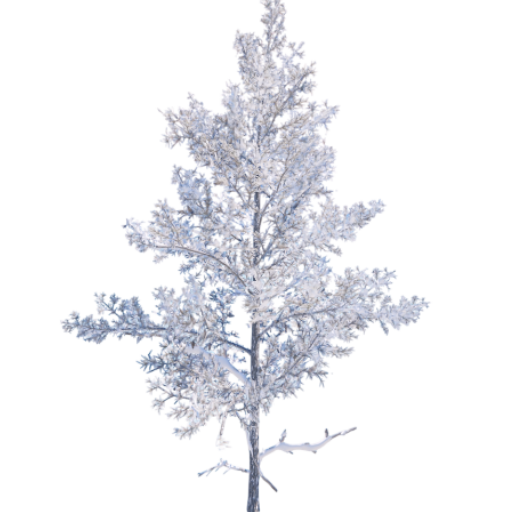
|
Arctic Forestside - Pine A Snow 
|
Arctic Forestside - Pine B Snow 
|
Arctic Forestside - Pine D Snow 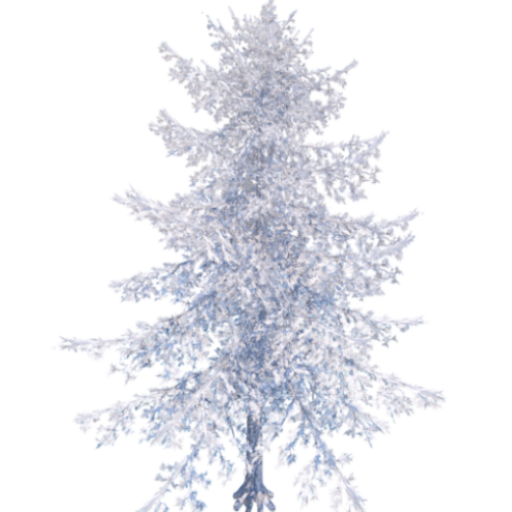
|
Arctic Forestside - Pine Dead Snow E 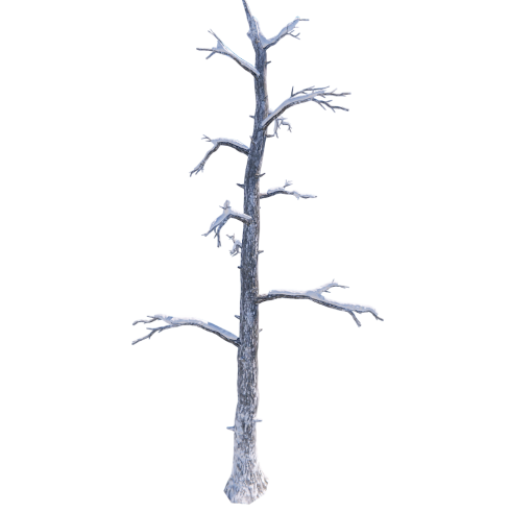
|
Arctic Forestside - Pine Dead Snow F 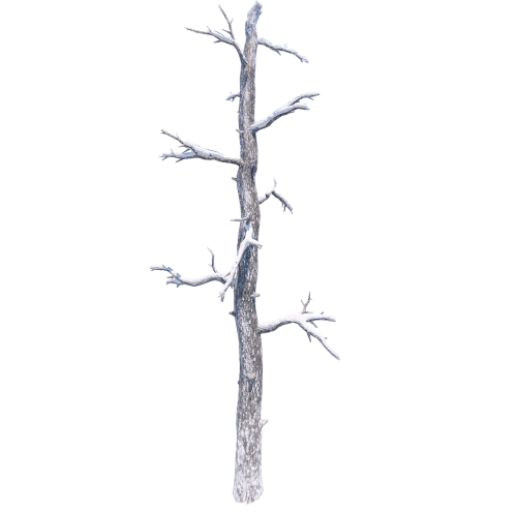
|
Arctic Forestside - Pine Sapling D Snow 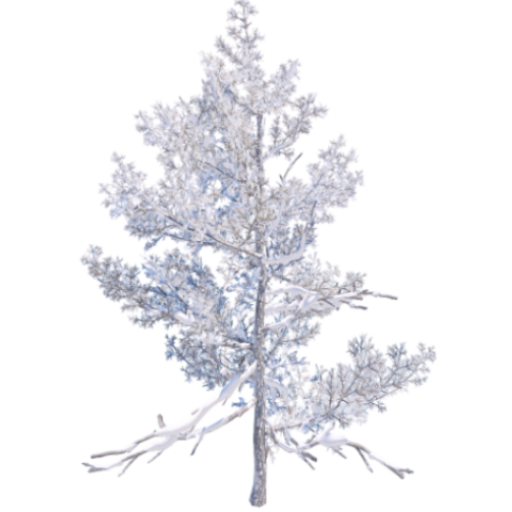
|
Arctic Forestside - Pine Sapling E Snow 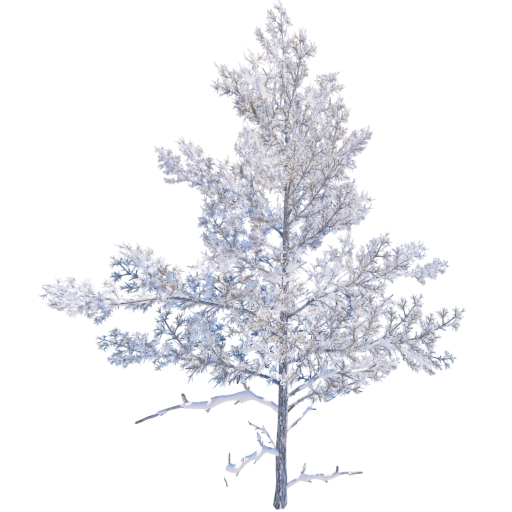
|
Arid Beachside - Palm Tree Short A 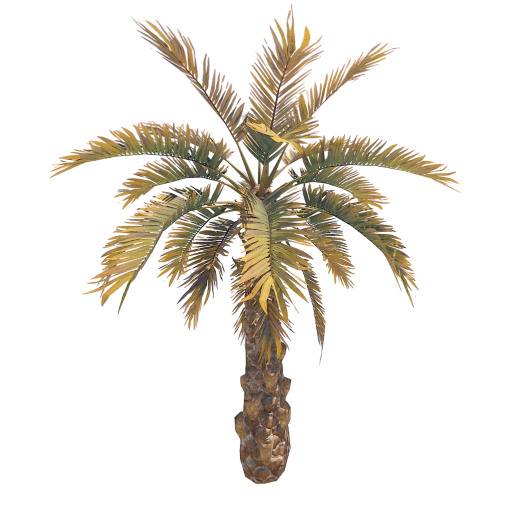
|
Arid Beachside - Palm Tree Short B 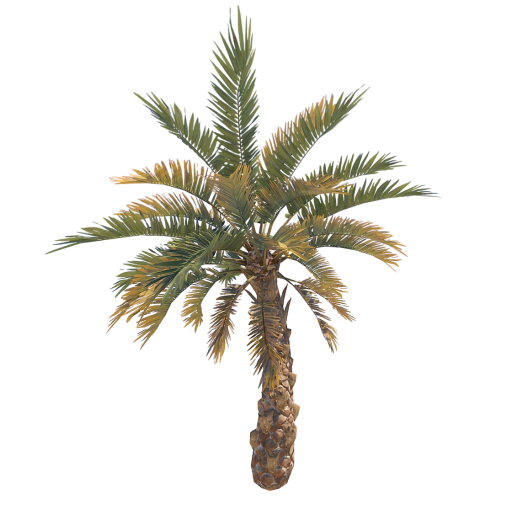
|
Arid Beachside - Palm Tree Short C 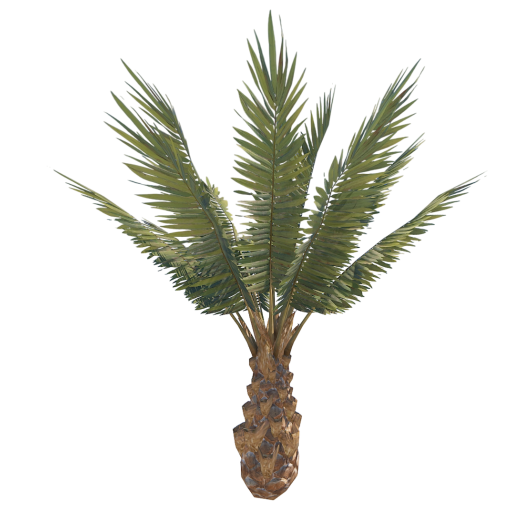
|
Arid Beachside - Palm Tree Small A 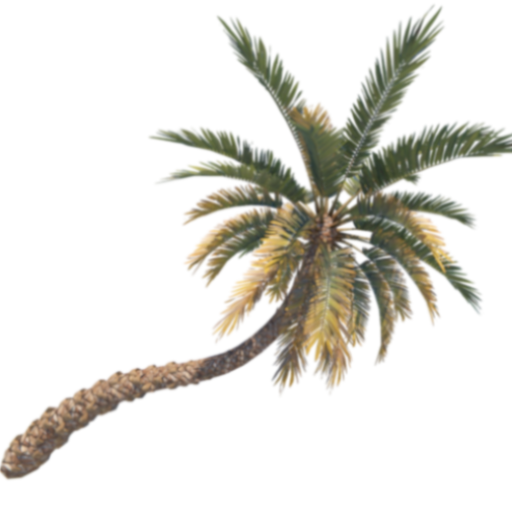
|
Arid Beachside - Palm Tree Small B 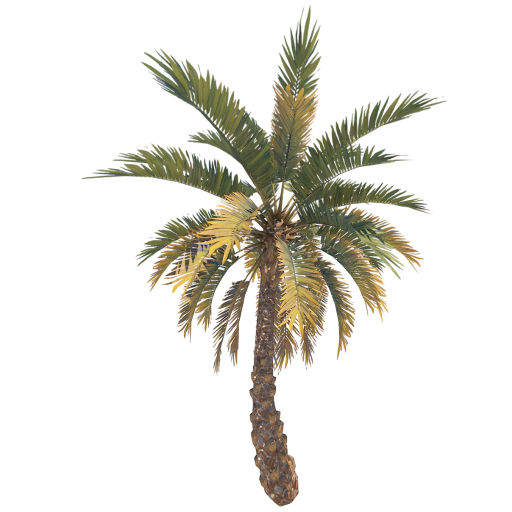
|
Arid Beachside - Palm Tree Small C 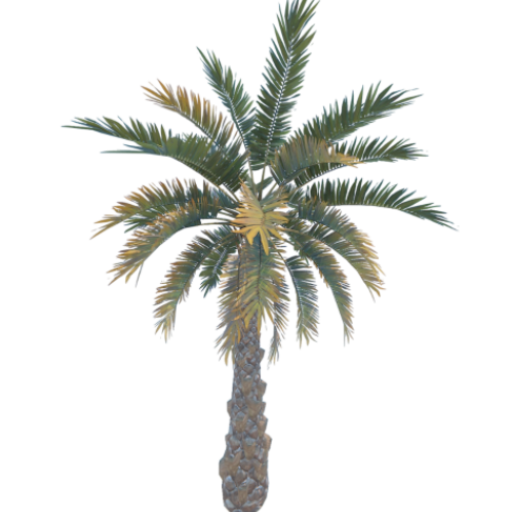
|
Arid Cactus 1 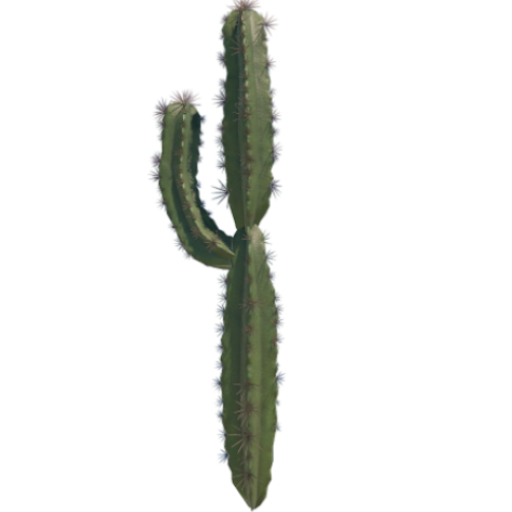
|
Arid Cactus 2 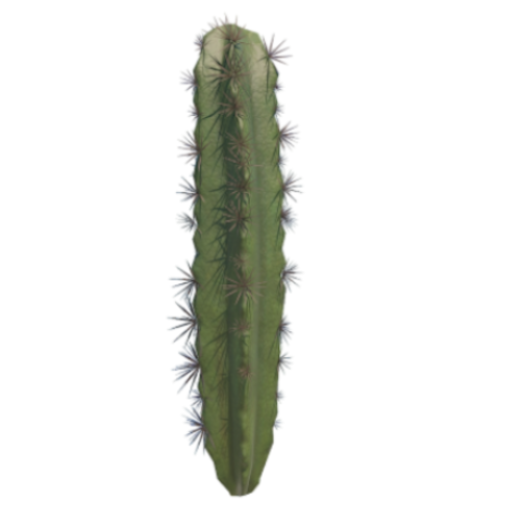
|
Arid Cactus 3 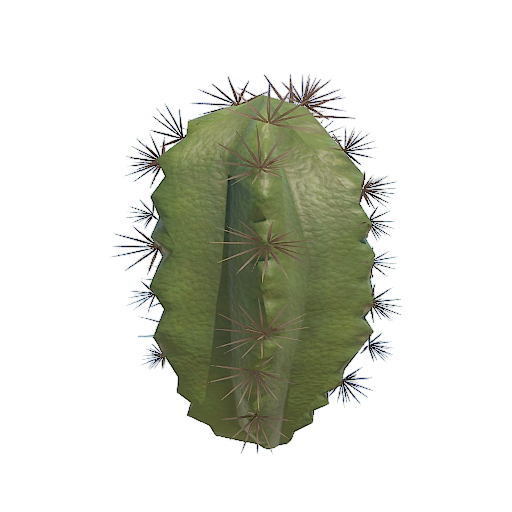
|
Arid Cactus 4 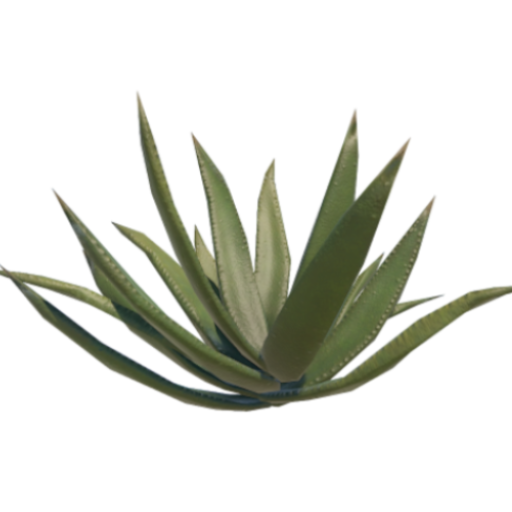
|
Arid Cactus 5 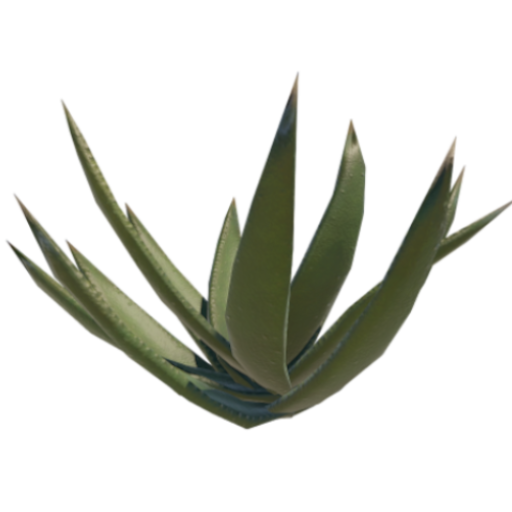
|
Arid Cactus 6 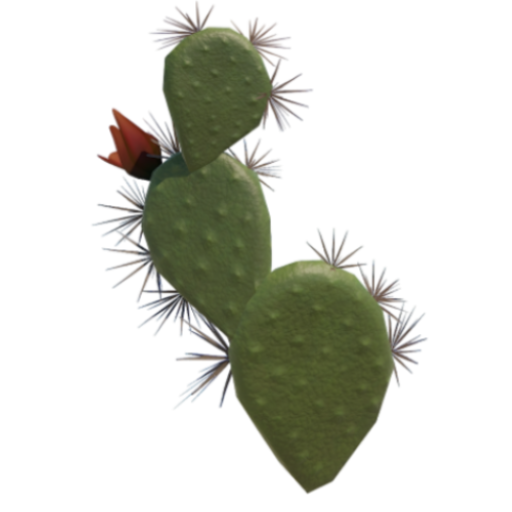
|
Arid Cactus 7 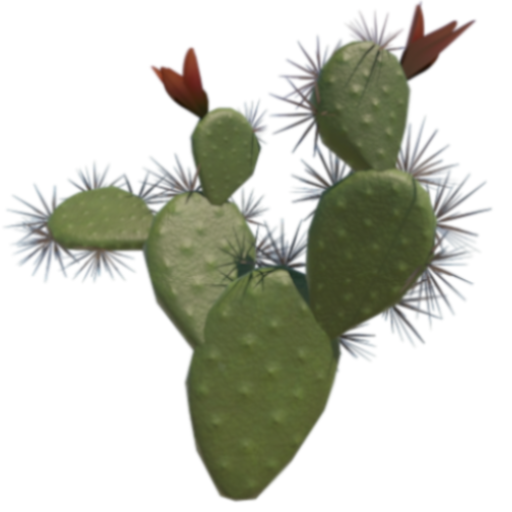
|
Arid Field - Palm Tree Short A 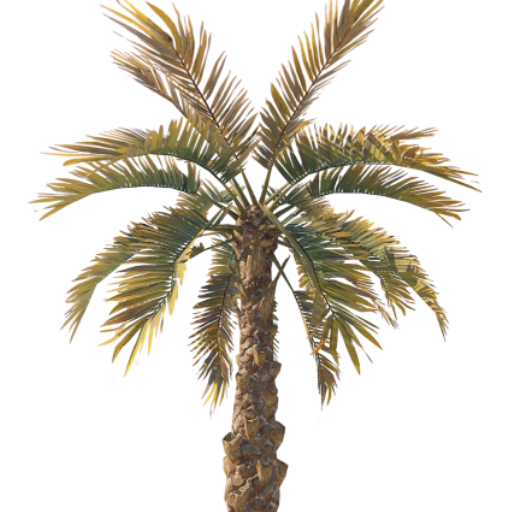
|
Arid Field - Palm Tree Short B 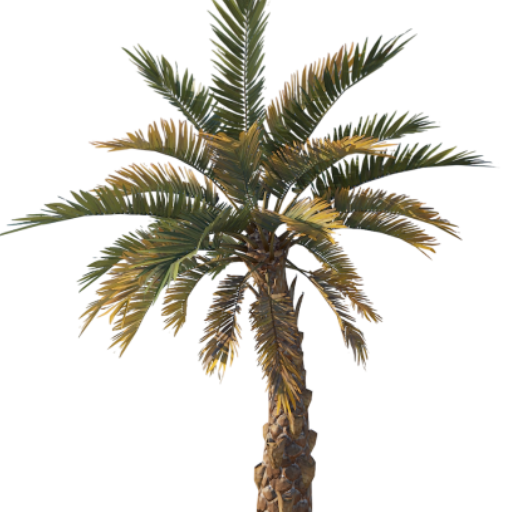
|
Arid Field - Palm Tree Short C 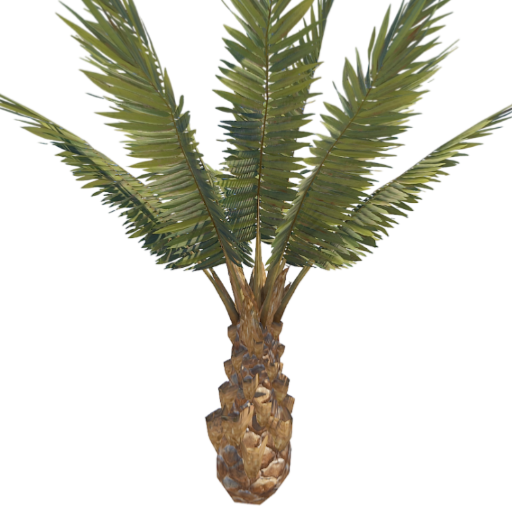
|
Arid Field - Palm Tree Small B 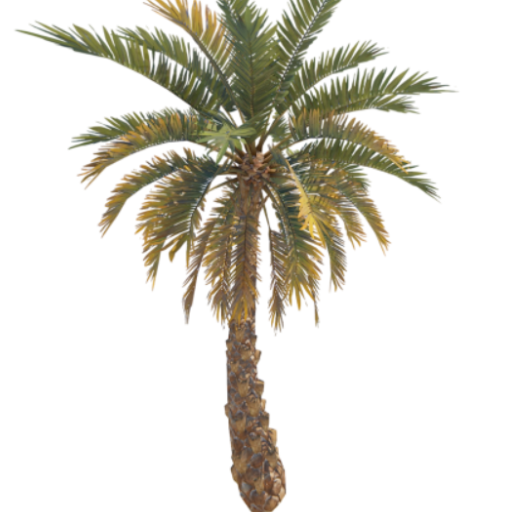
|
Arid Field - Palm Tree Small C 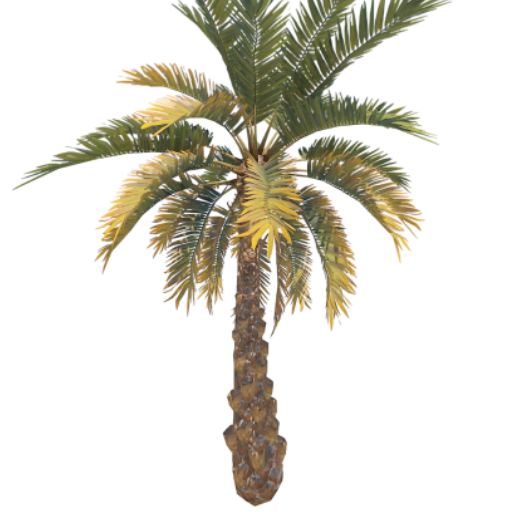
|
Arid Forest - Palm Tree Medium A 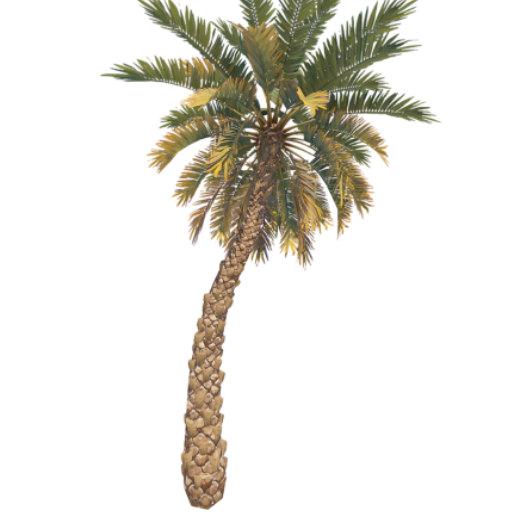
|
Arid Forest - Palm Tree Short A 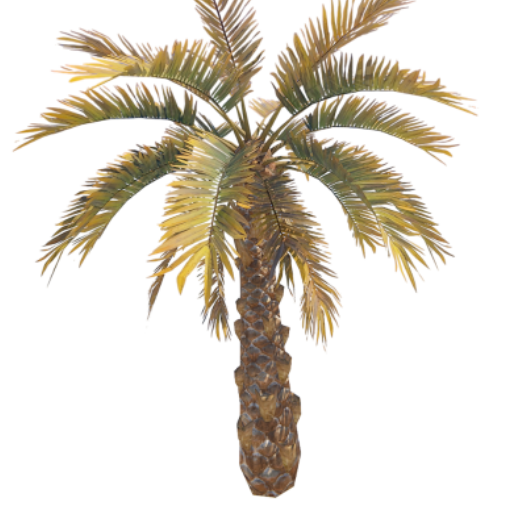
|
Arid Forest - Palm Tree Short B 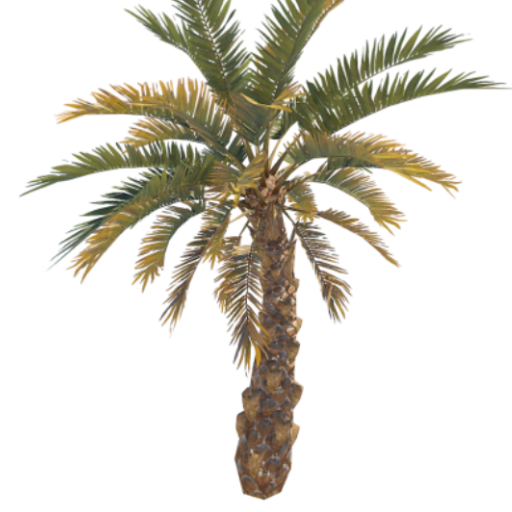
|
Arid Forest - Palm Tree Short C 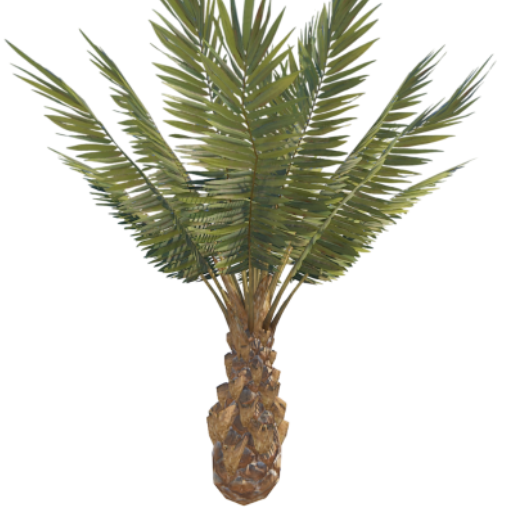
|
Arid Forest - Palm Tree Tall A 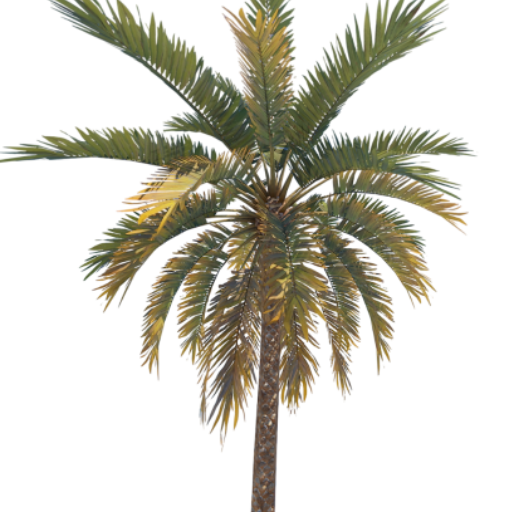
|
Arid Forest - Palm Tree Tall B 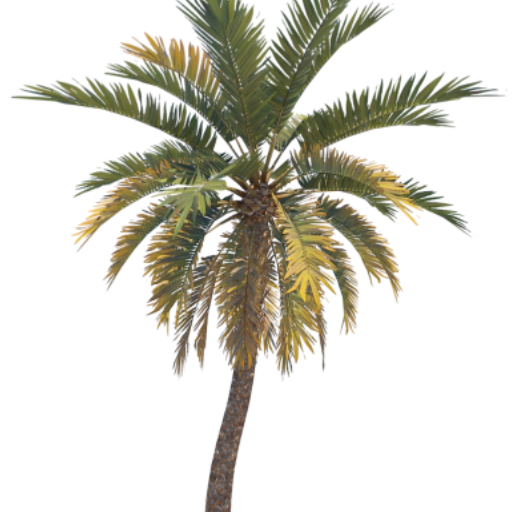
|
Arid Forestside - Palm Tree Short A 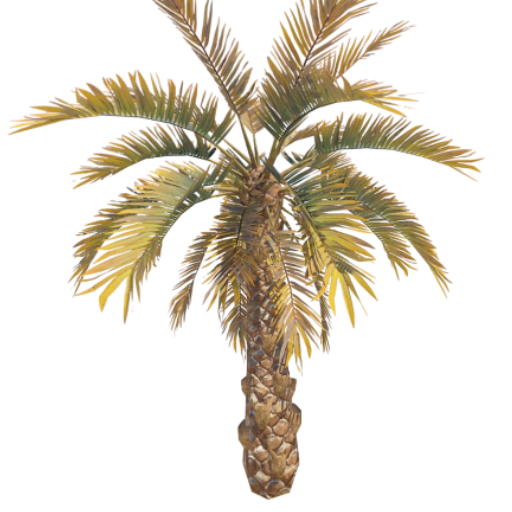
|
Arid Forestside - Palm Tree Short B 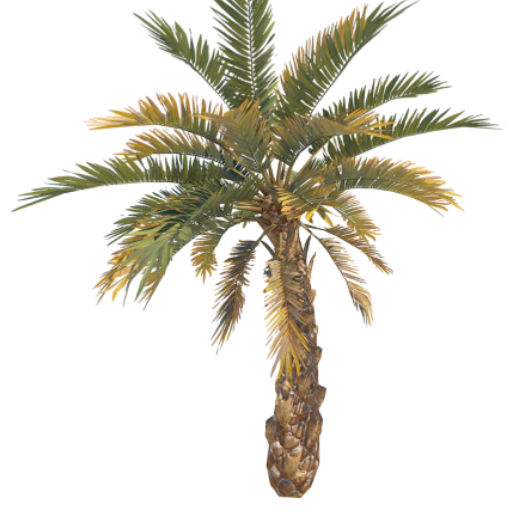
|
Arid Forestside - Palm Tree Short C 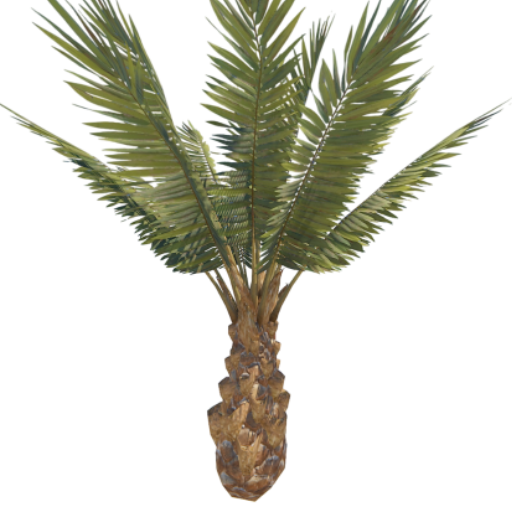
|
Bushes Arctic - Willow Snow A 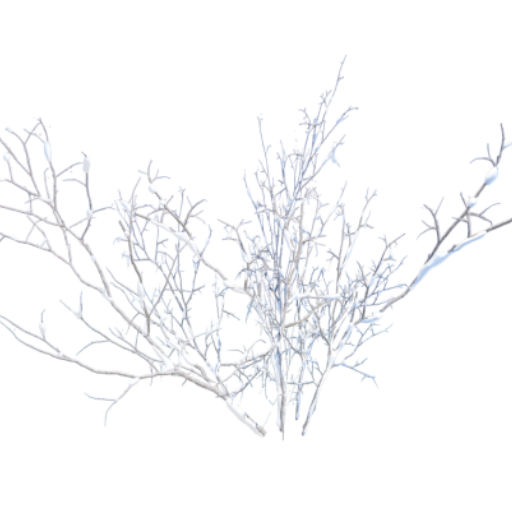
|
Bushes Arctic - Willow Snow B 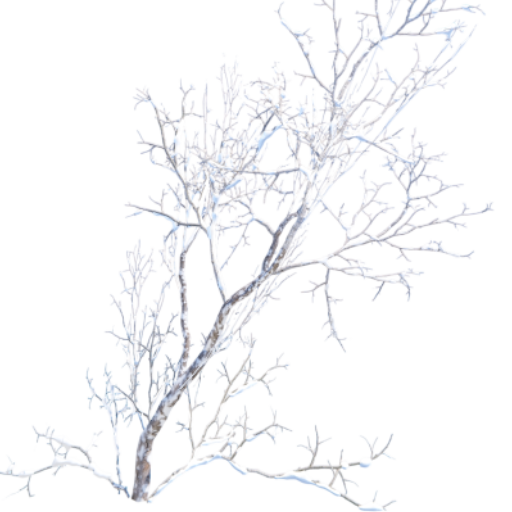
|
Bushes Arctic - Willow Snow C 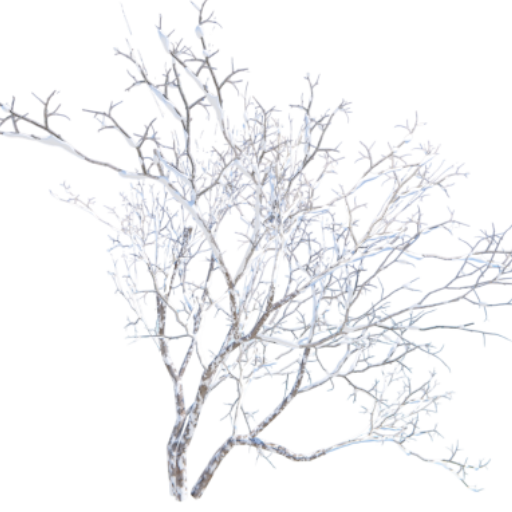
|
Bushes Arctic - Willow Snow D 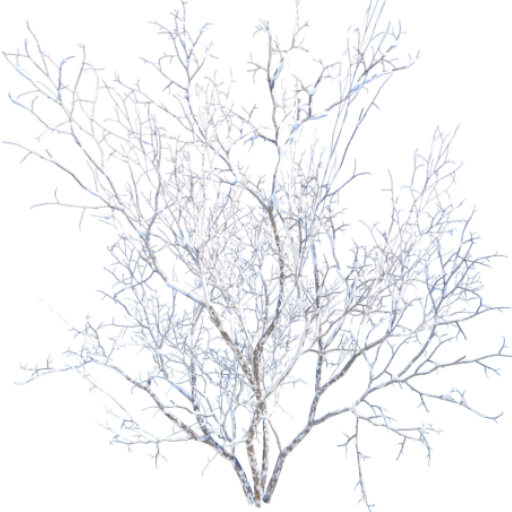
|
Bushes Arctic - Willow Snow Small A 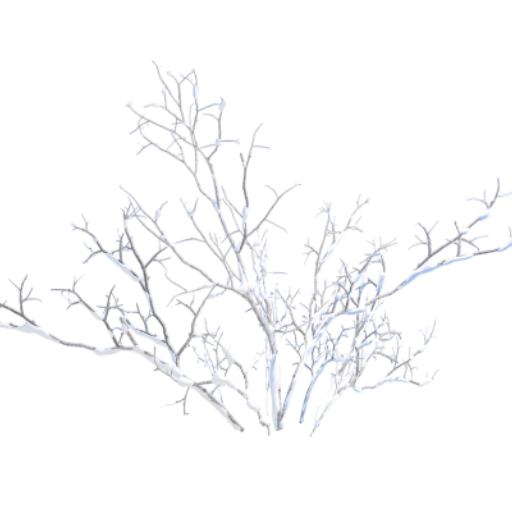
|
Bushes Arctic - Willow Snow Small B 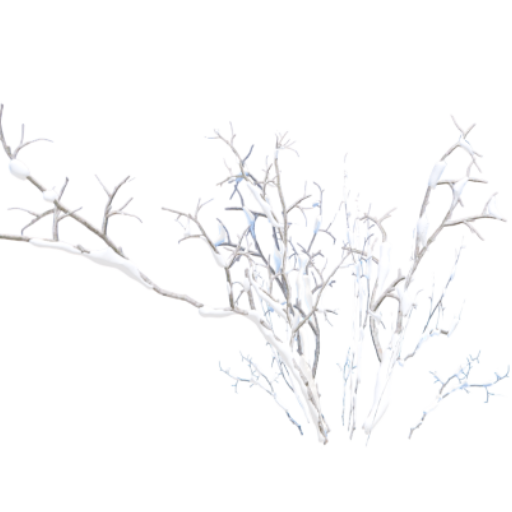
|
Bushes Arctic Forest - Spicebush A Snow 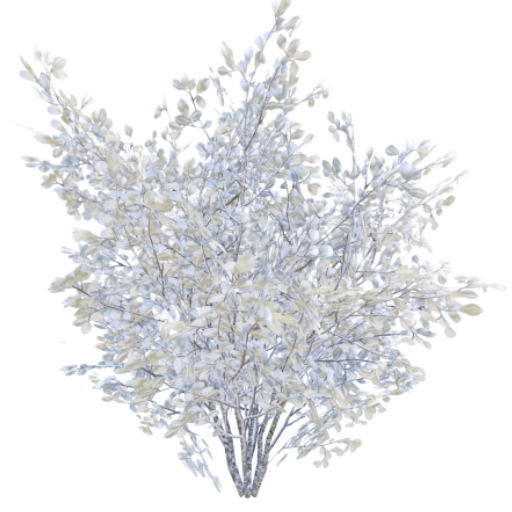
|
Bushes Arctic Forest - Spicebush C Snow 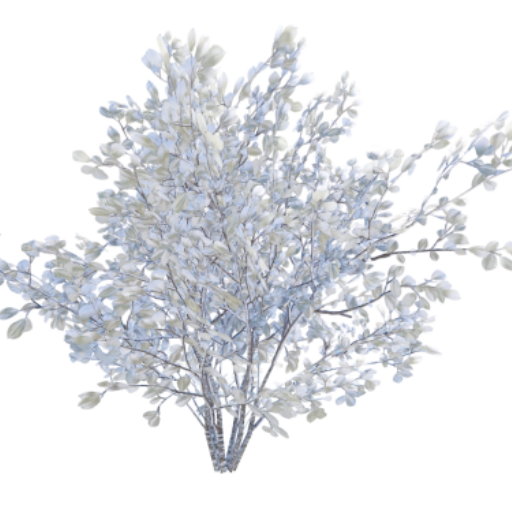
|
Bushes Arctic Forest - Willow Snow A 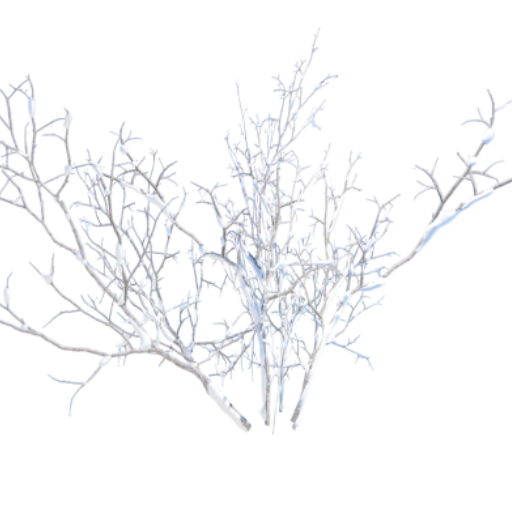
|
Bushes Arctic Forest - Willow Snow B 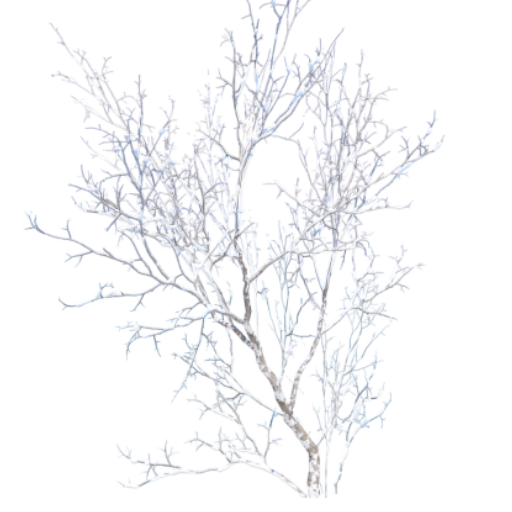
|
Bushes Arctic Forest - Willow Snow C 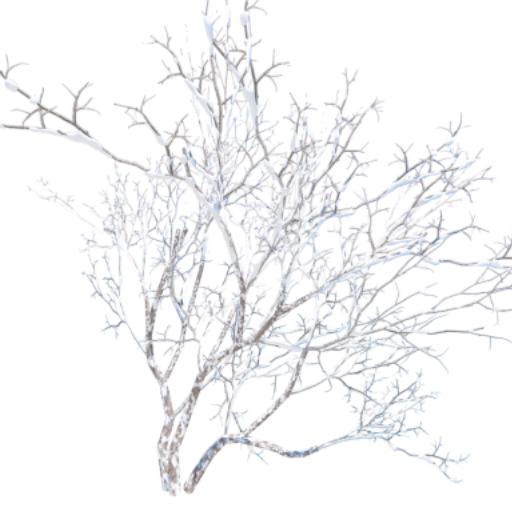
|
Bushes Arctic Forest - Willow Snow D 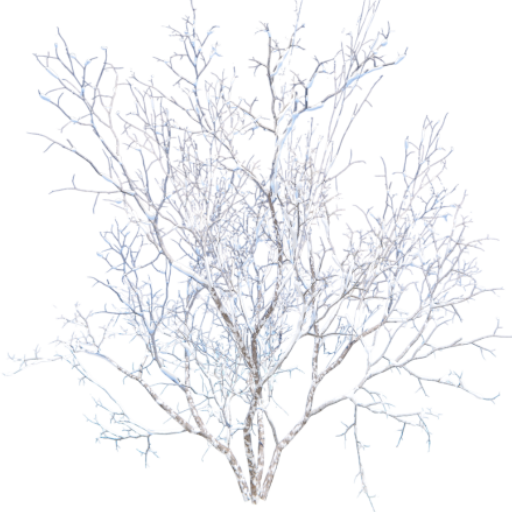
|
Bushes Arid Desert - Creosote C 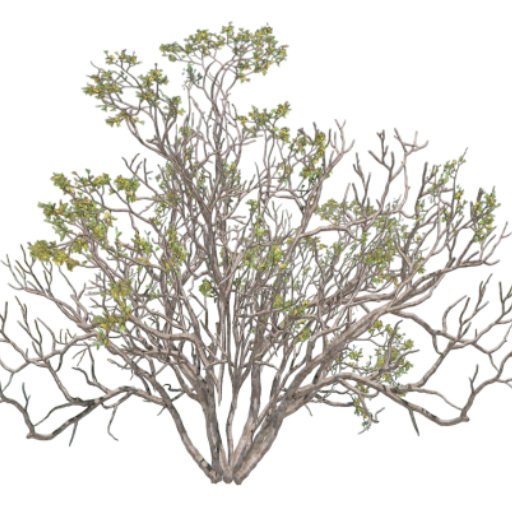
|
Bushes Arid Desert - Creosote D 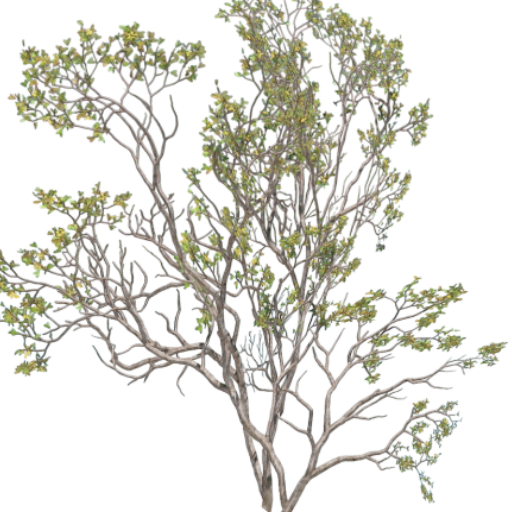
|
Bushes Arid Desert - Mormon Tea A 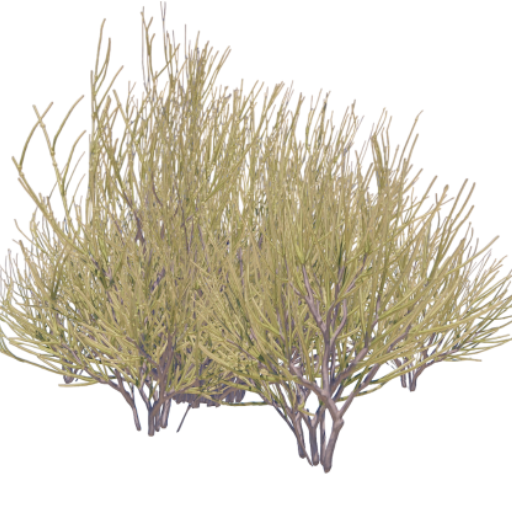
|
Bushes Arid Desert - Mormon Tea B 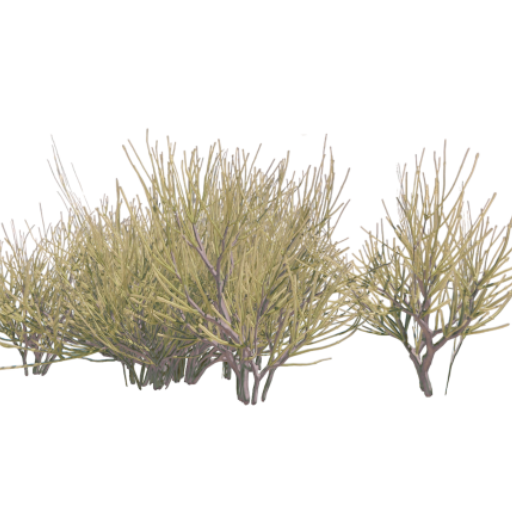
|
Bushes Arid Desert - Mormon Tea C 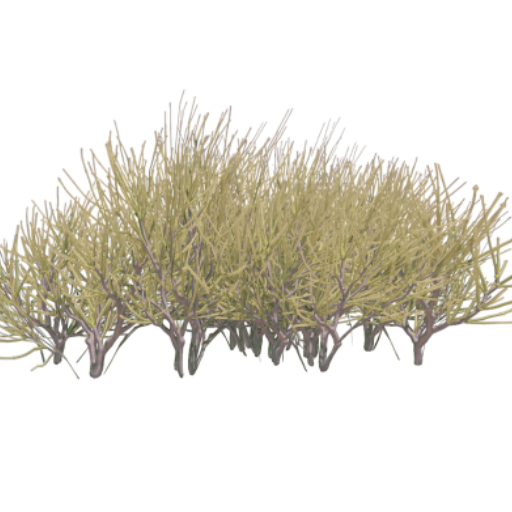
|
Bushes Arid Desert - Mormon Tea D 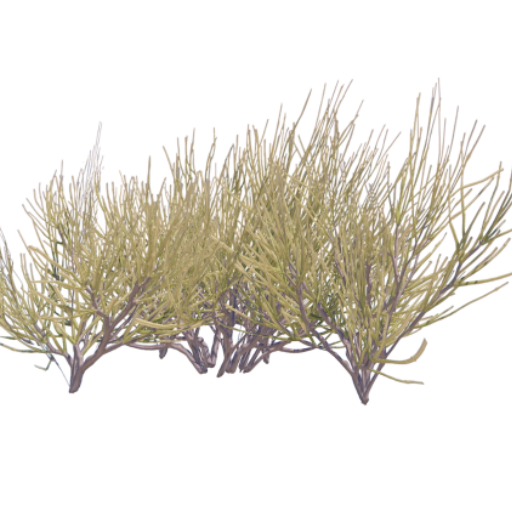
|
Bushes Arid Dry - Creosote A 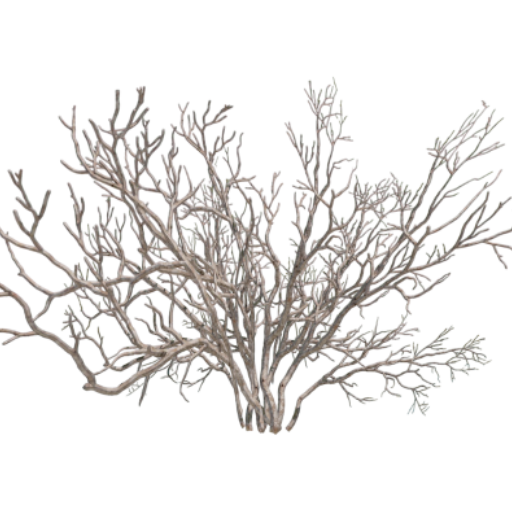
|
Bushes Arid Dry - Creosote B 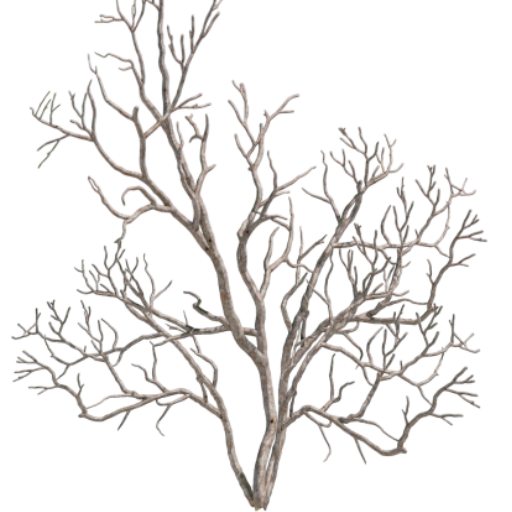
|
Bushes Arid Grass - Creosote A 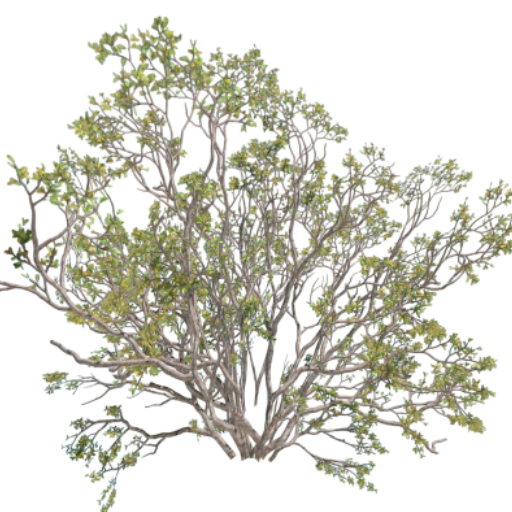
|
Bushes Arid Grass - Creosote B 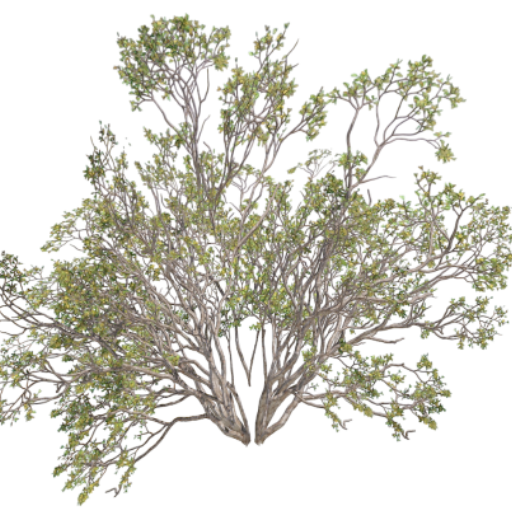
|
Bushes Arid Grass - Creosote C 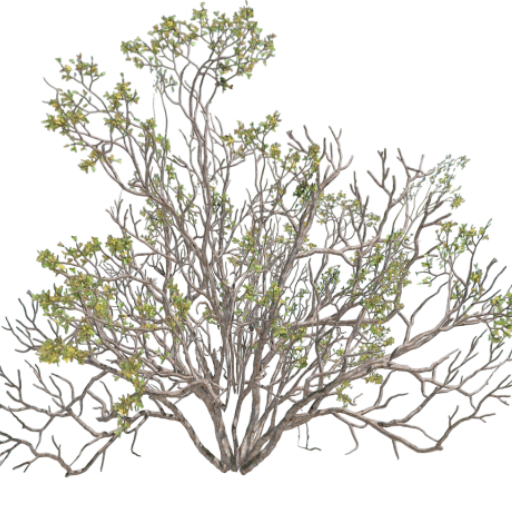
|
Bushes Arid Grass - Creosote D 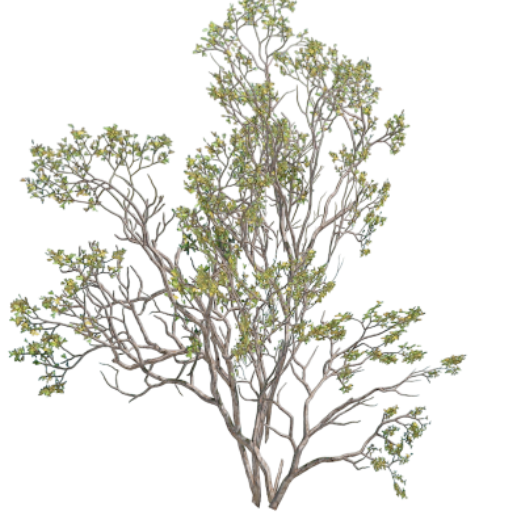
|
Bushes Arid Ocotillo A 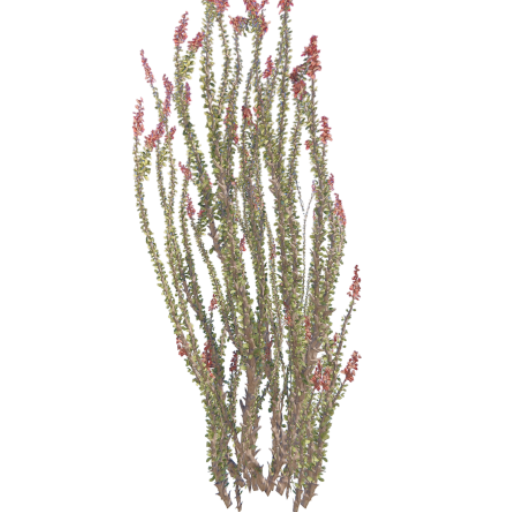
|
Bushes Arid Ocotillo B 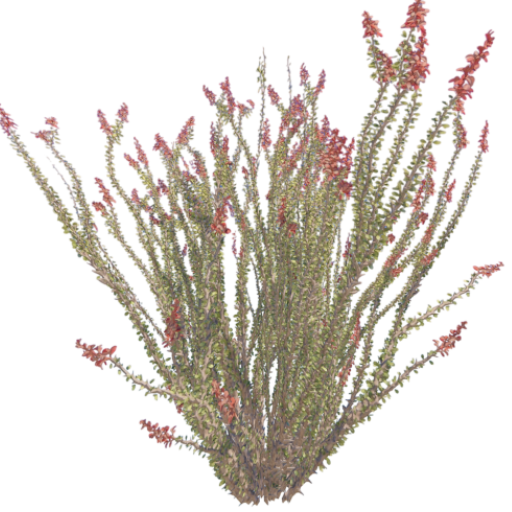
|
Bushes Arid Ocotillo C 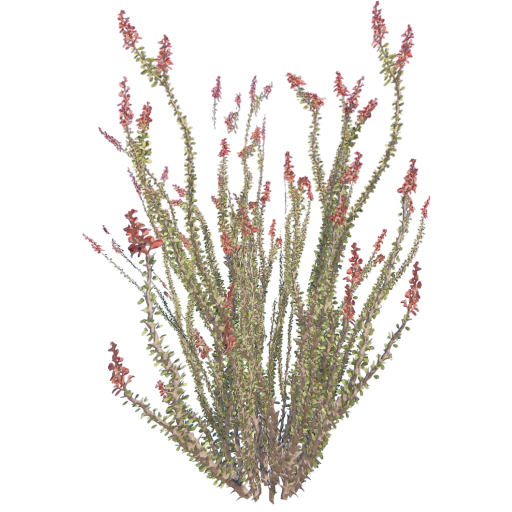
|
Bushes Arid Ocotillo D 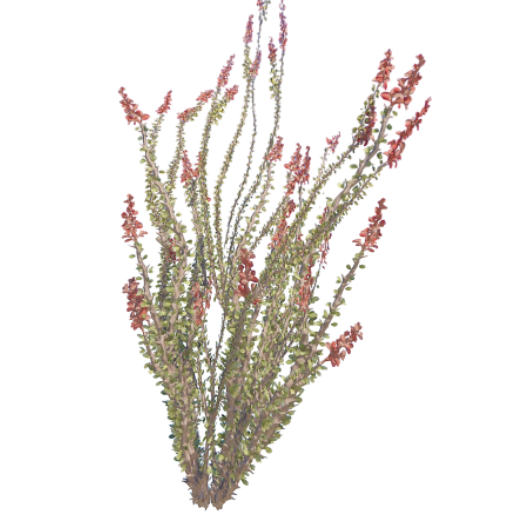
|
Bushes Arid Ocotillo - Dry A 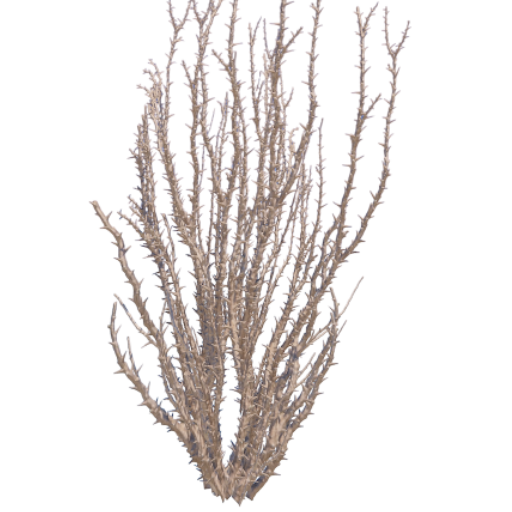
|
Bushes Arid Ocotillo - Dry B 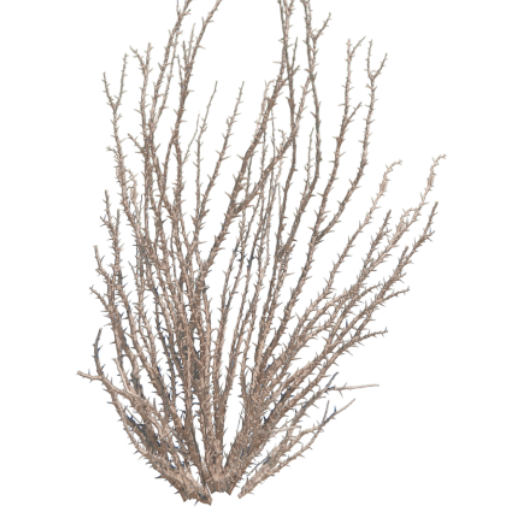
|
Bushes Arid Ocotillo - Dry C 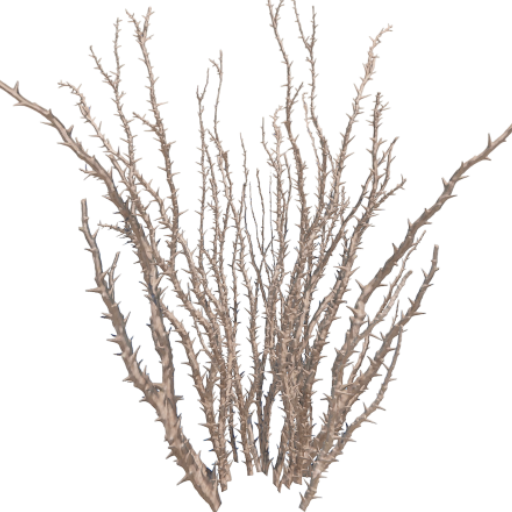
|
Bushes Arid Ocotillo - Dry D 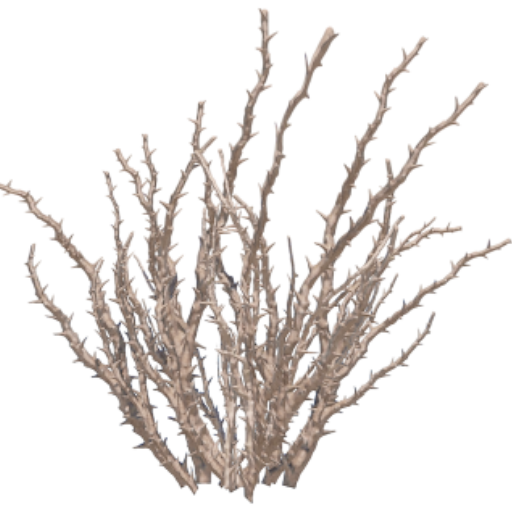
|
Bushes Temperate - Spicebush A 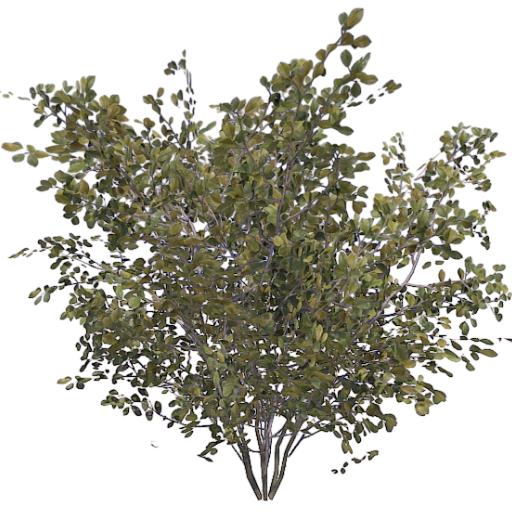
|
Bushes Temperate - Spicebush B 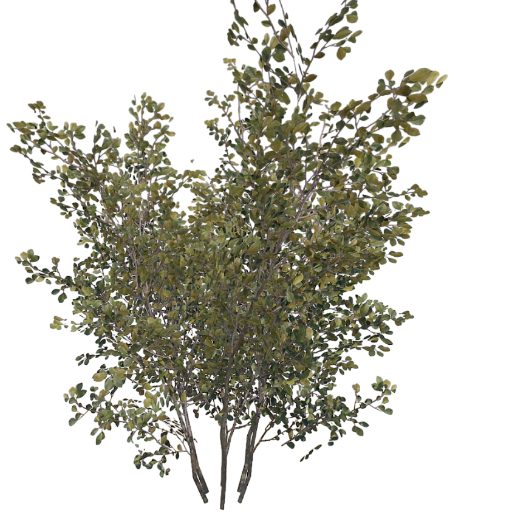
|
Bushes Temperate - Spicebush C 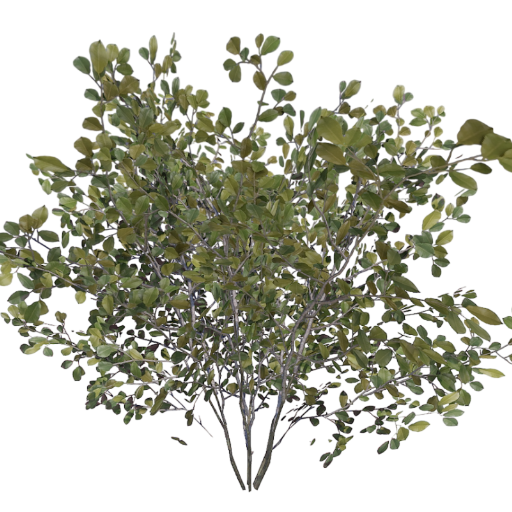
|
Bushes Temperate - Spicebush D 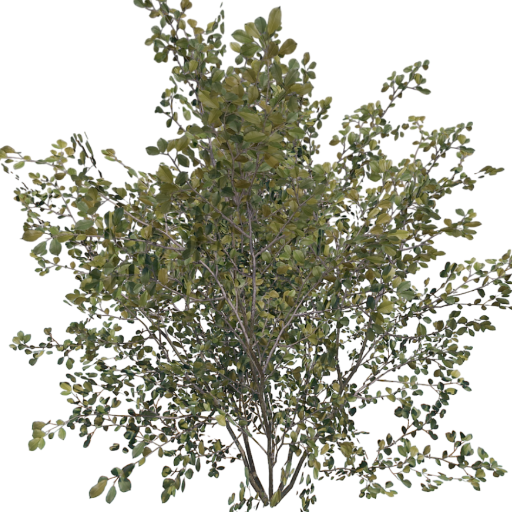
|
Bushes Temperate - Willow A 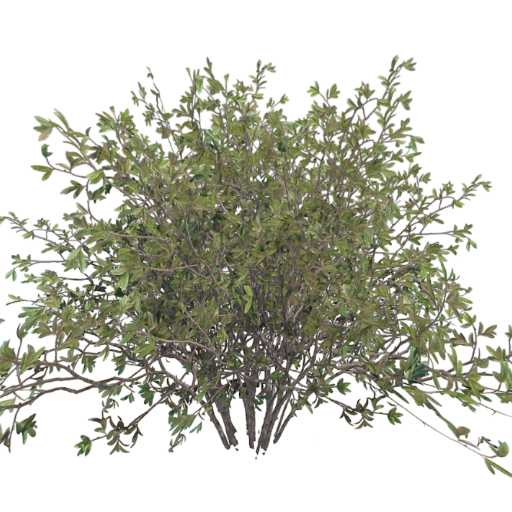
|
Bushes Temperate - Willow B 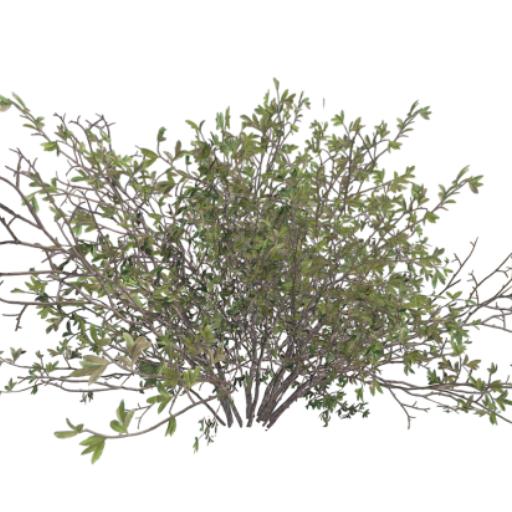
|
Bushes Temperate - Willow C 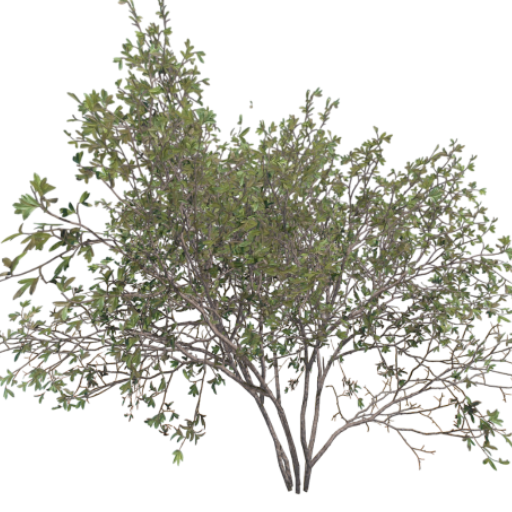
|
Bushes Temperate - Willow D 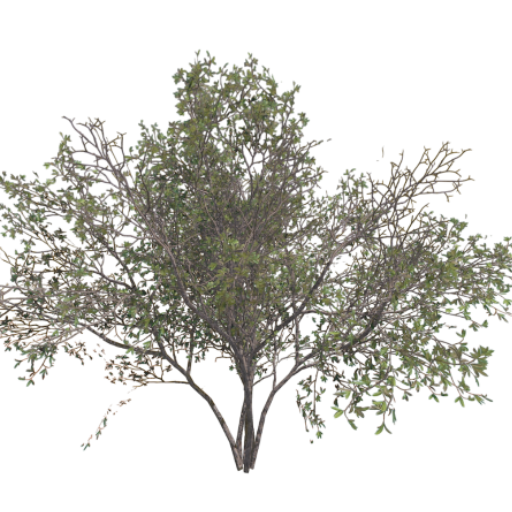
|
Bushes Tundra - Spicebush A 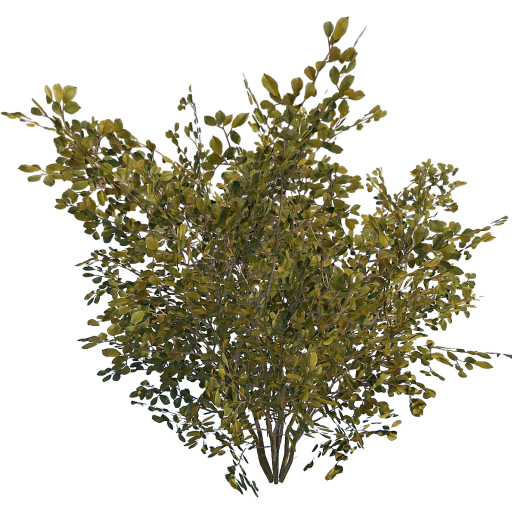
|
Bushes Tundra - Spicebush B 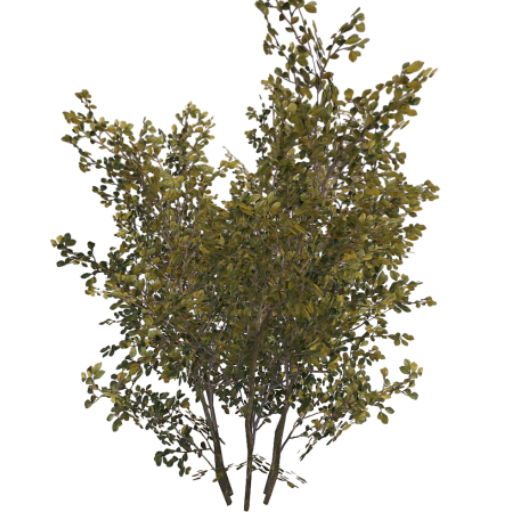
|
Bushes Tundra - Spicebush C 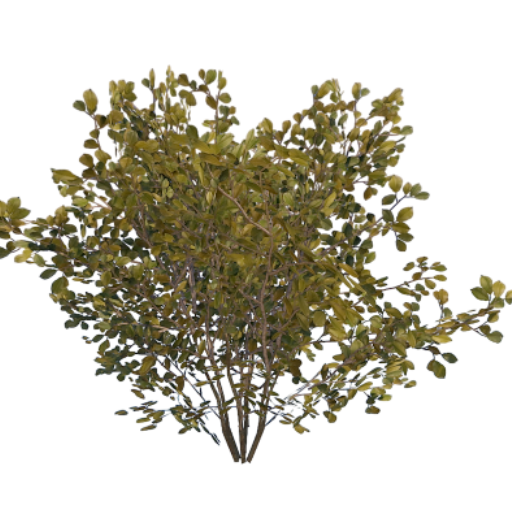
|
Bushes Tundra - Spicebush D 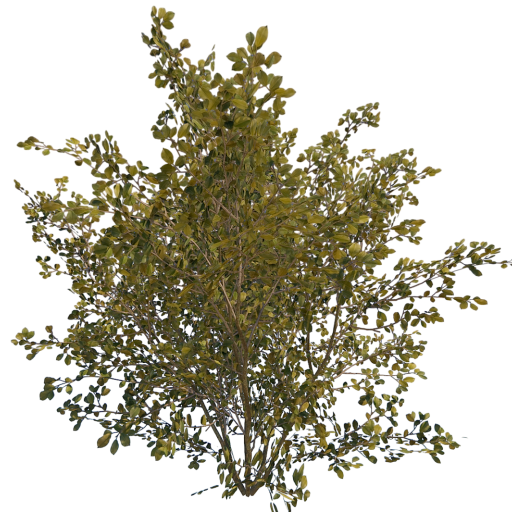
|
Temperate Beachside - Birch Small 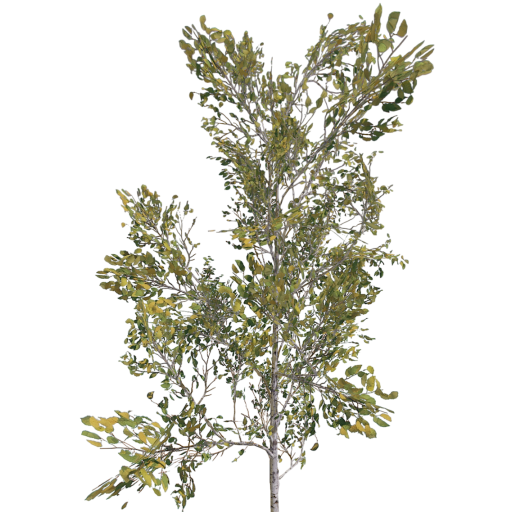
|
Temperate Beachside - Birch Tiny 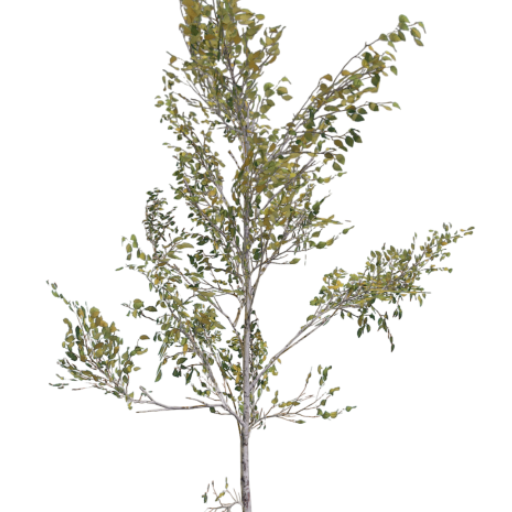
|
Temperate Field - American Beech D 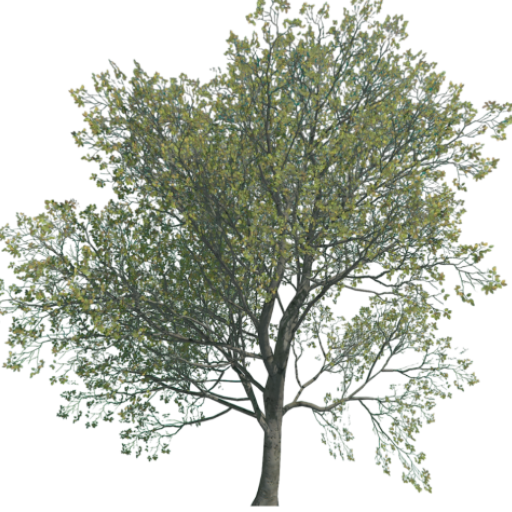
|
Temperate Field - American Beech E 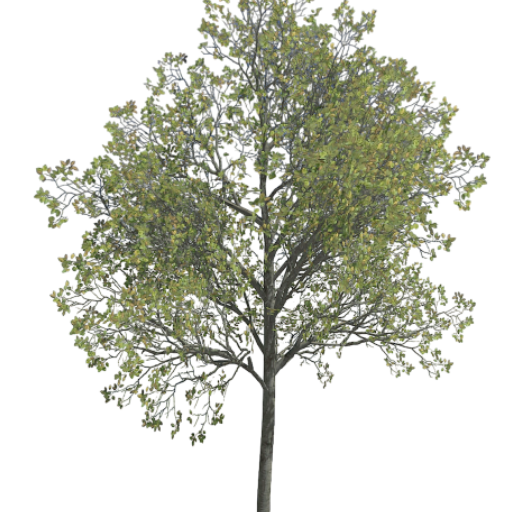
|
Temperate Field - Birch Small 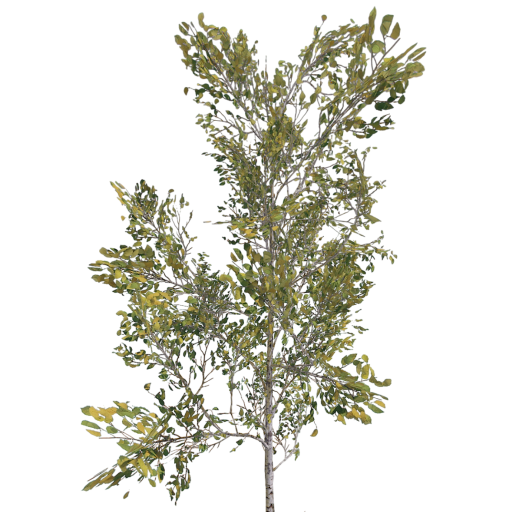
|
Temperate Field - Birch Tiny 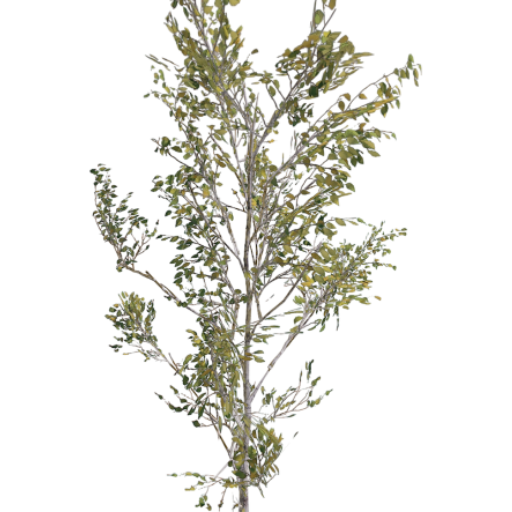
|
Temperate Field Large - Oak B 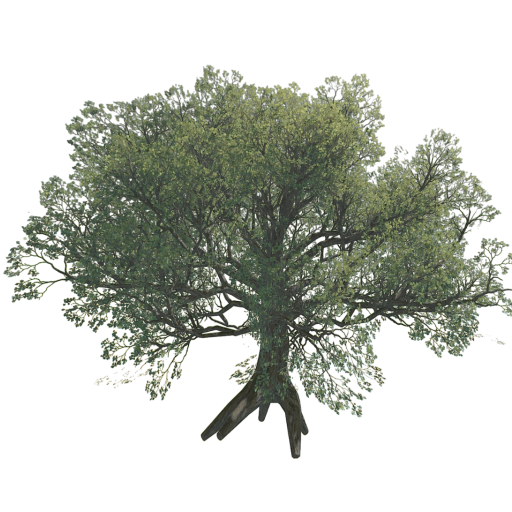
|
Temperate Field Large - Oak C 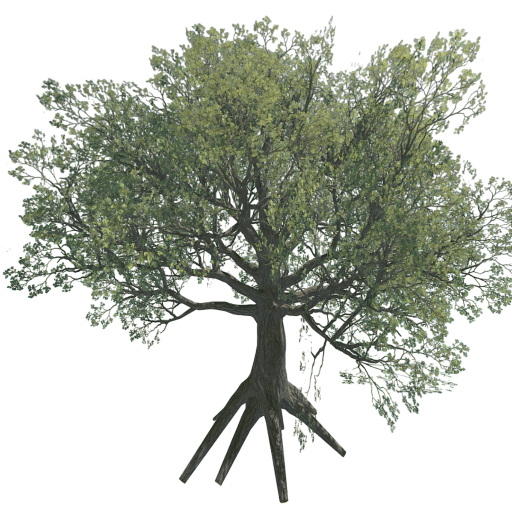
|
Temperate Field Large - Oak D 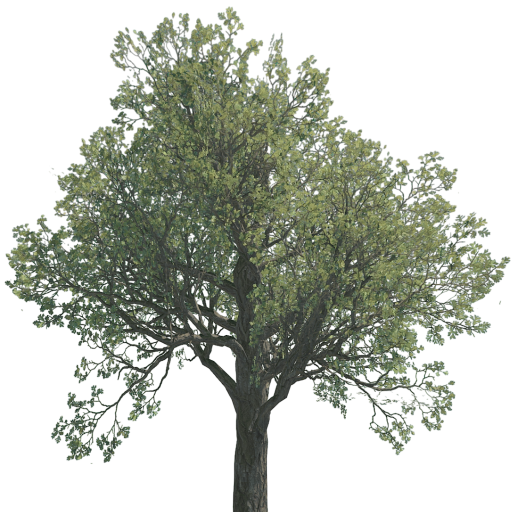
|
Temperate Field - Oak E 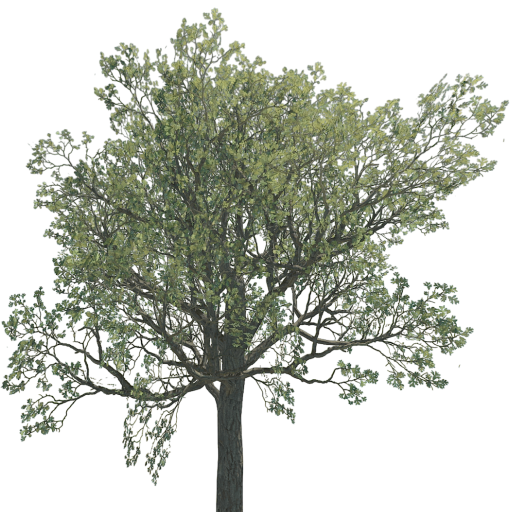
|
Temperate Field - Oak F 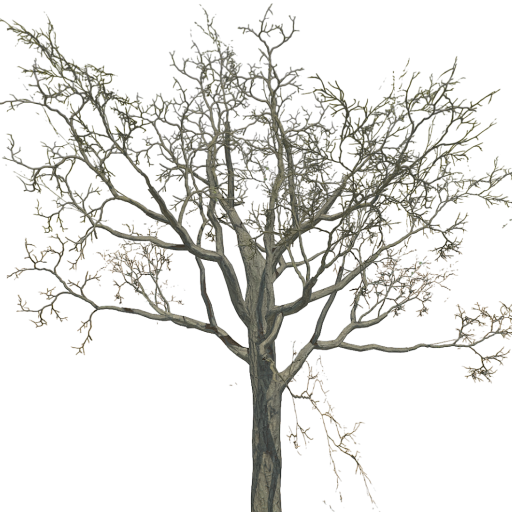
|
Temperate Field - Pine B 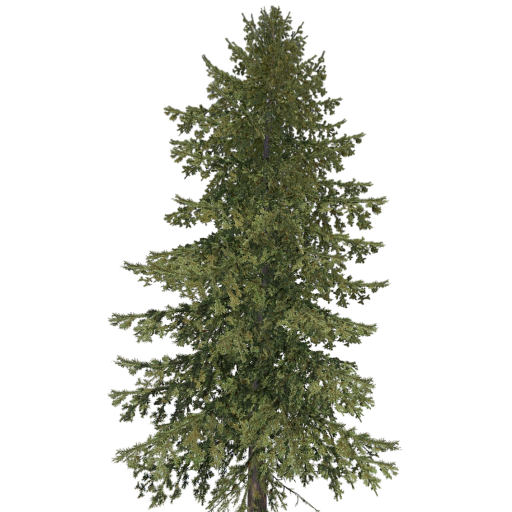
|
Temperate Field - Pine D 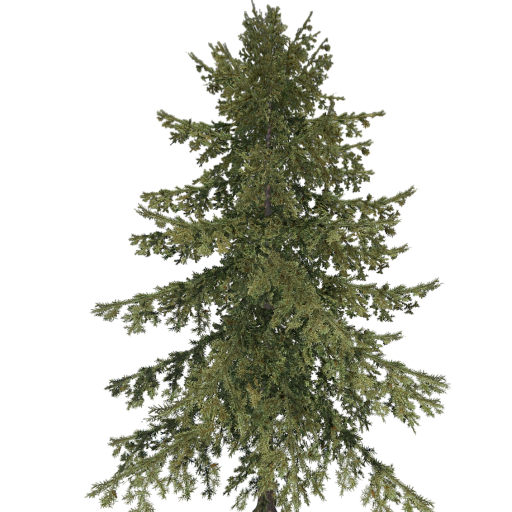
|
Temperate Forest - American Beech A Dead 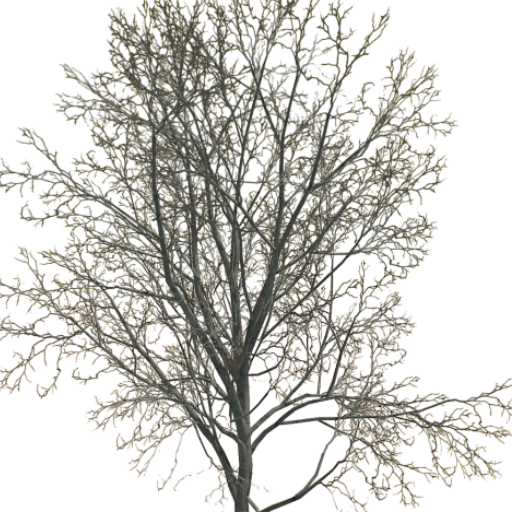
|
Temperate Forest - American Beech A 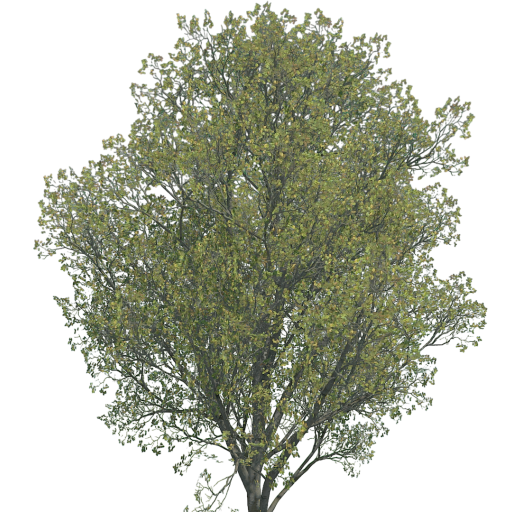
|
Temperate Forest - American Beech B 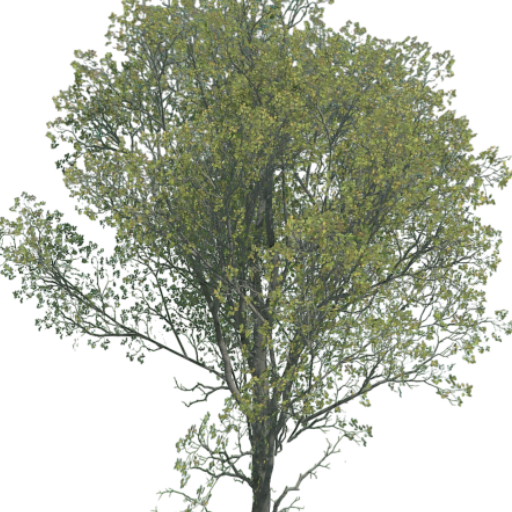
|
Temperate Forest - American Beech C 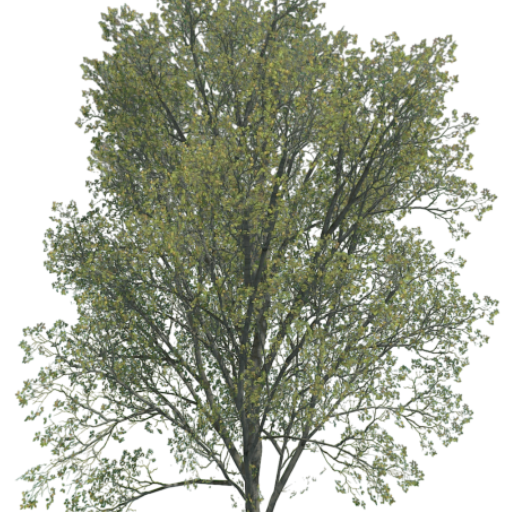
|
Temperate Forest - Birch Big 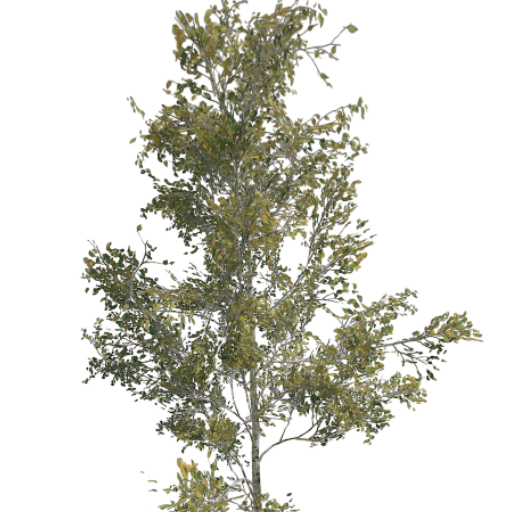
|
Temperate Forest - Birch Large 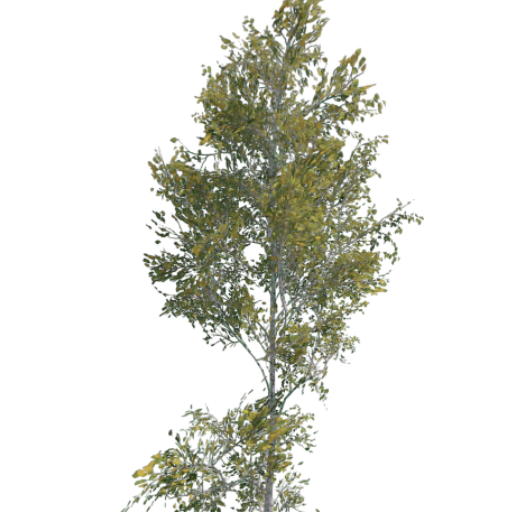
|
Temperate Forest - Birch Medium 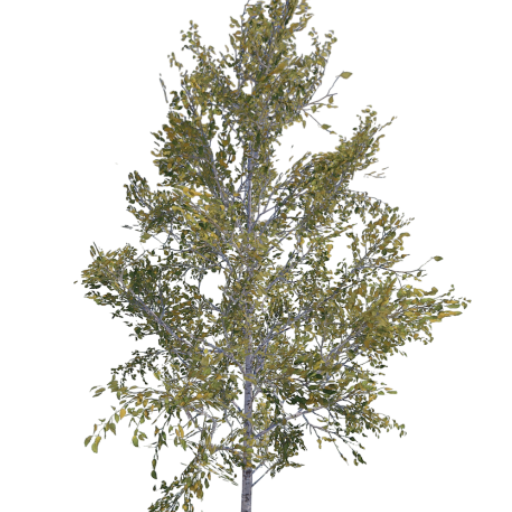
|
Temperate Forest Pine - American Beech A 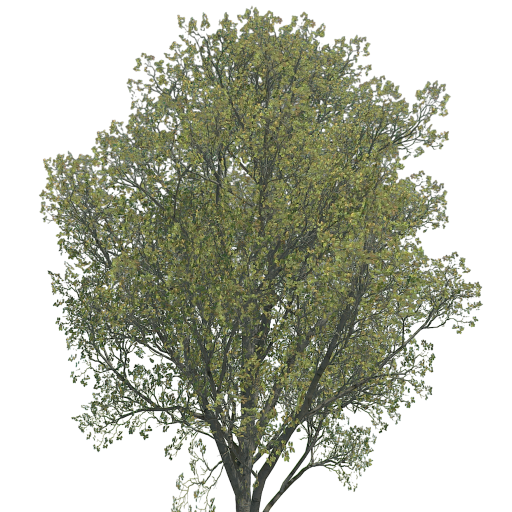
|
Temperate Forest Pine - American Beech B 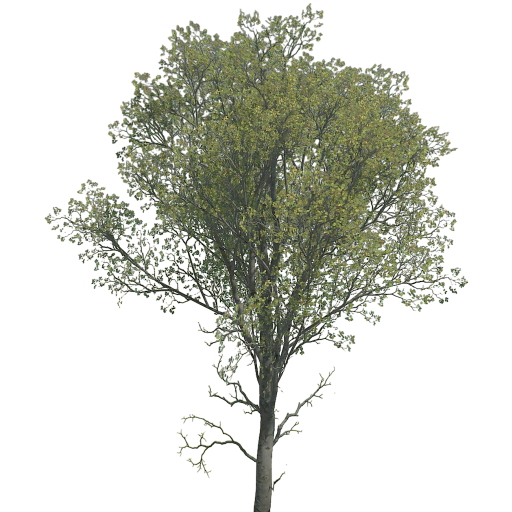
|
Temperate Forest Pine - American Beech C 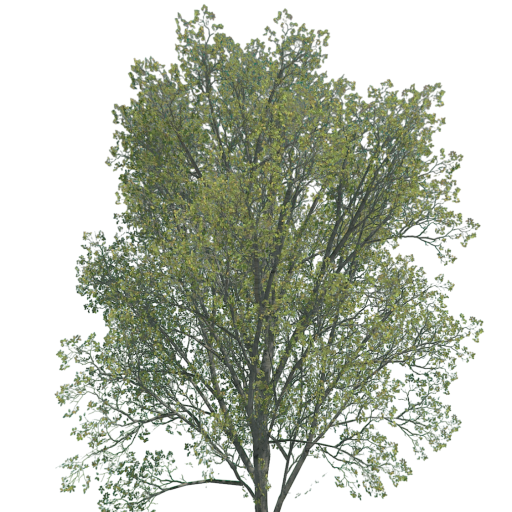
|
Temperate Forest Pine - Birch Big 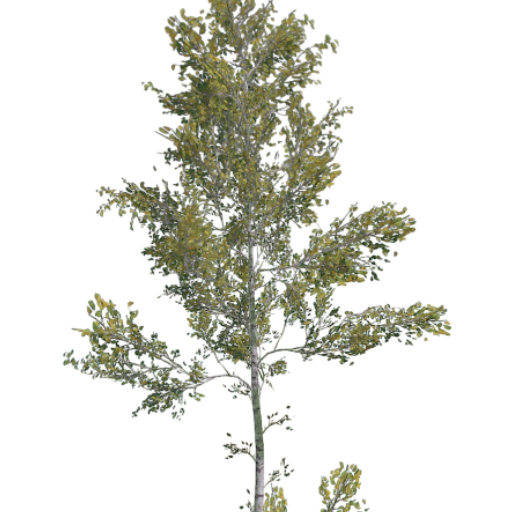
|
Temperate Forest Pine - Birch Large 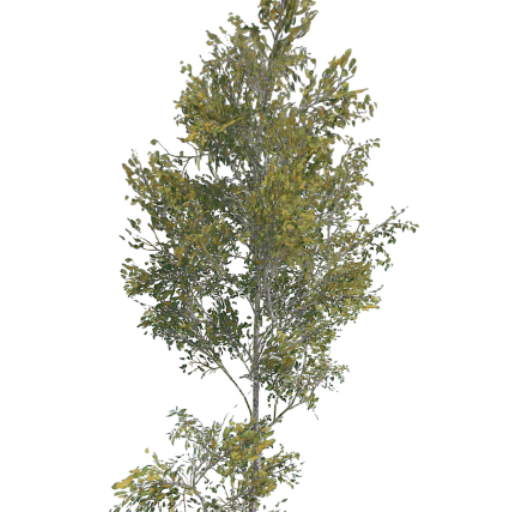
|
Temperate Forest Pine - Douglas Fir A 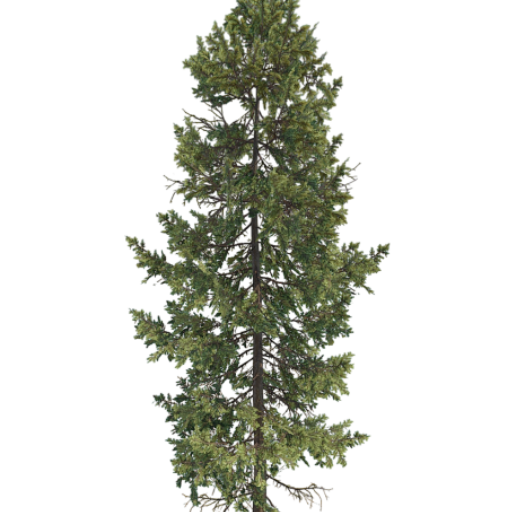
|
Temperate Forest Pine - Douglas Fir B 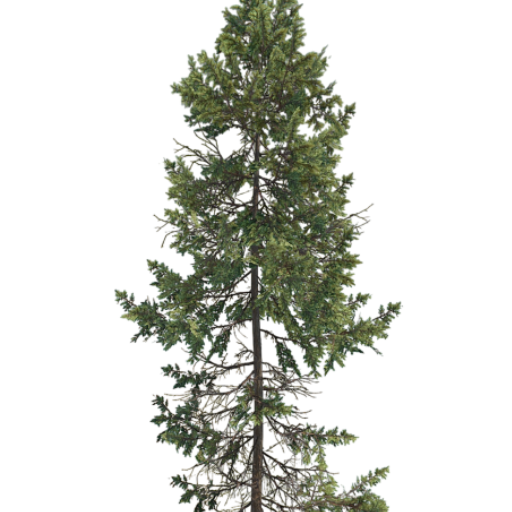
|
Temperate Forest Pine - Douglas Fir C 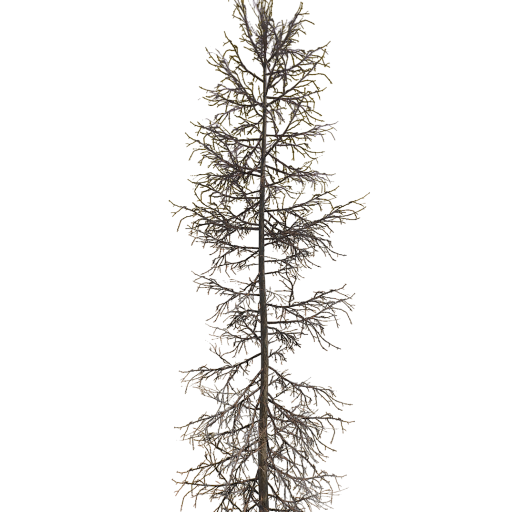
|
Temperate Forest Pine A 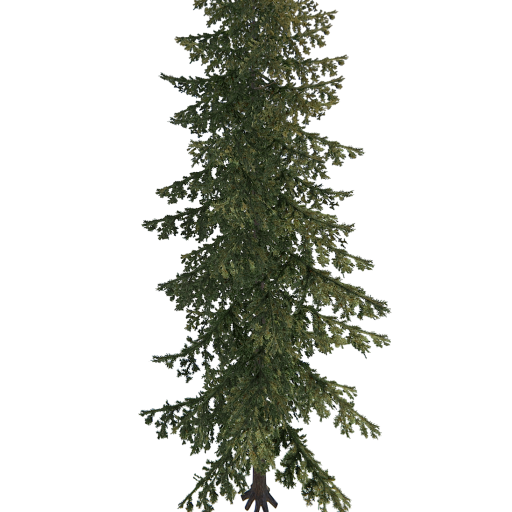
|
Temperate Forest Pine C 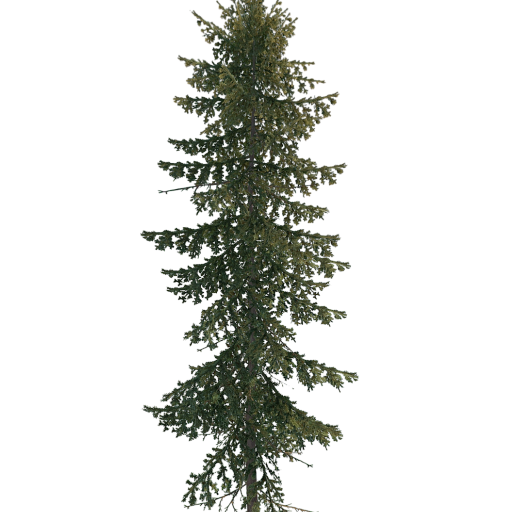
|
Temperate Forestside - American Beech D 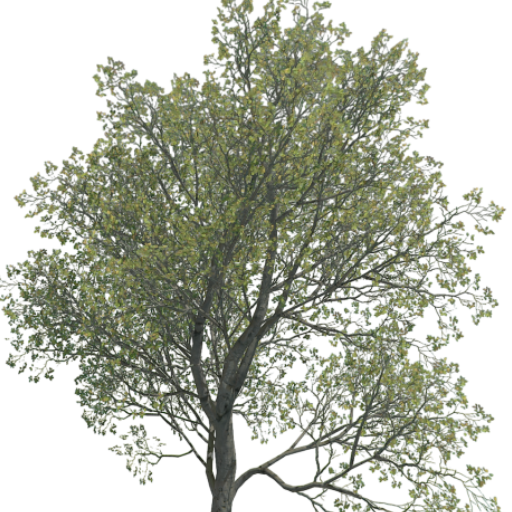
|
Temperate Forestside - American Beech E 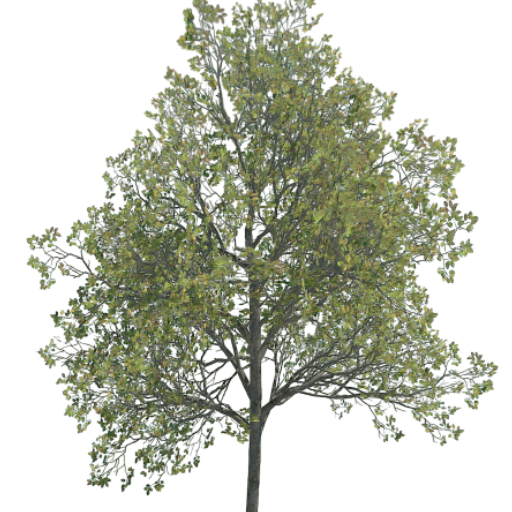
|
Temperate Forestside - American Beech E Dead 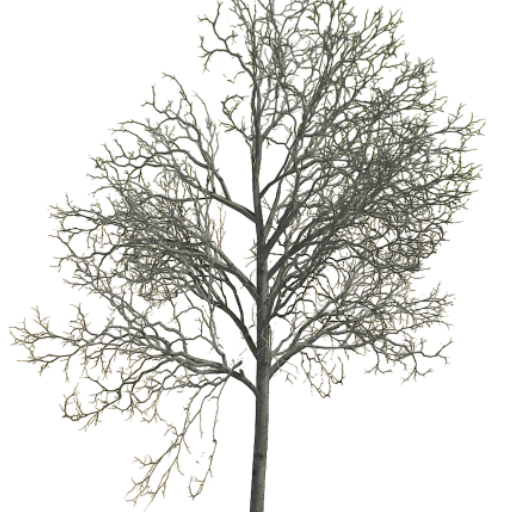
|
Temperate Forestside - Birch Medium 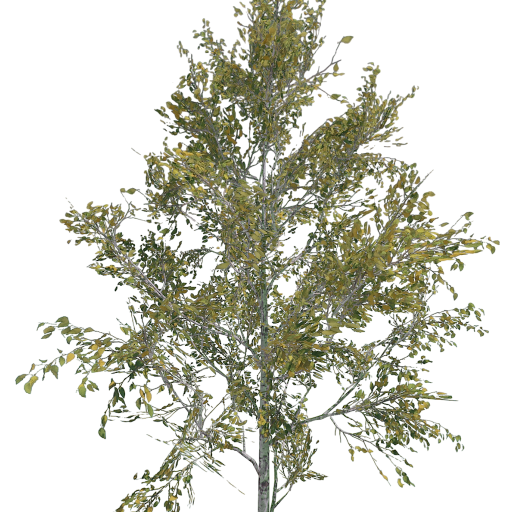
|
Temperate Forestside - Birch Small 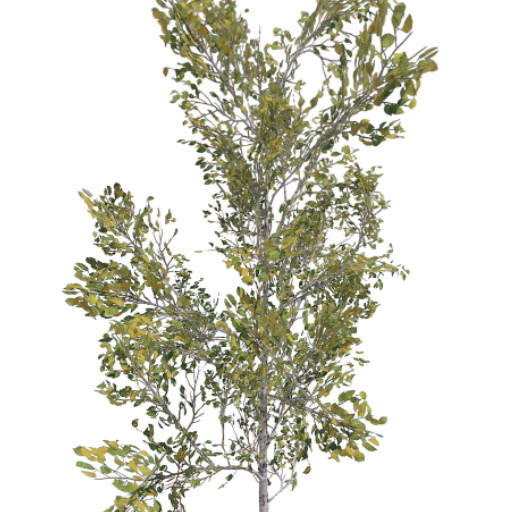
|
Temperate Forestside - Birch Tiny 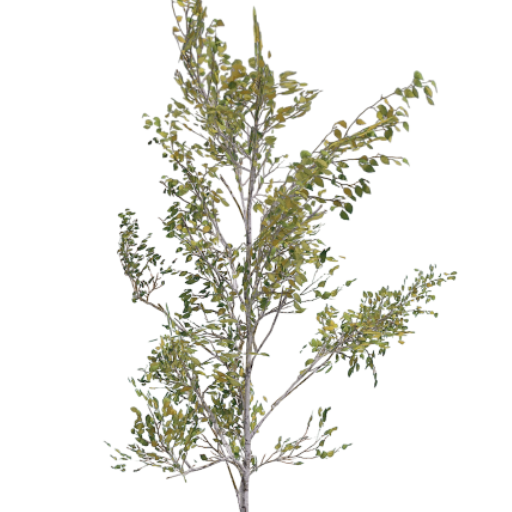
|
Temperate Forestside Pine - Douglas Fir D 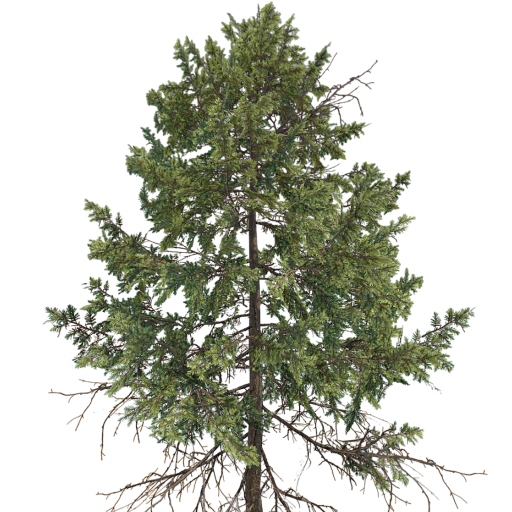
|
Temperate Forestside Pine B 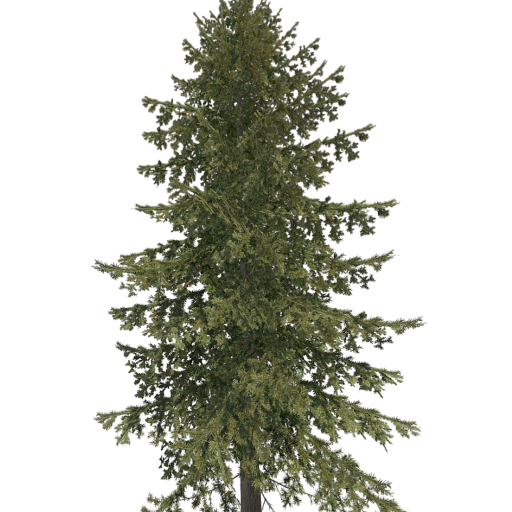
|
Temperate Forestside Pine D 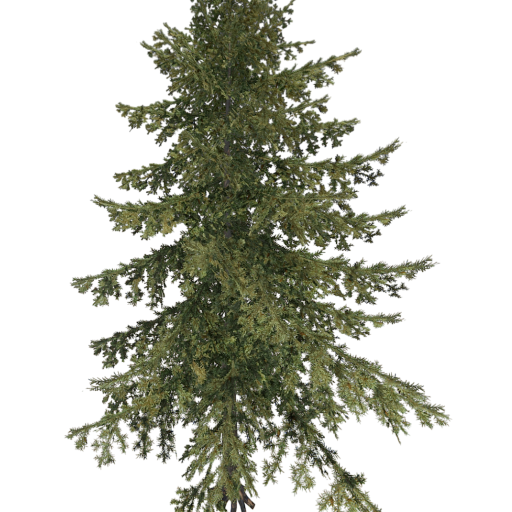
|
Tundra Field - Birch Big 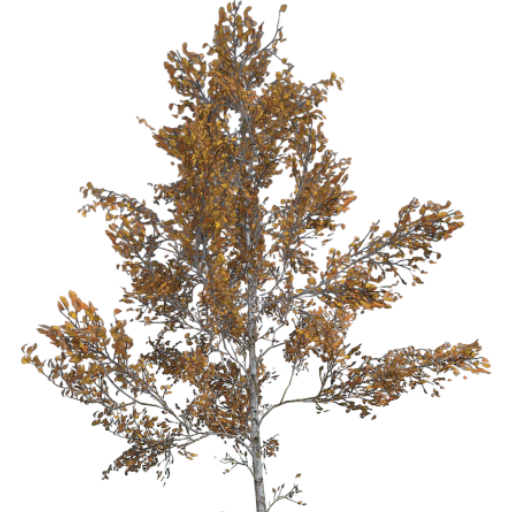
|
Tundra Field - Birch Large 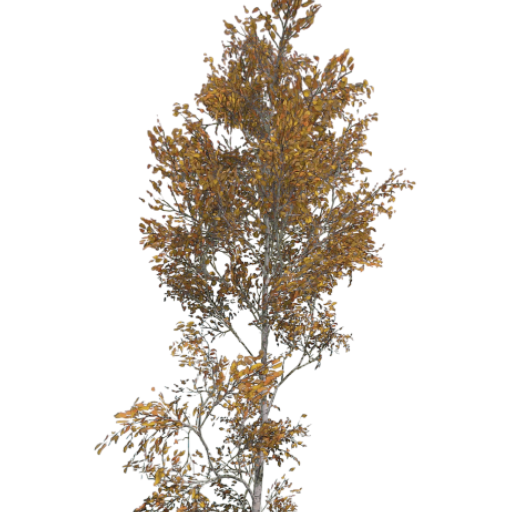
|
Tundra Field - Birch Medium 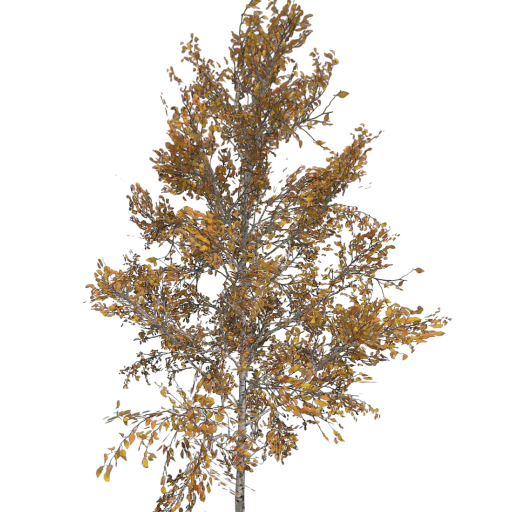
|
Tundra Field - Birch Small 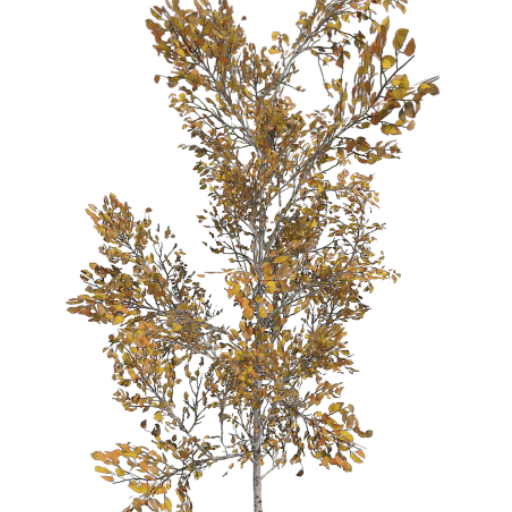
|
Tundra Field - Birch Tiny 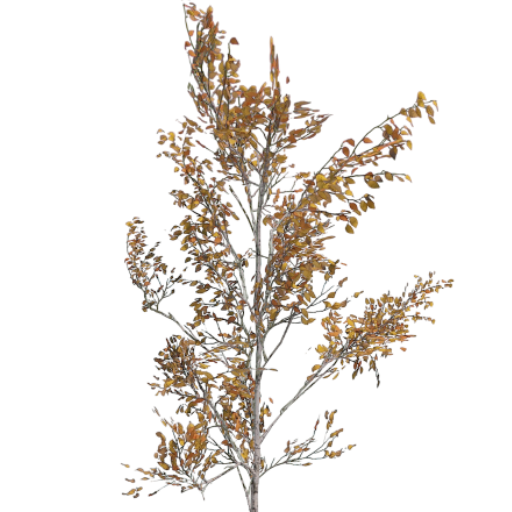
|
Tundra Field - Pine Dead D 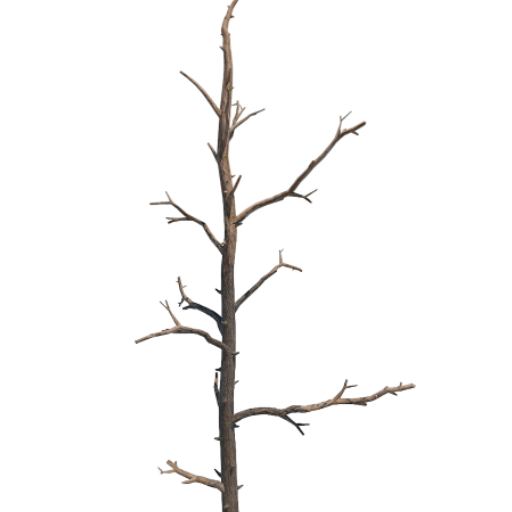
|
Tundra Field - Pine Dead E 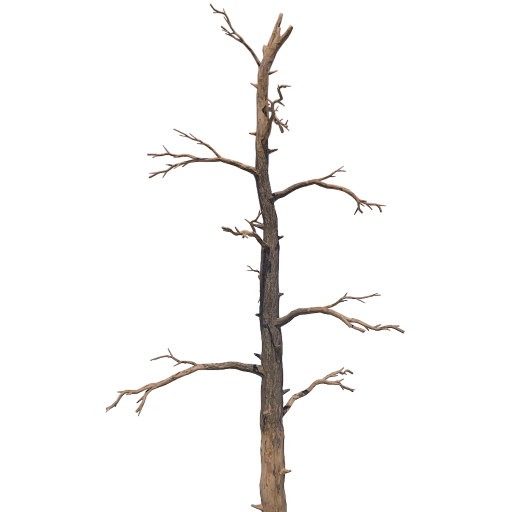
|
Tundra Field - Pine Dead F 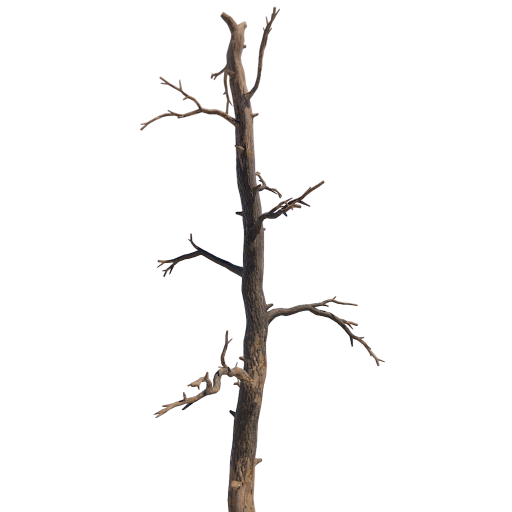
|
Tundra Field Pine A 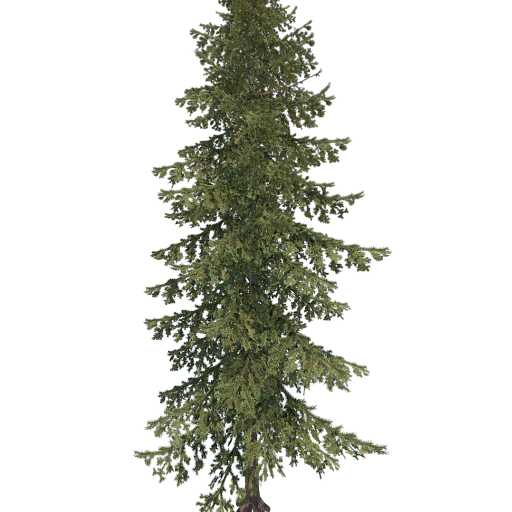
|
Tundra Field Pine B 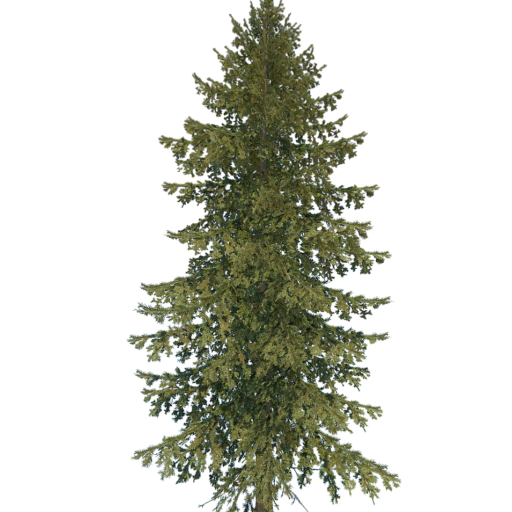
|
Tundra Field Pine D 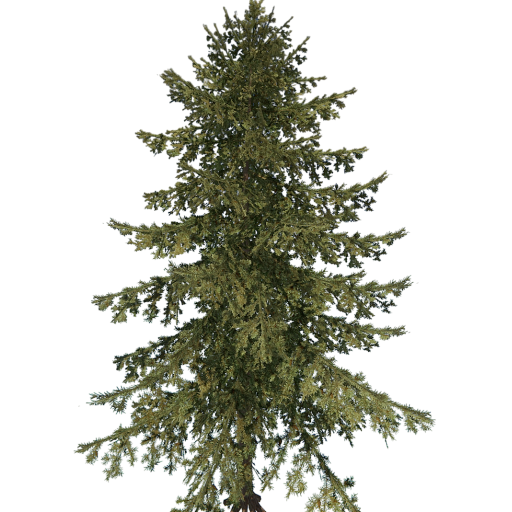
|
Tundra Field Pine Sapling A 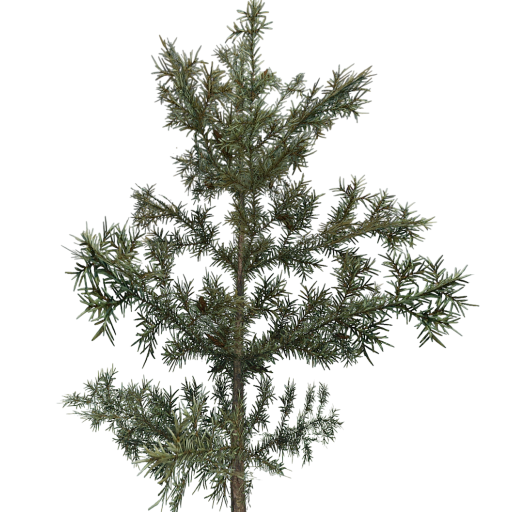
|
Tundra Field Pine Sapling B 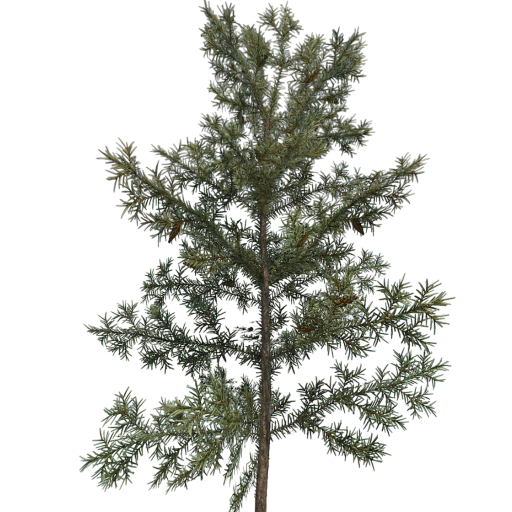
|
Tundra Field Pine Sapling C 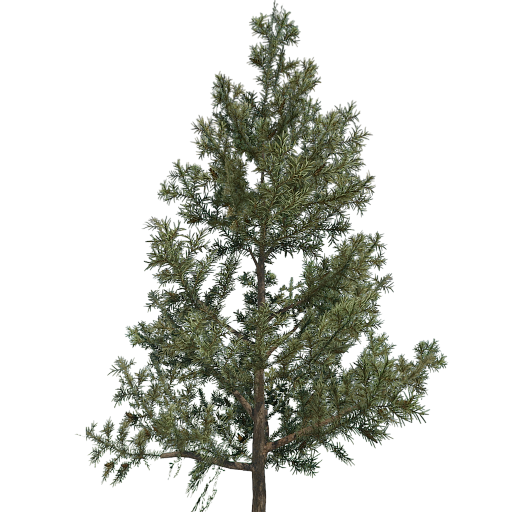
|
Tundra Field Pine Sapling D 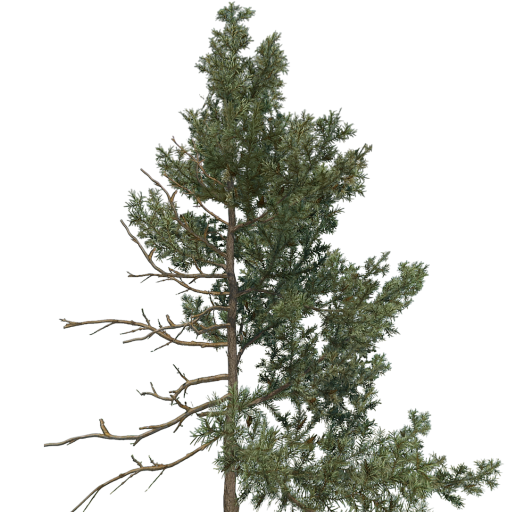
|
Tundra Field Pine Sapling E 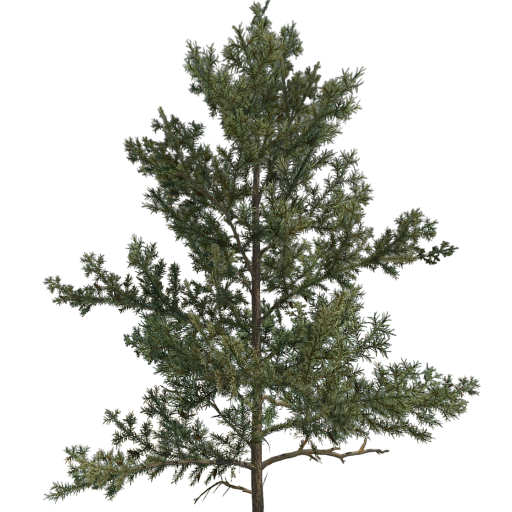
|
Tundra Forest - Birch Big 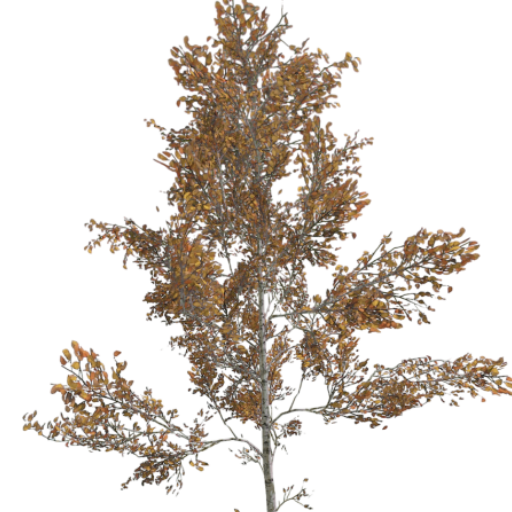
|
Tundra Forest - Birch Large 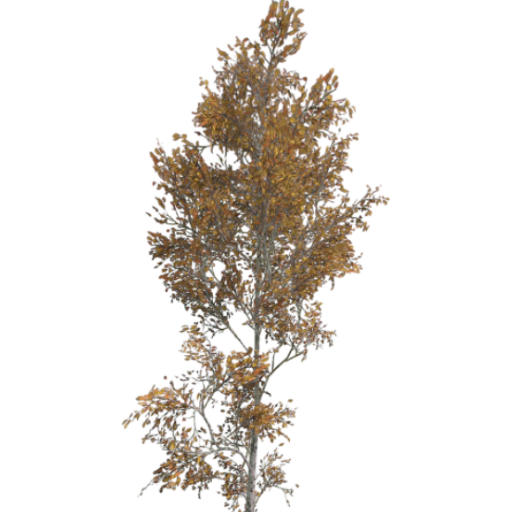
|
Tundra Forest Dead - Douglas Fir C 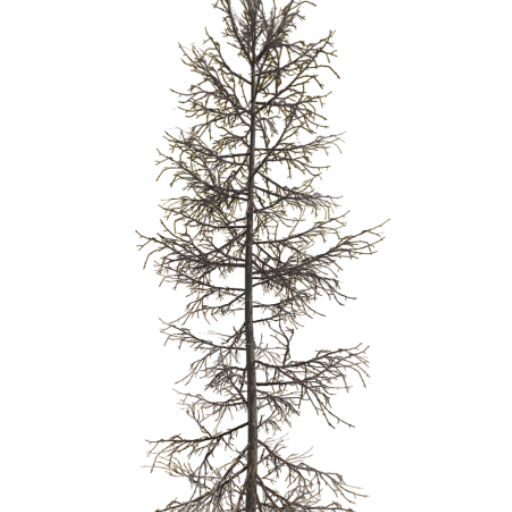
|
Tundra Forest - Pine Dead A 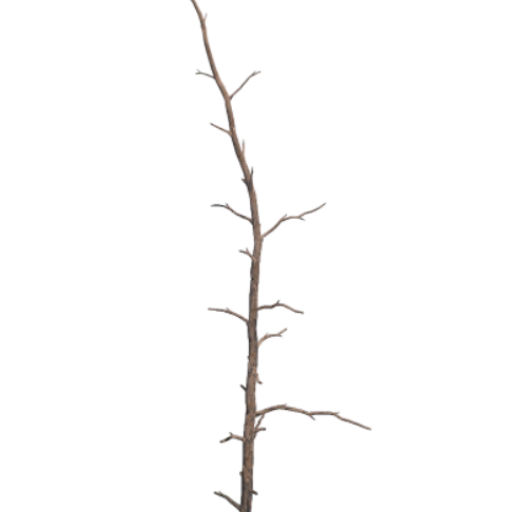
|
Tundra Forest - Pine Dead B 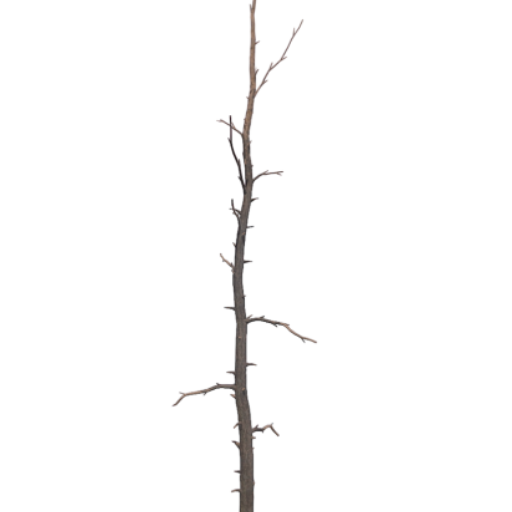
|
Tundra Forest - Pine Dead C 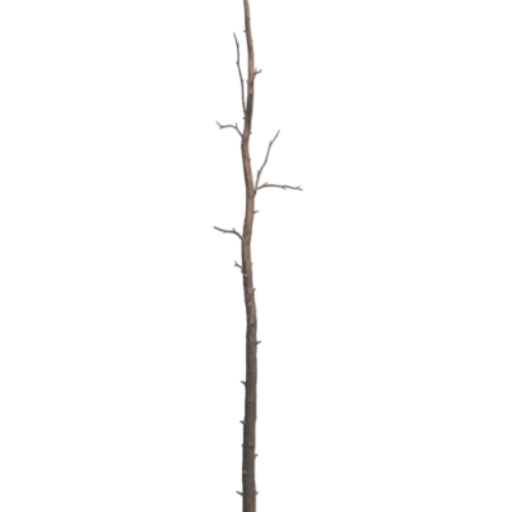
|
Tundra Forest - Pine Dead D 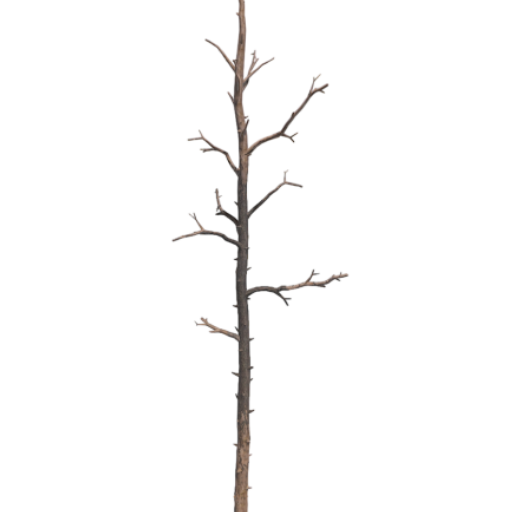
|
Tundra Forest - Pine Dead E 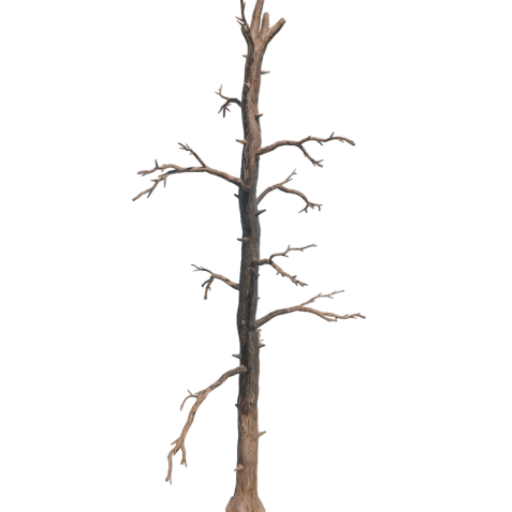
|
Tundra Forest - Pine Dead F 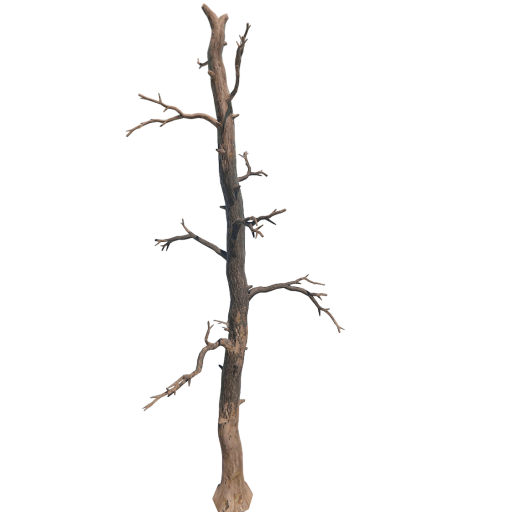
|
Tundra Forest - Douglas Fir A 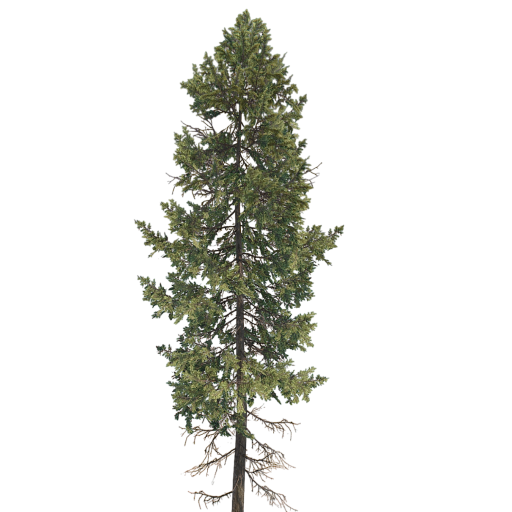
|
Tundra Forest - Douglas Fir B 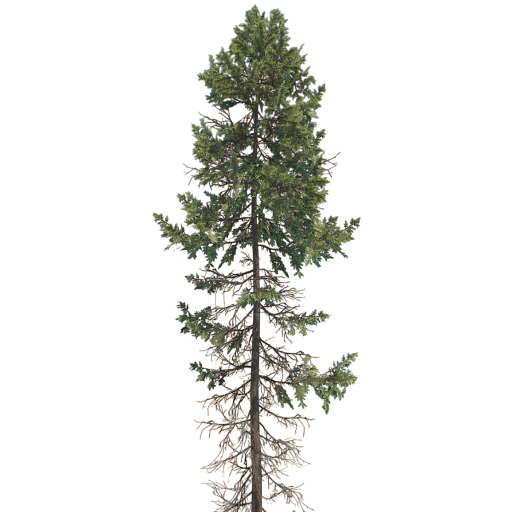
|
Tundra Forest - Douglas Fir C 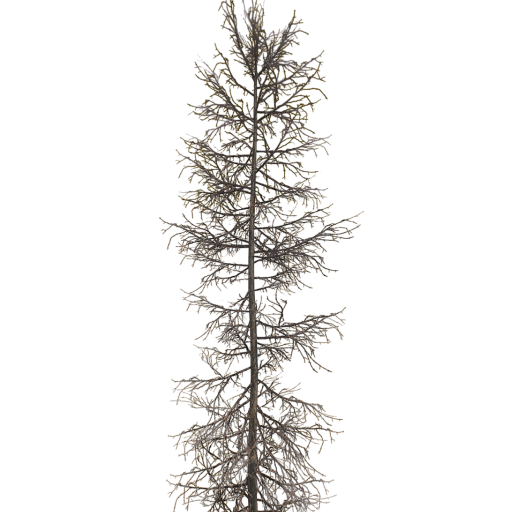
|
Tundra Forest - Douglas Fir D 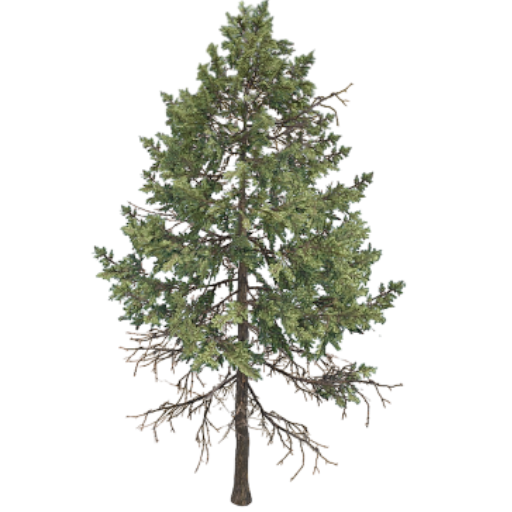
|
Tundra Forest - Pine A 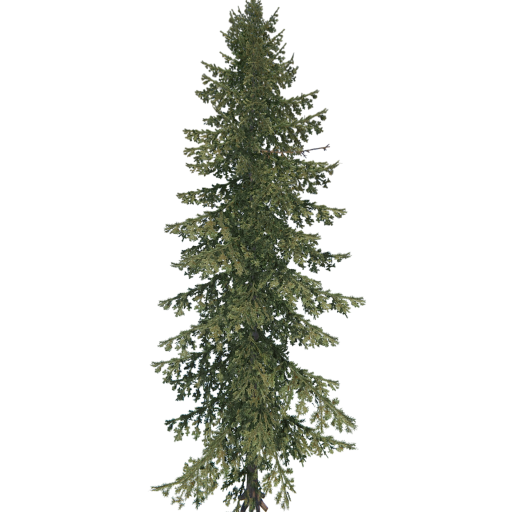
|
Tundra Forest - Pine C 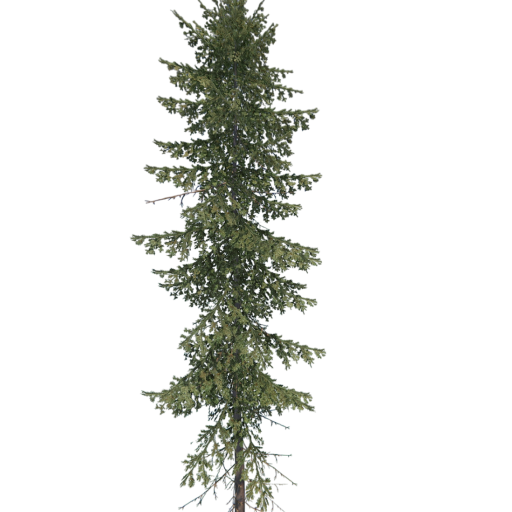
|
Tundra Forest - Pine Dead A 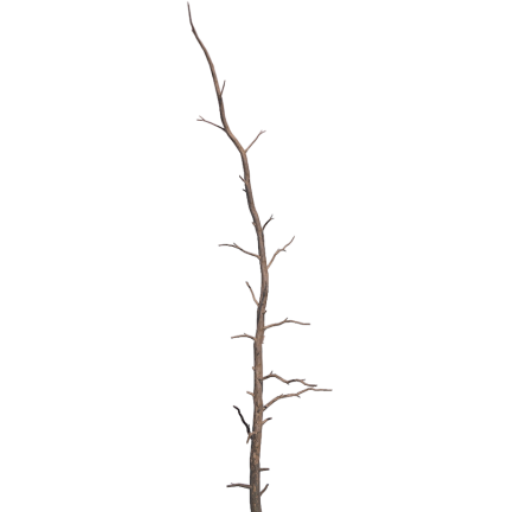
|
Tundra Forest - Pine Dead B 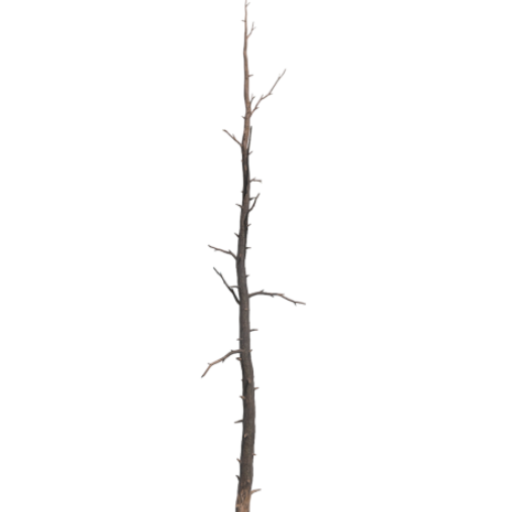
|
Tundra Forest - Pine Dead C 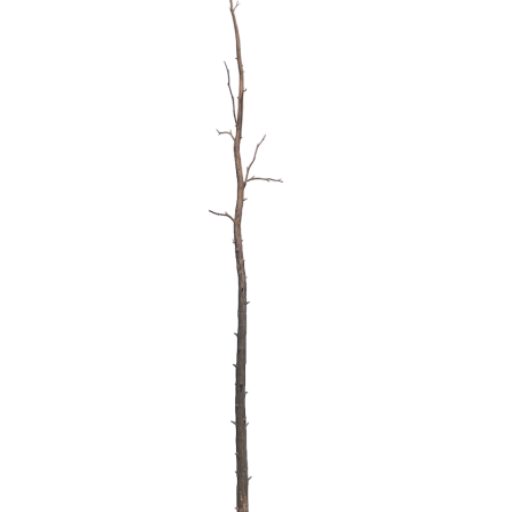
|
Tundra Forest - Pine Dead D 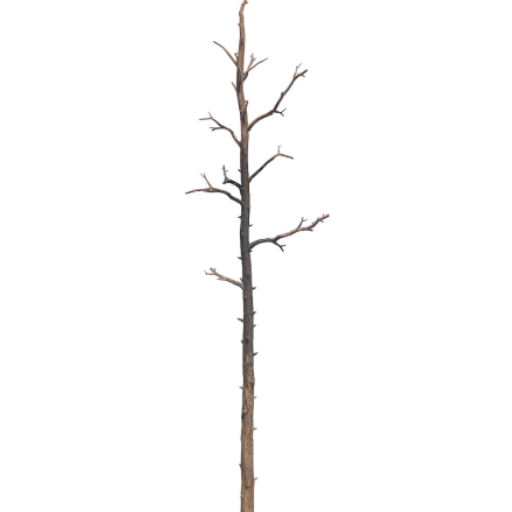
|
Tundra Forest - Pine Dead E 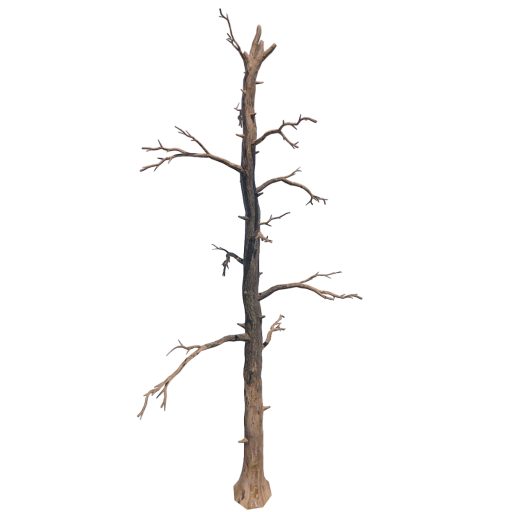
|
Tundra Forest - Pine Dead F 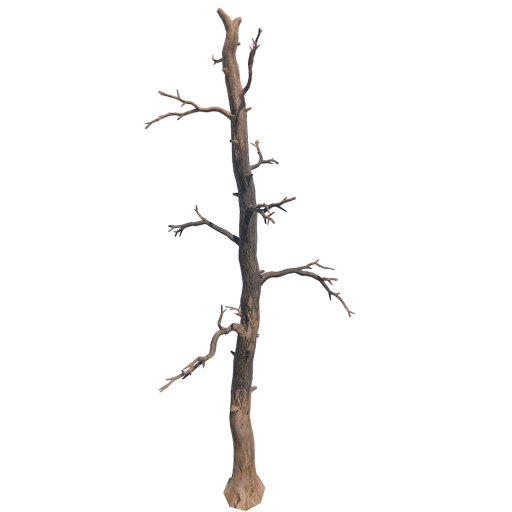
|
Tundra Forest - Pine Sapling A 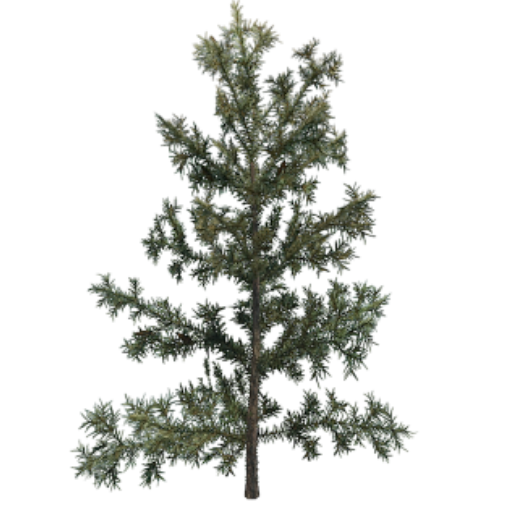
|
Tundra Forest - Pine Sapling B 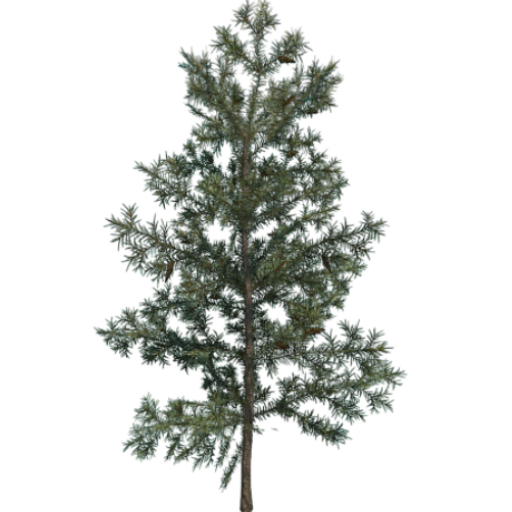
|
Tundra Forest - Pine Sapling C 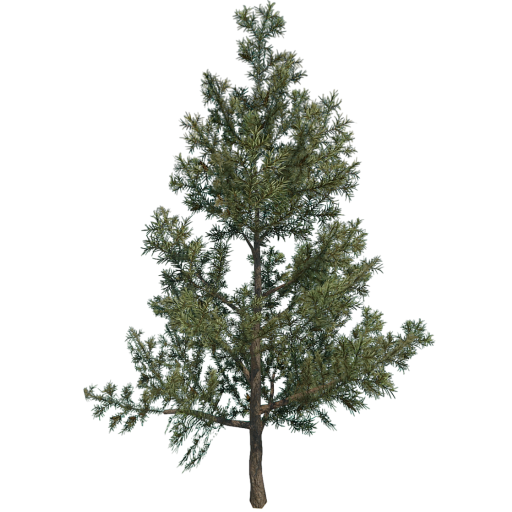
|
Tundra Forest - Pine Sapling D 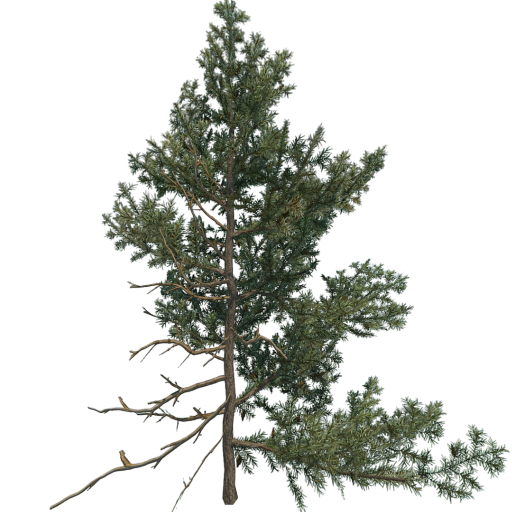
|
Tundra Forest - Pine Sapling E 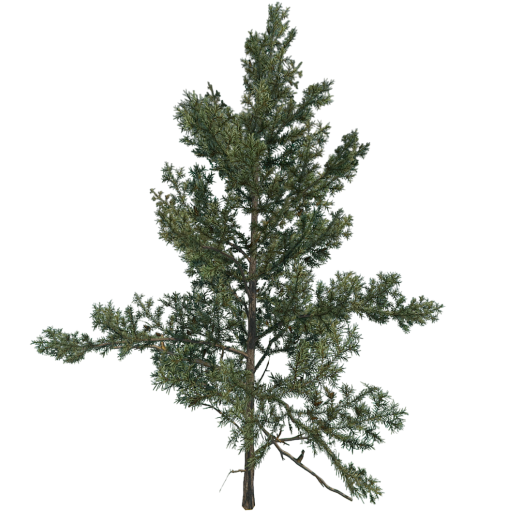
|
Tundra Forestside - Birch Medium 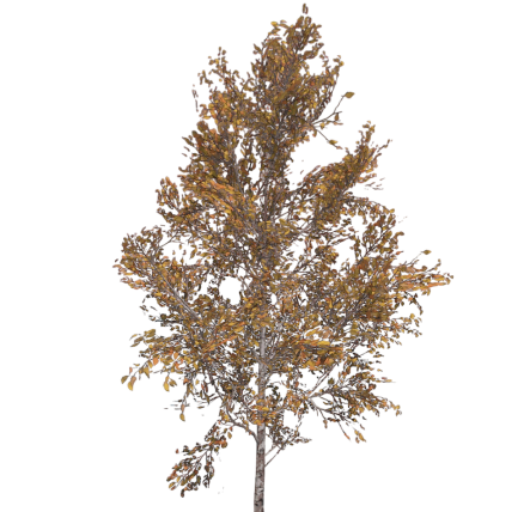
|
Tundra Forestside - Birch Small 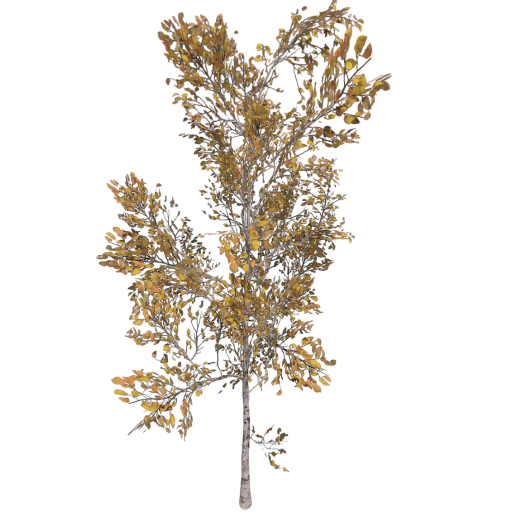
|
Tundra Forestside - Birch Tiny 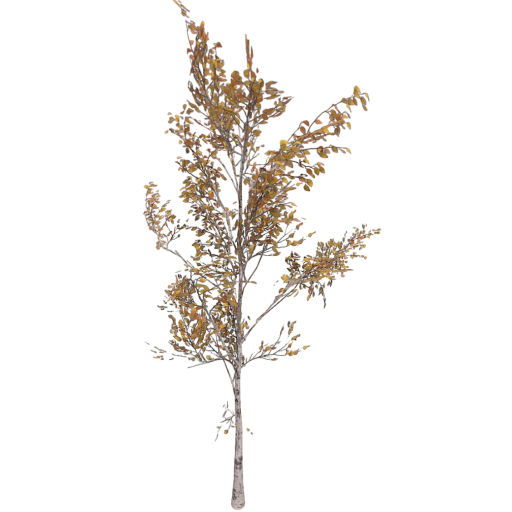
|
Tundra Forestside - Douglas Fir D Small 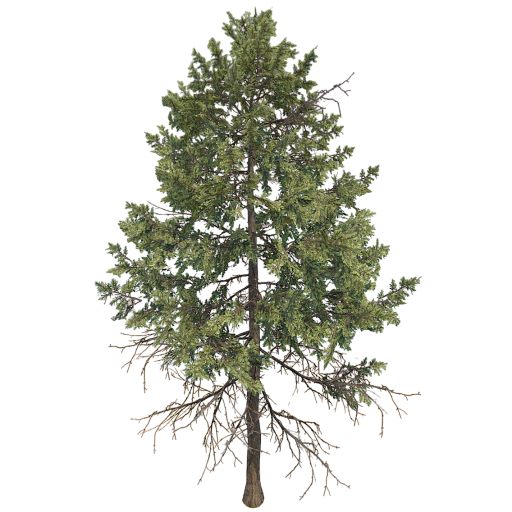
|
Tundra Forestside - Pine B 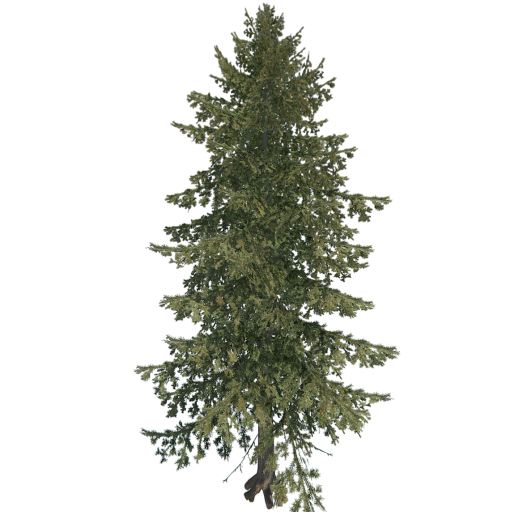
|
Tundra Forestside - Pine D 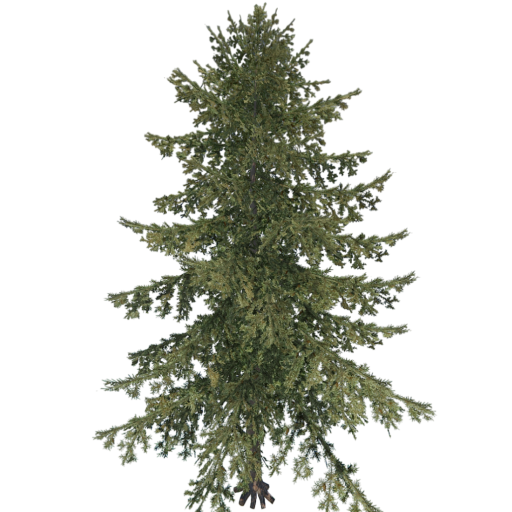
|
Wood Pile 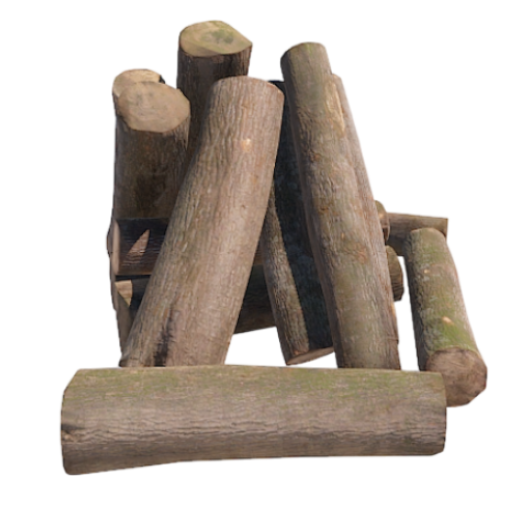
|
Stone Ore 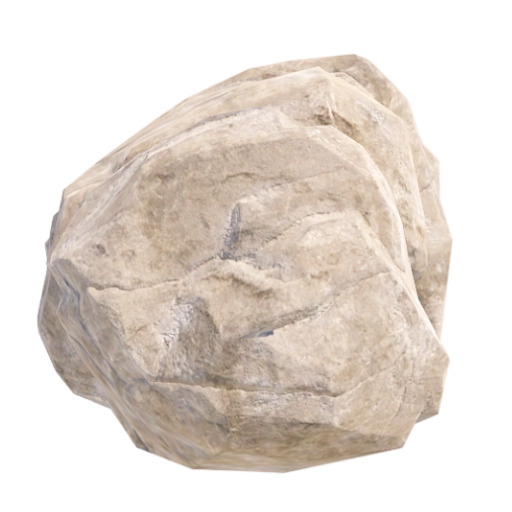
|
Metal Ore 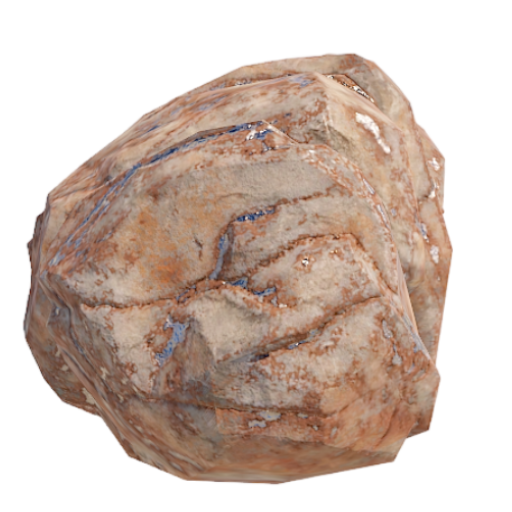
|
Sulfur Ore 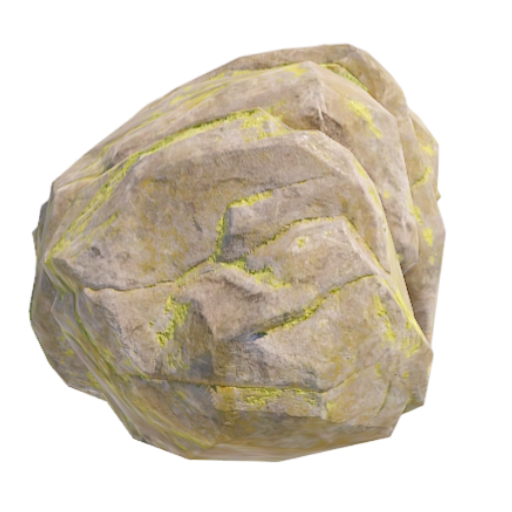
|
Driftwood 1 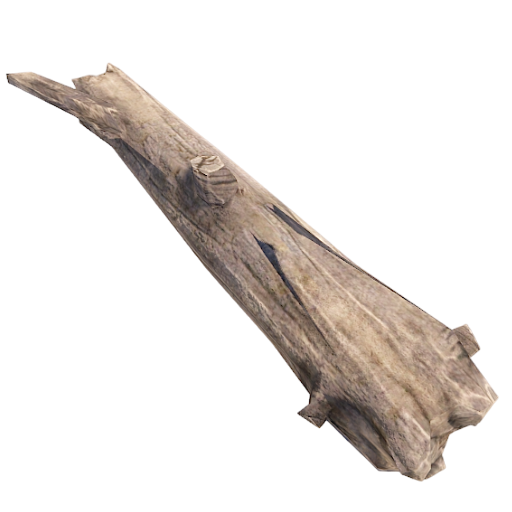
|
Driftwood 2 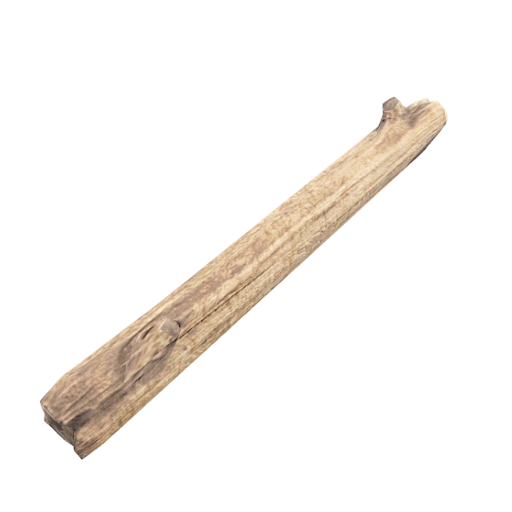
|
Driftwood 3 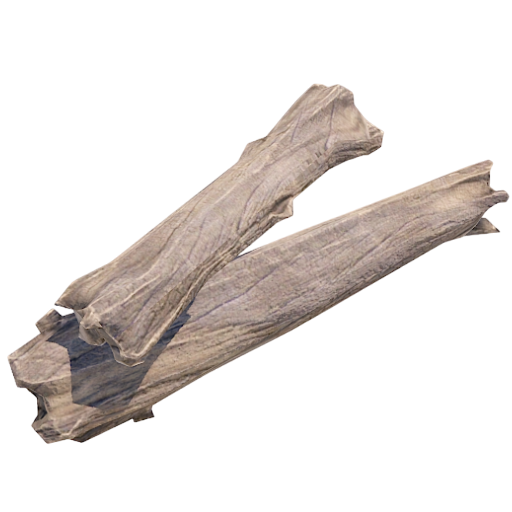
|
Driftwood 4 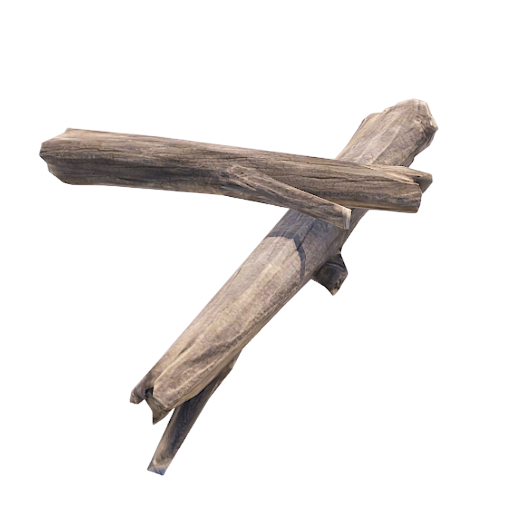
|
Driftwood 5 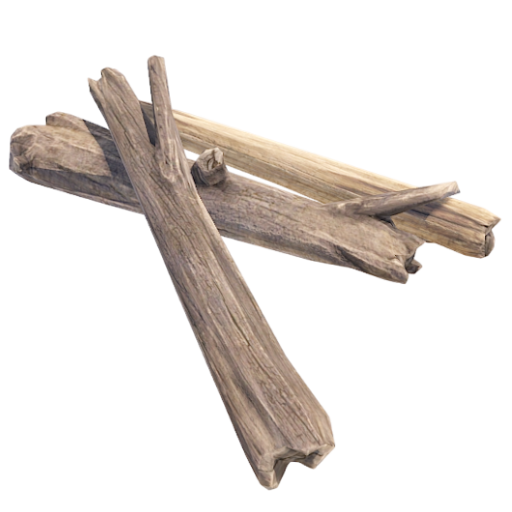
|
Driftwood Set 1 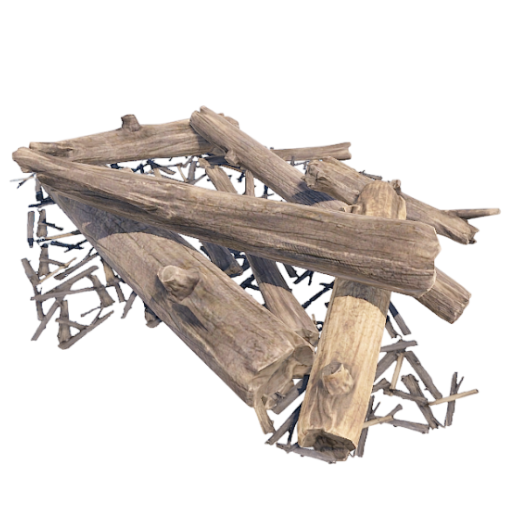
|
Driftwood Set 2 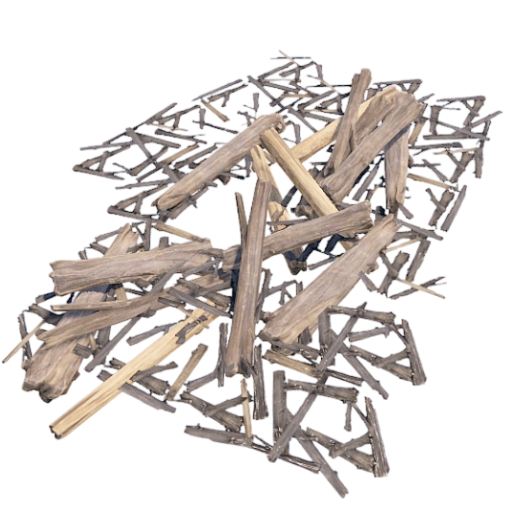
|
Driftwood Set 3 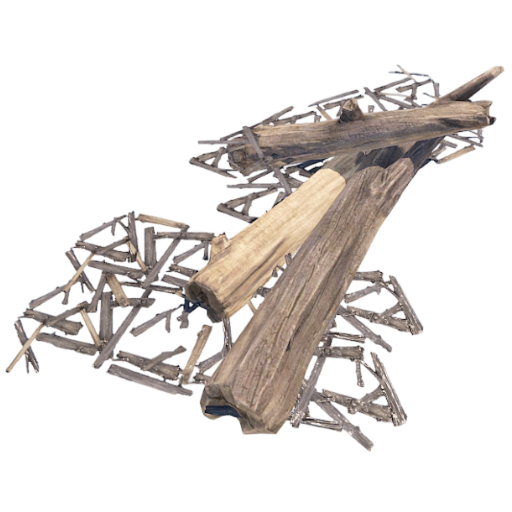
|
Logs Dry - Dead Log A 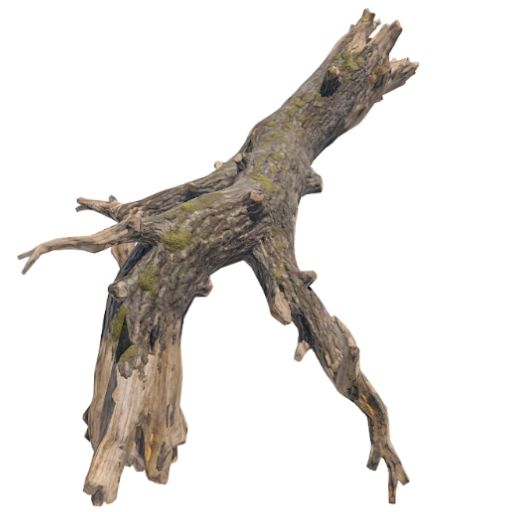
|
Logs Dry - Dead Log B 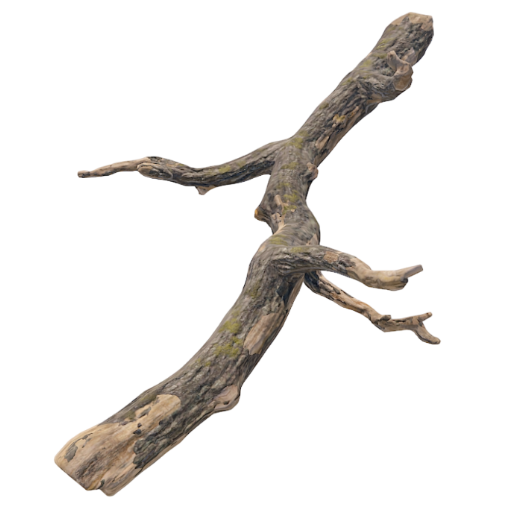
|
Logs Dry - Dead Log C 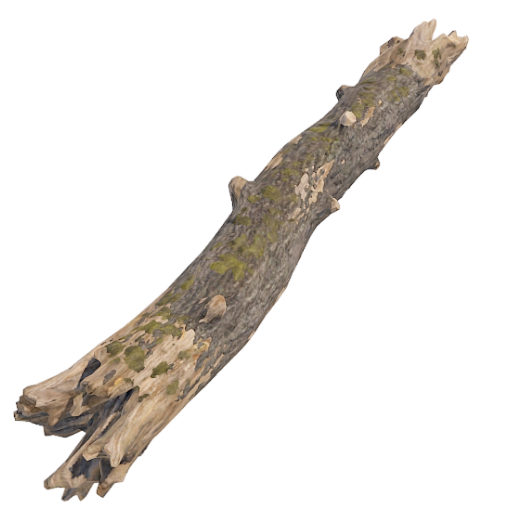
|
Logs Snow - Dead Log A 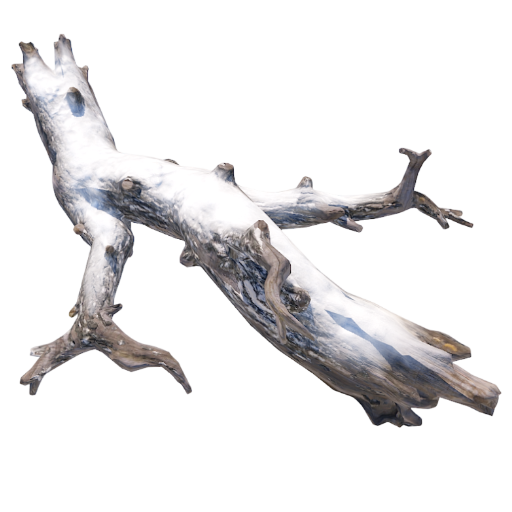
|
Logs Snow - Dead Log B 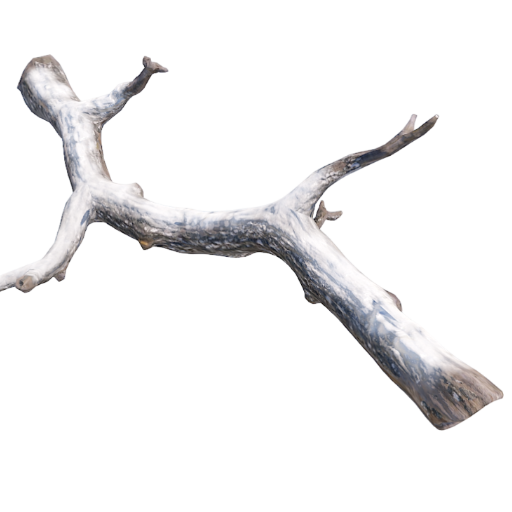
|
Logs Snow - Dead Log C 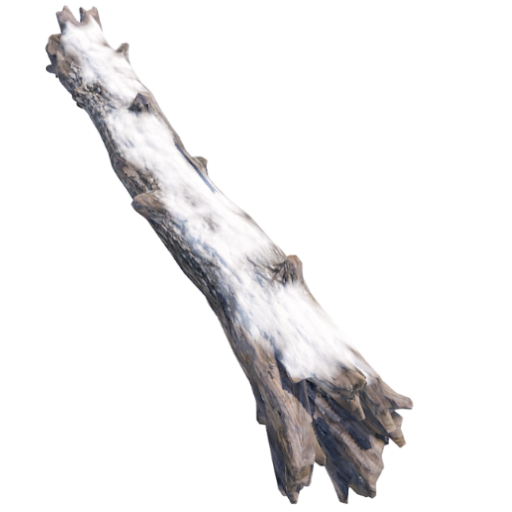
|
Logs Wet - Dead Log A 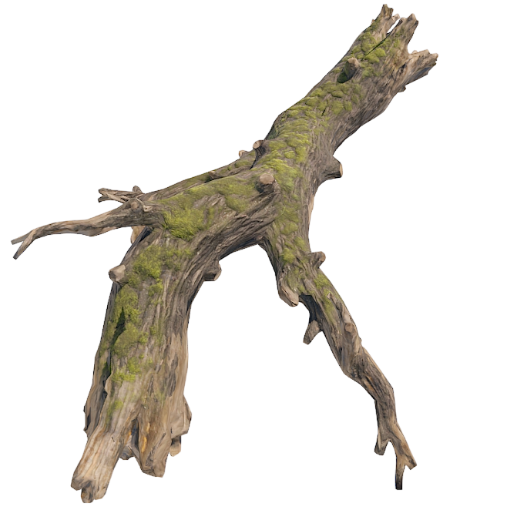
|
Logs Wet - Dead Log B 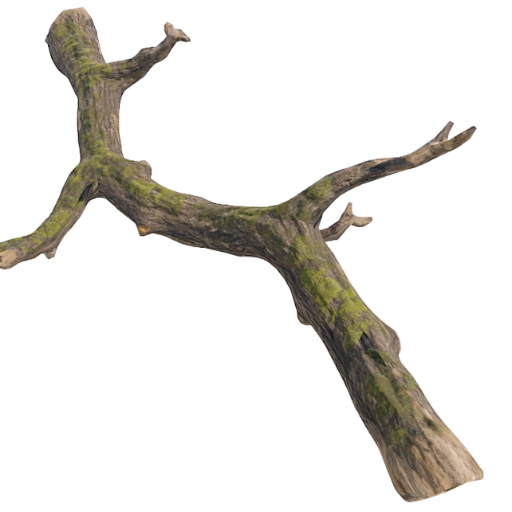
|
Logs Wet - Dead Log C 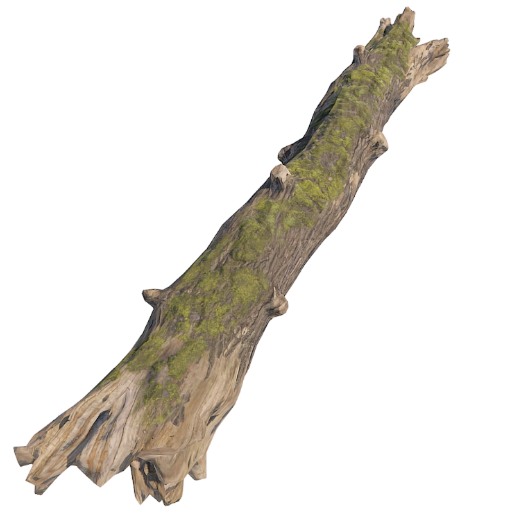
|